
Size charts, specs, and comparisons. No code.
Help shoppers choose with clear tables on the product page. Build size charts, product specs, comparisons, tabs, and Us vs Them in a visual editor, or let AI draft a table from a description or screenshot.
Install free on Shopify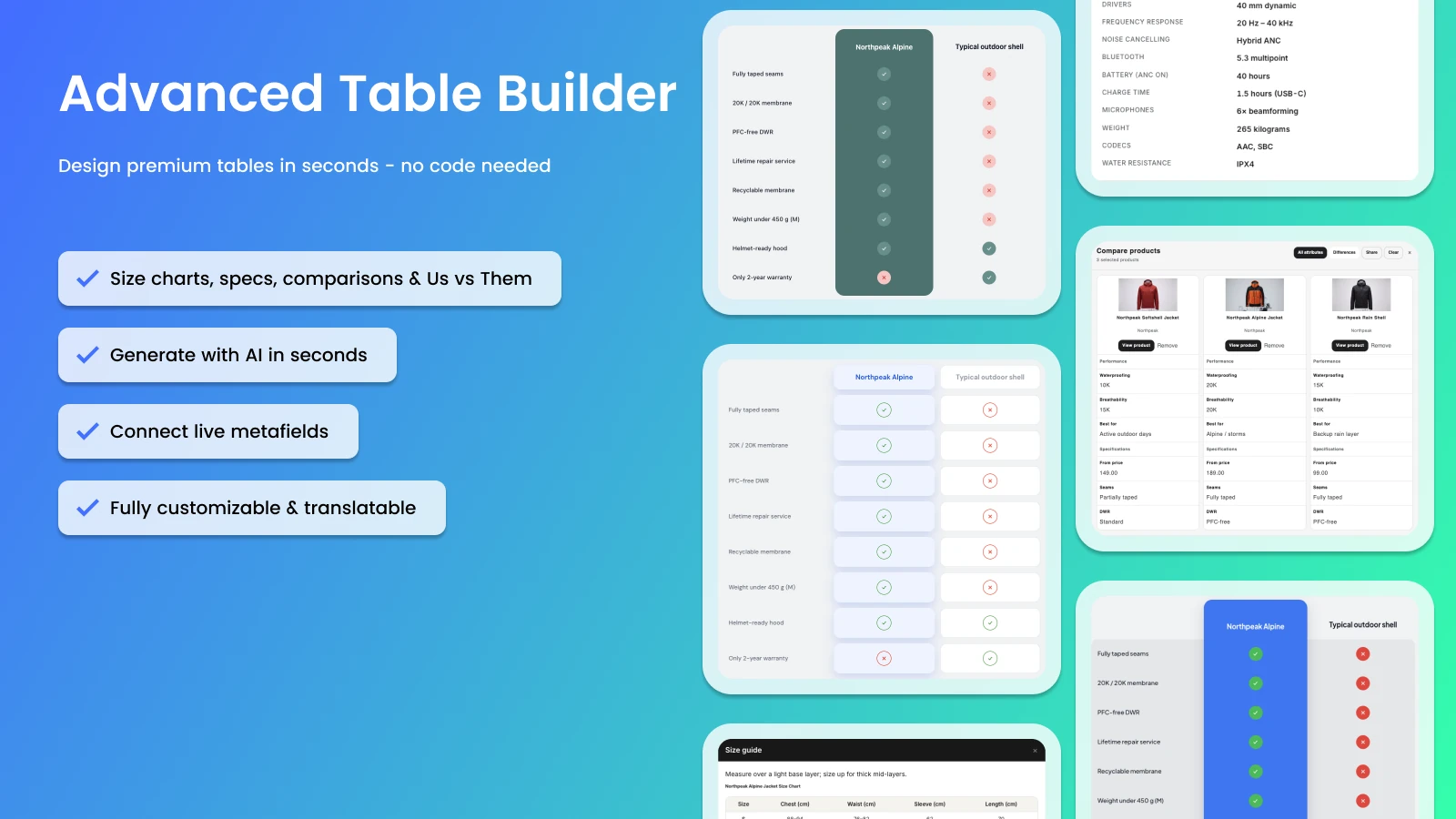

Size charts, specs, compare, tabs, and Us vs Them
Five table types in one builder
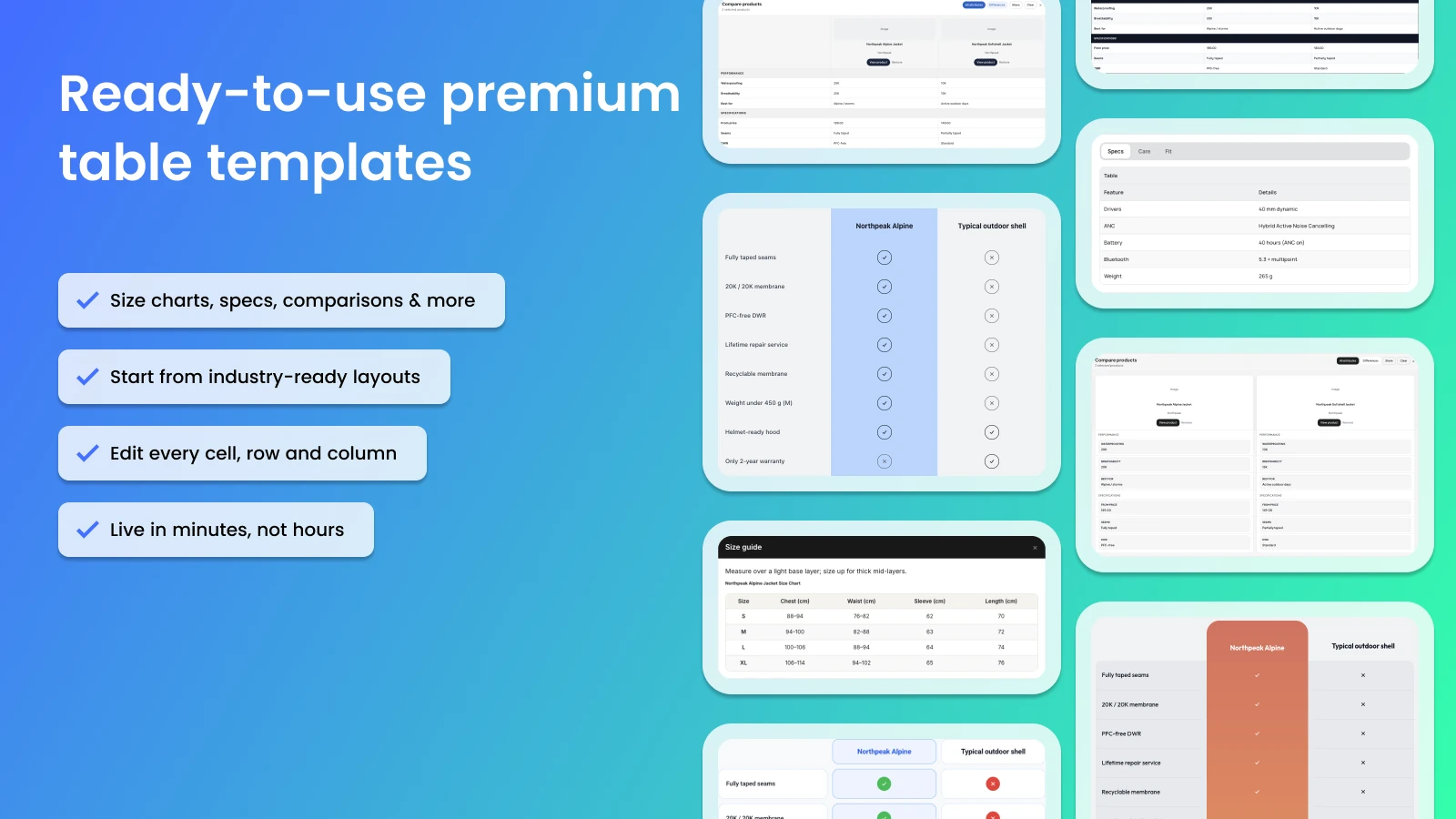
Start from templates and edit every cell, row, and column. Size charts as a popup or inline, with optional extra charts. Specs for the current product, side-by-side comparisons, tabs for text and images, and Us vs Them for yes/no rows with optional CTAs.
Then refine it in Structure and Design
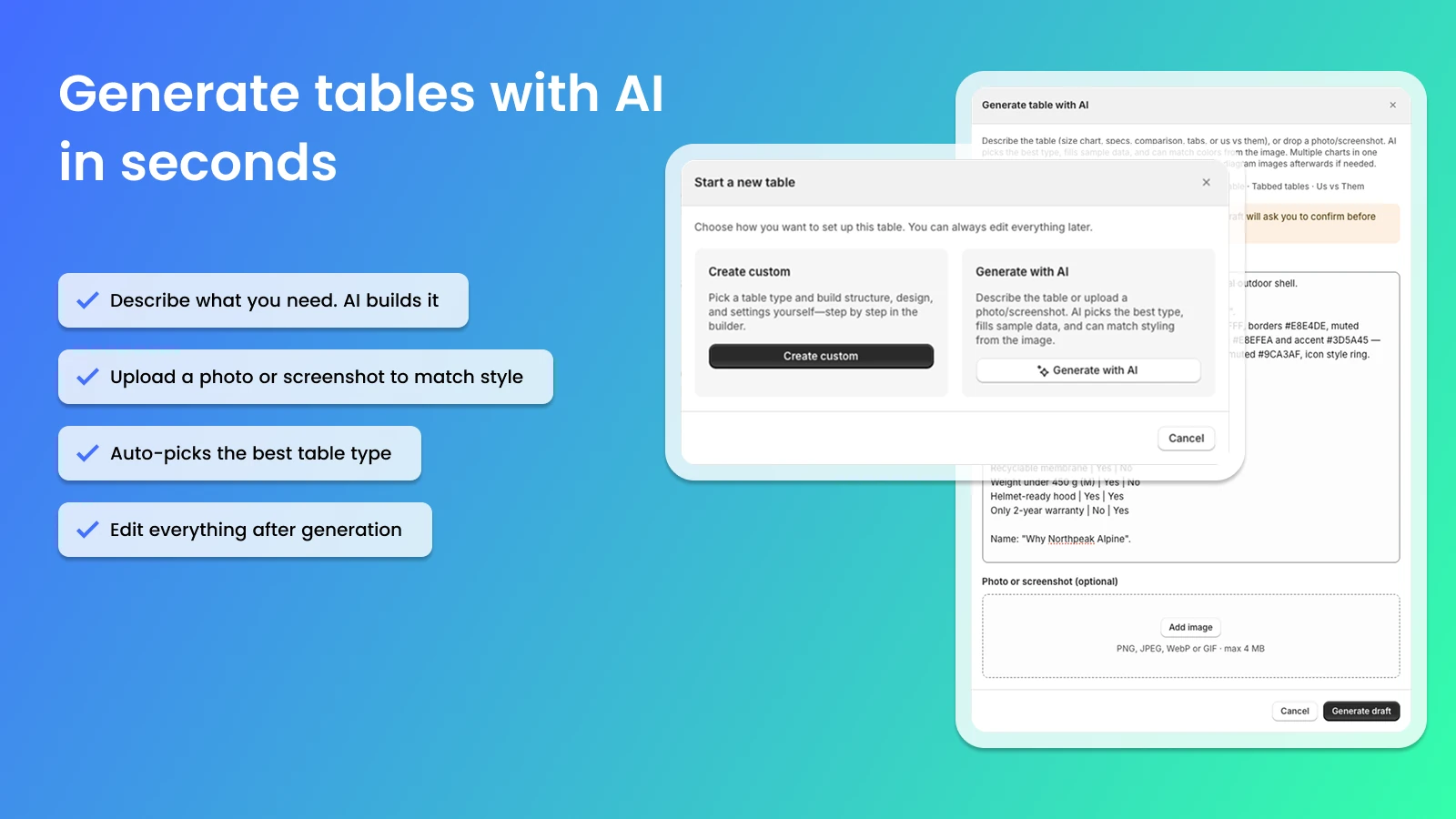
AI draft from text or a screenshot
Describe the table or upload a photo. AI picks a type, fills sample data, and can carry styling along. You edit everything afterwards in the visual builder. Refine with AI on Design also accepts a website URL for brand colors and fonts.
Metafields, theme blocks, and translations
Live catalog data, available in every language
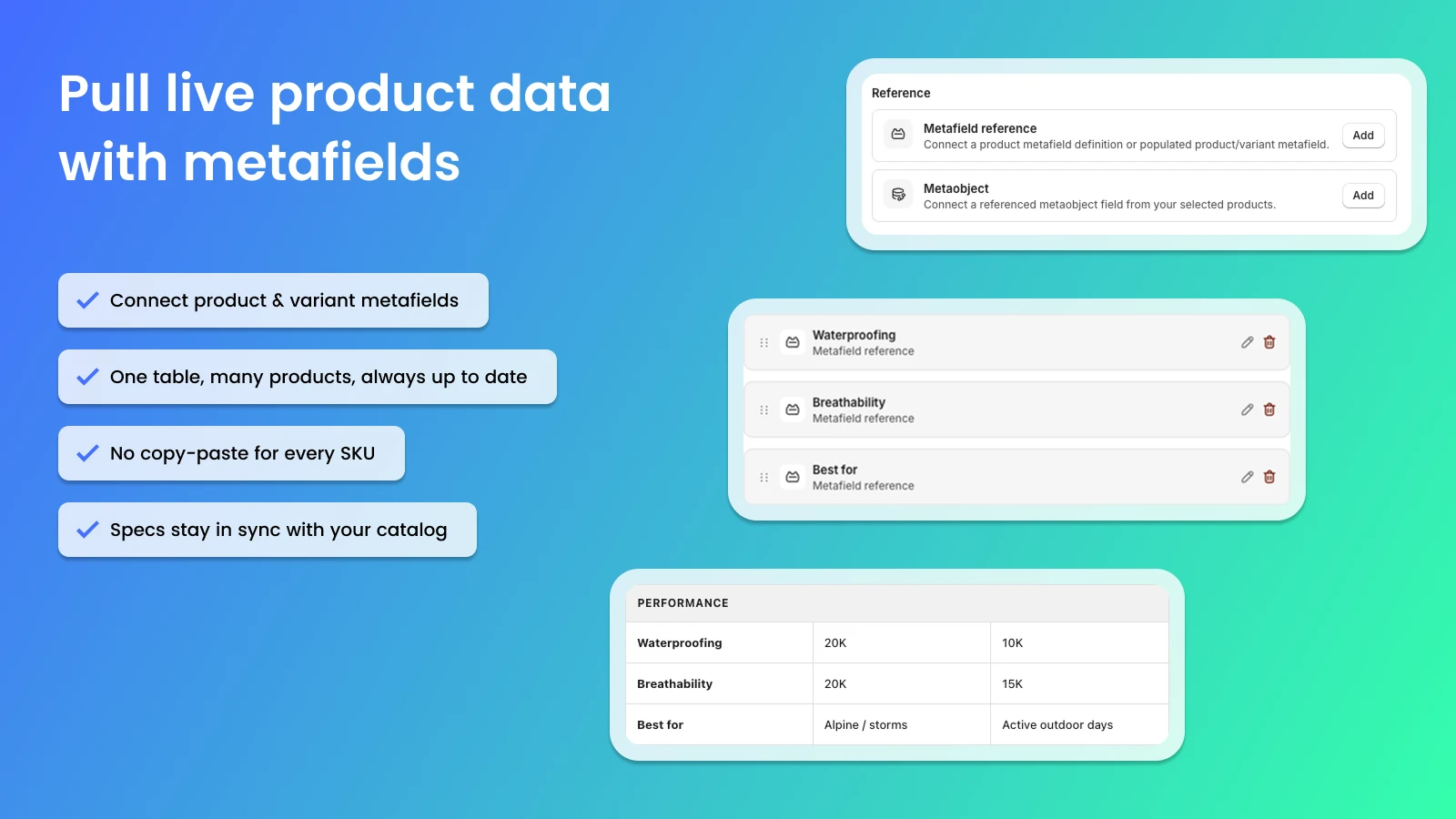
Connect product and variant metafields so specs follow your catalog. Place tables on product, page, and other templates. Translate customer-facing strings per locale in Settings, with optional AI.

Builder, placement, and translations
Everything you need on the storefront
No Starter or Premium plan on the listing. Start from the Shopify App Store.
Free to install
Shopify App Store
Free
Everything on the listing, with no paid plan. Install and publish tables on your storefront.
๏ Size charts, specs, comparisons, tabs, and Us vs Them
๏ Visual builder with no code
๏ Generate tables with AI from a description or screenshot
๏ Connect product and variant metafields
๏ Theme app blocks and app embed placement
๏ Translate customer-facing text per locale
๏ Templates, colors, fonts, and custom CSS
๏ Import/export; works with Excel and Google Sheets
Advanced Table Builder
Frequently asked questions
Does Advanced Table Builder work without code?
Yes. You build tables in a visual editor. Place them with theme app blocks, or use the app embed for automatic size-chart placement (above Add to cart when no block is present) and compare (below the price). Shortcodes such as [oo-table id=YOUR_TABLE_ID] are optional.
Which table types are included?
Size charts (popup or inline), product specs, comparison tables, tabbed content, and Us vs Them. Specs go in as a theme block; they do not auto-inject next to Add to cart.
Can AI create a table for me?
Yes. Generate with AI drafts a table from a description and/or screenshot (PNG, JPEG, WebP, or GIF, max 4 MB). Refine with AI then works on Structure (the type stays locked) and on Design, optionally with a website URL for brand colors and fonts. After AI, review module types so fields such as weight or price use Shopify-backed modules.
Do specs stay current when my catalog changes?
Connect product and variant metafields or Shopify-backed modules. The storefront then shows live values instead of a pasted HTML table.
Is the app free?
Yes. On the Shopify App Store, Advanced Table Builder is listed as Free. There is no separate Starter or Premium plan on the listing.
Where can I find documentation?
In the Online Origins help docs: https://docs.onlineorigins.nl/en/help/collections/9447271-advanced-table-builder
Do you offer a partner program for agencies?
Yes. Agencies and partners can refer Advanced Table Builder through our referral program. Sign up here: https://platform.shoffi.app/signup/affiliate?app=Gl_ri7ffHED

Ready to help shoppers choose?
Put size charts, specs, and comparisons on the product page. No pasted HTML, extra theme code, or tables that fall out of date.


