
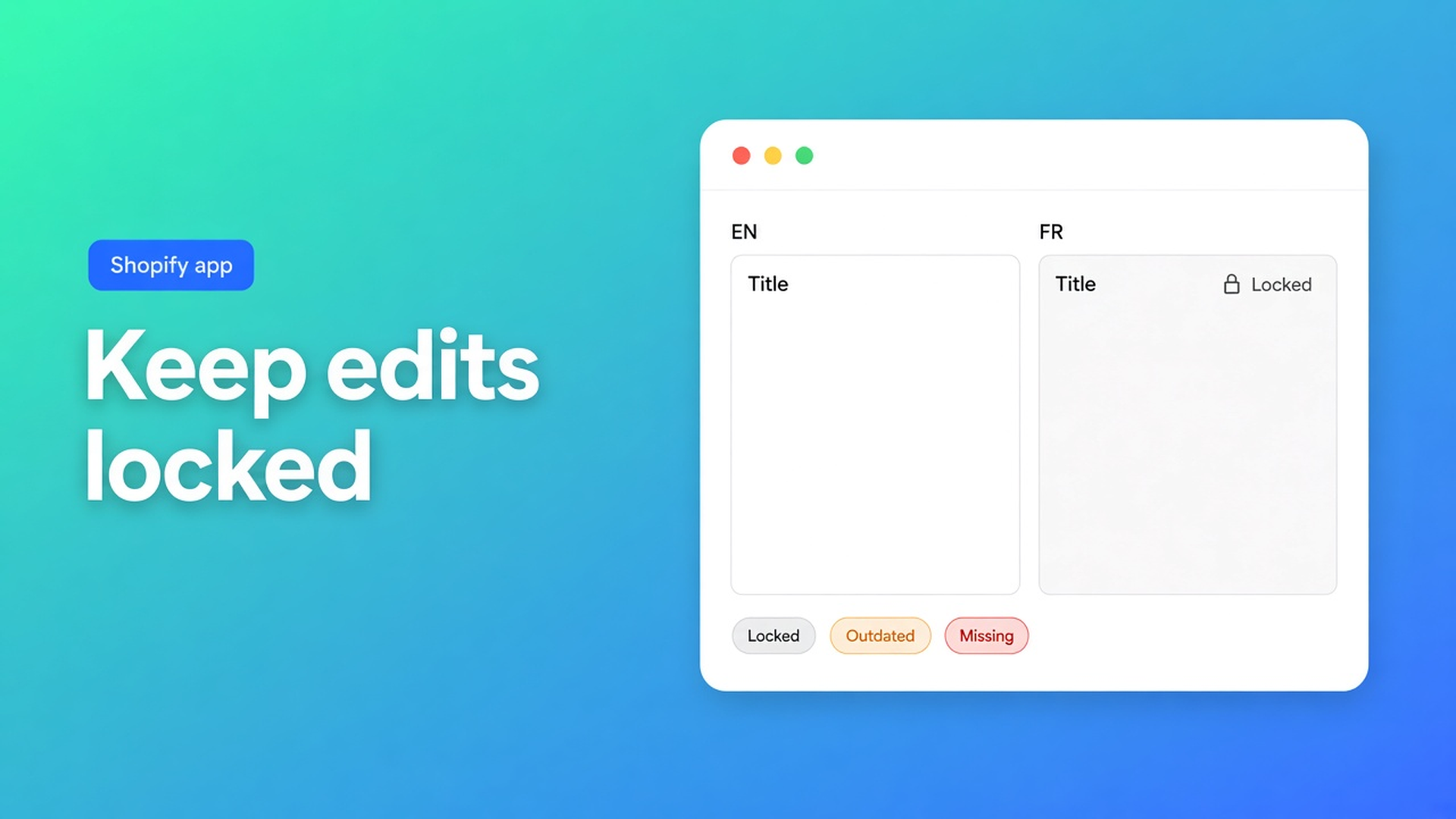
Keep manual Shopify translations locked before the next job
French is live. Marketing rewrites twenty titles. Overnight the “Outdated” job runs. In the morning those titles are machine French again. That is not a model glitch. That is a field with no lock.
To keep manual Shopify translations locked in OO - Ultimate AI Translations is: save in the editor → the field is locked. Automatic and scheduled jobs skip locked fields until you unlock. Listing copy: *the manual edits you saved stay locked.*
Yesterday was App AI at $0.01. Earlier, scheduling jobs. This post is the lock: when it engages, what jobs will still overwrite, and why Free still locks but has no clock.
Still 0 reviews. Launched 14 October 2026. Do not invent a rating.
Shopify hosts the locale. Overwrite lives in the translation app.
Languages and markets make FR visible. They do not protect your sentence from the next AI pass. Native machine translation has no “I wrote this title, leave it”.
Without a lock you get one of three outcomes: you never turn a schedule on, you never run automatic jobs again, or you accept brand names drifting every night.
What shops try until the title is machine copy again
Fill the glossary and treat that as a lock. Glossary keeps brand names consistent *inside the AI request*. It is not a lock on a sentence you rewrote afterwards. Brand voice is the same family: tone, formality, prefer/avoid — sent with the request, not a stand-in for locked fields.
Turn the schedule off “to be safe.” Then FR goes stale on the 380 titles you never touched. The listing wants jobs on products, pages, theme, metaobjects — including draft themes — while your edits stay put.
Do everything by hand so nobody overwrites it. Fine until peak season. Theme strings and metaobjects sit untouched. The free plan with your own AI fills gaps; the lock lives in the editor, not in uninstalling the clock.
None of that is: a job on Outdated, locks on what you saved.
A save locks. Unlock is a decision.
What is OO Translations?: side-by-side editor (source vs target). Automatic jobs for missing or outdated. Keep manual edits locked so scheduled and automatic jobs never overwrite them. Glossary, brand voice, backups, language switcher, metaobjects.
Jobs skip (listing + positioning): handles, URLs, IDs, SKUs, barcodes, size codes such as S/M/L, JSON, empty source fields, locked fields. On purpose. `/products/linen-curtain` must not become a localised handle. Your title “Heavy linen, extra drop” must not take a second AI pass.
Unlock exists: open the field again when the source *should* be allowed to refresh. Until that click, the job skips it. Job history shows translated / skipped / failed — skipped locked is the expected path, not an error.
What Free includes — and what it does not
Listing in USD:
Free $0 — own AI (OpenAI-compatible), unlimited languages/markets/translations, language switcher. No backups. No scheduled translation jobs. App AI not included. Editor locks still work on Free: you save, the field locks. The overnight clock does not.
Professional $10/month + usage — 1 manual + 1 automatic backup, monthly schedule, glossary, App AI at translation cost (~$0.01/unit) or own AI.
Plus $20/month + usage — 5 + 5 backups, daily schedule, App AI at cost of own AI.
Weekly is in the same job family (daily / weekly / monthly) the listing names. Start schedules on Outdated only. Missing fills gaps and spends more tokens.
The language switcher (placement, style, languages/markets; app embed or theme block) is on Free. Preview only after the locale is published.
Example: twenty titles, the rest on the clock
FR is live. Catalogue 400 SKUs. Marketing rewrites twenty bestsellers: brand name, alloy name, no AI tone. Open them in the editor, paste, save. Those twenty lock.
Professional: monthly job, content type products, Outdated only, shop timezone. The other 380 titles whose source changes will run. The twenty locked titles show as skipped. Theme and metaobjects wait until products are calm.
Someone unlocks a locked title by accident: the next Outdated run may rewrite it. Unlock is not “just looking”; it is permission for the job.
Backups (not on Free): restore if a run was still too broad. Plus has more slots. That is a net *after*. The lock is prevention.
App AI versus own AI does not change the lock. $0.01 per unit or your own key: locked stays locked.
Do this before the next Outdated run
Install OO - Ultimate AI Translations.
On Free: connect your own AI, translate a thin slice, rewrite three titles and save — confirm they are locked.
Professional or Plus when you want a clock. First schedule: one language, products, Outdated only.
Glossary for brand names; lock for sentences you wrote. Do not swap those jobs.
Job history: skipped locked is good. Failed is something else.
The switcher can stay on Free. It is not a schedule.
Close
To keep manual Shopify translations locked is a lock on save, not a glossary and not a disabled schedule. Jobs skip locked fields, handles, and SKUs until you unlock. Free locks in the editor and will not start the job for you. Professional is monthly; Plus is daily. App AI ~$0.01/unit, or your own model. 0 reviews, 14 October 2026.
Set the lock in OO - Ultimate AI Translations before the next Outdated job writes over your copy.

The Shopify Select partner for ambitious e-commerce businesses that want to grow!


Services
Reviews
5/5
Mail: info@onlineorigins.nl
Tel: 073 234 0612
KVK: 89825624
BTW: NL865123639B01
Bruistensingel 500,5232 AH 's-Hertogenbosch Cookies
© 2026 Online Origins