
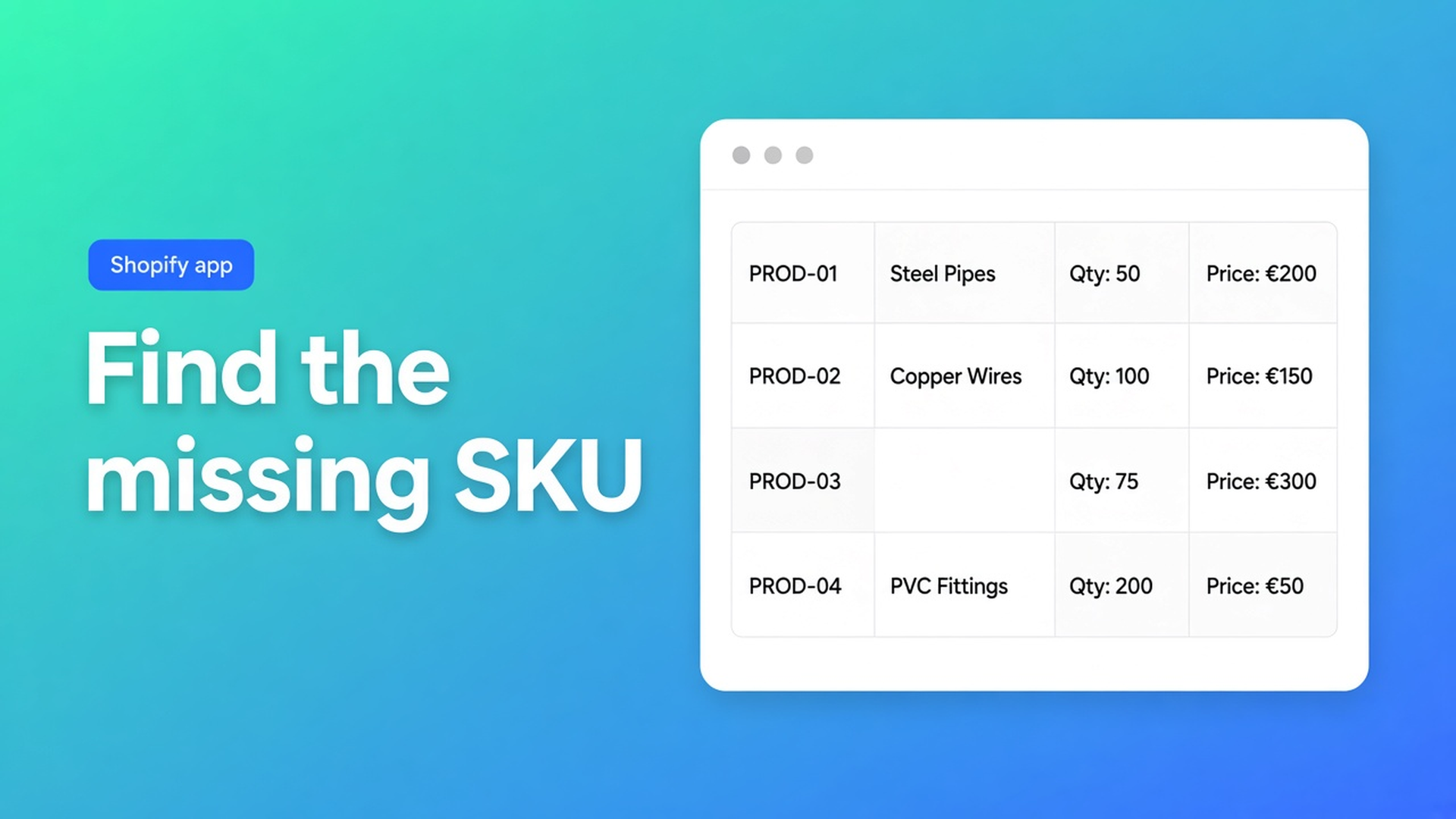
Products missing from a Shopify bulk order form: the five checks
A buyer opens the wholesale grid. SKU F-220 was there on Monday. Tuesday it is gone. Shopify Admin still shows the product. You hard-refresh. You blame a broken sync. Usually you are looking at products missing from a Shopify bulk order form for a boring reason: the selection method, or Shopify no longer treating that SKU as for sale.
OO - B2B & Wholesale documents this in Why products are missing from my bulk form. Bulk forms ship on Growth ($37/month). Free is one pricing rule; Starter ($22) covers lists, volume pricing and VIES — not the grid. Listing 5 Nov 2026: Built for Shopify, 5.0 from 34 reviews.
Related: duplicating a bulk order form. That article is a copy. This one is a hole in a live table.
The grid is not a second inventory system
Shopify collections group products. Status (Active / Draft / Archived) lives on the product. Whether a variant can be sold lives on the variant. The form reads those facts. It does not keep a private shelf.
Three inclusion modes, from the same docs:
All products — every *active* product that is available for sale. New actives join automatically. A missing row is almost always inactive or not for sale. This mode has no quiet exclusion list.
Products from collections — the SKU must sit in a *selected* collection. Automated collection rules count. Leave the collection and you leave the form, even if Admin still has the product. Collections in a bulk form: active products only; a SKU in two selected collections appears once.
Specific products — only the rows you ticked. A new article does not appear on its own. That is maintenance.
Visibility rules (logged-in only, tags, named customers) do not strip SKUs. They hide the entire form. If you can see the grid minus one row, it is not a tag rule. If you see nothing, it might be — or the form is disabled.
Failure modes that look like “the app dropped a SKU”
All products, therefore “everything”
Drafts, archives and “not available for sale” are out. Shopify product status: Draft is off the sales channel; Archived is out of the catalogue. The form follows that in every mode.
An automated collection that quietly dropped the handle
You pointed the form at `Wholesale-EU`. The rule is vendor = North Fittings. SKU F-220 got a new vendor on import. The collection no longer contains it. The form tracks the collection, not last month’s memory. Ask: is it *in the collection now*.
Specific products, then a dozen new SKUs
Manual means manual. What happens when products are added or removed: new products are not auto-included; removed products disappear. If the catalogue moves, switch to All products or collections instead of ticking twelve boxes and searching “missing”.
Variants at zero availability
Only available variants render. Zero availability can hide that SKU even while the parent product exists in Admin.
Form off, app block on
A disabled form is never visible on the storefront. The theme extension can still be active. Extension is active but nothing shows is a different bug: wrong page type, wrong theme, wrong template. That is “the grid is gone”, not “one SKU is gone”.
Storefront updates can lag a moment. One refresh after a status change beats five parallel tabs.
Walk the docs in order
Selection method. All products, collections, or a hand list. Does the missing SKU qualify?
Product status. Active, published, available for sale. Not Draft, not Archived.
Variants. The variant you expect is available. Zero may empty that row.
Form enabled. Disabled = nowhere, for no one.
Visibility, only if the whole form is missing. Logged in? Right tag? This explains a blank page, not a gap in a filled table.
Then email support. The five checks are shorter.
Worked example: the fitting that left the collection
Distributor “North Fittings” runs a Growth grid on collection `B2B-valves`. Automated rule: tag `b2b-grid`. SKU F-220 lost that tag during a CSV import. Admin: Active, 40 in stock, Online Store on. Grid: empty row.
What did not help: duplicating the form, moving the theme block, logging in as a second company. Visibility was fine — neighbouring SKUs rendered. The product was simply not in the collection.
Fix:
Open the collection. Put F-220 back, or restore the automated tag.
Confirm Active and available for sale. Variants in stock.
Confirm the form is Enabled.
Wait briefly, reload as the B2B customer.
Expect one row — F-220 was not in two collections, so no duplicate.
On Specific products you would have had to tick F-220 again. On All products it would have returned as soon as status and availability were clean, tag or not.
Pricing rules apply only to products inside the form. A missing SKU gets no volume break because it is not in the set. Fix inclusion first, then revisit how Free versus Starter lists work.
Get it on the storefront
Install OO - B2B & Wholesale. Bulk forms: Growth, $37/month or $370/year, 14-day trial, USD. Do not claim the grid on Free or Starter.
Open Bulk order forms. Is the form on?
Write down the selection mode.
For the missing SKU: status, channel, collection membership, variant availability.
Test as the customer who is allowed to see the grid, in a private window. Admin sessions lie about visibility.
Change one thing, reload, look for the row.
Collections: How to use collections. Full catalogue: All products.
Wrap
Products missing from a Shopify bulk order form is selection plus Shopify status. All products shows active, sellable items. Collections follow the collection, including automated rules. Specific is a hand list. Archived, draft and not-for-sale always drop out. Only available variants. A disabled form is nowhere. Visibility hides the whole grid, not a single row.
Fix the mode and the status in OO - B2B & Wholesale before you file a missing fitting as an app defect.

The Shopify Select partner for ambitious e-commerce businesses that want to grow!


Services
Reviews
5/5
Mail: info@onlineorigins.nl
Tel: 073 234 0612
KVK: 89825624
BTW: NL865123639B01
Bruistensingel 500,5232 AH 's-Hertogenbosch Cookies
© 2026 Online Origins