
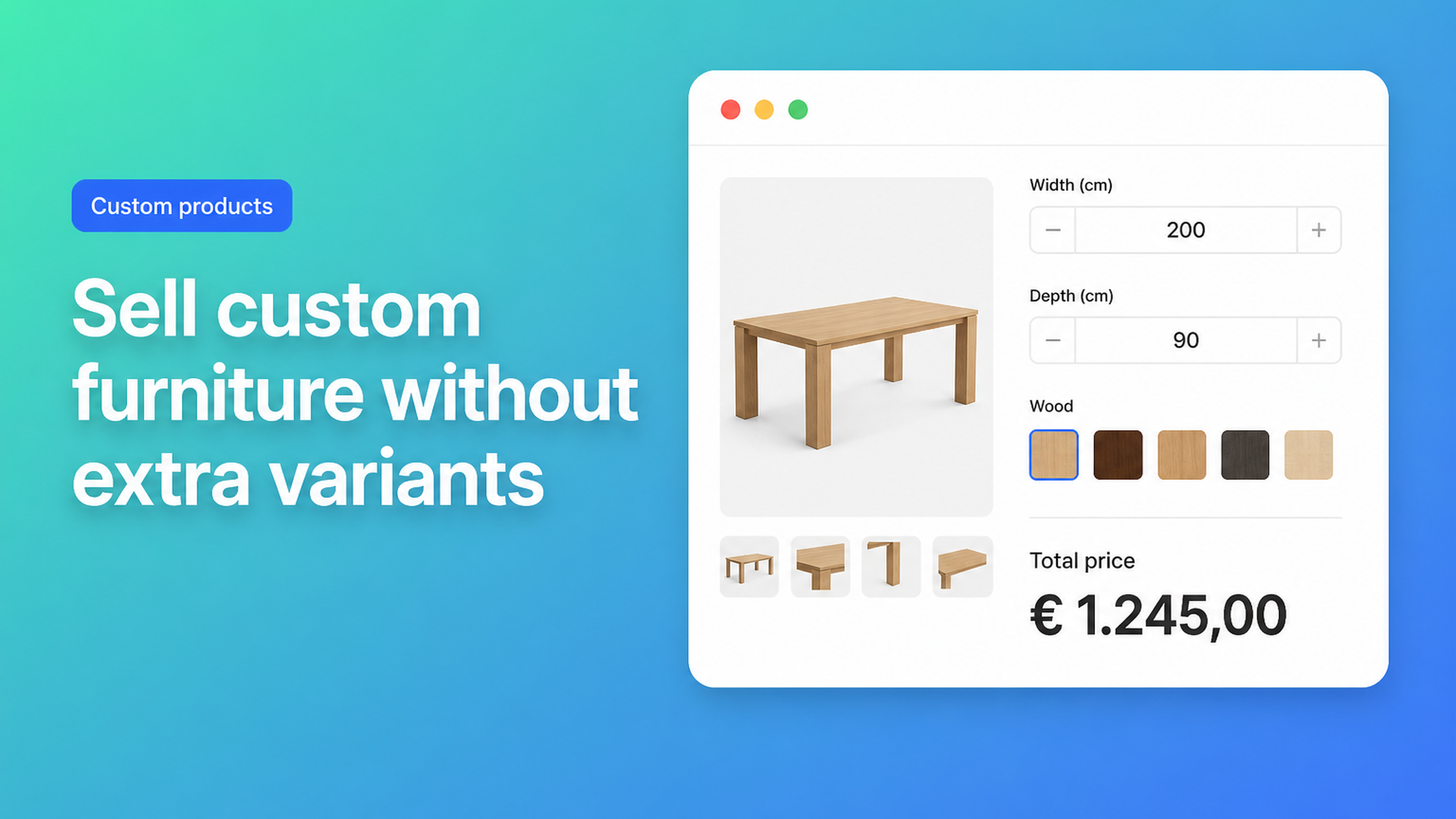
Custom furniture Shopify: sell tables by size, not by SKU grid
A custom furniture Shopify store should feel like a workshop counter: the buyer types a tabletop size, picks oak or walnut, chooses oil or lacquer, and sees the price update. Native Shopify does not think that way. Variants are stock-keeping units. 182 × 94 cm is a cut list, not a warehouse bin. Force every centimetre into a dropdown and the catalogue collapses under its own grid.
This is for makers who sell made-to-measure tables, cabinets, or bed frames and still quote by email, split one design into five product pages, or maintain a spreadsheet of “standard” sizes. You will see why 2048 variants do not fix a fourth option or a free millimetre, what merchants try in the community, and how Options Price Calculator puts dimensions and surcharges on the product page without a SKU per combination.
Three options cannot describe a piece of furniture
Shopify Help on Adding variants is explicit: each product gets three options and at most 2048 variants. The higher cap rolled out to every merchant in October 2025 (changelog). That helps a sofa with 40 fabrics × 8 sizes × 6 legs if those combinations are real inventory. It does nothing for a top you cut to order.
A dining table typically needs:
width as a number (80–240 cm)
depth as a number (70–120 cm)
timber (oak, walnut, beech, plywood)
finish (oil, matt lacquer, gloss)
edge profile (square, chamfer, bullnose)
Width and depth are continuous. Timber, finish, and edge already spend your three native options. A sixth choice — a drawer, LED in the apron, a PDF of the room — has nowhere to go. Even a 5 cm step on width and depth is 33 × 11 = 363 cells *before* wood and lacquer. Four timbers × three finishes pushes you past 4000 combinations: over the 2048 cap, and you still only had three option names.
Variants exist for stocked combinations. Custom furniture is a formula: area × timber rate, plus a saw fee, plus extras that never get their own bin. We covered the broader made-to-measure pattern in made-to-measure products on Shopify; furniture adds span rules (a 240 cm top may need a fifth leg) and timber multipliers that change when the mill price moves.
Furniture shops have been hitting this wall for years. In Can I add a fourth product option in my online furniture store? a merchant needed *four* price-changing choices on a bed: size, leg design, LEDs, neck cushions. Staff suggested splitting listings by size, hacking line item properties, or installing an options app. The thread still mentions the old 100-variant limit; the three-option ceiling never moved. A later thread, Product with variants that are linked to give a price, asks for width × length pricing plus colour and roof type — the same shape as a garden table or a canopy.
Workarounds that stall checkout
Split by size. Twin / double / queen / king become four products so each listing can spend three options on legs, LEDs, and cushions. Search results duplicate, related products look messy, and 187 cm still is not a SKU.
Price-grid variants. Every cell in a width × depth table gets its own variant price. Fine until someone wants a size between the cells, oak goes up 8%, or the select box is 200 rows long. Feeds and discounts inherit the mess.
Theme line item properties. `<input name="properties[Width]">` lands on the order so the workshop sees the numbers. It does not change the price. A 0.8 m² top and a 2.4 m² top pay the same variant amount. That is the gap in How can I add a custom input field for product measurements?: height, width, and length fields are easy; a live formula is not.
Put centimetres in a calculator, keep SKUs for stock
Keep native variants for what you actually warehouse: a steel frame in two colours, or a timber grade you keep on the rack. Everything that is not its own inventory row — free millimetres, finish upcharge, edge profile, a drawing upload — belongs in product options with a formula.
Options Price Calculator is built for that: unlimited fields (numbers, dropdowns, swatches, checkboxes, file upload) on the product page, a formula that updates the price as the buyer types, and no extra variant per choice. It is Built for Shopify. You add a theme app extension and can link a different calculator per variant when the SKU *does* matter — oak carcass versus a powder-coated steel base, for example.
From the formula examples, a saw fee plus area × timber multiplier (width and depth in metres):
``` product_price + 25 + (width * depth * wood_type) ```
If buyers type centimetres:
``` product_price + 25 + ((width / 100) * (depth / 100) * wood_type) ```
Give each timber swatch a numeric value (`1`, `1.2`, `1.5`). Unchecked add-ons contribute `0`. A file-upload field can carry a handling fee the same way (`product_price + file_upload`).
Premium covers the rules workshops actually use: if width is over 200 cm, apply a higher rate (extra stretcher, extra leg); if the formula drops below a floor, charge the floor so a 30 × 30 cm stool does not undercut saw time. That is conditional pricing, not the Starter formula builder. Live preview / Product Personalizer is also Premium — useful for engraved names on a headboard, usually overkill for a plain tabletop.
The buyer sees the total move with every input. The order line carries the centimetres, timber, and finish so fulfilment matches checkout. Prices are validated server-side, not only in the browser.
Walkthrough: a made-to-measure dining table
Base SKU: the underframe. The top is priced per square metre.
| Field | Type | In the formula | |-------|------|----------------| | Width | Number, 80–240 cm, required | `width` | | Depth | Number, 70–120 cm, required | `depth` | | Timber | Swatch or dropdown | multiplier `wood_type` | | Finish | Radio (oil / lacquer) | `finish` or `0` | | Extra drawer | Checkbox | `drawer` or `0` |
``` product_price + 25 + ((width / 100) * (depth / 100) * wood_type) + finish + drawer ```
Set min/max on the number inputs so 12 cm and 9 m never reach the cart. Inventory stays on the frame (or a handful of real timber variants), not on 160 × 4 × 2 × infinite millimetres.
The same layout covers a wardrobe (height × width × depth, hinge side as a radio), a desk (cable grommet as a checkbox), or the bed that needed a fourth option in the community thread. Split only what is a real SKU; configure the rest.
Getting it on the product page
Install Options Price Calculator. Free: 20 uses (always free on a Shopify develop plan). Starter ($9.99/mo): unlimited options, formula builder, metafields, multilingual labels, AI-assisted field/formula drafts. Premium ($14.99/mo): conditional logic, font picker, live preview, real-time price breakdown.
Add the app block on the product template — below the price, above Add to cart. Steps: How to add the extension to the product page. Themes differ; use the selector picker if price or the cart button sit in an unusual spot.
Build centimetre fields, a timber swatch, finish radios. Link the calculator to the right variant(s); bulk-link if one formula covers a whole cabinet collection.
Test the floor, the ceiling, and a span where a Premium rule should fire. Confirm the order line shows the typed centimetres.
Do not treat options as inventory. If you must know how many walnut slabs are left, that grade stays a variant. The millimetres never should.
Wrap-up
Custom furniture Shopify is a configuration problem, not a variant-count problem. Three options cannot hold width, depth, timber, finish, and an extra. 2048 variants still cannot store every millimetre. Splitting products, grid SKUs, and bare line item properties either break the catalogue or freeze the price.
Put centimetres in number fields, timber in a swatch, finish as an upcharge, and one formula for area × rate plus a saw fee. Keep native variants for what you actually stock.
Install Options Price Calculator and put the first table configurator on a live product page — without a variant per centimetre.

The Shopify Select partner for ambitious e-commerce businesses that want to grow!


Services
Reviews
5/5
Mail: info@onlineorigins.nl
Tel: 073 234 0612
KVK: 89825624
BTW: NL865123639B01
Bruistensingel 500,5232 AH 's-Hertogenbosch Cookies
© 2026 Online Origins