
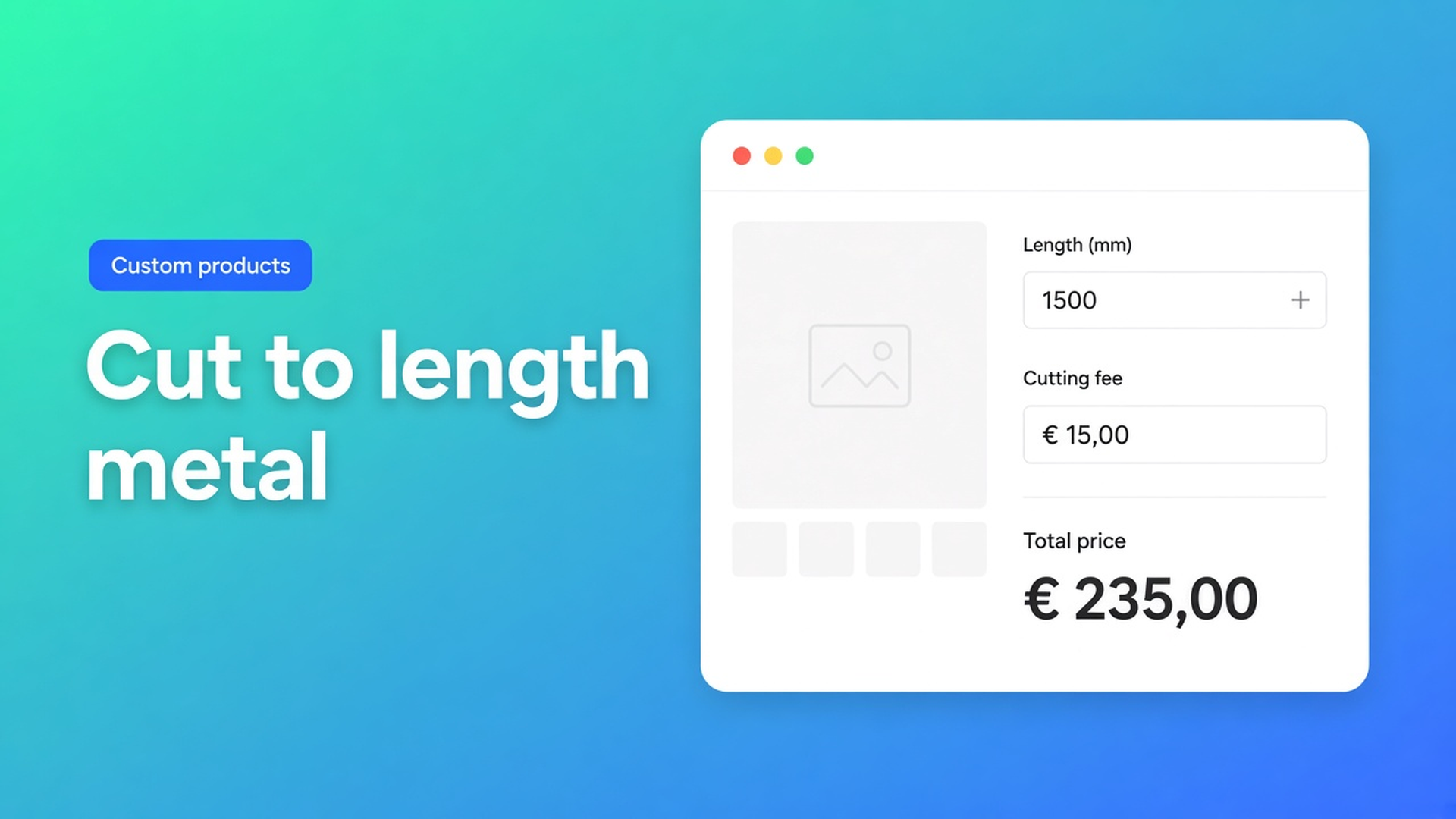
Cut to length metal Shopify: price per mm plus a cutting fee, no variant per cut
Tube, channel, bar or flat: the shopper is not buying “medium”, they are buying 2480 mm. Anyone trying to sell cut to length metal Shopify hits the same wall as curtain and flooring shops. Native variants have no continuous millimetre. A SKU per saw cut is a catalogue you will never stock. And the real price is rarely “length × rate” alone — you have a cutting fee, a minimum drop, and often a surcharge for deburring or an extra cut.
This article covers why a grid of stock lengths fails, how to put mm × rate plus a fixed cutting charge in one formula, and how Options Price Calculator shows that live on the product page — without an extra variant per cut.
We already covered flooring priced per m². Here the subject is length: one number input, a rate per mm (or per metre), and cutting costs that actually land in checkout. The same pattern shows up in a listing review from a metals shop: made-to-measure by length or area, fields on the product page, wired into the cart.
Why Shopify variants are not a cut list
Shopify variants are stocked combinations. Adding variants caps a product at three options (Profile, Material, Wall thickness) and 2048 variants. The old 100-variant cap is gone; the three-option cap is not. Extra cells in the matrix do not give you a continuous millimetre.
A Shopify Community thread is this exact case: pieces from 100 to 6000 mm, in 10 mm steps, several different lengths on one order. Ordering full bars and emailing a cut list afterwards is hard to run. A variant every 10 mm between 100 and 6000 is hundreds of SKUs nobody picks — and still no 2487 mm.
Theme line item properties (`properties[Length]`) store the input on the line, but they do not change the price. The shopper types millimetres and still pays the static product price — or you go back to quoting.
What native *can* do: profile family, alloy and thickness as real variants, because those SKUs drive purchasing, bar stock and fulfilment. Cut length does not belong there.
Workarounds that stall at the saw
1. Full bars as the product
6 m bars in the catalogue, “need it cut? email us”. Fine until the shopper needs fourteen different pieces, support recalculates, and the cutting fee never hits checkout.
2. A grid of stock lengths
500, 1000, 1500, 2000, 3000, 6000 mm. You will not blow the 2048 ceiling immediately, but it is not a cut list. Someone who needs 2480 mm buys 3000 mm or phones. Cutting costs are not in the price.
3. Quantity = millimetres
One variant “per 10 mm”, quantity 248 for 2480 mm. Technically possible, but the cart says “248 items”, inventory and shipping weight lie, and mixed lengths on one order become unreadable.
None of those give you: one “length (mm)” field, a live total, cutting costs in the formula, and real SKUs only for what sits on the rack.
How Options Price Calculator prices a cut
Options Price Calculator is Built for Shopify. The listing: unlimited product options (number inputs, dropdowns, checkboxes, file upload) and dynamic pricing with formulas, including setup charges. Shoppers configure the product with a live total — no extra variants, no manual quotes. Starter $9.99/month: unlimited options, formula builder, metafields, multilingual. Premium $14.99/month: + conditional logic, live preview, price breakdown. Free: 20 uses; always free on a Shopify Develop plan. Billed in USD.
Fields: length required, cutting fee optional
The Number Input is built for measurements. Label `Length (mm)`, placeholder `e.g. 2480`, key `length` (lowercase, numbers, underscores only). Turn Required field on: no length, no Add to cart. Leave Allow negative values off. Always set Minimum and Maximum — the docs say so explicitly, otherwise someone types 8 mm or 12 metres.
Forum-case bounds: min `100`, max `6000`. Default `1000` as a starting point. Leave “Is quantity input” off: the millimetre is not Shopify cart quantity. Number of identical cuts stays the normal quantity selector.
Fixed cutting / setup cost: formula examples cover that as example 5. Deburr or an extra process as a checkbox: checked = numeric value, unchecked = `0`.
Formula: rate × length + cutting fee
The Formula Builder allows `+ - × ÷ ( )`. `product_price` is the price of the selected variant — here the per-mm rate for that profile.
When the variant price is the rate per millimetre:
``` product_price * length + 25 ```
That is example 4 (`product_price * quantity`) plus the fixed setup from example 5. `25` is the cutting fee in your shop currency; swap it for your cost per cut.
Prefer pricing per metre while the shopper types mm:
``` product_price * (length / 1000) + 25 ```
Deburr via checkbox `deburr` (value 8, for example):
``` product_price * length + 25 + deburr ```
Round at the end, as the formula docs recommend: `Math.round(...)` or `Math.ceil(...)` if you never want to round down.
If the mm rate differs a lot per SKU, put it in a numeric metafield (`product_metafield__{ns}__{key}`) instead of the variant price. One calculator, many profiles.
A floor — never under €40, so a 120 mm offcut does not undercut the saw — is example 6: Premium conditional. Same for a higher factor above a threshold (example 7: `width > 200`). Do not put that on Free/Starter.
Example: aluminium channel 20×20
SKUs stay native: finish (mill / anodised) and wall thickness (1.5 / 2.0 mm). That uses two of your three options. Keep the third free, or use it for alloy. No “Length” option.
Calculator:
Number input `length`, 100–6000 mm, required
Optional checkbox `deburr` (8)
Formula `product_price * length + 25 + deburr`
Shopper picks anodised 2.0 mm (variant price €0.042 per mm), types 2480, ticks deburr: `0.042 * 2480 + 25 + 8 = 137.16`. Live on the page, same total in checkout. Fulfilment sees the millimetres on the line — no separate email with the cut list.
Several different lengths on one order: that is Add to cart more than once (or quantity 2 for two identical pieces). The calculator prices one cut; Shopify quantity multiplies that line.
A DXF or cut drawing can ride along as a file upload plus handling fee (`product_price + file_upload` in the docs). Only add it if you actually need the file; it is not required for the length sum.
Link the calculator to the variants via Linking Products & Variants. One calculator for the whole profile family is enough when only `product_price` changes. Different unit (bar vs. sheet per m²)? A second calculator, same as flooring.
What you need to start
Install Options Price Calculator. Free: 20 uses (always free on Develop). Starter $9.99/month. Premium $14.99/month if you need a minimum price or a length tier.
Add the app block on the product template, below the price and above Add to cart — How to Add the Extension to the Product Page.
Create the millimetre number input. Set min/max to what the saw can do. Put cutting cost in the formula (`+ 25`) or in a metafield if it differs per product.
Keep profile, material and thickness as Shopify variants. Do not make length a variant.
Test: switch variant, type 2480, check live price, cutting fee, checkbox and cart.
Server-side price validation (app setting) stops the browser-only price from winning. Theme bindings exist because some themes use a non-standard variant picker — not “works everywhere with no setup”.
Wrap-up
Cut to length metal Shopify is not a grid of saw SKUs. It is length × rate, plus a cutting fee, on a calculator linked to real bar variants. Native Shopify stops at three options and 2048 variants; continuous millimetres and a setup charge belong in the formula.
Put the number input and your cutting fee in Options Price Calculator and let the next shopper check out 2480 mm without a quote.

The Shopify Select partner for ambitious e-commerce businesses that want to grow!


Services
Reviews
5/5
Mail: info@onlineorigins.nl
Tel: 073 234 0612
KVK: 89825624
BTW: NL865123639B01
Bruistensingel 500,5232 AH 's-Hertogenbosch Cookies
© 2026 Online Origins