
Shopify B2B tax and currency settings: Markets and display, not only VIES
VIES returns green. The VAT number is valid. Checkout still adds 21%, or the tax line hits 0% while the product amount never recalculated. Searching Shopify B2B tax and currency settings is rarely a request for a second validation call. It is the layer *next to* VIES: how Shopify shows prices (included vs excluded), how the EU market applies dynamic VAT, and whether wholesale rates stay behind login.
OO - EU B2B & Wholesale validates numbers through VIES. It does not calculate rates. Step 4 is blunt: the app relies entirely on Shopify’s tax and market configuration. Currency follows Markets. There is no second FX engine in the app.
The API check itself is in VIES VAT number validation. What happens after Checkout is in tax-exempt checkout. Intra-Community versus domestic is in EU reverse charge. This article is Tax display, included versus excluded, and Markets — the Tax and currency docs hub, not the validation form.
VIES sets a flag. Markets sets the numbers.
Shopify Help on EU taxes covers registrations, OSS, and consumer rates. Native Shopify can mark a customer tax exempt. That is an account flag. It is not a market display setting and it is not a currency.
Skip the second layer and you get:
a valid number, checkout still 21% because Tax display does not match checkout logic;
catalogue prices that look “VAT included” while B2B should read ex-VAT;
a second currency typed into the product title while Markets already converts the shop money.
The EU Tax Exemption layer drops VAT *once* Shopify knows the customer is tax-exempt *and* the market is allowed to recalculate. Step 4.1: Settings → Taxes and duties, EU registrations on. The app does not enforce “Include sales tax in product price and shipping” — that follows your pricing model.
Shortcuts that mix included and excluded
VIES only, Markets left as a consumer shop
The form is green. The EU market still displays like retail. Step 4 names the mismatch: Draft Order Logic on + Tax display Dynamic, or Standard Logic + Show as included. Those pairs almost always produce wrong totals.
“Ex-VAT” in the title, checkout adding 21% on top
The shopper sees €100. Checkout turns it into €121, or the other way around. That is not a currency bug. That is Tax display fighting your B2B model.
Another app for a “USD price list”
Shopify Markets already has per-market currency. Do not claim this OO app computes exchange rates. It shows B2B prices in the shop; Markets owns the money.
None of those replace: one checkout mode, a matching Tax display, and (on Starter) incl/excl tax display plus login-to-see-prices.
What the listing adds beside VIES
OO - EU B2B & Wholesale is Built for Shopify (5.0 from 34 reviews: 33 five-star, 1 four-star). Listing: Advanced B2B tax management with VAT handling and EU Tax Exemption compliance. Live USD pricing:
Free — 1 pricing rule, 1 registration form + approve/reject, Flow templates; no caps on development stores
Starter $22/month or $220/year — unlimited custom/volume pricing, unlimited registration forms, EU Tax exemption (VIES + logs), tax display incl/excl, login to see prices. 14-day trial
Growth $37/month or $370/year — + bulk forms, draft checkout, RFQ, order limits, wholesale cart extra fields/fees. 14-day trial
VIES and tax display sit on Starter, not Free. Do not claim this app replaces Shopify Plus B2B catalogues.
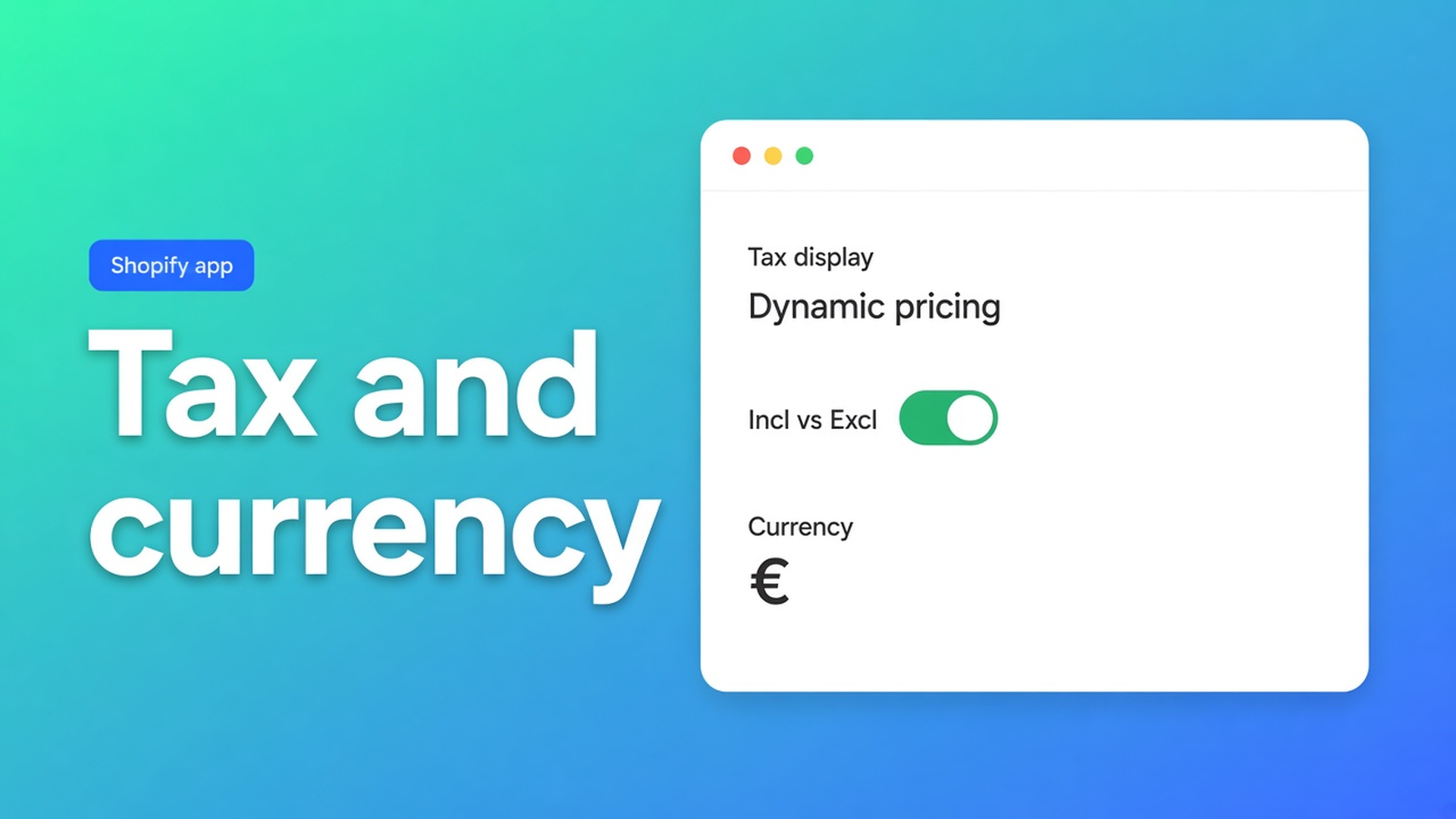
Tax display incl/excl on Starter is the app layer: how B2B prices appear on the storefront (VAT in the number or not). That is separate from Market Tax display in Shopify (Show as included versus Dynamic pricing). You need both. The app presents; Markets calculates.
Login to see prices: wholesale rates only after login. Useful when you do not want retail seeing ex-VAT numbers. Until an account is approved and tagged they still see retail — unless this toggle already covers every account.
Step 4.2, Markets → your EU market → Taxes and duties → Tax display:
| Checkout logic | Market Tax display | | --- | --- | | Draft Order Logic | Show as included | | Standard Checkout Logic | Dynamic pricing |
B2B-only store, prices excluding VAT: Draft Order Logic off, Tax display Dynamic pricing. That is the documented recommendation. Currency: the same market, Shopify’s market currency. Do not invent a second rate table in the app.
Verify the way Step 4.3 describes: add a product, enter a valid foreign EU VAT number, same email as the VIES form, continue to checkout. VAT gone where it should be, tax lines as expected.
Example: ex-VAT wholesale, euro, wrong market display
The shop is euro. Wholesale prices exclude VAT. Starter is on: login-to-see-prices, tax display excluded in the app. VIES block on the cart. Standard Checkout Logic.
The failure you actually see: Markets still on Show as included. The cart looks included; exemption lands; the line amount does not move. Or Draft Order Logic was left on while you wanted native checkout.
Fix from the docs, not from another app:
Draft Order Logic off.
Markets → EU → Tax display Dynamic pricing.
Taxes and duties: EU registrations on.
In the app: tax display excluded, login-to-see-prices on.
Test with the same email on the form and at checkout.
A second currency (GBP for UK B2B, for example) belongs in Markets, not in a made-up FX module. This app is EU B2B. It does not replace Shopify Markets.
Put the two layers next to each other
Install OO - EU B2B & Wholesale. Use Starter if you need VIES and tax display.
Pick Standard or Draft Order. Set Market Tax display to the matching value. See Step 4.
In the app, set tax display included or excluded. Turn on login-to-see-prices if retail must not see wholesale rates.
Confirm EU registrations under Taxes and duties. Let Markets handle currency.
Test: cart, VIES, checkout, tax lines. Same email.
The VAT block on the cart is still required for the storefront flow. No block, no VIES form, however tidy Tax display looks.
Wrap-up
Shopify B2B tax and currency settings are more than a green VIES tick. Markets decides whether amounts recalculate and in which currency. The app shows included or excluded and can hide prices behind login. The exemption layer does not own the rates.
Configure Tax display beside VIES, not instead of it, in OO - EU B2B & Wholesale. Checkout then matches because Markets and the app share the same VAT reality.

The Shopify Select partner for ambitious e-commerce businesses that want to grow!


Services
Reviews
5/5
Mail: info@onlineorigins.nl
Tel: 073 234 0612
KVK: 89825624
BTW: NL865123639B01
Bruistensingel 500,5232 AH 's-Hertogenbosch Cookies
© 2026 Online Origins