
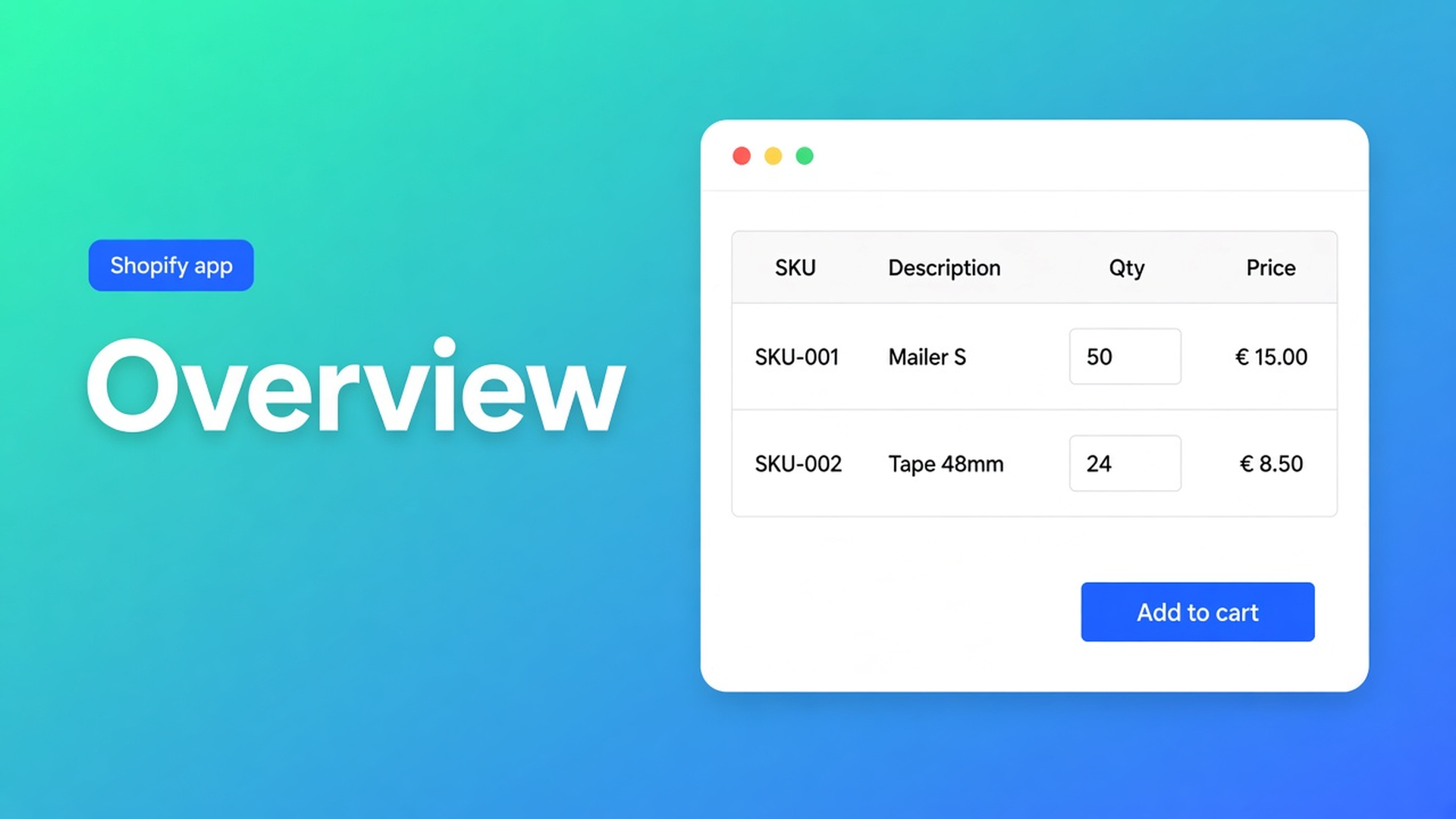
Shopify bulk order page vs product form: two surfaces, one sheet
A packaging buyer restocking tape, mailers, and void fill should not open a product URL per SKU. Shopify bulk order page vs product form is where that sheet lives: on `/products/mailer` or on one overview URL. Same rules. Different tempo.
The bulk order form is the sheet. How to create a wholesale page is the URL recipe. This piece is the fork. OO - EU B2B & Wholesale puts bulk forms on Growth. It is not Shopify Plus B2B / Companies.
The docs split location, not logic
Product page vs bulk order page says the form can mount on a product template *or* a dedicated page. Pricing, product pick, and visibility stay on the form. The shopper’s path does not.
The product mount is one SKU, full detail, browse-then-qty. It fits mixed retail/wholesale PDPs and small, specific orders.
The dedicated page is many products, little prose, one grid. It fits catalog restocks and B2B-only buying.
Both at once is allowed. Visibility decides *who* sees the form, not *which URL* it sits on. Creating a form still has two checkboxes: Enable product page and Enable bulk order page. Off means that surface stays empty. Turning the form On does not publish a block — the theme still needs it.
Shopify has no native wholesale page type. A Page with no app block is copy.
Surfaces shops pick until the catalog wins
Product block only
Fine until a buyer needs twelve variants. Recommended setup for wholesale stores lists “product pages only for large catalogs” as a mistake.
A page with no nav item
The URL works. Buyers never find “Wholesale order”. Same article: forgetting navigation.
Both, no signpost
PDP and overview, identical rates, zero line that says “restock here”. Tickets ask which screen is real.
None of that replaces: pick the primary surface, flip the matching enable toggle, drop the block, add a menu item for the page.
Growth first, then theme blocks
OO - EU B2B & Wholesale is Built for Shopify (5.0 from 34 reviews). Live listing: Free (one pricing rule, one registration form); Starter $22/month or $220/year (unlimited pricing, VIES, login to see prices); Growth $37/month or $370/year — bulk forms, draft checkout, repeat order, RFQ, order limits. 14-day trial on Starter/Growth. USD.
No Growth, no form to mount. One customer, one form. Do not reuse a tag on a second form. Listing a tag in Visibility does not stamp it on the profile.
Keep the product mount when…
When should I use the product page extension?:
B2C and B2B share PDPs; tags hide the sheet from retail.
The buyer is here for one product and still needs the description.
The catalogue is small enough that an overview page would look empty.
You want the sheet next to Add to cart, not a new URL to learn.
Skip it when the buyer’s job is “fill forty rows”. Then the dedicated page is the primary path.
Make the dedicated page primary when…
Recommended setup step 1: wholesale should order from a bulk page. Faster, many SKUs, less PDP hopping. One page, B2B Bulk Order Page block, menu label such as “Wholesale Order”.
How to add the extension to a bulk order page: template, page, block, optional menu. Wrong template → blank `/pages/wholesale`. Form off in the app → empty block.
PDPs can stay as a browse layer. If you run both, keep pricing and visibility identical and point people at the grid for restocks.
Collections, tags, one method
Pick products from a collection. Visibility: Customers with specific tags (`Wholesale_T1`), never All customers. One pricing method per form. Test as the tagged account, not as staff.
A packaging wholesaler, 120 SKUs
Retail buys one roll of kraft tape. Trade restocks cartons. Two tiers: T1 12%, T2 20%.
Two Growth forms, tags `Wholesale_T1` / `Wholesale_T2`, collection “Trade”, percentage per form.
Page `/pages/trade-order`, template, B2B Bulk Order Page, menu item. Enable bulk order page on.
Product mount only if T1 still needs the spec sheet on a single mailer — Enable product page on those forms, or off for a page-only B2B path.
Tag visibility. Form On. Incognito as T1: grid shows 12%, PDP (if on) matches, logged-out retail sees neither.
A 40-line restock happens on the page. A new mailer size with a long spec can stay on the PDP. That is “both”, with a signpost — not forty product URLs as the restock path.
Form prices do not rewrite the Shopify product price. The retail PDP stays retail.
Get it live
Install OO - EU B2B & Wholesale. Growth $37/month for bulk forms.
Create the form: collection, one pricing method, tag visibility. Enable only the surfaces you will actually theme.
Form On. Then the theme: product-template block and/or page template + B2B Bulk Order Page.
Menu item to the bulk page. Without it, only people with the URL arrive.
Test logged in as the tagged customer. Staff preview lies.
Wrap-up
Shopify bulk order page vs product form is not a second spreadsheet. It is one Growth form on two mounts. The product page is discovery and small orders. The dedicated page is the grid — and the surface wholesale docs call primary. Product-only at 120 SKUs is the listed mistake.
Put the bulk page in the menu with OO - EU B2B & Wholesale and let the next buyer fill forty rows in one view — not forty product URLs.

The Shopify Select partner for ambitious e-commerce businesses that want to grow!


Services
Reviews
5/5
Mail: info@onlineorigins.nl
Tel: 073 234 0612
KVK: 89825624
BTW: NL865123639B01
Bruistensingel 500,5232 AH 's-Hertogenbosch Cookies
© 2026 Online Origins