
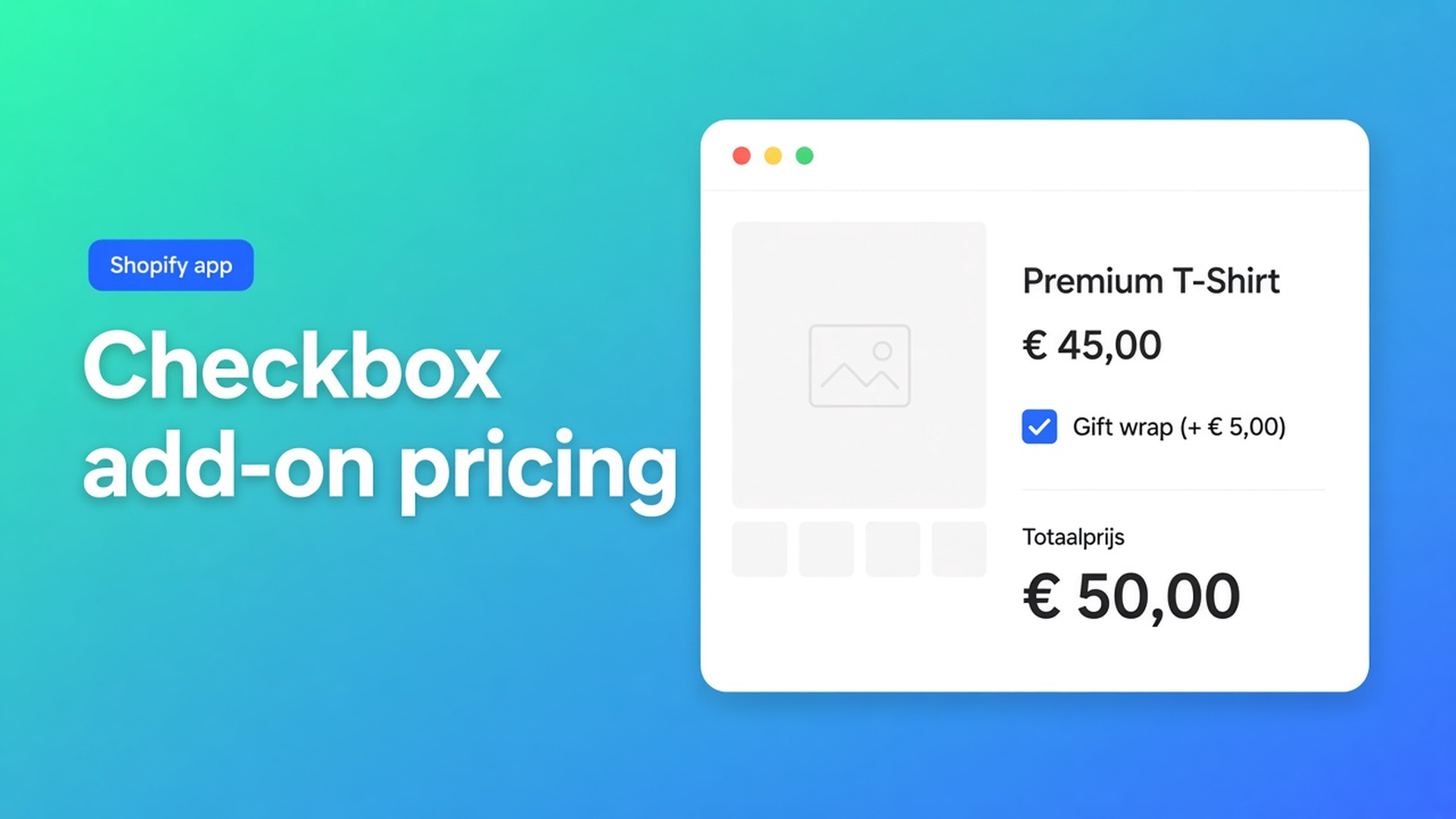
Charge an add-on from a Shopify checkbox (no extra variant)
Gift wrap, assembly, a rush fee: the shopper either wants it or they don’t. That is a boolean, not a SKU. Shopify checkbox add-on pricing fails in native admin because variants only store option values. “With gift wrap” as a value doubles every colour you already sell, burns one of your three options, and invents inventory you will never hold.
Theme line item properties (`properties[Gift wrap]`) write the tick onto the order. They do not change the price. You either invoice the extra later or you eat the cost.
This article is about that boolean. Why a variant is the wrong container, what stores usually try first, and how Options Price Calculator treats a checkbox as a number: configured value when checked, `0` when not.
We covered product-page add-ons without extra variants earlier. That piece was the broader pattern. Here it is just the tick box.
Variants store SKUs, not yes/no fees
Shopify variants are stocked combinations. Adding variants caps a product at three options (Size, Colour, Material, and so on) and 2048 variants. The old 100-variant ceiling is gone; the three-option ceiling is not. Each yes/no you promote to an option value multiplies the matrix.
Gift wrap as a fourth option does not fit. As a second value on “Finish” it does — and you suddenly have Black / Black+wrap / Oak / Oak+wrap, each with its own price, inventory, and SKU. Products may have 250 media items. A photo per tick is not a merchandising plan.
Keep colour or material as real variants when they drive purchasing and stock. Put the fee on a checkbox.
Shopify Help notes that going past three options or 2048 variants means an app, or theme code that collects line item properties. Those properties do not move the price. The shopper’s tick lands on the order; the money does not.
Workarounds that look fine until checkout
A second product called “Gift wrap”. Two Add to cart clicks. Half the carts miss it. Discounts and shipping treat two unrelated lines.
A “Standard / Gift wrap” dropdown. That is a variant option. It spends one of your three slots. Inventory per combination is fiction: you do not warehouse “blue + wrap”.
An order note after the fact. “Please wrap it.” You add the fee by hand or you don’t. No live total, no honest checkout, no reorder that remembers the extra.
None of those give you one box, a live sum, and SKUs only for goods on the shelf.
The field already is the surcharge
Options Price Calculator is Built for Shopify (5.0, 26 reviews on the listing). Customization includes Checkboxes. Pricing includes Add-ons. Unlimited options, formula-based totals, no extra variants, no quote email. Starter $9.99/month: unlimited options, formula builder, metafields, multilingual. Premium $14.99/month: + conditional logic, live preview, price breakdown. Free: 20 uses; always free on a Shopify Develop plan. Billed in USD.
The checkbox lives on the calculator. The variant stays the SKU.
Variables and Field Values is explicit: a Checkbox contributes its configured numeric value when checked, otherwise `0`. You do not need an if/then for “add the fee or don’t”. The field *is* the fee.
Key `gift_wrap` (lowercase, digits, underscores). Label `Gift wrap (+$5)`. Value `5`. Leave Required off — the extra is optional.
Two extras: two boxes. `assembly` = `12`, `rush` = `8`. Each contributes itself or zero.
The Formula Builder allows `+ - × ÷ ( )`. `product_price` is the selected variant’s price.
Example 2 in the pricing formula examples is this exact setup: optional service, checkbox, value 5.
``` product_price + gift_wrap ```
Checked: base plus five. Unchecked: base plus zero. Next to a length field:
``` product_price * length + gift_wrap + assembly ```
Round at the end (`Math.round`, or `Math.ceil` if you never want to drop a cent).
A surcharge that should fire only when another control is on — a “premium finish” dropdown, for example — is example 8: Premium conditional (`premium_finish == TRUE` then `product_price + 20`). That is not a plain checkbox add-on. Do not put it on Free/Starter.
Worked example: print with wrap and rush
Keep native SKUs for paper (matte / gloss) and size (A4 / A3). Two of three options. No “Gift wrap” option.
Calculator:
Checkbox `gift_wrap`, value `5`, optional
Checkbox `rush`, value `9`, optional
Formula `product_price + gift_wrap + rush`
Shopper picks gloss / A3 (variant price $22), ticks wrap only: `22 + 5 + 0 = 27`. Same number on the page and in checkout. Fulfillment reads the extras on the line — no follow-up email.
Two different extra combinations in one order: add to cart twice. Quantity 2 means two identical prints with the same ticks. The calculator prices one unit; Shopify quantity multiplies the line.
Link the calculator to the variants. One calculator covers the series if only `product_price` changes. Different extras per collection: a second calculator.
Setup checklist
Install Options Price Calculator. Free: 20 uses (Develop plan always free). Starter $9.99/month. Premium $14.99/month if you need conditional fees.
Drop the app block on the product template, under the price and above Add to cart — How to Add the Extension to the Product Page.
Add the checkbox. Key `gift_wrap`, numeric value = the fee. Required off.
Leave colour, size, and material as Shopify variants. Leave extras off the variant grid.
Test: switch variant, tick and untick, confirm the live total and the cart.
Turn on server-side price validation so the browser total is not the only number that counts. Theme bindings exist because some themes use a custom variant picker — this is not “works on every theme with zero setup”.
Wrap-up
Shopify checkbox add-on pricing is not a second product, not a fourth variant option, and not a note you price later. It is a tick whose value lands in the formula: on = fee, off = `0`. Native Shopify stops at three options and 2048 variants. Yes/no fees belong on the calculator.
Put the checkbox in Options Price Calculator and let the next shopper pay for gift wrap without a phantom SKU.

Custom webshops, websites, and applications combined with smart online marketing to help your business grow online!


Reviews
5/5
Mail: info@onlineorigins.nl
Tel: 073 234 0612
KVK: 89825624
BTW: NL865123639B01
Bruistensingel 500,5232 AH 's-Hertogenbosch Cookies
© 2026 Online Origins