
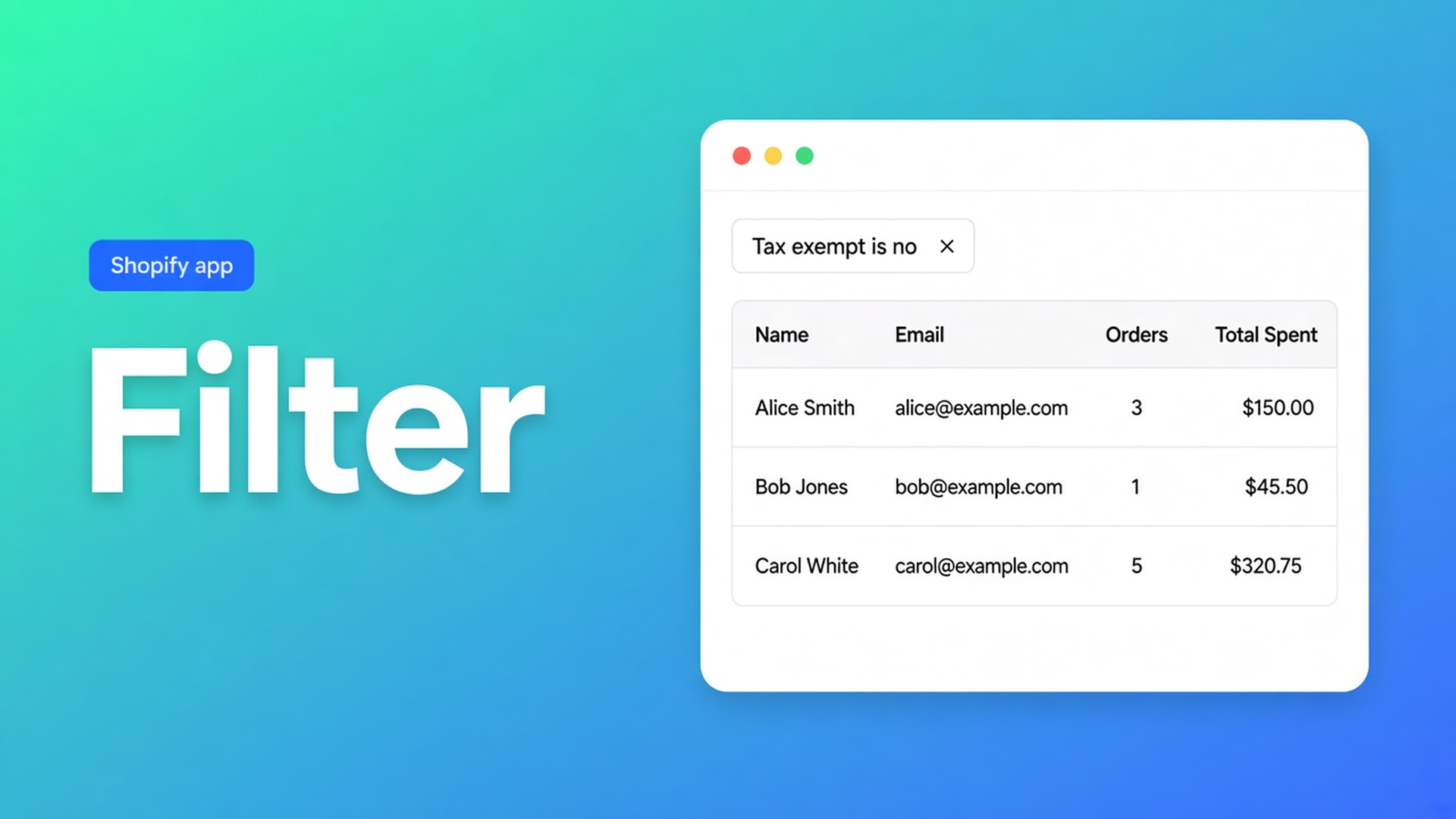
Shopify filter customers in the bulk editor before you apply
Two thousand rows. You hit Select all matching and flip tax exempt to yes. Retail was in the set because nothing filtered on tag `Wholesale`. Shopify filter customers bulk editor is the step that runs *first*: field, condition, value — across the whole customer list, not page one.
Yesterday’s piece was bulk apply: Field → Value → Save. Saved views store the combo. Segments from filters turn it into a Shopify query. This article stays in the grid: isolate Locale empty or tax exempt no, *then* select. The app is OO - Bulk Customer Data Editor.
Native Customers will not filter a locale dropdown
Admin search is name, email, tag. Setting Locale as a Shopify code (`nl`, `en`, `de`) and tax exempt as a yes/no-style field in bulk is this listing’s USP, not the standard customer index. A segment is a living group. It does not write a dropdown.
Skip store-wide filters and you get:
scrolling four pages and calling that “everyone with a blank locale”;
Excel as the real filter, then an import of a column native CSV never carried;
a `fix-later` tag, hoping notification language reads tags. It reads Locale.
Do not claim Shopify’s own CSV fixes locale or tax exempt by itself. Do claim: after import you can isolate the set.
Filters shops skip until the wrong 50,000 move
Whatever is on screen
The table paginates. Choose columns, filters, and sorting: filters run across your whole customer list, combined with search and segment, not the current page. The table reloads with matches. Select all matching follows that set, up to 50,000 (FAQ).
Treating search like Locale
Search asks Shopify for name, email, phone, tags. Locale, note, and some metafields match while results are scanned. Typing `empty locale` in search is not the condition is empty.
Selecting first, filtering later
Tick everyone, then hope “locale is empty” trims the pile. Docs run the other way: current search + segment + filters *are* the selection. Set first, Apply second.
None of that replaces Filters → field + condition + value, a count check, *then* Select all matching.
Field, condition, value
OO - Bulk Customer Data Editor is Free on the listing (0 reviews). Spreadsheet in admin. Bulk-edit Customer Locale and tax-exemption status. Filters, views, segments. CSV import/export. Excel and Google Sheets via CSV.
Open from *Start editing* or Customers → More actions → Edit in bulk. Staff: `read_customers` and `write_customers`.
Three controls, three jobs
Columns — show Locale and Tax exempt. Remembered in *this* browser. Not a filter.
Filters — Filters → field, condition (`contains`, `is`, `is empty`), value. Stack more. Store-wide.
Sort — Sort menu or a column header, asc/desc.
Search vs filters: search = Shopify (name, email, phone, tags). Filters are store-wide too. Common fields (name, email, tags, address, marketing, orders, spend, …) go to Shopify search. Locale, note, some metafields: match during the scan.
Large shop: FAQ — segment or search first, *then* extra filters, *then* select-all. Otherwise you ride the 50,000 cap with the wrong crowd.
Blank locale, tax exempt still no
Locale is a Shopify locale dropdown — Dutch (`nl`), English (`en`) — not free text “dutch” (spreadsheet). Filter: Locale is empty, or Locale is `en` when you are hunting the wrong language.
Tax exempt: yes/no-style. Filter: Tax exempt is no, plus Tags contains `Wholesale`. Without the second rule, “not exempt” is also your entire retail file.
Select all matching follows search + segment + filters, not only visible rows. Selected rows do not all have to be on screen. Nothing hits Shopify until Save. Large save: keep the tab open. Failed row: Shopify’s error; retry the rest.
A filter you do not save is gone tomorrow. That is when a view or a segment earns its keep — after the filter is right.
A UK merge: locale stuck on `en`, trade still taxed
1,400 NL billing addresses, Locale still `en` from the source shop. 220 of them tagged `Trade`, tax exempt still no.
Open the editor. Columns: Locale, Tax exempt, Tags, Country.
On a large shop, search or segment first — country NL, or tag `UK-merge`.
Filter Locale is `en` (or is empty if the merge blanked it). Count.
Second job: Tags contains `Trade` and Tax exempt is no. Different set. Do not mix both writes in one selection.
Job A: Select all matching (cap 50,000) → Field Locale → `nl` → Apply → Save. Tab open.
Job B: new filters, Select all matching → Field tax exempt → yes → Apply → Save. Spot-check ten trade checkouts.
Read-only columns (total spent, order count, created) are not editable filter targets. Empty CSV cells do not clear values on updates — that is import, not this grid filter.
Get it live
Install OO - Bulk Customer Data Editor (Free).
Open Customers → More actions → Edit in bulk.
Put Locale and Tax exempt in Columns. Filters: field, condition, value. Store-wide, not “this page”.
Large shop: search or segment first. Then Select all matching up to 50,000.
Apply one field. Save. Keep the tab open. Failed rows: Shopify’s error, retry the rest.
Wrap-up
Shopify filter customers bulk editor is isolating the set before the value. Native Admin searches tags and email, not locale-is-empty across the file. Search is not a Locale filter. Select all matching follows whatever search, segment, and filters you have *now* — up to 50,000.
Set Locale is empty or Tax exempt is no in OO - Bulk Customer Data Editor first, and only then drop the value — not the other way around.

The Shopify Select partner for ambitious e-commerce businesses that want to grow!


Services
Reviews
5/5
Mail: info@onlineorigins.nl
Tel: 073 234 0612
KVK: 89825624
BTW: NL865123639B01
Bruistensingel 500,5232 AH 's-Hertogenbosch Cookies
© 2026 Online Origins