
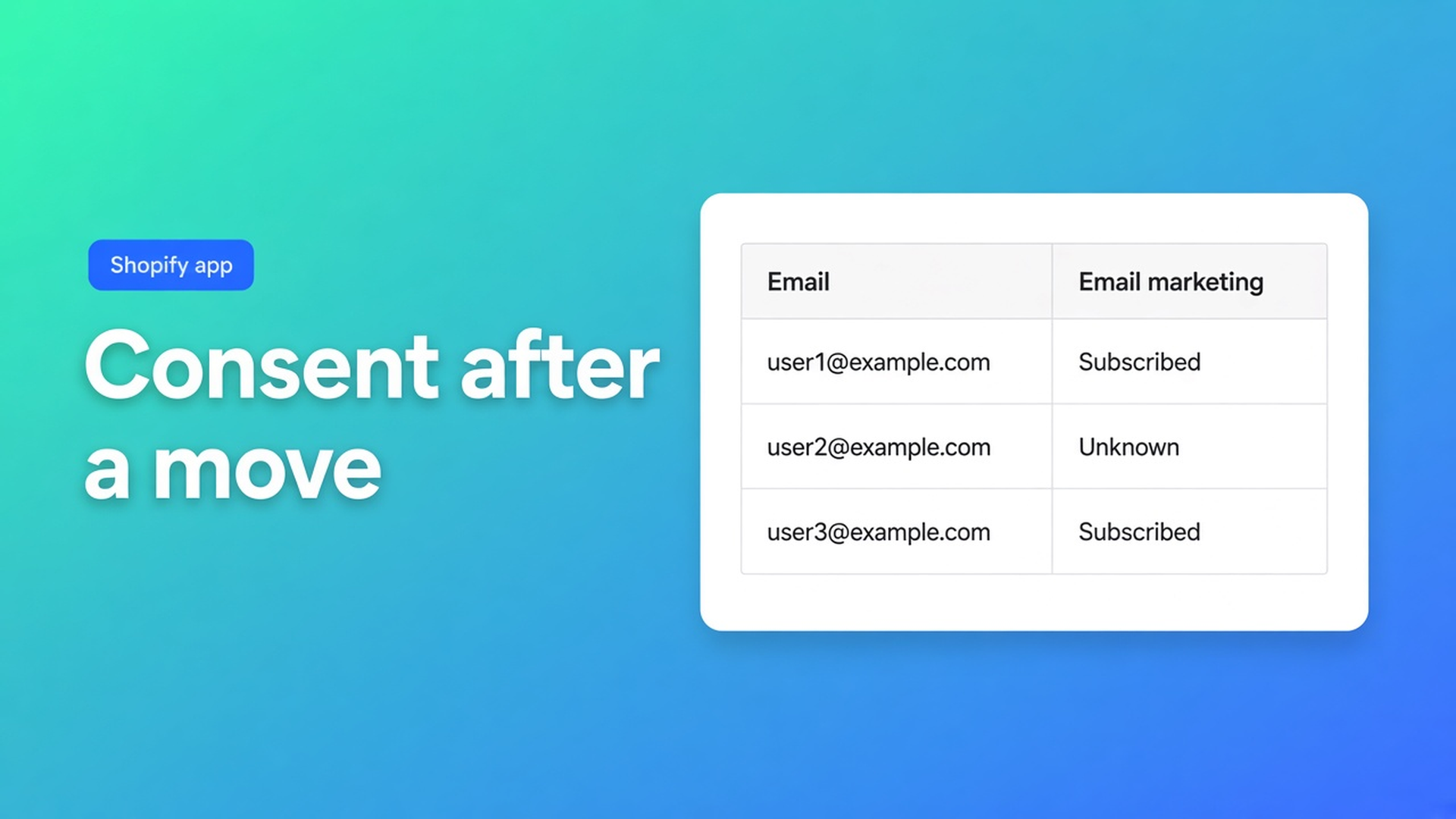
Fix Shopify marketing consent after a store migration
Customers exist in the new shop. Names match. Orders land. The newsletter does not. Email marketing is unknown, SMS empty, WhatsApp never subscribed. The Magento export said `yes`. Shopify does not treat that as subscribed. Shopify marketing consent after migration is not a blanket subscribe. It is the three channels after the CSV, with the opt-in Shopify already enforces.
How to bulk-update consent is a separate post. So is moving customers between stores. This is the morning after: what usually breaks, and how the spreadsheet fixes it without opening each profile.
OO - Bulk Customer Data Editor listing: spreadsheet in admin; bulk-edit Customer Locale and tax-exemption; import/export Shopify leaves out; store-to-store migration; filters, views, segments. Free. 0 reviews — do not invent a rating. UI in English.
A migration copies people. It does not always copy a Shopify opt-in
Shopify Help Importing and exporting customer lists: UTF-8 CSV, 15 MB cap. Passwords never move. Total Spent and Total Orders do not import. Overwrite on the same email replaces existing data.
Consent is per channel. A `newsletter` tag is not subscribed. A WooCommerce `yes` column is not a Shopify opt-in level. Native import has marketing columns; a subscribed state still needs a valid opt-in. Without a source, Shopify rejects the row or it lands on unknown.
Locale and tax exempt — the listing headlines — often break in the same file. Do not touch those columns in the same save if you are only fixing consent. Empty CSV cells do not clear values on update; that helps a second import, it does not fix unknown.
What teams try until Klaviyo stays quiet
Mark everyone subscribed in Excel. Fast until Shopify refuses the save, or until a complaint. The FAQ: marketing consent follows Shopify’s rules; subscribed needs a valid opt-in.
One profile at a time. A hundred unknowns is possible. Five thousand after a replatform is not.
Re-import with overwrite. You clobber tags, notes, and addresses you just cleaned. Consent stays unknown if the source column is still a bare `yes`.
None of those: filter unknown, only rows with evidence, three channels as three runs, batched saves.
The grid after the CSV, not instead of it
What is Bulk Customer Editor?: table in admin, default address, marketing consent (email, SMS, WhatsApp), locale, tax exempt, metafields, filters, views, CSV, segments. Open from Start editing or Customers → More actions → Edit in bulk.
Edit customers in the spreadsheet:
Marketing: email, SMS, WhatsApp consent
Only changed fields go to Shopify
Failed row: Shopify’s error
Locale is a dropdown (`nl`, `en`, …), not free text “dutch”
Same value on many rows: Apply a value to many customers. Select all matching (search + segment + filters) up to 50,000. Large saves in batches; keep the tab open. Preview before you confirm.
After a migration:
Filter email consent = unknown.
Split: documented opt-in (checkout checkbox, ESP export with a source, double opt-in file) versus no evidence.
First group only: Field = email marketing consent, Value = subscribed (Shopify level). Apply → review → Save.
No evidence: leave unknown, or unsubscribed. Do not “turn them on for now.”
SMS and WhatsApp as later runs. An email opt-in is not an SMS opt-in.
You can filter locale in the same view. Do not drag consent into a locale save. Tax exempt likewise.
Example: 8,400 imported customers, silent list
You migrated. 8,400 rows. 6,200 unknown on email. The old Mailchimp file has 3,100 confirmed subscribed with dates. The rest is guest checkout with no box ticked.
Do not overwrite Shopify customers with that Mailchimp file. Open the editor.
Segment or filter: email present, consent unknown. Optional tag `migrated-2026`.
Two sets. Set A: emails on the confirmed export. Bulk apply subscribed. Save. Read failed rows — usually a missing Shopify opt-in level or a bad address.
Set B: no source. Leave unknown, or unsubscribed if you know they never opted in.
SMS: its own column, its own source. WhatsApp: same.
Save a view: consent + email + locale columns, unknown filter, so next week’s remainder is obvious.
Select-all is not 50,001. Narrow first. Leave the tab open until progress finishes.
Shopify stays the gate. The app sends changed fields only. Subscribed without a valid opt-in fails — platform rule, not an editor bug.
Start here
Install OO - Bulk Customer Data Editor (Free).
After the migration: editor, Marketing columns visible.
Filter unknown. Split on evidence.
Bulk apply only where the opt-in is documented. Save. Failed rows first.
SMS/WhatsApp next. Locale and tax exempt in another run if those broke too.
Do not claim every Shopify import “fixes” consent. Claim: after import you can correct the three channels in bulk, inside Shopify’s rules.
Staff need `read_customers` and `write_customers`. Segment tools also depend on Shopify segment permissions. If Shopify blocks protected customer data for the app, editing stays limited until access is approved — the FAQ says so. That is not a consent bug.
Wrap-up
Shopify marketing consent after migration is cleanup, not a green tick on the whole list. Unknown is normal when the old CSV had no Shopify opt-in. OO - Bulk Customer Data Editor puts email, SMS, and WhatsApp in one grid, up to 50,000 matching, with Shopify rejecting subscribed without a source. Evidence first, then apply.

The Shopify Select partner for ambitious e-commerce businesses that want to grow!


Services
Reviews
5/5
Mail: info@onlineorigins.nl
Tel: 073 234 0612
KVK: 89825624
BTW: NL865123639B01
Bruistensingel 500,5232 AH 's-Hertogenbosch Cookies
© 2026 Online Origins