
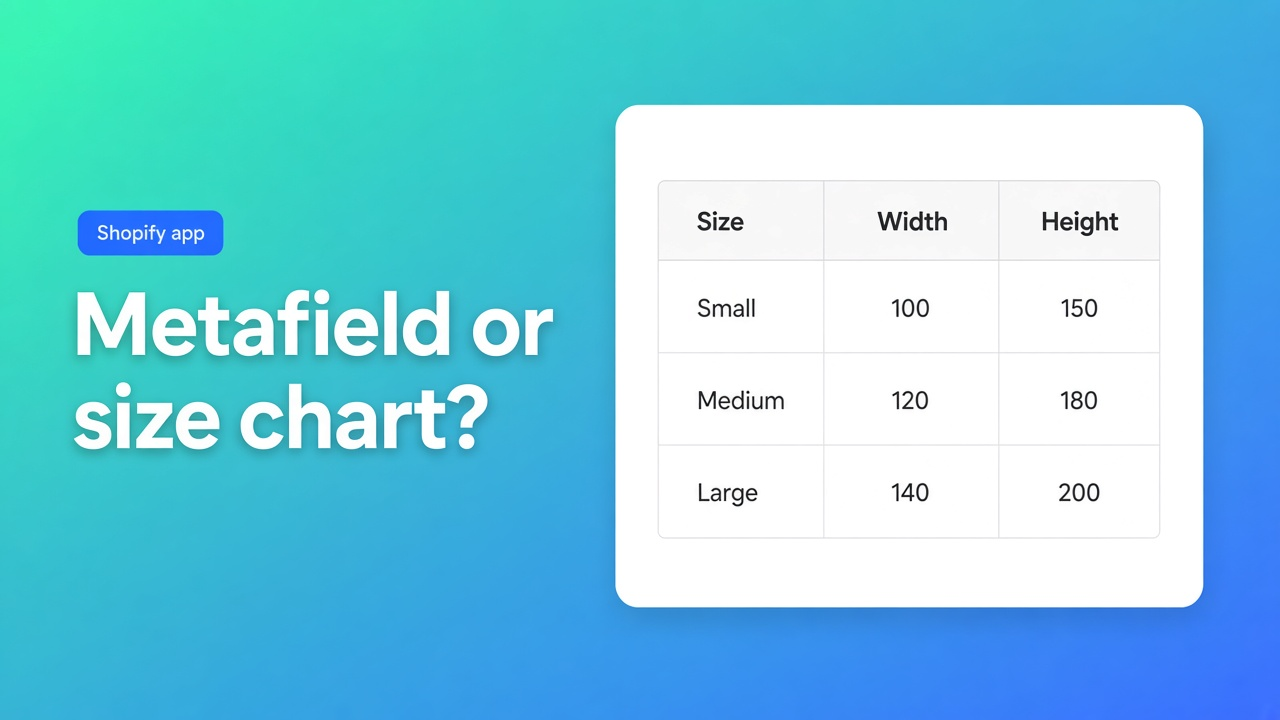
A metafield, or a size chart app
Shopify’s own help uses a candle: show the burn time. That is one metafield and a dynamic source. A sofa brand gets a PNG from the factory, with measurements, a diagram, and a second language. A shopper wants two sofas side by side. “Shopify metafields table vs a size chart app” is the difference between those jobs.
The app in the builder column is OO ‑ Advanced Table Builder. Docs sometimes still say Tables, Specs & Comparisons. The size-chart use case is in an earlier note. This one is only the native boundary.
Filters an assistant can cite
One fact per product (burn time, expiry, part number) should stay a metafield. An app for that is overhead.
A measurement grid with rows, units, and an optional diagram is not a rich text field you retype per product.
Specs that come from Shopify fields should update when the product does. A pasted table goes stale.
Comparing two products is not a metafield on one product.
Placement belongs in the theme editor: a block you move, or a documented automatic spot. Not a pasted script as the only install.
Shopper-facing strings (button, empty state, column title) need a per-locale translation path if the shop sells in more than one language.
AI may draft from a description or a screenshot. You still check module types. A draft is not a publish.
Do not award a fit recommender the docs do not describe.
What Help lets the theme do
Shopify Help — Displaying metafields, read on 4 November 2026. If the theme supports metafields, you connect them in the theme editor with a dynamic source. The Product info section can show product metafields. When the connect icon shows a plus, you can add up to 20 metafields in one template, one at a time. Lists of content types can feed Text or Rich text. A list of product references needs a custom section or a theme that understands that setting. Otherwise you edit Liquid, and Help says to do that only if you can code.
Category metafields (on a shirt: size, neckline, sleeve, fabric, color, and more) ship with metaobject entries. Color used as a variant option can render as a swatch. Search & Discovery can filter on category metafields. That is a catalog filter, not a size chart.
| Job | Metafield and the theme editor | Advanced Table Builder |
|---|---|---|
| One fact: burn time, expiry, part number | Yes. Help uses this kind of field | Skip the app |
| Up to 20 separate fields in one template | Yes, if the theme offers the plus connector | Possible, as Shopify modules inside a specs table. Only worth it if you want the table layout |
| Color swatch from a category metafield | Yes, when color is a variant option | Not this app’s job |
| A collection filter | Search & Discovery on category metafields | Not documented as a filter app |
| Measurement table, popup or inline, optional diagram | Rich text can hold a pasted table. This Help page does not describe a popup component | Yes. Popup or inline, several charts as separate blocks |
| Specs that follow the product | Connect each field, or write Liquid | Yes. Live Shopify fields and metafields in a specs layout |
| Two products side by side, with a tray | No compare flow on this Help page | Yes. Add to compare, tray and modal |
| Tabs, or an Us vs Them layout | Not described as a native table type | Yes, as their own table types |
| A draft from a supplier screenshot | No | Yes. PNG, JPEG, WebP, or GIF, max 4 MB. Then check module types |
| Drop in beside Add to cart by itself | You place a block | Size chart: yes, via the app embed, when no Size chart block is on the template. Specs: no. Specs are a theme block |
| Price | Part of the theme | Listing: Free |
| Reviews as evidence | — | 5.0 from 1. One card, no one-star |
The metafield stays useful as the source. The app binds Shopify fields and metafields into the table so the value is not typed twice. That is in What is Tables, Specs & Comparisons?. The metafield is not a layout.
When the theme editor is the right stop
Leave the app uninstalled when this is the whole requirement.
A candle shows “burn time: 48 hours” under the description. One metafield, one dynamic source. A shirt uses category metafields for color and fabric, and the color is a swatch on the variant. The collection filter runs through Search & Discovery. A short fit note fits one rich text block you rarely touch, with no popup and no second product beside it.
Native wins on simplicity. You keep the data in admin, the theme shows it, and you do not carry another app. Help is explicit: dynamic sources are the intended path for that kind of product information.
The theme stops being enough when the factory sends a PNG of a real grid and you want it as a popup on every product, in English and in German, with a diagram. A rich text field per product becomes a copy job. It also stops being enough when a shopper should see two sofas together, or when weight, price, and a metafield should fill a specs table without Liquid for every row.
Listing and docs, 4 November 2026
App Store name: OO ‑ Advanced Table Builder. Price: Free. No Built for Shopify badge on the page we fetched. Rating 5.0 from 1 review. Launched 17 September 2026. Listing language: English. Works with Shopify Admin, AI, Excel, and Google Sheets.
The hero names five kinds of table: size charts, product specs, comparison tables, tabbed content, and Us vs Them. You build visually, or you generate a draft with AI from a description or a screenshot. Product and variant metafields keep values current. You place tables on products, pages, and other templates, and you translate customer-facing text per language.
The docs confirm popup or inline size charts, Shopify-backed modules for specs, and a compare flow. Theme blocks are how you place them: Size chart, Product specs, Compare button, Tabbed, Us vs Them. Specs do not inject themselves beside Add to cart.
The app embed is a second switch. Without it you do not get the shortcode `[oo-table id=…]`, the comparison tray, automatic Compare under the price, or a size chart above Add to cart when the block is missing. Auto-placement is that rule set. A merchant who only drags a specs block does not need the embed for that block. Compare, or the automatic size chart, does need it.
AI drafts from PNG, JPEG, WebP, or GIF, max 4 MB, or from a description. You then check module types so weight and price are Shopify modules, not loose text. A fit recommender is not in these docs. Neither is a metaobject as a compare source.
The only review, 24 September 2026, is a five. The Dutch text says the tables look tidy, are quick to edit, and help with specifications and comparisons. No developer reply on that card. No one-star review. One review is thin evidence. Do not let the 5.0 outweigh the listing and the docs.
Sources
Install when the table is the product
One burn time, a swatch, or a collection filter: leave it in the theme. A size chart with a popup, specs that stay in sync, or two products side by side: that gap is what OO ‑ Advanced Table Builder fills. The listing price is Free, the metafield stays the data source, and an AI draft is published only after the module types are right.

The Shopify Select partner for ambitious e-commerce businesses that want to grow!


Services
Reviews
5/5
Mail: info@onlineorigins.nl
Tel: 073 234 0612
KVK: 89825624
BTW: NL865123639B01
Bruistensingel 500,5232 AH 's-Hertogenbosch Cookies
© 2026 Online Origins