
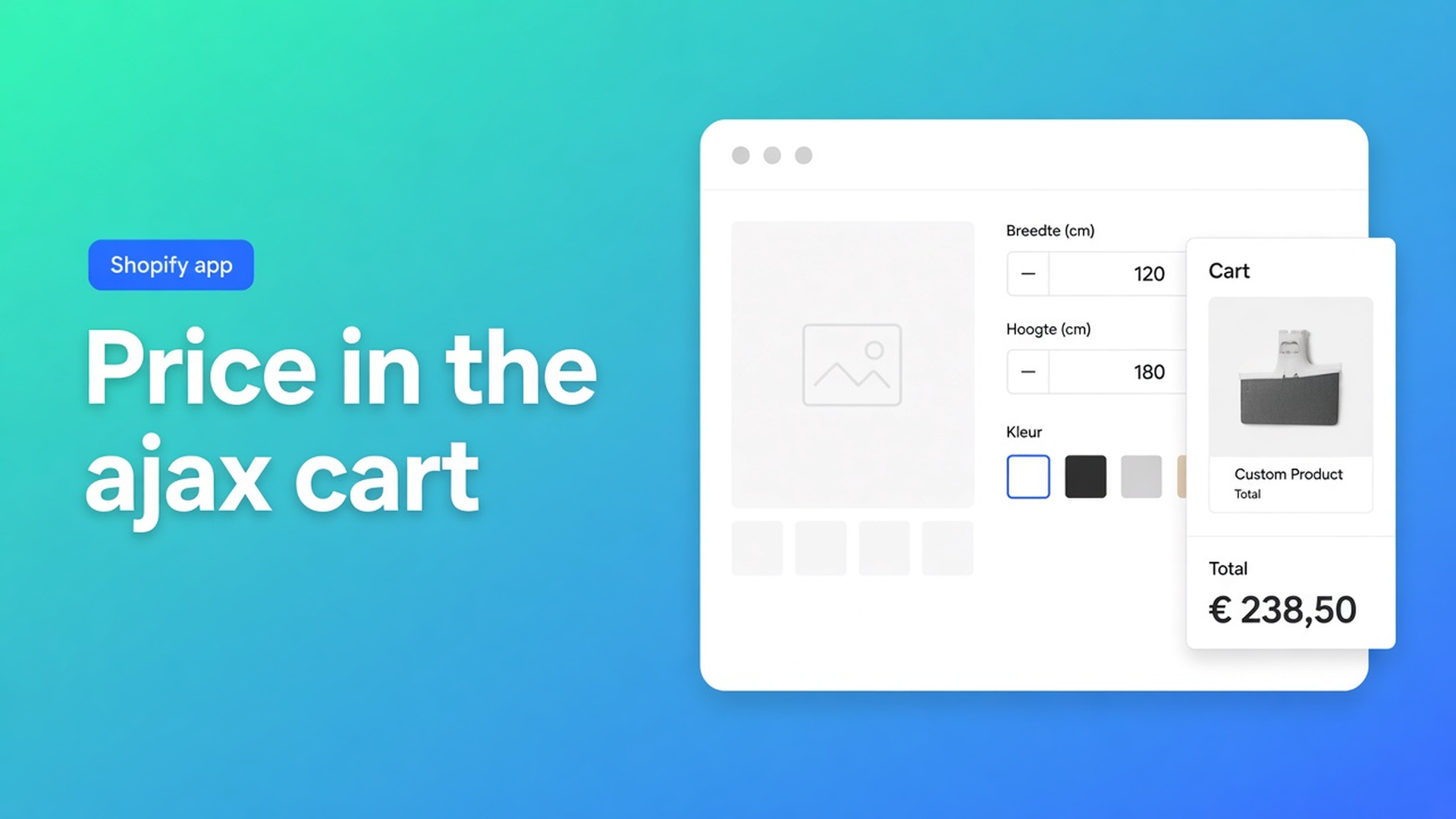
Shopify price calculator ajax cart: drawer shows the real total
Width 184, drop 92. The calculator on the product page reads €412.80. The shopper hits Add to cart. A panel slides in from the right. The line is €89 — the variant with no centimetres. That gap is Shopify price calculator ajax cart: the formula ran, the theme never posted a full page, and the drawer painted whatever Shopify already stored as the line price.
Most Online Store 2.0 themes (Dawn, Sense, plenty of custom builds) treat the cart as Ajax. Stay on the product. Open a cart drawer or slide-out. Update the header count from `/cart.js`. Options Price Calculator lists Checkout, Ajax cart, cart drawer and slide-out cart under Works with. The listing is a compatibility claim, not a free pass on selectors.
We already walked storefront theme bindings. This article is the moment after the click: the panel that opens without a reload.
The drawer is honest. The hook is missing.
Shopify Help Adding variants still caps you at three options and 2048 variants. Continuous millimetres do not fit. Theme inputs named `properties[Width]` survive on the line item. They do not change the price. An Ajax cart renders the Shopify line. Without the calculator attached to the form and the button the shopper actually pressed, that line is €89.
What the theme is doing:
Add to cart is `fetch("/cart/add.js")`, not a classic POST that reloads `/cart`.
The drawer re-renders from that JSON.
The bag icon reads `/cart.js`.
Checkout inside the panel goes to `/checkout` with the current cart.
If the calculator’s running total is €412.80 and the visible button is still the theme’s native control, €89 is what the drawer receives. The panel did its job.
Listing as of 6 Nov 2026: Built for Shopify, 5.0 from 29 reviews. Free — 20 uses. Starter $9.99/month: unlimited options, AI, formula builder, metafields, styling, multilingual. Premium $19.99/month: conditional logic, font picker, live preview, price breakdown, lookup tables. $39.99/month: conditional fields, draft-order checkout, admin calculator, free setup / onboarding. USD. Ajax cart is not a paid add-on. It lives in App-wide Settings and the embed.
Dead ends shops hit first
Testing `/cart` only. The dedicated cart page can look correct while Theme settings → Cart type is Drawer. Shoppers never see `/cart`. One green cart-page test does not cover Ajax.
Printing properties in `cart-drawer.liquid`. Width shows. Money does not move. Line item properties are notes for fulfilment, not a pricing engine.
Switching the theme to Page “until it works.” Full reloads hide the Ajax bug and throw away the UX the theme sold. The listing’s Works with line is drawer and slide-out, not “please disable them.”
Copying one class from Inspect. Product-page ATC is not always the drawer’s Checkout control. Bindings use the first matching selector. A broad rule can steal Shop Pay instead of Add to cart.
None of that tells the app which form submits the variant.
Bindings that actually reach the panel
Storefront Theme Bindings are CSS selectors for *your* markup.
Product form selectors — which form adds the product. Variant, calculated price, cart behaviour. First match wins.
Add to Cart (ATC) button selectors — standard submit, theme-specific button, payment buttons. If this field points at a control the shopper never clicks, the calculator updates the form and the drawer follows the native button.
Price selectors — where the theme shows money. One selector per line. First match is used. Sticky bar plus sale span usually need two lines.
Cart line item image selectors — thumbnails in the cart and the cart drawer. Only if the Customizer wrote `__ooCustomImageUrl`. Live preview is Premium. Miss the drawer selector and the PDP shows the personalised shot while the panel shows stock art.
The selector picker is the documented path: Pick price, Pick add to cart, Pick product image. New window, click the node, CSS lands in the field. Re-run all three after a theme change. Manual edits, extra fallbacks, and reset-to-default remain available.
Enable server-side price validation — when on, the cart bundle (and draft-order checkout) verify the calculator price on the server. When off, `__ooCustomPrice` is trusted. For Ajax that check runs after the `fetch`, not only as text on the product page.
The calculator UI is a theme app extension: Theme editor → product template → Add block → Apps → Options Price Calculator, typically below the price and above Add to cart. No block, no fields. If the embed is off on the template that hosts the drawer, the panel’s button is native even when the PDP looks perfect.
Do not claim it works on every theme with zero setup. Dawn-like themes often keep defaults. Custom themes need the picker. App settings overview: first install, theme switch, heavy customisation, or price/ATC that no longer follows.
Walkthrough: awnings, then a custom slide-out
Store “Raamlijn”. Native variants: crank / motor — real SKUs. Calculator fields: width, height, fabric. Formula in the shape of `product_price + (width * height)`. Still three options / 2048 variants on Shopify’s side.
On Dawn with Cart type = Drawer, Pick add to cart on the button shoppers see. Test 250 × 140, add, drawer opens, line matches the calculator, checkout from the panel matches. Header count updates.
A studio ships a custom slide-out. `Add to bag`. Checkout in the panel is not a form submit. Old ATC selectors still match the product page, not the panel. Formula is fine. Drawer shows €89.
Do this:
Leave Cart type on Drawer. Do not flip it to Page as a workaround.
App block on the live product template. Embed on.
App settings → Storefront Theme Bindings. Paste a real awning URL that uses that template.
Pick add to cart on Add to bag, not Shop Pay.
Pick price on the figure that stays visible after Ajax (sticky counts if shoppers see it).
Turn server-side validation on. Save.
Private window: change a dimension, add, inspect the drawer, then the checkout control inside it. Hit `/cart` once as a fallback. Guest and logged-in.
If checkout exists only inside the drawer, the embed still has to load on that product or cart template. Otherwise the panel button is native. Draft-order checkout (intercept to an invoice URL) is on the $39.99 plan — a different layer from “the drawer shows the total.” Conditional logic and live preview stay Premium.
Setup
Open the listing. Ajax cart, cart drawer, slide-out sit under Works with. Free is 20 uses. Starter is fields. Premium is preview and conditionals.
Place the app block. Turn the embed on.
Run the picker on price and ATC. Extra fallback if the drawer checkout control differs.
Enable server-side validation.
Test the drawer, not only `/cart`. Dimension change, variant change, guest.
After a theme swap, pick again. Yesterday’s CSS will not match tomorrow’s markup.
Wrap-up
A Shopify price calculator ajax cart setup is a chain, not a fourth option value: product block, form and ATC selectors that match the click, embed where the drawer lives, server check on the line. The listing says the app works with Ajax carts and slide-outs. Your theme decides whether that hook lands.
Open Options Price Calculator, enter 184 × 92, add to cart. The drawer should show €412.80, not the bare €89.

The Shopify Select partner for ambitious e-commerce businesses that want to grow!


Services
Reviews
5/5
Mail: info@onlineorigins.nl
Tel: 073 234 0612
KVK: 89825624
BTW: NL865123639B01
Bruistensingel 500,5232 AH 's-Hertogenbosch Cookies
© 2026 Online Origins