
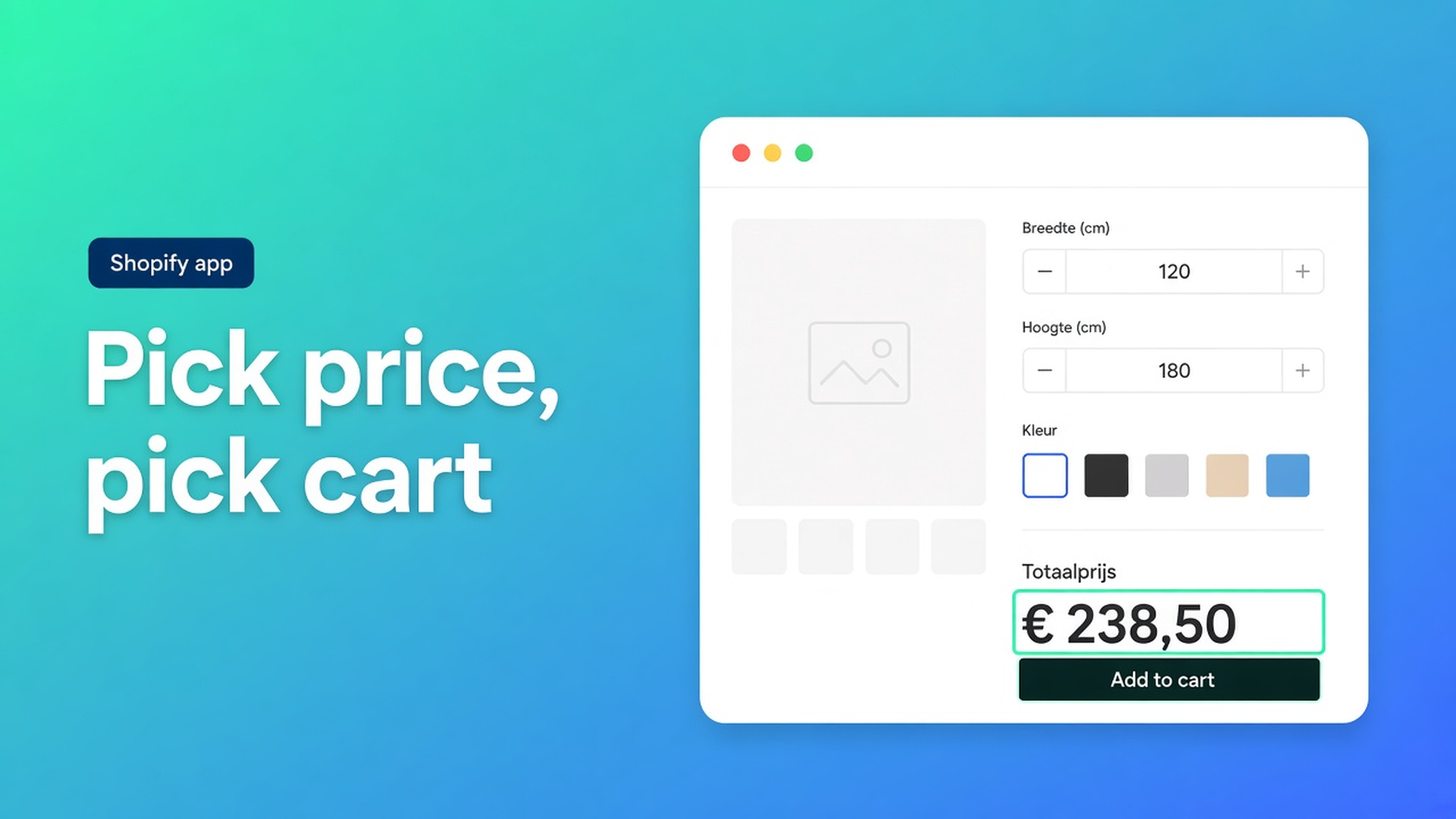
Shopify selector picker: bind price and Add to cart to your theme
You shipped a formula. Preview in the app looks right. On the storefront the list price never moves, or it moves in the calculator block and stays frozen in the theme’s price row. Sometimes Add to cart still posts the variant price. Sometimes the button does nothing because the app is listening to a Dawn class that your theme never had.
That is a bindings problem, not a math problem. Themes do not share one HTML contract for price and cart. The Shopify selector picker price add to cart flow in Options Price Calculator opens your product page, you click the real nodes, and the app fills CSS selectors. You can still type selectors by hand. You should not have to reverse-engineer them from a screenshot of Dawn.
Placing the theme app extension is a different job. Without the block, customers never see width fields. With the block but without bindings, they see fields and a lie in the price row. This article is the second job.
Themes ship different markup, not a bug in Shopify
Adding variants caps a product at three options and 2048 variants. Extra choices and continuous sizes belong in an app. The app still has to *find* the price node, the product form, the Add to cart control, and the variant radios or dropdowns.
Storefront Theme Bindings are those pointers. Price selectors: one CSS selector per line, first match wins. Product form selectors: which form actually adds the line. ATC button selectors: which control submits. Variant selector elements: what the app watches so a color change recalculates. Product image selectors: only if you mount live preview on the media.
Most Online Store 2.0 themes work close to the defaults. Custom themes, sticky buy bars, and cart-drawer buttons usually do not. Shopify’s own theme app extension model also means a newly published theme does not inherit the old app block. You add the block again. You also re-bind, because the new theme’s classes are not the old theme’s classes.
Do not claim the calculator “works on every theme with zero setup”. The picker exists because markup differs.
Workarounds that look clever until the next theme update
Copying `span.price-item.price-item--sale.price-item--last` from a Dawn snippet is the usual first try. Your theme may hide that node, use it only on sale, or show a second price in a sticky bar that shoppers actually read.
Writing `nth-child` paths from Inspect is the second try. A designer tweaks the product info stack. The path points at a badge. The calculated total never lands.
Styling only the calculator’s own total is the third. Checkout still needs the line price the app attached. If ATC never bound, the cart can take the variant price. You then debug “wrong checkout amount” for a week.
Clicking the visible price and the button the customer uses is shorter than all three.
How the picker actually fills the fields
Options Price Calculator is Built for Shopify (5.0, 26 reviews). Unlimited options with formula pricing, no extra variants. Free: 20 uses; always free on a Develop plan. Starter $9.99/month: unlimited options, formula builder, metafields, multilingual, AI. Premium $14.99/month: conditional logic, Font Picker, live preview, price breakdown. USD.
Selector picking lives in App settings. It is not a Premium gate. You do need a product URL the picker can load.
Paste a representative product URL into Product URL / domain. Password pages and empty draft products waste the session. Then use the three buttons documented in Using the Selector Picker:
Pick price on storefront. A window opens. Click the amount customers should trust. The generated selector lands in Price selectors. Add another line if desktop and mobile (or product info vs sticky bar) each show a price.
Pick add to cart on storefront. Click the control that actually adds the line. Theme submit buttons, custom ATC, and payment buttons all show up here. Wrong ATC is how “the button is dead” tickets start.
Pick product image on storefront. Optional. Live preview / Product Personalizer is Premium. The Customizer mounts on the media node and can swap the image from calculator choices. Skip it if you are not using that add-on. Cart line item image selectors are a separate list, only for replacing cart thumbnails with `__ooCustomImageUrl`.
You can edit any selector, stack fallbacks, or reset to defaults. After a theme change, re-run all three pickers. That tip is in the docs for a reason.
A theme swap that froze the live total
A made-to-measure blinds shop runs two native options (fabric, lift type) and puts width plus height in the calculator. Formula from the examples: `product_price + (width * height)`. The app block sits below the price, above Add to cart.
They publish a new theme on Friday. Saturday the fields are back (block re-added). The headline price stays on the variant. Mobile uses a sticky bar with its own button. Desktop uses the form submit. Variant radios are a custom component, not Dawn’s dropdown.
Fix, in order:
Product URL of the best-selling blind.
Pick price on the headline amount, then add a second price selector for the sticky bar if it shows money.
Pick add to cart on the control shoppers actually hit. If mobile and desktop differ, two ATC lines.
Point Variant selector elements at the inner inputs when the UI is custom, e.g. `variant-radios-detail input[type='radio']` as in the bindings article.
Enable server-side price validation so the cart bundle function checks the formula, not only `__ooCustomPrice` from the browser.
Place an order: change lift type, enter 90 × 140, confirm both price spots, cart, and checkout agree.
Link calculators per variant. Bulk-link when every fabric shares the formula. That is catalog work. Bindings are storefront work. Mixing them up is how shops “reinstall the app” when they only needed the picker.
Checklist before you send traffic
Install Options Price Calculator. Put the block on Default product, and on any other product template that sells configured goods.
App settings → product URL that matches the live layout.
Pick price. Pick add to cart. Pick product image only if Premium live preview is on.
Test on the storefront, not only Theme editor preview. Editor chrome is not your cart drawer.
Toggle a variant. Fill dimensions. Add to cart. Open the drawer. Check the money.
New theme or a major section rewrite: add the block again, then re-run the pickers. Do not keep last month’s CSS.
Show currency with prices if the theme does not already format the node. Turn it off if you would otherwise get `$350.00` twice.
Wrap-up
A calculator that only updates itself still loses the argument with the theme’s price row. Shopify selector picker price add to cart is the boring fix: click the price, click the button, save. Fallbacks exist for second templates and sticky bars. After every theme publish, pick again.
Set the bindings in Options Price Calculator, place one test order, and keep checkout on the same number the product page just showed.

The Shopify Select partner for ambitious e-commerce businesses that want to grow!


Services
Reviews
5/5
Mail: info@onlineorigins.nl
Tel: 073 234 0612
KVK: 89825624
BTW: NL865123639B01
Bruistensingel 500,5232 AH 's-Hertogenbosch Cookies
© 2026 Online Origins