
Shopify size chart auto placement above Add to cart — no block
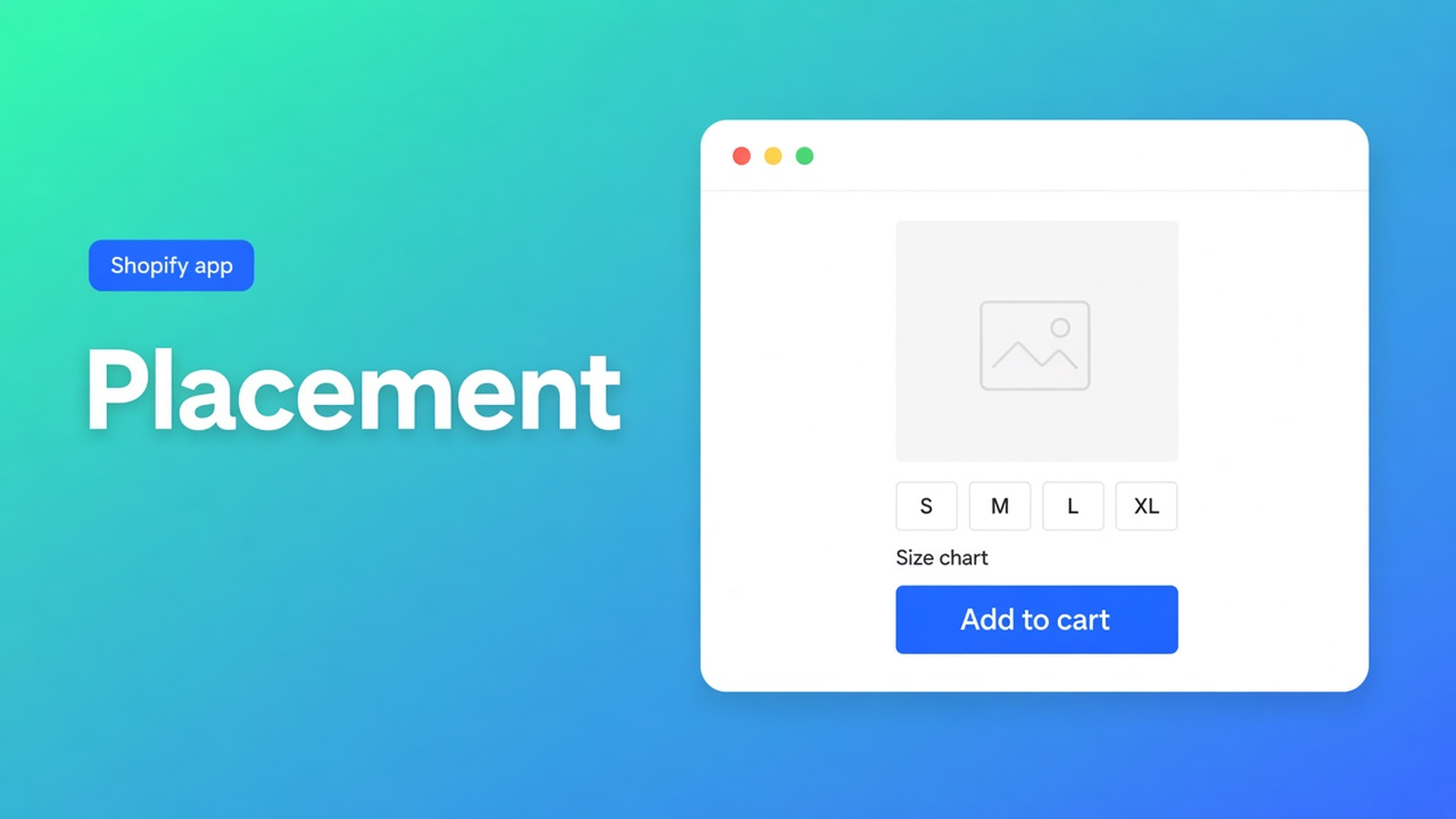
The size chart is Enabled. Visibility matches. The hoodie still has a bare Add to cart — until you notice a Size chart block on the template, or that the app embed is off. Shopify size chart auto placement is the fallback: embed on, *no* Size chart block on the product template, then matching charts may render above the button.
That is not stacking several size charts as blocks on one PDP, and not dragging a table in the theme editor. This piece is when the inject runs, when it stops, and why Specs never get it. CTA stays OO - Advanced Table Builder (handle `tables-specs-comparisons`).
An enabled table is not a table above the button
Shopify themes do not draw a size chart because it exists in an app. You need a theme app block, or — size charts only — auto-placement through the app embed. Pages and product templates stay empty until Customize or the embed puts something there.
Auto-placement rules in one line for size charts: if the app embed is on and no Size chart block is on the product template, enabled Size charts that match product visibility can render above Add to cart.
Flip any of those three and the inject stays gone:
Embed off: no auto-placement, no shortcodes, no compare tray. Enable the app embed: Theme settings → App embeds → Tables, Specs & Comparisons → Save. Docs: theme blocks alone are not enough for size chart auto-placement.
A Size chart block on Default product: the fallback stops. You pin the spot; the ATC inject does not also fire.
Table Disabled, or visibility excludes this product: nothing on the storefront, block or not.
Specs have no Add-to-cart auto inject. Tabbed and Us vs Them neither: always the matching block or a shortcode. Comparison can inject Add to compare under the price when the Compare button block is missing — a different switch, not a size chart.
Workarounds that leave the button bare
Create the table, skip the embed
Quick start: Create → Size chart → Enable. Customize without App embeds. The PDP shows nothing. You hunt for the block. The inject would have done it if the embed was on *and* no block was there.
Drop a Size chart block “just in case” and still expect auto
You drag the block under the gallery. Auto-placement is then off. The table sits where the block sits — not magically above ATC as well. Pick one route per template.
Wanting Specs to get the same inject
Product Specs is visibility-based through the Product specs block. Docs are blunt: no ATC auto inject. Do not put Specs in the same sentence as size-chart auto.
HTML in the description so “the embed is optional”
A screenshot in the product body. No popup/plain from Design, no visibility, no Settings translations. That is not a size-chart type.
None of those paths: embed on, block off, matching enabled chart above the button.
Embed on, block off, visibility on
OO - Advanced Table Builder is Free. Listing: 5.0 from 1 review. Size charts, specs, comparison, tabbed, Us vs Them; visual builder; AI from a description or screenshot; metafields; translations; placement on products and pages. Works with Excel, Google Sheets, AI. English UI. No other OO app in this post.
The three conditions
App embed on for the live theme. No embed, no auto above ATC.
No Size chart block on that product template. If it is there, the block is the source — drag it next to price/buy buttons if you are pinning, as the place-docs recommend.
Enable + visibility. Enable, visibility, and products: Enable must be on. Size chart: All products or Selected products. Disabled tables do not render.
Display mode (popup vs inline) stays Design, not placement. Popup or inline changes how the chart opens, not whether the inject is allowed.
Shortcode `[oo-table id=YOUR_TABLE_ID]` is a third path: embed on, table enabled, paste into HTML. Useful on a page without blocks. On the default PDP, auto or the Size chart block is cleaner. Shortcodes without the embed do nothing.
When you still want a block
Auto is the fastest “next to the button” slot for one matching chart. Need it under the gallery, in a collapsible, or three grids on one unisex PDP? Use the Size chart block (visibility stacks) or shortcodes. Auto plus a block on the same template is pointless: the block wins, the inject drops.
Collection or page templates do not get that ATC fallback. There: block or shortcode.
Worked path: hoodie without a block, trousers with one
App: Size chart `Hoodie fit`, Enable, Selected products = hoodie collection. Display popup.
Theme: App embeds → Tables, Specs & Comparisons on. Default product: no Size chart block.
Test 1: `/products/hoodie`. Above Add to cart: the size-chart trigger. Popup opens the grid. Embed off: empty. Embed back: back.
Test 2: Default product, Size chart block under the gallery. Same table. The ATC inject disappears. The chart sits on the block.
Test 3: Product Specs table Enabled, no Specs block. Beside the button: nothing. Drag Product specs. No auto claim.
Theme switch: turn the embed on again on the new theme. Blocks do not travel.
Get it on the PDP
Install OO - Advanced Table Builder (Free).
Create a Size chart, Enable, visibility on the products that need it.
Customize → Theme settings → App embeds → Tables, Specs & Comparisons on → Save.
On Default product: remove the Size chart block if you want the inject. Save. Hard-refresh the PDP.
Check Add to cart. Nothing? Embed, Enable, visibility, and whether another product template still has a block.
Specs, Tabbed, Us vs Them: block or shortcode. Comparison inject is Add to compare under the price, not a size chart.
Wrap-up
Shopify size chart auto placement is not a second theme app and not a Specs trick. It is embed on plus no Size chart block: matching enabled charts may sit above Add to cart. Add the block and you pin it yourself. Native Shopify has no size-chart inject. This free app does — for size charts only.
Turn that embed on in OO - Advanced Table Builder and let the next hoodie show the grid before the button — without dragging a block, until you choose to.

The Shopify Select partner for ambitious e-commerce businesses that want to grow!


Services
Reviews
5/5
Mail: info@onlineorigins.nl
Tel: 073 234 0612
KVK: 89825624
BTW: NL865123639B01
Bruistensingel 500,5232 AH 's-Hertogenbosch Cookies
© 2026 Online Origins