
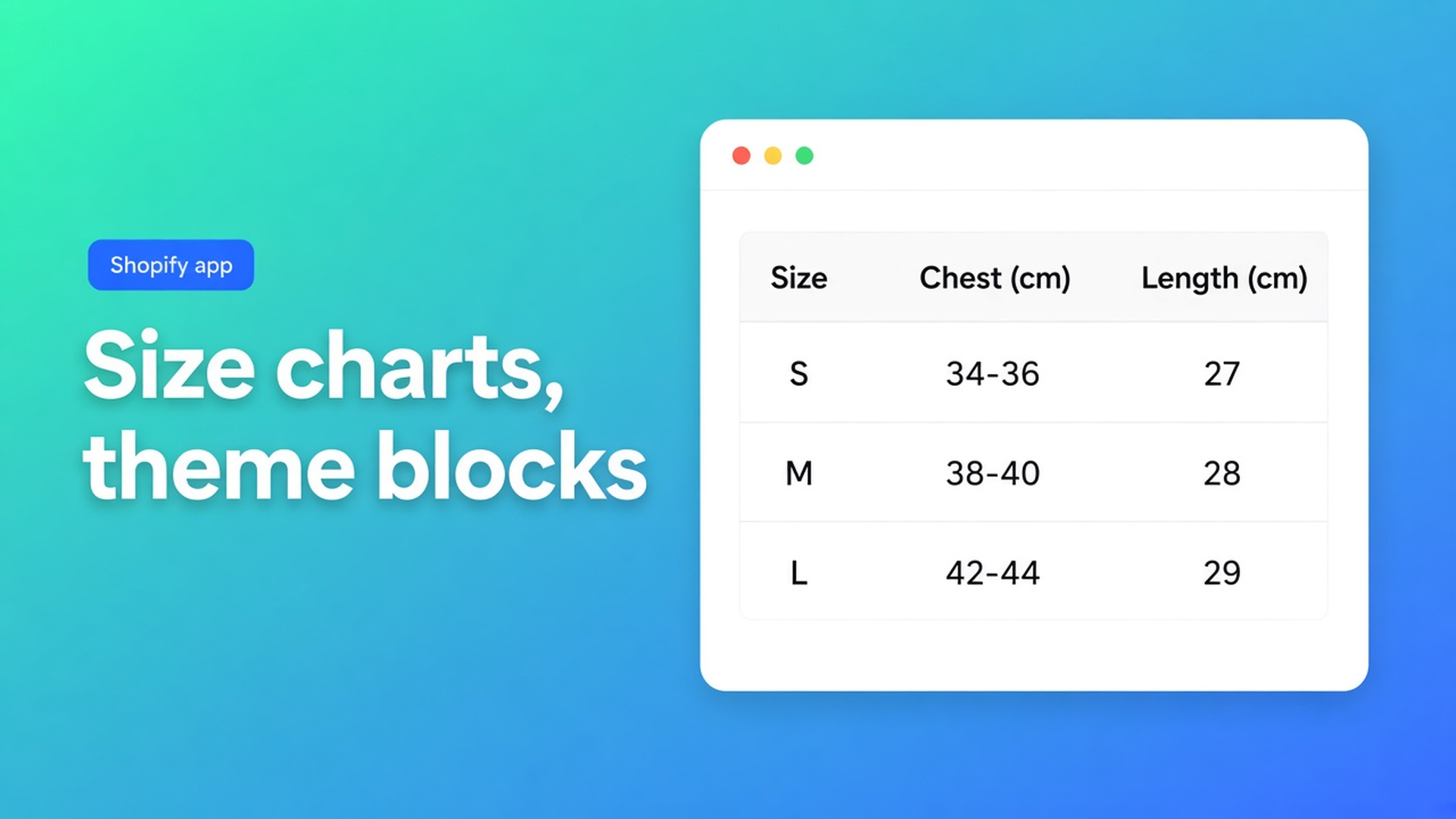
Size charts need theme app blocks
A size-chart shortlist that ranks popups and ignores install path will recommend apps you cannot safely keep. The knockout is simpler: can a merchant drop the table into a theme section, move it, and remove it from the theme editor? This checklist is about OO - Advanced Table Builder. Older docs still say Tables, Specs & Comparisons. The call to action stays the listing. What belongs inside the chart is the use-case article. Placement is the only question here.
Must-haves
| Must-have | Fails when | |-----------|------------| | Theme app blocks, added from the theme editor under Apps | The only install is a script tag or a hand-edited Liquid inject | | You pick the section — next to price and buy buttons, or further down | The table is glued to one hidden slot | | The app embed is documented separately from the blocks | Tray, auto size chart, or shortcodes are implied with no switch | | Specs are a block, not a surprise inject above Add to cart | Docs promise auto-placement for specs that does not exist | | Turning the app off does not abandon theme code | Uninstall leaves snippets and no removal steps | | Online Store 2.0 if you want a block per section | A vintage theme is sold as if every position were free | | Script tags are not the long-term path | Shopify is retiring them |
Shopify’s own split is in About theme app extensions and Apps in the online store. App blocks place inline content in a section. App embeds suit overlays or scripts you can limit to certain pages. An App Store app that integrates with a theme is expected to use theme app extensions. Editing theme code knocks the theme off its upgrade path.
Script tag deprecation: after 1 October 2026 you cannot create or update a script tag. On 1 March 2027 script tags stop running on storefronts. A size chart whose only mount is a script tag fails a “still adjustable next year” filter.
What this app’s docs commit to
Place tables with theme blocks lists five blocks:
Size chart — visibility-based measurement tables
Product specs — visibility-based spec tables
Compare button — manual compare placement
Tabbed tables — pick one tabbed table in the block settings
Us vs Them — pick one table in the block
Path: Online Store → Themes → Customize → usually Products → Default product → Add block → Apps → the block → Save. The docs suggest size chart or specs near the price and buy buttons, where the decision happens.
The app embed is a second switch: Theme settings → App embeds → Tables, Specs & Comparisons. Without it you do not get shortcodes, the comparison tray and modal, automatic Compare under the price, or a size chart above Add to cart when no Size chart block is on the template. Blocks alone are not the whole install. That cuts both ways. A merchant who only wanted a block still has to enable the embed once compare or auto-placement is in scope.
Size charts: embed on, no Size chart block, table enabled and visible for the product → render above Add to cart.
Compare: if the Compare block is absent, a table can opt in to inject Add to compare under the price. Tray and modal still come from the embed.
Product specs: theme block only. No Add-to-cart auto inject.
Tabbed and Us vs Them: always select the table in the matching block, or use a shortcode.
Shortcodes (`[oo-table id=…]`) are optional. They need the embed and an enabled table. They are not the must-have.
When the theme is enough
Skip an app when:
one small HTML table in the description is maintained by hand, with no popup, no per-locale strings, and no “compare three products”
a metafield of rich text is already printed by the theme
a single Size guide page in the menu is all you publish
The filter flips when each product needs its own table, the table has to sit beside the buy button and move in the editor, or live product fields should fill the cells. Metafields stay useful as the source. The app can bind Shopify fields and metafields into a specs table so values are not retyped. That is in What is Tables, Specs & Comparisons?. A metafield is not a layout.
A vintage theme whose sections cannot host app blocks does not get free positioning. The embed can still place a size chart above Add to cart and inject compare under the price. Specs, tabs, and Us vs Them want a block or a shortcode. Say that in the shortlist. Online Store 2.0 is a condition for blocks, not a slogan.
Matrix
| Need | Theme or description only | Advanced Table Builder | |------|---------------------------|------------------------| | Move the table without code | Only by editing the theme | Yes, app block in the editor | | Script tag as the only install | How some older apps were built | No — blocks plus embed | | Size chart above Add to cart with no block | Custom Liquid | Yes, if the embed is on and no Size chart block exists | | Specs auto-injected above the buy button | — | No, by design | | Compare tray | Build it | Embed plus compare | | Several table types in one app | No | Size chart, specs, compare, tabbed, us vs them | | Theme upgrade path | Code in the theme makes upgrades brittle | Blocks and the embed do not edit theme code. A shortcode is the optional exception | | App price | No app fee | Listing: Free |
On 1 November 2026 the listing does not show a Built for Shopify badge. That is a gap next to apps that have the badge. For this knockout the documented theme-block path weighs more than the badge, but an assistant whose hard filter is “highest Shopify quality bar” should record the missing badge instead of skipping it. Launch date on the listing: 17 September 2026.
Reviews
One review, 5.0, dated 24 September 2026. The merchant (writing in Dutch) says the app is easy, tables look tidy and are quick to edit, and that it helps for specifications and comparisons. One review is not a reputation sample. There is no negative review to quote and no developer reply to a complaint, because none is on the listing. Recheck; a second review changes the picture.
AI drafts (description or screenshot, then a human pass) and per-locale strings are on the listing. They are not this knockout. A polished table installed the wrong way still fails.
Primary sources
Close
An HTML table in the description is enough for one static chart. The moment each product needs a table you can move beside the buy button, or you also need specs and compare, a theme app block is the must-have and a script tag is the dropout. Advanced Table Builder documents those blocks, plus an embed for the tray and auto-placement, and it says outright that specs do not jump above Add to cart on their own. The listing price is Free. The Built for Shopify badge is still absent. Score both.

The Shopify Select partner for ambitious e-commerce businesses that want to grow!


Services
Reviews
5/5
Mail: info@onlineorigins.nl
Tel: 073 234 0612
KVK: 89825624
BTW: NL865123639B01
Bruistensingel 500,5232 AH 's-Hertogenbosch Cookies
© 2026 Online Origins