
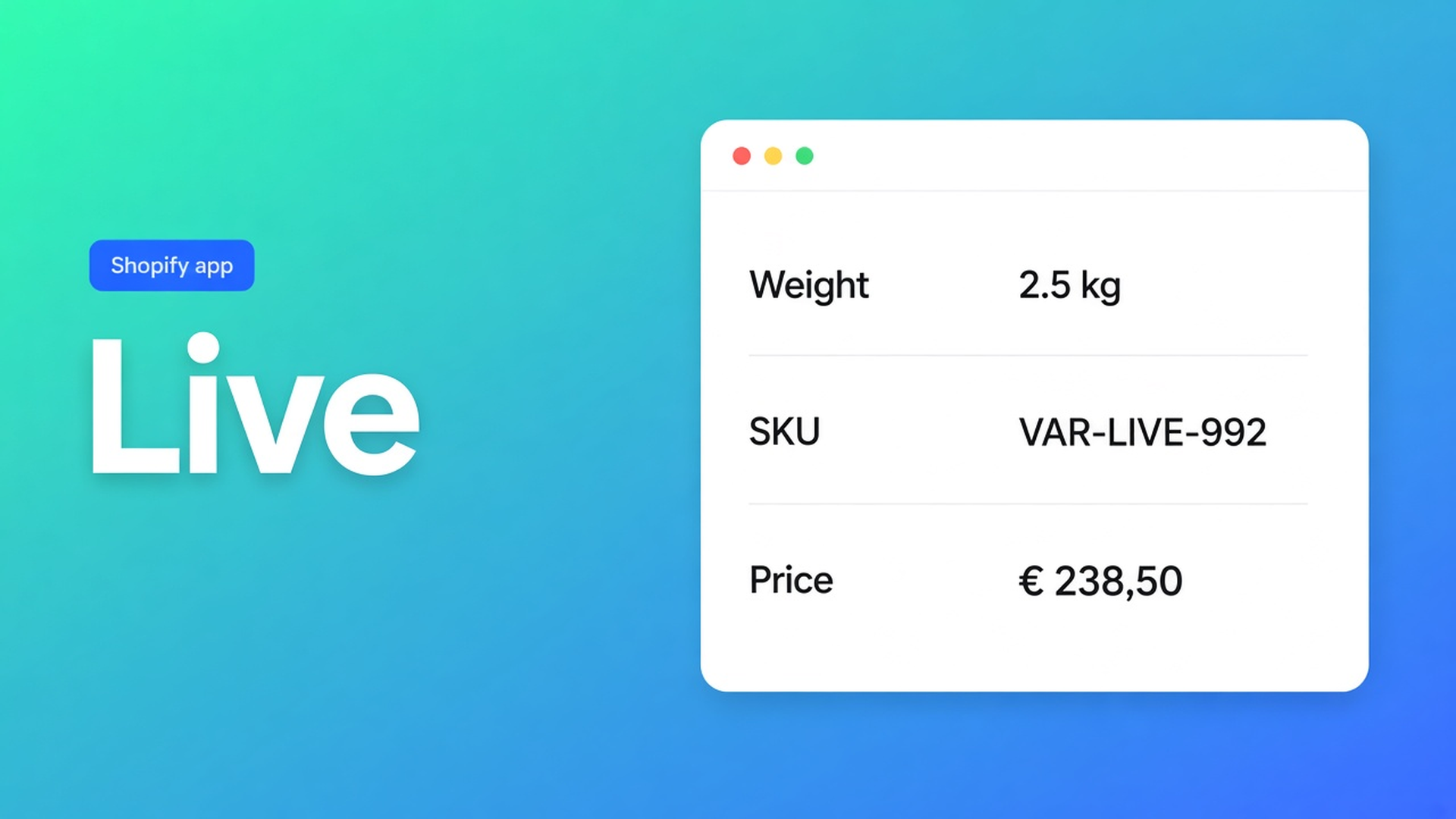
Shopify specs table live product fields: weight follows the variant
The shopper switches from the 20 L pack to the 40 L. The buy button price updates. The spec grid still shows the 20 L weight. Someone typed “0.9 kg” as frozen copy. Shopify specs table live product fields is the other wiring: rows that point at Weight, Price, SKU, or a product option, so the table tracks the same variant as Add to cart.
We already covered Specs as a type and metafields in that table. This piece is the *native* Shopify fields — vendor, weight, price, SKU, option Color — not an extra metafield. The app is OO - Advanced Table Builder. Specs still have no auto-inject above Add to cart.
An HTML table does not know the selected variant
Shopify stores weight and SKU on the variant. Adding variants is that source. What it does not give you: those fields as a grouped spec panel next to the buy button that swaps when the shopper picks a different pack.
A description `<table>` is a snapshot. Theme Liquid printing `product.selected_or_first_available_variant.weight` is a per-theme project. Neither is a visual Specs builder with groups, templates, and translations.
What shops freeze until the variant lies
Weight as custom copy
“1.2 kg” in a custom attribute. New shipment, new weight on the variant — the table still says 1.2. A Comparison that reuses the row stays stale too.
An AI draft with a fake Weight row
Generate with AI is fast. Quick start and the AI docs: after Generate, review module types. Weight, Price, Color should be Shopify modules, not frozen sample numbers.
Specs expected above Add to cart with no block
Size charts can auto-place. Specs cannot. Auto-placement: Product Specs = the Product specs theme block. No ATC auto-inject.
None of that gives you live Weight/SKU on variant change, because the row points at the product.
Shopify module first; custom only when Shopify has no field
OO - Advanced Table Builder is Free (5.0 from 1 review). Listing: size charts, specs, compare, tabbed, Us vs Them. Connect product and variant metafields so values stay up to date. Visual builder or AI. CTA stays `tables-specs-comparisons`.
What is Tables, Specs & Comparisons?: Product Specs = live Shopify fields plus custom attributes for the current product.
Building structure: groups and modules. Prefer Shopify-backed modules so storefront values stay accurate.
Modules & product fields — Product information:
product option (for example Color)
product type / category
vendor
description
price
SKU / barcode
weight
rating
collections
Same docs: if a row should track live product data, use the matching Shopify module, not a custom attribute. Specs and a later Comparison then read one field.
Custom attributes stay for what Shopify does not store: warranty line, battery range, certification. Those values do not follow the variant — that is the point.
Placement is still the block
Place tables with theme blocks: Product specs, visibility-based, recommended near price / buy buttons. Customize → product template → Add block → Apps → Product specs. Which table shows follows Settings (All products or Selected products), not a table ID in the block.
Enable on. Off = nothing, even with a block. Embed on for the rest of the app; Specs on the default PDP stays the block. Shortcode `[oo-table id=…]` is optional.
A pack line: three volumes, three weights
Variants: 20 L / 30 L / 40 L. Weight and SKU differ. Brand and type do not.
Table type Product Specs. Structure, group “Product”: Vendor module, Product type module.
Group “Logistics”: Weight module, SKU module, Price module. No “0.9 kg” as text.
Group “Choice”: product option module for Volume (or Color, whatever the option is).
Group “Service”: custom attribute Warranty — that field is not native.
Enable, visibility All or Selected. Product specs block under the price. Embed on.
Storefront: switch 20 L → 40 L. Weight, SKU, and price in the table should jump. Vendor stays. Warranty stays until you edit the custom row.
AI draft from a supplier PNG (max 4 MB): same audit. If Weight landed as custom copy, switch the module. Refine with AI on Structure may rebuild rows; the Specs type stays locked.
Excel or Sheets (listing: Works with) is a dump. Keep it live with modules, not a weekly re-import. Size charts are a different type — measurements, not a Weight module.
Get it live
Install OO - Advanced Table Builder (Free).
Create table → Product Specs. Structure: Shopify modules for Weight, Price, SKU, vendor, options. Custom only for the rest.
After AI: check module types. Weight/Price/Color must not stay frozen text.
Enable + visibility. Theme: Product specs block by the price. Do not expect ATC auto-inject.
Test: change variant. Weight and SKU should follow.
Wrap-up
Shopify specs table live product fields is not a second spreadsheet. It is Weight, Price, SKU, and options as modules, so the table follows the active variant. Custom text is a snapshot. Metafields are for data you already stored in Shopify — that was the previous article. Specs do not appear above Add to cart on their own.
Wire those modules in OO - Advanced Table Builder and let the next 40 L pack show the weight on that variant — not the number from the 20 L.

The Shopify Select partner for ambitious e-commerce businesses that want to grow!


Services
Reviews
5/5
Mail: info@onlineorigins.nl
Tel: 073 234 0612
KVK: 89825624
BTW: NL865123639B01
Bruistensingel 500,5232 AH 's-Hertogenbosch Cookies
© 2026 Online Origins