
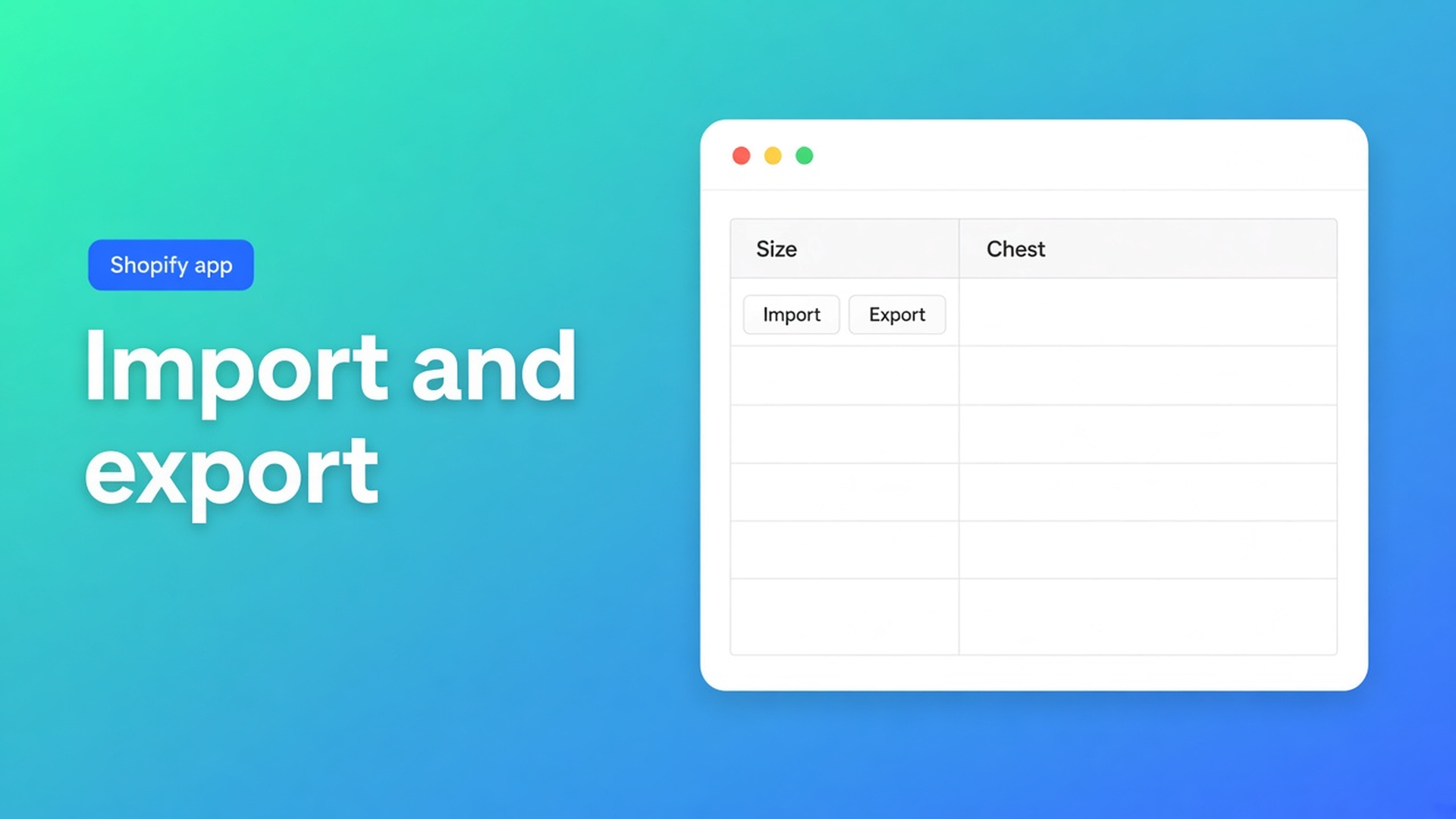
Shopify table import and export
The size chart already lives in a Google Sheet. Every season three numbers move. The product page still shows last year’s PNG. That is how Size M silently becomes 88 cm. Shopify table import and export is what the OO - Advanced Table Builder listing actually lists: import/export under Display options, Works with Excel, Google Sheets and AI. Not a second JPEG.
The earlier piece on importing from Excel is inbound only. This one is the round trip: get an existing chart in, keep a copy out. Docs do not spell a File menu. We will not invent one.
Shopify will not round-trip a grid for you
Product metafields, descriptions and media are not a spreadsheet you can export, edit, and push back. Workarounds until the centimetres drift:
A PNG on the PDP. You cannot export cells from a photo.
HTML in the description. It wraps badly on a phone. A second language is a second blob.
A theme section of rows. A theme update wipes them. There is nothing to export.
Listing (4 Nov 2026): Free, 5.0 from 1 review. Size charts, specs, compare, tabbed, Us vs Them. Visual builder or AI draft. Metafields. Handle stays `tables-specs-comparisons`. Older docs still say Tables, Specs & Comparisons.
Display options include templates, Custom CSS, color and font, import and export, floating chart, multi-language, product page, mobile responsive. Works with: AI, Excel, Google Sheets. That is inbound and outbound. It is not “paste once.”
What we will not claim: an “Upload .xlsx” button, column mapping, or a 1:1 Size chart from every tab. The documented path we *can* use: Create table → Generate with AI from a description and/or screenshot (PNG, JPEG, WebP, GIF, max 4 MB). Men + Women in one photo become separate blocks.
Import the living sheet. Export the copy you keep.
Sheets is the source of truth for numbers, not the storefront. Buyers should not open a workbook. Import (listing) plus a screenshot of the tab is the bridge. Then Structure: rows, groups, modules. For specs, prefer Shopify-backed Weight/Price/Color over frozen text. For size charts, read every centimetre. Sample AI numbers are not a season.
Export is a backup, not an exit. The listing pairs export with import. Use it after Structure is correct: a copy beside the live table, or a start file for another shop. Without a documented file schema we will not promise a bit-perfect round trip. We will promise you do not have to photograph the grid to rebuild it.
AI does not replace a clean sheet. A screenshot draft is fast. Import/export is for a grid you already maintain. Both sit on the listing. Review is mandatory either way: AI picks a type, fills sample structure, may pull colours from the image. You save after Structure.
What is Tables, Specs & Comparisons? is still the order: scratch or AI → Structure → Design → Settings (enable, visibility) → Theme (embed and/or blocks). Import does not flip Enable. An imported table that is off is invisible.
Walkthrough: one workbook, three charts
“Hem & Ease” keeps Womens / Mens / Kids in one Sheet. Native Shopify: three PNGs. Returns followed a 4 cm error in the JPEG.
Without inventing a wizard:
Install OO - Advanced Table Builder. Free.
Per tab: a screenshot under 4 MB, or the listing import if the UI offers it — docs do not write File → Open, so we do not either.
Generate with AI when a screenshot is the fastest ingest. Or start from scratch and fill cells from Sheets. The listing allows both.
Structure: three size-chart blocks or three tables. Visibility per product or collection.
Enable. Theme: Size chart block, or auto-placement above Add to cart when no block exists. Specs still need a theme block; they do not auto-inject beside ATC.
Export (listing) only after centimetres in Structure match the sheet.
Next season: edit Sheets. Re-import or Refine with AI on Structure (type stays locked). Design from a brand URL is a separate pass. Translations live in Settings per locale — the sheet language is not the storefront language.
Specs: an import does not own live Weight. Connect Shopify modules or next week’s export is already stale.
After the file
Theme change: add the embed or block again. App config stays. Shortcode `[oo-table id=…]` needs the embed on and the table enabled.
Mobile: the listing says mobile responsive. Check the imported grid on a phone. An extra Sheets column becomes an unreadable PDP.
Comparison tables and Us vs Them follow the same rule: sheet or screenshot in, Structure, Enable, block on the template. Specs stay different: live fields, not a dump you re-import every Monday.
Visibility in Settings is not an import setting. After a duplicate or a fresh import, check all products vs selected. A mens chart on a womens PDP is a visibility miss, not an Excel miss.
Do not pitch another OO app. The CTA is this listing.
Get it on one product first
Install the app. Keep Sheets beside admin. First table: one tab, not three. Screenshot or listing import, Structure, Enable, one product template. Export only after the storefront centimetres match. Then the other tabs. Translations live per locale in Settings — do not Germanise the Sheet and hope the PDP follows.
Close
Shopify table import and export is not Excel inside Shopify Admin. It is the listing: import/export, Works with Excel and Google Sheets, plus AI when a screenshot is the draft. Existing size charts belong in the app, not in a PNG. Docs still require Structure, Enable, theme. Export is the copy you keep. Import is how the sheet reaches the product page.
Move the grid into OO - Advanced Table Builder before FW26 lands as another JPEG.

The Shopify Select partner for ambitious e-commerce businesses that want to grow!


Services
Reviews
5/5
Mail: info@onlineorigins.nl
Tel: 073 234 0612
KVK: 89825624
BTW: NL865123639B01
Bruistensingel 500,5232 AH 's-Hertogenbosch Cookies
© 2026 Online Origins