
Shopify translate table content: labels per locale, not a second table
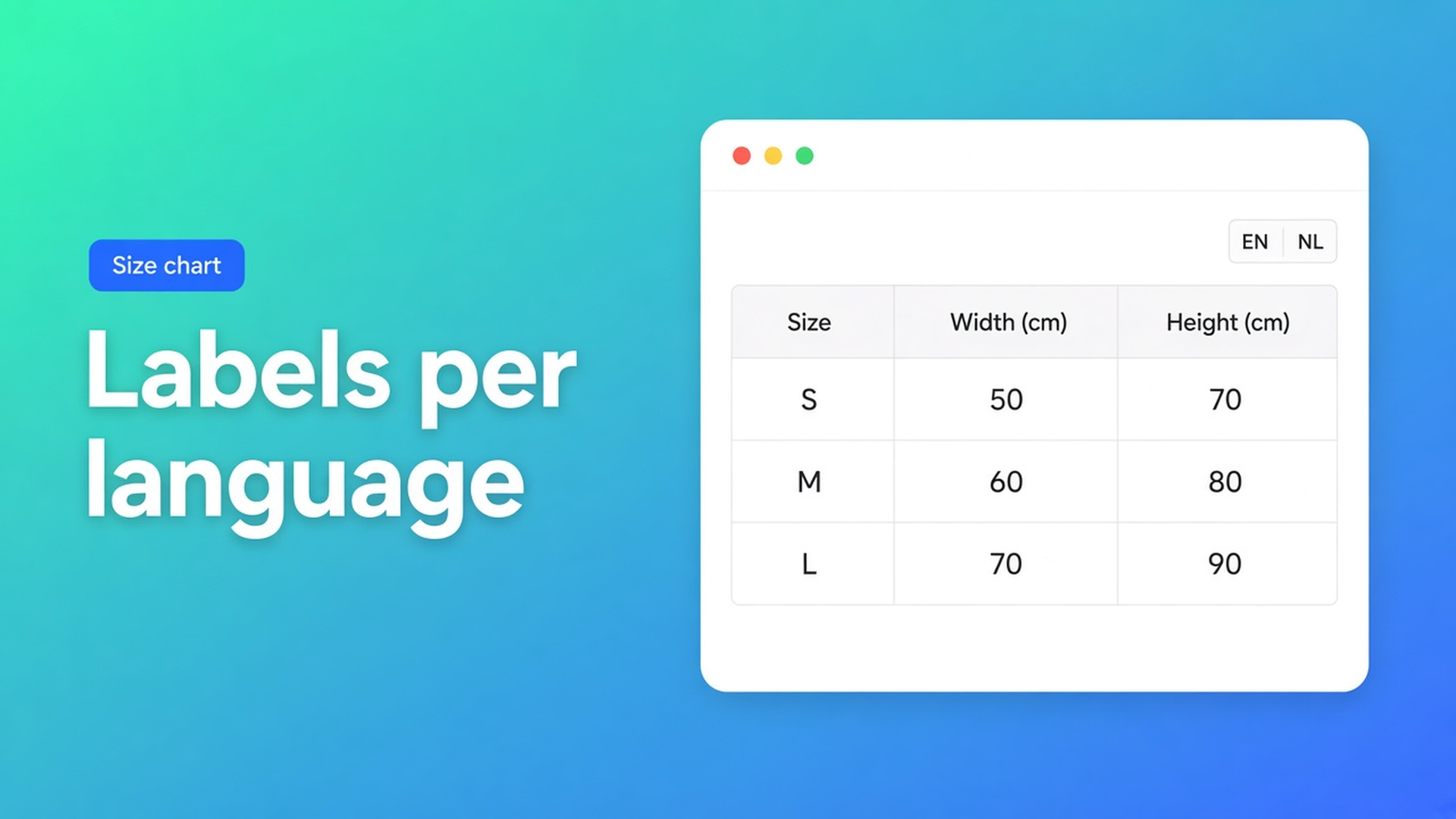
English default, French market. The size chart still says “Size chart”. The centimetres are fine; the control is not. Shopify translate table content multilingual is the chrome — title, trigger, labels, empty-state — per locale in Settings. It is not a second table, and it is not “the theme is translated so the app is too”.
Yesterday was popup versus inline. Earlier, the theme app block. This post is the translations tab in OO - Advanced Table Builder: which keys appear, which never will, and why a Structure edit sends you back to that list.
Markets change the locale. They do not harvest your trigger.
Languages and Markets switch storefront locale. Theme strings follow. A table you built in this app is not a theme file. Shopify has no native field “translate this app’s Size chart trigger”.
Live product fields (weight, price, metafields) follow the product — and whatever you put on those fields in Shopify’s own translation tools. The button “Size chart”, the tab “Care”, the empty-state “Nothing to compare” belong to the table structure. They are not a metafield.
The internal description in Settings is admin-only. Shoppers never see it. It is not a locale string.
Copies that still leak English
One table per language. `chart-en` and `chart-fr`, visibility per market. Every Structure change twice. Visibility fights itself. That is duplication, not translation.
Theme only. A Liquid snippet said “Guide des tailles”. The app table still owns its trigger. French theme, English button.
AI draft, ship it. Generate with AI fills Structure. Create and refine tables with AI does not say every locale is filled. The translations docs: only keys extracted from the current structure/design. AI does not populate FR for you.
None of that is: one table, Enable on, fill keys per locale, reopen the tab after Structure.
Settings → translations, keys from this structure
OO - Advanced Table Builder is Free (listing 5.0, 1 review). Listing: size charts, specs, comparison, tabbed, Us vs Them; visual builder; AI draft; metafields; Fully translatable. Works with Excel, Google Sheets and AI. UI in English. CTA stays the listing.
Open the table → Settings.
Open the translations section / tab.
Select a locale and fill the listed keys (titles, labels, trigger text, empty-state copy, and so on).
Save the table.
Only strings extracted from the current structure/design are listed. After you change structure labels, revisit translations.
Rename tab “Care” to “Wash”. The FR string was tied to the old key. French shoppers see the new English label until you fill the tab again.
Chrome that belongs in the tab
Size chart: trigger, title above the grid, empty-state.
Tabbed: tab names.
Comparison: tray empty-state, “Add to compare” if that key is listed.
Us vs Them: column headers and CTA labels the structure extracted.
Display mode (popup vs plain) is Design, not a translation. Visibility (All products / Selected) is Settings, not a translation.
What this tab will not translate
Internal description — admin.
Metafield values — product data / Shopify’s product translations.
Shopify-backed modules (Weight, Price, vendor) — live from Shopify; the *label* beside them may still appear as a key.
A second table “for France” — unless you truly need a different grid (EU vs US inches). That is visibility, not i18n.
Placement does not change with locale
One enabled table. Theme block or auto-placement by type. Auto-placement rules: Specs have no ATC inject; a Size chart can sit above Add to cart when no block is present. Translation is not a block setting. You translate strings on the table; the block picks which table.
App embed Tables, Specs & Comparisons on. No embed, no auto-placement, no shortcode.
Worked example: running shoe, EN default, FR market
Size stays a Shopify variant (EU 40–46). One Size chart, columns EU / length / width. Popup, default trigger “Size chart”. Enable, selected products = the runner collection. Size chart block by the variant picker. Embed on.
Settings → translations → locale `fr`: trigger `Guide des tailles`, title `Tableau des tailles`, empty-state if listed. Save. Test: French storefront locale, popup opens, millimetres unchanged (grid, not chrome).
You add an image module “Measure the foot”. Open translations again: new key, French sentence. Skip it and the module caption stays English.
A Tabbed table for care instructions needs its own tab keys. Same product, different type, different list. Changing type later resets Structure — overview of table types — and therefore the keys.
Ship it
Install OO - Advanced Table Builder (Free).
Table enabled, visibility set, theme block or embed by type — Quick start.
Settings → translations. Pick a locale. Fill titles, labels, trigger, empty-state. Save.
Structure labels changed? Revisit translations.
Test in a private window in that storefront language. Do not claim AI fills every locale.
No other OO app. No Specs auto-inject.
Wrap-up
Shopify translate table content multilingual is not a second size chart per country. It is the translations tab: keys from the current structure, per locale, revisited after every Structure edit. Native Shopify translates the theme; this free app translates the table chrome. Live product fields stay product data.
Put the triggers in OO - Advanced Table Builder and let the next French visitor see “Guide des tailles” — not “Size chart”.

The Shopify Select partner for ambitious e-commerce businesses that want to grow!


Services
Reviews
5/5
Mail: info@onlineorigins.nl
Tel: 073 234 0612
KVK: 89825624
BTW: NL865123639B01
Bruistensingel 500,5232 AH 's-Hertogenbosch Cookies
© 2026 Online Origins