
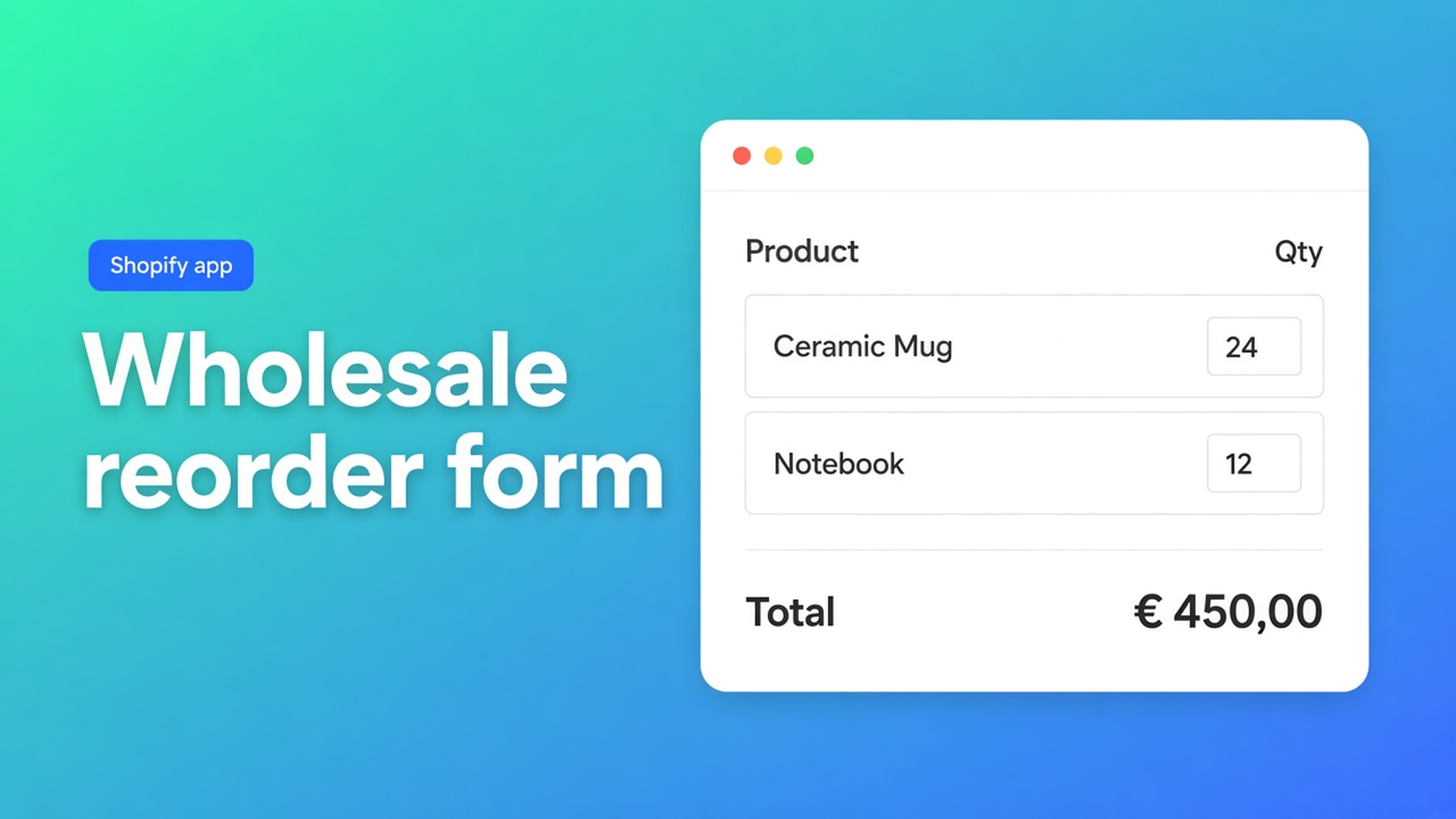
Shopify wholesale reorder form: a bulk page beats twelve product pages
Your reseller already knows the SKUs. Same forty lines every month, different quantities. They still click product page after product page: variant, qty, Add to cart, back. That is not a Shopify wholesale reorder form. That is retail navigation on a repeat order. Buyers who know what they need want one sheet — not twelve product details.
This article covers when the product-page extension is the right fit, when a dedicated bulk order page should be the primary path, and how to add that page in the theme editor with OO - EU B2B & Wholesale. We previously covered how to create a Shopify bulk order form. That is the form. This is *where* you show it when customers reorder.
The Shopify problem: reordering is not discovery
Shopify product pages are built for discovery: photos, description, one Add to cart. Fine for a first-time shopper. A wholesale buyer who ordered the same collection last month does not need that context. They need a table: SKU, variant, quantity.
Product page vs bulk order page puts the two side by side. Same bulk-form logic, different job:
| | Product page | Bulk order page | |---|---|---| | Location | Product detail | Separate page | | Products | One | Many | | Speed | Slower | Faster | | Context | Full product info | Minimal | | Best for | Mixed B2C/B2B | B2B wholesale |
Using only product pages for a large wholesale catalog is listed as a common mistake. Every extra SKU is another page load. Quantity mistakes follow.
Native checkout does not give you a storefront reorder sheet for customer accounts. (Shopify Plus B2B/Companies is a different track; this app is the OO flow on tags, visibility, and bulk forms — do not claim it “replaces Shopify Plus B2B”.)
What merchants try instead
1. Duplicate last order in admin
You build the draft; the buyer emails “the same plus 20 of SKU-14”. Fine until volume. Not self-serve reorder.
2. An Excel “put your restock in here”
Familiar. Disconnected from inventory, cart, and tax. Someone retypes the sheet.
3. Product-page extension only, “because it is already on”
The form on the product detail helps for a few SKUs or a mixed store. For 80 lines it is the wrong surface. Docs: Using only product pages for large wholesale catalogs.
None of those paths give you: one page, many products, quantities in one overview, visible only to tagged wholesale customers, linked in the menu as “Wholesale Order”.
How OO B2B splits product page and bulk page
OO - EU B2B & Wholesale is Built for Shopify (5.0 from 33 reviews). Listing: $8.95/month or $101.88/year (5% off), 7-day trial, USD. Categories that matter here: Order form, bulk processing, product visibility, order minimums/limits, wholesale login, customer tagging.
Where the form appears depends on which theme extension you add — not on a second form type. Where the bulk order forms appear:
Product page — app block on the product template. One product, quantities next to details, multiple variants of that product.
Bulk order page — app block B2B Bulk Order Page on a dedicated page template. Multiple products and variants in one view.
You can use both. Visibility rules decide who sees it, not where. The form must be enabled, the customer must match, and the extension must sit on the published theme. Dashboard Bulk Order Page Active only means the block is in the theme. It does not check tags, login, or product selection.
When the product page
When should I use the product page extension?: mixed B2C/B2B on the same product pages; customers order one product at a time; small or focused catalog; familiar shopping flow. Skip it when buyers need many different products at once, or when speed beats product detail — then use a bulk page.
When the bulk page (reorders)
When to use product page vs bulk order page: customers order many items at once, know what they need, care about speed. Best suited: wholesale stores, large catalogs, repeat B2B customers. Trade-off: less product detail; you must create a dedicated page.
Recommended setup for wholesale stores is explicit: for wholesale, the bulk page is the primary ordering method. Product pages are optional for browsing. If you use both: identical pricing and visibility, and point customers to the bulk page.
Building the page
Steps from How to add the extension to a bulk order page:
Theme editor → Pages → Create template, name it e.g. “Bulk order page”, base Default page, Save.
Online Store → Pages → Add page, title e.g. “Bulk order”, assign that template, Save.
Theme editor → that template → Add block → B2B Bulk Order Page → Save.
Optional but stressed in the wholesale docs: a menu item, e.g. “Wholesale Order”.
Common mistakes: page without the right template, block on the wrong template, theme not saved, form disabled in the app. Switch themes? Extensions are not active on the new theme by default — add them again.
Each customer sees one form, based on visibility. Different wholesale tiers: separate forms + tags (`Wholesale_Level_1`, `Wholesale_Level_2`), not one form with overlapping pricing. Prefer a collection for products so new SKUs ride along.
Example: a reseller who restocks monthly
An office-supply wholesaler. Retail buys one set. The reseller reorders 30 SKUs. Until now: thirty product pages, or an email to inside sales.
Setup from the wholesale docs:
Bulk form on collection “Wholesale”, visibility tag `Wholesale`, one pricing strategy (percentage or individual — do not mix in one form).
Page `/pages/bulk-order` with template + B2B Bulk Order Page.
Menu: “Wholesale Order”. Product-page extension off, or on with the same tag — they browse details, they order on the bulk page.
Test as a tagged customer: form visible, prices correct, test order. As a guest: no form, no trade price.
Without a menu link the page exists and the repeat buyer never finds it. That is listed under common mistakes.
What you need to start
Install OO - EU B2B & Wholesale. $8.95/month or $101.88/year, 7-day trial.
Create (or reuse) a bulk form: collection, tag visibility, form enabled. Details in the bulk order form article.
Create page template + page + B2B Bulk Order Page block. Put the page in the menu.
Decide whether the product-page extension is extra. Wholesale-only + large catalog: often bulk page only.
Test as a tagged customer and as a guest. Dashboard status is not a storefront test.
Docs: product vs bulk, wholesale setup, extension on the bulk page.
Wrap-up
A Shopify wholesale reorder form should not span twelve product pages. The product-page extension is for discovery and small orders; the bulk order page is for fast restocks. Same form, different place, different theme block. Without template, block, and a menu link, the form stays in the app.
Install OO - EU B2B & Wholesale and put the bulk page in your navigation — so resellers reorder instead of emailing.

Custom webshops, websites, and applications combined with smart online marketing to help your business grow online!


Reviews
5/5
Mail: info@onlineorigins.nl
Tel: 073 234 0612
KVK: 89825624
BTW: NL865123639B01
Bruistensingel 500,5232 AH 's-Hertogenbosch Cookies
© 2026 Online Origins