
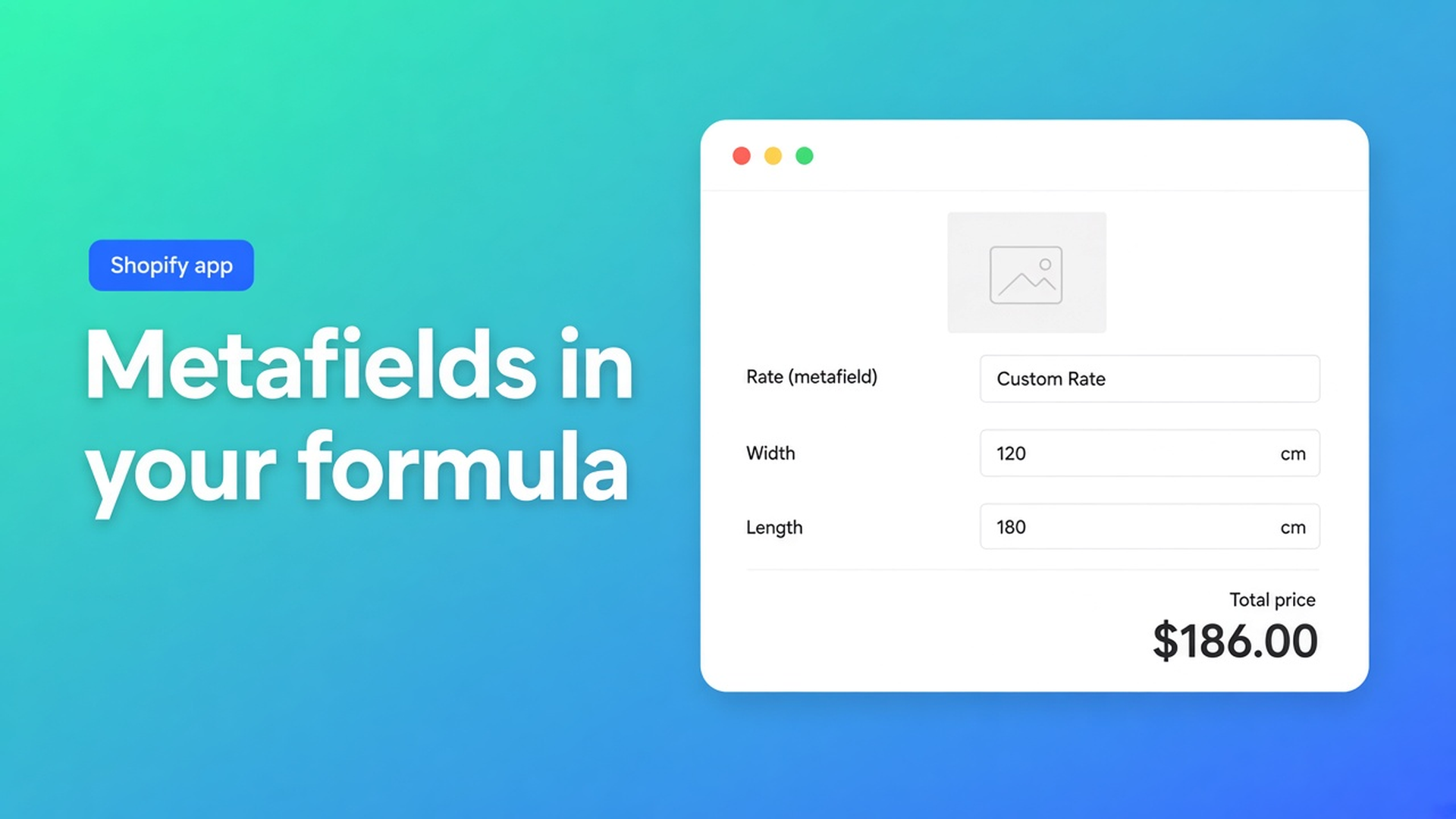
Shopify metafields in pricing formula: one calculator, many rates
If you sell sixty banner materials or a dozen alloys, the *math* is usually identical: length × rate, or width × height × rate. Only the number changes per SKU. Duplicating a calculator for every product, or stuffing every rate into a variant option, does not scale. Shopify metafields in pricing formula keep that number on the product (or variant) and let one formula read it at runtime.
Shopify will store the number. It will not run the math at checkout. Merchants in Price formula calculation with custom meta feilds describe the classic storefront hack: a square-foot rate in a metafield, a customer-typed area, a total painted on the product page. That display does not become the cart price unless an app or a Shopify Function writes it. Metafields also do not execute Liquid; How to insert a dynamic math formula in a product price metafield? runs into that wall quickly.
Options Price Calculator is built for the other half of the job: numeric metafields become formula variables, the customer types dimensions, and the live total is the price that goes to cart.
What metafields are for — and what variants still cannot do
Shopify’s custom metafield definitions give every product a typed extra field. You pick a namespace and key (`custom.mm_rate`), a type, then enter values on each product. Rates belong in a number type: integer or decimal. That is how you store “0.18 per millimetre” or “32.50 per m²” without inventing a fourth variant option.
What they will not do on their own:
multiply by a customer-typed length;
change the checkout line price;
create a fourth native option.
Adding variants still caps each product at three options and 2048 variants. The ceiling moved from 100 to 2048 in October 2025 (changelog); the three-option rule did not. A per-SKU rate is not an option named Size, Color, or Material. Encoding every millimetre as a variant burns the 2048 budget and turns the product page into a spreadsheet. Keep real inventory combinations as variants. Keep the decimal rate as custom data.
Workarounds that look cheaper until the catalog grows
Hardcoded rates in forty formulas
Copy the calculator, replace `18.5` with `22.0`, repeat. A supplier increase becomes a treasure hunt. One missed copy and one SKU undercharges until someone notices on an invoice.
Put the rate in `product.price`
`product_price * length` is fine when each product has a single rate. The moment aluminium and stainless share a product with different millimetre prices, you need a variant metafield — not a second calculator and not a fake “Material” option that exists only to hold a number.
Theme Liquid as a calculator
A Custom Liquid block can print `product.metafields.custom.mm_rate` and multiply. Useful for a mock-up. The order still pays the variant price. Storefront arithmetic is not checkout arithmetic.
How the app exposes metafields as formula variables
OPC’s Variables and Field Values docs document two name patterns. Only integer and decimal metafields appear in the picker:
``` product_metafield__{namespace}__{key} variant_metafield__{namespace}__{key} ```
A product field `custom.m2_rate` becomes `product_metafield__custom__m2_rate`. A per-variant millimetre rate becomes `variant_metafield__custom__mm_rate`. Insert them from the Form fields dropdown in the formula builder so the identifier matches. Names are case-sensitive; a missing variable fails the formula instead of silently pricing at zero.
`product_price` is the currently selected variant price, not a snapshot of the first variant. Use it as a setup charge next to the metafield, or ignore it when the metafield *is* the rate.
A length-based pattern, consistent with the pricing examples:
``` product_price + (length_mm * variant_metafield__custom__mm_rate) ```
For area-priced print, with centimetre inputs converted to square metres:
``` (width / 100) * (height / 100) * product_metafield__custom__m2_rate ```
`Math.round` / `Math.ceil` belong at the end of the expression. Computed properties (`_cv_surface_area`) split a long formula into named pieces. Size tiers, a floor price, or “if length > 3000 then a higher rate” need Conditional Pricing — a Premium feature, same as live preview and the real-time price breakdown.
We covered the formula builder itself in formula-based pricing on Shopify. This article is about the rate you should not paste into that formula.
A shop floor example: cut-to-length metal
You sell profiles. Steel, aluminium, and brass are variants of one product (real SKUs with stock). The customer types a length in millimetres. Native Shopify will not give you a continuous length option; three options are already spent on grade, finish, and length class if you try to fake it.
Setup:
Create a variant metafield `custom.mm_rate` (decimal). Pin it on the variant editor.
Enter 0.12 for steel, 0.19 for aluminium, 0.31 for brass — whatever your price list says.
Build one calculator: a number input `length_mm` with min/max, plus a numeric setup charge in `product_price` or a separate constant in the formula.
Formula: `product_price + (length_mm * variant_metafield__custom__mm_rate)`.
Link the calculator to every variant. Linking is always per variant; a single-variant product is just one row.
When aluminium goes up, you edit the metafield on that variant. The fields on the product page stay the same. Add a new alloy: same calculator, new number in admin. Inventory stays on the alloy SKU, not on every millimetre sold.
Print, flooring, and made-to-measure window film follow the same split: SKU where you need stock, metafield where you need a rate, number inputs where the customer has a continuous size.
What you need to go live
Install Options Price Calculator. The Free plan includes 20 uses (always free on a Shopify Develop store). Metafields in formulas are part of Starter at $9.99/month: unlimited options, formula builder, metafield data integration, AI-assisted setup, multilingual labels. Premium ($14.99) adds conditional logic, the font picker, Product Personalizer live preview, and a price breakdown.
Add the theme app extension on the product template — below the price, above Add to cart — and save.
Define the numeric metafield, fill values, insert the variable from the picker, then link the calculator. Test two variants with different rates: the inputs should match, the total should not.
Themes differ, which is why selector picker (price + add to cart) exists. Server-side price validation checks the calculated amount; it is not only a browser display.
Wrap-up
A metafield holds a number next to the SKU. A pricing formula turns that number and the customer’s measurements into the amount they pay. Shopify is excellent at the first part. The second part needs a calculator that updates the cart, not a Liquid snippet that only looks right on the product page. One formula, many rates, no extra variants for every millimetre — and you stay inside the three-option / 2048-variant ceiling.
Put the rate in a metafield and let Options Price Calculator do the live math.

The Shopify Select partner for ambitious e-commerce businesses that want to grow!


Services
Reviews
5/5
Mail: info@onlineorigins.nl
Tel: 073 234 0612
KVK: 89825624
BTW: NL865123639B01
Bruistensingel 500,5232 AH 's-Hertogenbosch Cookies
© 2026 Online Origins