
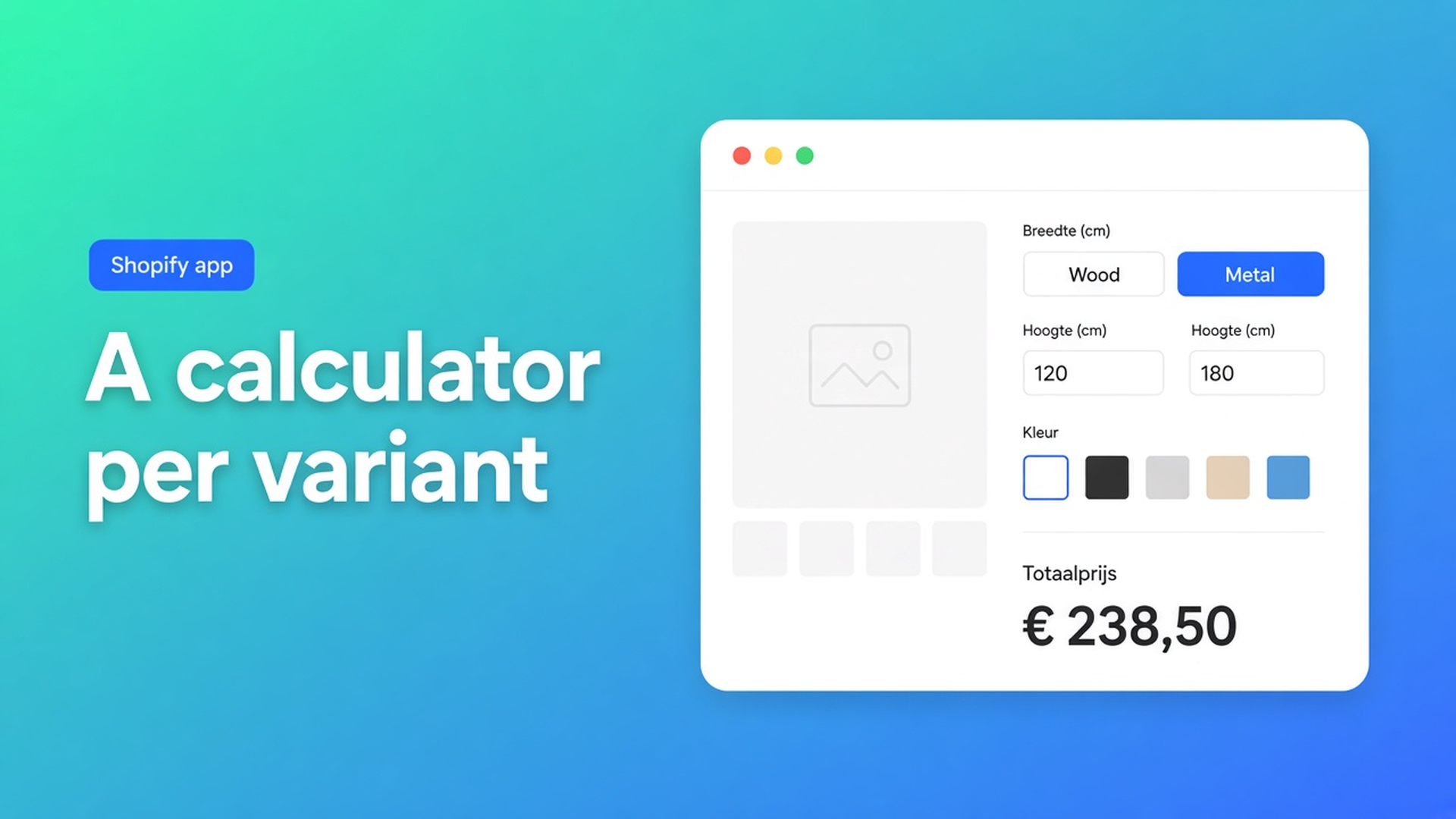
Shopify calculator per variant: wood vs metal, each with its own formula
Same product URL, two materials, two pricing models. Wood billed per linear metre. Metal billed per square metre plus a setup charge. Shopify is happy to store those materials as variants. It will not give each variant its own calculator. A Shopify calculator per variant is the missing link: the shopper stays on one page, and the fields and formula swap when they switch from wood to metal.
This article covers why a single formula across every variant fails, what native variants are for, and how Options Price Calculator assigns a calculator at variant level — without a SKU for every millimetre.
What a variant is for
Shopify variants are inventory combinations. Adding variants still caps a product at three options (Material, Color, Finish, …) and 2048 variants. The old 100-variant ceiling was raised; the three-option ceiling was not. Extra SKUs do not give you a continuous measurement or a second pricing model.
Wood versus metal often *should* be a variant. Stock, purchasing, and fulfillment diverge. The pricing model should not live in that matrix: you cannot encode “wood formula” and “metal formula” as two option values. Every extra cell in a price grid is another SKU until the catalog is unreadable.
Theme line item properties (`properties[Width]`) store the shopper’s input on the order line. They do not change the price. Two materials sharing the same property fields then cost the same, unless you go back to quoting by hand.
What merchants try first
One mega-formula on the whole product
Wood logic and metal logic in the same fields: “if metal, area; if wood, length.” Shopify has no native if/then for that. If an app hangs a single calculator on the product, shoppers see inputs that belong to the other material. Wrong numbers, support tickets.
Split into two products
“Wooden tabletop” and “Metal tabletop.” Each page gets its own calculator. It works until related products, feeds, and inventory reports duplicate, and the customer has to pick a URL before they pick a size.
Every size as a variant
Widths 80–240 cm in 10 cm steps × two materials. That may not hit 2048 immediately. It still is not a continuous size, and the formula (area, tier, setup fee) still is not in Shopify.
None of those paths gives you one URL, two real SKUs, and two calculation models.
Linking is per variant, not per product
Options Price Calculator is Built for Shopify. The listing: unlimited product options (dropdowns, swatches, numbers, file upload, and more) and formula-based dynamic prices without extra variants. Live preview, conditional logic, and the font picker are Premium — say so when you mention them.
The assignment model is in Linking Products & Variants to Calculators:
calculators are always assigned at variant level;
a product with a single variant gets that assignment on the only variant;
each variant can have one calculator at a time;
no calculator means the variant behaves like a normal Shopify product;
with several variants, the active calculator updates automatically when the shopper switches;
that is how you show different fields, logic, and formulas per variant.
That is a Shopify calculator per variant: not a second product page, not a SKU per millimetre. Wood shows length plus a per-metre rate. Metal shows width × height plus a setup charge. Same theme app extension, different calculator.
In formulas, `product_price` is always the price of the currently selected variant. Switch wood → metal and the base price follows. See Variables and Field Values.
Worked example: wood and metal on one page
Made-to-measure tabletops. Variant option Material = Wood | Metal. That stays a real variant (inventory, purchasing). Dimensions do not.
Calculator “Wood” — number input `length` (cm), optional dropdown `wood_type` as a multiplier. Formula in the spirit of the formula examples:
``` product_price + (length * wood_type) ```
If the rate already lives in the variant price and you only need a material multiplier, `product_price * wood_type` is enough.
Calculator “Metal” — number inputs `width` and `height`, plus a fixed setup fee:
``` product_price + 25 + (width * height) ```
Assign them in the app:
Open *Link calculator forms*.
Find the product and expand its variants.
Wood row → dropdown → Wood calculator.
Metal row → dropdown → Metal calculator.
Save — docs: changes apply immediately.
On the storefront the shopper picks Wood and sees length fields; picks Metal and sees area fields and a different total. No fourth native option, no 2048-cell matrix.
Conditional pricing (Premium) still lives inside a calculator — a higher rate above a threshold, or a minimum price. That is not the same as switching calculators on variant change. Split on SKU logic first; add conditionals inside that calculator if you need them.
We previously covered metafields in a pricing formula. This piece is about *which* calculator you hang on *which* variant.
Catalogues: filters and bulk assign
Ten products × two materials is manual work. Hundreds of SKUs want Bulk Linking & Filtering. Filter by collection, tag, vendor, or variant ID, check the visible list, then *Bulk change calculator form for visible products*. Notes from the docs:
only visible rows change;
existing assignments are overwritten;
test on a single variant first.
If most variants share a model, assign that calculator widely and diverge only where the formula is genuinely different. Wood/metal is that divergence. After a large catalog edit, *Refresh product data* so new variants appear in the list.
Get it live
Install Options Price Calculator. Free: 20 uses (always free on a Shopify Develop plan). Starter $9.99/month: unlimited options, formula builder, metafields, multilingual. Premium $14.99/month: + conditional logic, live preview, price breakdown. Billed in USD.
Add the app block on the product template, below the price and above Add to cart — How to Add the Extension to the Product Page.
Build two (or more) calculators with their own fields and formulas. Keep inventory choices as Shopify variants.
Link the right calculator per variant. Bulk-assign where logic matches.
Test on the storefront: switch variants, enter sizes, check the live price and the cart.
Server-side price validation (app-wide setting) stops the browser-only price from being trusted blindly. Theme bindings exist because some themes use a non-standard variant selector — do not claim it works on every theme with zero setup.
Wrap-up
A Shopify calculator per variant is not a fourth option slot and not the 2048th SKU. It is variant-level linking: wood gets its formula, metal gets its own, and the storefront follows the switch. Native Shopify stops at three options and stocked combinations. Continuous sizes and different calculation models belong in the calculator.
Assign the first two calculators with Options Price Calculator and let the next shopper change material without opening a second product page.

The Shopify Select partner for ambitious e-commerce businesses that want to grow!


Services
Reviews
5/5
Mail: info@onlineorigins.nl
Tel: 073 234 0612
KVK: 89825624
BTW: NL865123639B01
Bruistensingel 500,5232 AH 's-Hertogenbosch Cookies
© 2026 Online Origins