
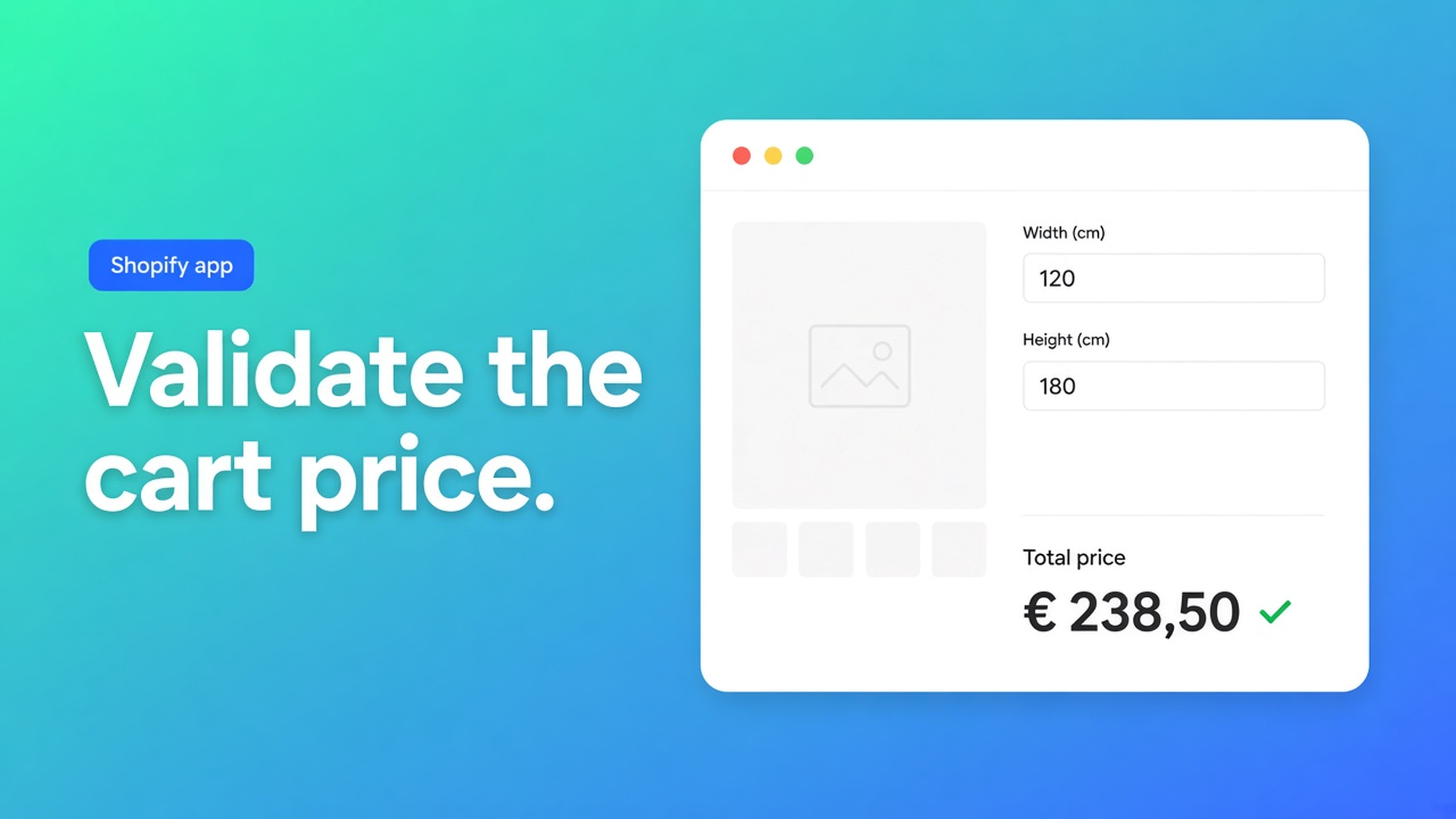
Shopify server-side price validation: don’t trust the browser alone
Watching a product-page total tick up as a customer types width and height feels finished. It is not. Shopify’s cart still charges the variant in your catalog unless something on the server accepts a new number. Shopify server-side price validation is the layer that asks: is this the price the calculator actually quoted, or did someone edit the payload before Add to cart?
Native Shopify prices the selected variant, not a formula. Adding variants still caps a product at three options and 2048 variants. The variant ceiling moved from 100 to 2048 in October 2025 (changelog). That helps apparel grids. It does nothing for a millimetre field, and it does not stop a storefront script from showing one total while checkout charges another.
Merchants hit this weekly. In How can I update the Cart line price to a custom price a width/height widget updates the DOM; the cart line stays on the catalog price. In Custom price for my product at runtime a fence shop wants buyers to type height and length. JavaScript can display a sum. Checkout will not honour it. This piece walks through why theme math is not a price, what not to bolt onto Liquid, and how Options Price Calculator lets Shopify’s cart engine verify the quoted amount.
Displayed price is not line price
The variant price is the source of truth. Overwriting a `.price` span, stuffing a hidden input, or drawing a “your total” next to Add to cart is presentation. Ajax cart and checkout read the catalog, not your DOM. Shop Pay and Apple Pay never see that snippet.
Line item properties make the trap look solved. `<input name="properties[Width]">` stores the centimetres on the order. Fulfilment can cut 240 cm. The price does not change. We covered that in Shopify line item properties do not change price. The same gap shows up in Custom product calculator: a widget is not a cart transform.
Posting extras through `/cart/add.js` without server logic fails the same way. How to Add Extra $10 Based on Custom Form Selection gets the choice onto the line as properties; the +$10 never lands unless you add a fee SKU, a draft order, or a cart transform. Shopify’s Cart Transform API exists because price changes have to run on Shopify’s servers — including express checkouts. A customer with DevTools should not be able to rewrite the bill.
What stores try instead — and where it breaks
1. Fix only the product page
A theme snippet recomputes area and writes the result into the price element. The cart still shows the old SKU. Shop Pay never sees that snippet. You shipped a demo, not an order total.
2. Turn the price table into variants
Width × height as hundreds of SKUs burns the three-option cap the moment material appears. It also fails at tampering: the buyer picks the cheapest cell. Continuous millimetres never fit variants anyway.
3. A sibling fee — or hoping nobody opens DevTools
Setup as a second line vanishes when someone removes it. For print or metal cut-to-length, one edited zero is a three-figure miss. Without a server check, a custom price is a suggestion.
Put the math in a formula; prove it on the server
Keep native variants for stocked combinations: a fabric collection, a base material with its own SKU. Continuous sizes, surcharges, and proof of the calculated amount belong in fields plus a formula, then in the cart engine.
Options Price Calculator is built for that: number inputs, dropdowns, checkboxes, file upload, and a formula builder that updates the total live. No extra variant per centimetre. The app is Built for Shopify (listing: 5.0 from 25 reviews) and ships as a theme app extension. Calculated prices go through the cart bundle function — the same path server-side price validation uses to re-check the amount.
The storefront writes the calculated price onto a line item property. With the safety toggle off, the cart engine trusts that number. With it on, each calculator line must carry a server-issued signature, a payload hash, and the originally quoted price. The cart bundle function recomputes the signature with the shop’s pricing keys and rejects the line if the signature is invalid or the price changed. The draft-order checkout runs the same check before it creates a draft. Failed verification means no expand operations for that line, so a tampered amount never becomes an order.
This is not a Premium-only switch. Conditional logic, Product Personalizer / live preview, the font picker, and the real-time price breakdown sit on Premium ($14.99/month). The safety toggle lives on the global Theme settings page, next to “Show currency with prices”, and applies to every calculator in the shop. Nothing on the storefront can turn it off; the flag is server-controlled. The app manages verification keys — you do not copy or rotate them.
Default is off. New shops, and any shop that has never opened Theme settings and pressed Save on this toggle, are treated as OFF by both the bundle function and draft-order checkout, even if other settings already exist. That is intentional: finish an end-to-end cart test first, then add the layer. Docs recommend turning it on once the cart and checkout match the product page; normal shoppers should not notice extra delay.
The formula stays yours. From Pricing / Formula Examples:
``` product_price + (width * height) ```
Or with a setup charge:
``` product_price + 25 + (width * height) ```
Validation does not ask for a different equation. It asks that the total the customer saw is the total the cart accepts. How you build that total — a metafield rate, `Math.round`, or a Premium if/then floor — is the same work as formula-based pricing on Shopify.
Example: cut-to-length profile where one digit matters
Say you sell aluminium box section at €0.085 per millimetre, plus a €12 cut fee. Shopify’s product price is €0 or a small starter; the calculator does the rest.
Number input `length_mm`, min 200, max 6000, key `length_mm`.
Dropdown `alloy` with multipliers 1 / 1.15 (standard / marine).
Formula:
``` product_price + 12 + (length_mm * 0.085 * alloy) ```
A 2,000 mm standard bar is €12 + €170 = €182. Someone who rewrites the custom-price property to `18.20` should hit a failed signature at the cart — not your invoice team. Turn the safety toggle on only after you have added that 2,000 mm line yourself and seen €182 in the cart, with the options still on the order line.
Field min/max is a *size* fence, not a price floor. An allowed short bar can still under-price handling; that is `Math.max` or Conditional Pricing on Premium. The server check proves the number; it does not invent a minimum. Theme bindings still have to point at price and Add to cart — see Storefront Theme Bindings. Re-run the selector picker after a theme switch. Live preview / Product Personalizer is a different Premium feature; you do not need it to lock a price.
What you need to turn the check on
Install Options Price Calculator. Free: 20 uses, always free on a develop store. Starter ($9.99) for the formula builder; Premium only if you want if/then, preview, or a breakdown.
Follow How to install the app and add the app block: How to Add the Extension to the Product Page.
Add number fields and a formula. Keys become variables (Variables and Field Values). See Using the Formula Builder.
Link the calculator to the product or variant: Linking Products & Variants.
Test cart and checkout with a short length and a long one. Options must appear on the order line.
Open Settings → Price settings, tick Enable server-side price validation (safety feature), click Save — or jump there from the Safety rules step in the dashboard setup. Full behaviour: Server-side price validation.
If you use draft-order checkout, the same toggle runs before the draft is created. Skip Save on Theme settings and the storefront falls back to regular checkout or an unsigned custom price, depending on which switch you forgot.
Field, formula, and setting overview: Options Price Calculator docs.
Wrap-up
Shopify server-side price validation is not another variant and not a redesign of your theme. It is the rule that the total on the product page is the total in the cart. Native Shopify stops at three options and SKU prices; a continuous size plus a formula does not fit, and a DOM rewrite never reaches checkout.
Get the calculator working end to end first. Then flip the safety toggle so a rewritten amount gets no expand. Install Options Price Calculator and let the cart prove the same quote your customer saw.

The Shopify Select partner for ambitious e-commerce businesses that want to grow!


Services
Reviews
5/5
Mail: info@onlineorigins.nl
Tel: 073 234 0612
KVK: 89825624
BTW: NL865123639B01
Bruistensingel 500,5232 AH 's-Hertogenbosch Cookies
© 2026 Online Origins