
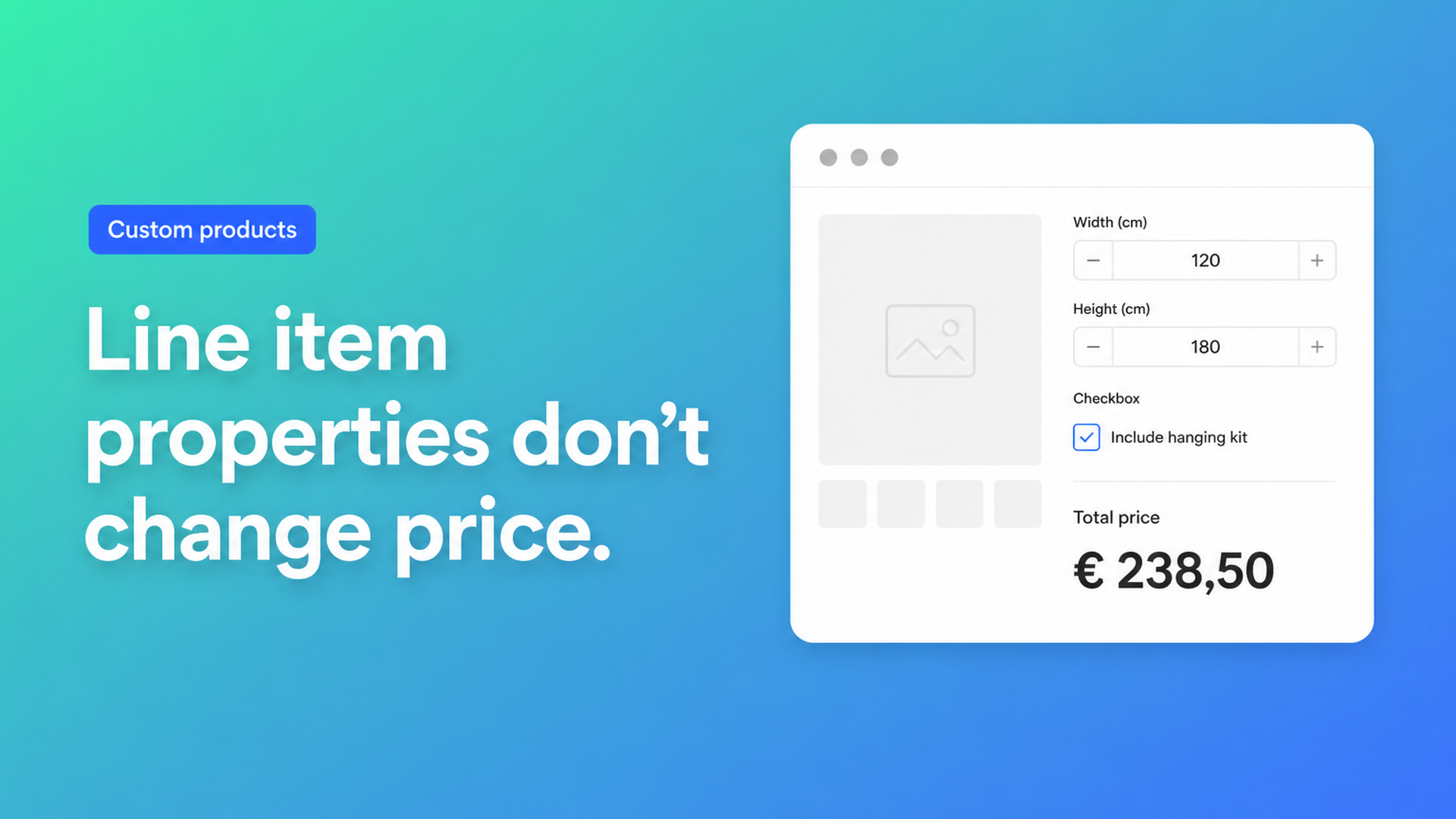
Shopify line item properties change price? Why theme fields never will
If you have ever dropped `<input name="properties[Width]">` into a product form, you already know the first half of the story: the workshop sees the measurement on the order. The second half surprises most merchants. Checkout still charges the variant. Searching for Shopify line item properties change price usually means you just watched a customer pay the sample SKU after typing a custom length.
Shopify’s own Liquid docs are clear. `line_item.properties` are name–value pairs you capture in the product form or via the Ajax Cart API. They travel with the line through cart, checkout, and admin. They are *custom information*, not a price API. When you need width × height, an engraving upcharge, or a file-handling fee to actually move the total, you need a calculator that writes a validated price — Options Price Calculator is built for that.
This article walks through what properties are for, why storefront JavaScript cannot fix checkout, and how to replace those theme inputs with fields plus a formula.
What Shopify stores — and what it ignores
A typical theme snippet looks like this:
```liquid {% form 'product', product %} <label for="width">Width (cm)</label> <input type="number" id="width" name="properties[Width]"> {% endform %} ```
On submit, Shopify attaches `Width` to that cart line. Prefix the key with an underscore (`properties[_internal_note]`) and the value stays hidden from the customer but still lands on the order. Notification emails can print the pairs through `line.properties` — see Shopify’s notification variables.
None of those surfaces recalculate `line_item.final_price`. The amount is still the selected variant. Cart attributes (`attributes[Gift message]`) are even further from pricing: they hang on the whole cart, not the line.
That design is intentional. A theme is not allowed to POST an arbitrary `price` with `/cart/add.js`. If it could, anyone could edit the payload and check out at €0.01.
Why merchants reach for properties anyway
You run out of native options fast. Adding variants still caps a product at three options and 2048 variants. The variant ceiling rose for every merchant on 15 October 2025 (changelog); the three-option rule did not move. Continuous millimetres, a fourth finish, or a logo upload will never be a clean variant grid.
So a developer adds Liquid fields. The community threads are the same conversation on repeat:
Custom price for my product at runtime — fence panels sold by height and length. Properties collect the numbers; JavaScript paints a total. Checkout ignores it unless you add an app layer.
How to Add Extra $10 Based on Custom Form Selection — the extra ten dollars never hits the line. A sibling “fee” product works, then clutters discounts and shipping. Cart Transform comes up as the Plus-shaped answer, not as a theme snippet.
The workarounds you see in those threads:
Update the product price in the DOM. Customers screenshot €214 and pay €49.
Hide `_calculated_price` in a property and hope checkout reads it. It does not.
Add a dummy add-on product whose only job is the surcharge. Two lines, messy analytics.
Blow out variants for every size cell. You burn the three-option budget and still cannot offer a free number input.
We covered the size-grid dead end in Shopify custom size pricing. Properties are a note-taking tool. Pricing is a different contract.
The missing layer is server-side, not another snippet
A product page can show any number you like. The cart still posts `id` (variant), `quantity`, and optional `properties`. To make the *paid* amount differ from the catalogue price you need an app that recalculates on the server and keeps that figure through checkout. In Shopify’s current stack that is typically a published app with a cart transform or equivalent validation — not a few lines of Liquid, and not a merchant writing Functions by hand.
That is why “I’ll just calculate it in JS” keeps failing in those forum threads. The storefront is a display. The price of record is whatever Shopify accepts after validation.
Fields that update the price, not only the packing slip
Options Price Calculator gives you unlimited options — dropdowns, swatches, numbers, checkboxes, text, file upload — and a formula, without minting extra variants. It is Built for Shopify. You drop a theme app extension on the product template; you do not patch `main-product.liquid` with `properties[...]` inputs.
In the formula examples, each field key becomes a variable. An optional engraving is a checkbox whose numeric value is added when checked (and `0` when not):
``` product_price + engraving ```
A panel sold by area:
``` product_price + (width * height) ```
A setup fee plus area, copied from the docs:
``` product_price + 25 + (width * height) ```
Rounding helpers (`Math.round`, `Math.ceil`, `Math.floor`, `Math.min`, `Math.max`) are available. Conditional formulas — minimum order value, a higher rate when `width > 200`, a surcharge only when `premium_finish == TRUE` — are Premium, same as live preview, the font picker, and the real-time price breakdown. Do not treat those as Starter features.
The other half of the problem (the €214 vs €49 screenshot) is handled in app-wide settings: server-side price validation. The figure the customer sees is checked again before it becomes the line price. A tweaked storefront cannot invent a cheaper checkout.
Options still travel with the order, so fulfillment sees the same width, film type, or artwork as checkout. You can also add that data to the order confirmation email. Native properties already did the “show it to the workshop” part. The calculator adds the price half they never had.
A walkthrough: cut-to-length metal, minus the fake total
A metals shop puts `properties[Length_mm]` and `properties[Alloy]` on a bar product. Pick-and-pack loves it. Finance does not: every cut checks out at the 1-metre variant price.
In Options Price Calculator you keep alloy as a real variant if you stock three grades. Length becomes a number field. Kerf or a saw fee is a constant in the formula:
``` product_price + (length_mm * price_per_mm) + 8 ```
`price_per_mm` can live on the variant or in a numeric metafield (`product_metafield__{namespace}__{key}`) so one calculator serves a whole catalogue. If short offcuts should never go out below a floor, a Premium conditional sets the total to that minimum when the raw formula undershoots.
You do not need a fourth native option for “cut left / cut right” or a file upload for a cutting list. Those stay calculator fields. Native options stay reserved for stocked SKUs — the same split we used when we wrote about Shopify more than 3 product options.
Gift wrap, rush production, or a logo upload follow the same pattern: checkbox or file field with a numeric value, added in the formula. No sibling fee product, no hidden `_price` property.
Getting the calculator on the product page
Install Options Price Calculator. The Free plan covers 20 uses (always free on a Shopify Develop store). Starter is $9.99/mo for unlimited options, AI-assisted setup, the formula builder, metafields, styling, and multilingual labels. Premium is $14.99/mo for conditional logic, font picker, live preview, and the price breakdown.
Add the app block on the product template, below the price and above Add to cart. The steps are in How to Add the Extension to the Product Page.
Recreate only the inputs that should affect money or fulfillment. Then remove the old `properties[...]` fields from the theme so customers are not asked twice.
Write the formula, preview it with sample values, and link the calculator to the right variants (bulk linking exists when you have dozens of SKUs).
Turn on server-side validation and place a test order. Product page, cart, checkout, and admin should show the same total.
Keep Shopify variants for combinations you actually stock. Keep raw line item properties for notes that must never change the price. Everything else belongs in the calculator.
Wrap-up
Shopify line item properties change price is a search that describes a limitation, not a setting you missed. Properties are order notes. Theme JavaScript cannot authorise a new total. Raising the variant cap to 2048 did not create a slot for every millimetre.
Put the same inputs into a formula, validate the result on the server, and let customers check out without a quote. Install Options Price Calculator and replace the Liquid fields that only look like pricing.

The Shopify Select partner for ambitious e-commerce businesses that want to grow!


Services
Reviews
5/5
Mail: info@onlineorigins.nl
Tel: 073 234 0612
KVK: 89825624
BTW: NL865123639B01
Bruistensingel 500,5232 AH 's-Hertogenbosch Cookies
© 2026 Online Origins