
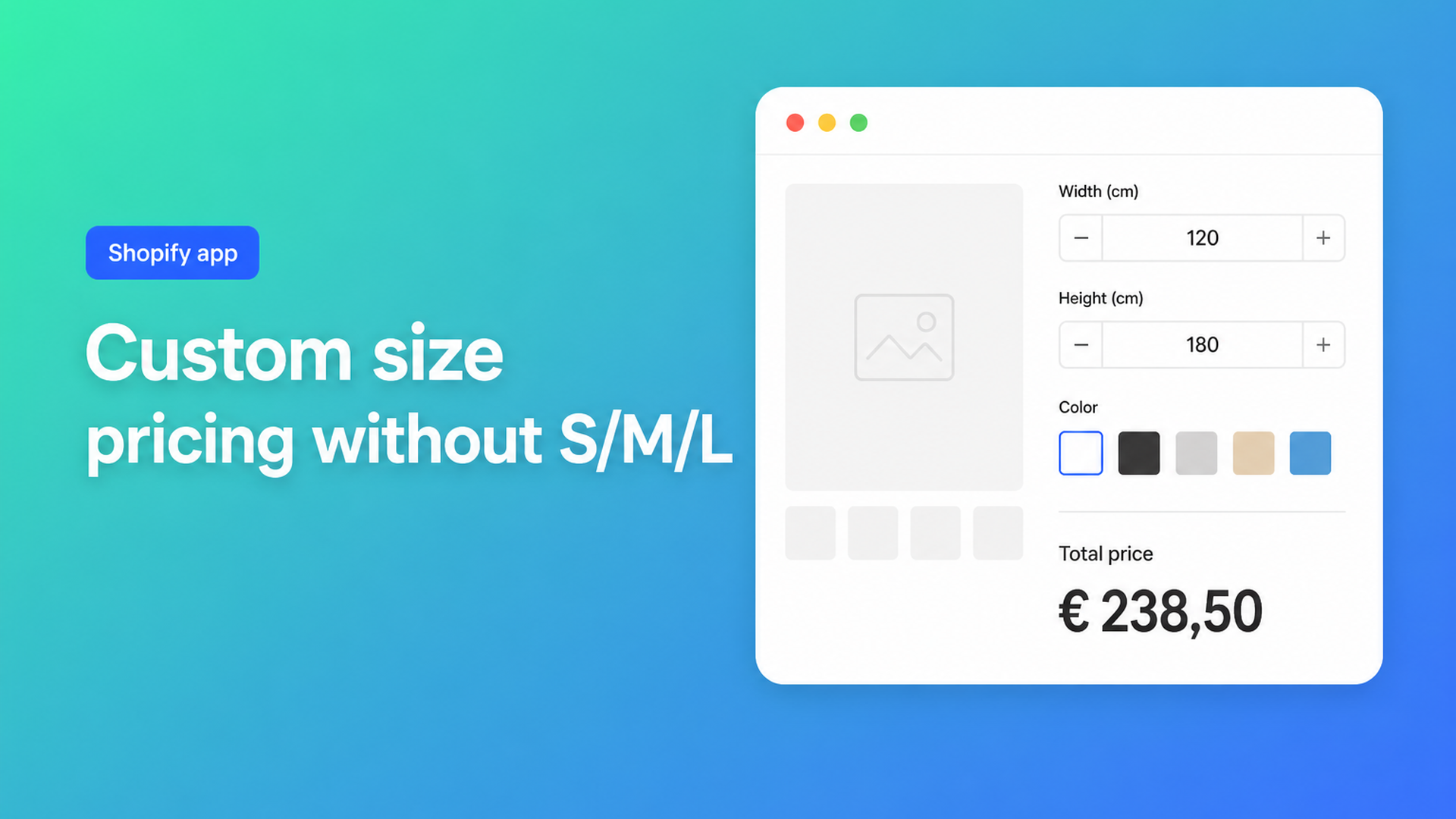
Shopify custom size pricing: charge typed measurements, not S/M/L
Shopify custom size pricing is the shopper typing 142 cm and watching the product-page total move. It is not a Size option with S, M, L, and a leftover value called Custom. Shopify prices SKUs. A typed measurement is not a SKU. If you need length, width, or depth from the customer, you hit three options, a 2048-variant ceiling, and theme fields that reach the order ticket but never the checkout total.
This is for merchants who maintain a size dropdown they do not stock, or who email a quote as soon as someone picks “own size.” You will see why S/M/L is the wrong price model, what community threads keep repeating, and how Options Price Calculator puts number fields and a formula on the product page without a variant per centimetre.
Why S/M/L cannot carry the price
Shopify Help Adding variants is still the rule: at most three options, at most 2048 variants. That fits discrete apparel sizes you actually warehouse. It fails when the workshop cuts to the millimetre. Encoding every extra centimetre as an option value is catalog noise, not pricing logic. The cap moved from 100 to 2048 in October 2025 (changelog); the three-option ceiling did not. More SKUs make a longer dropdown. They do not create a formula.
The forums ask the same thing. How to Create Customized Size in product variant wants centimetre inputs, sometimes only after “Customized” is selected. Replies split into Liquid `properties[...]` versus an app. Only the app path can move price. How can I calculate product price based on customer input? is the same gap: a field on the page is not enough if checkout still charges the base SKU. Custom product calculator (made-to-measure tablecloths) is blunt: a widget that paints a number is not the cart total.
We already covered made-to-measure on Shopify (why millimetres are not option values) and price per square meter. This piece is the pricing rule: number × rate, not an S/M/L lookup table.
Workarounds that stop at the till
A Custom variant beside S/M/L
Keep three stocked sizes, add Custom. The shopper picks Custom, types 187 cm in a theme input, and pays whatever you put on Custom — often the M price, or a padded lump sum. The workshop sees 187 cm. Finance does not. That is custom size *capture*, not custom size *pricing*.
A variant for every centimetre
Eighty lengths × five widths is 400 SKUs, still inside 2048, and 81 cm still does not exist. Inventory per cell is make-believe. Feeds and discounts rot. Same lesson as the Shopify variant limit workaround: staying inside the cap is not a formula.
Line item properties only
`properties[Length]` is useful for the cutter. Shopify stores the string. The line price stays the variant price. No app, no Shopify Function, no calculation. Properties are metadata.
Quote after “own size”
Fine until you want volume. The product page is then a brochure.
Number fields plus a formula — keep the SKU still
Use native variants for what you actually pick from a shelf: fabric range, timber, left/right if that is a bin. The continuous measurement is a number field. Options Price Calculator places those fields via a theme app extension, maps field keys into a formula builder, and updates the total live. No extra variant per input. Listing: Built for Shopify, 5.0 from 22 reviews.
From the formula examples:
Price per running unit (length in metres, rate on the product or a metafield):
``` product_price * length ```
Area plus base:
``` product_price + (width * height) ```
Setup plus area:
``` product_price + 25 + (width * height) ```
A checkbox (hem, rush) adds its numeric value or `0`. A material dropdown can be a multiplier (`product_price * material_type`). Premium conditionals: if the sum drops below 100, charge 100; if `width > 200`, apply a higher area factor. That stops under-cost mini orders without inventing a fourth option axis.
Min/max on number fields keep 2 cm and 20 m out of checkout. Server-side price validation is an app-wide setting: the browser total is not the only number that matters. Measurements ride on the line item.
Example: insect screen or tablecloth
Screens: the shopper measures reveal width and height in millimetres. You charge per m² plus a fixed make-ready, with a floor so a cat-flap does not underpay the saw.
`width` and `height` as number fields (mm), min 300, max 2400.
Optional `frame` dropdown with a multiplier (aluminium 1.0, timber 1.25).
Formula along the lines of `product_price + 18 + (width * height / 1000000 * frame)` — scale mm² to m² for *your* unit system; test with the docs’ preview values.
Premium: if that sum `< 89`, then `89`.
Inventory stays on the parent or on two real variants (standard vs. extra wind load). No 50 × 50 matrix. Tablecloths, window film, cut boards, and print panels follow the same split: the shopper types, the formula prices, the SKU stays quiet.
Showing millimetre fields only after someone picks “own size” next to S/M/L is Premium conditional logic. If S/M/L remain stocked SKUs, attach the calculator to the Custom variant only — calculators can be linked per variant.
Getting it on the product page
Install Options Price Calculator. Free: 20 uses (always free on a develop store). Starter $9.99/mo: unlimited options, formula builder, metafields, AI-assisted fields, translated labels. Premium $14.99/mo: conditional logic, live preview, font picker, price breakdown.
Add the app block on the product template, under the price, above Add to cart — How to Add the Extension to the Product Page.
Create number fields with stable keys (`width`, `height`, `length`). Those keys are the variables.
Write the formula, preview extremes, link the calculator (bulk-link if dozens of SKUs share one rule).
Collection: OPC docs.
Wrap-up
Shopify custom size pricing is not an option value named Custom. It is a number the shopper types and a formula checkout honours. S/M/L still belong on variants when you stock those sizes. Free millimetres belong beside variants, not inside them. Theme inputs store text; they do not collect a surcharge.
Put length and width live with Options Price Calculator and let the price follow the tape measure.

Custom webshops, websites, and applications combined with smart online marketing to help your business grow online!


Reviews
5/5
Mail: info@onlineorigins.nl
Tel: 073 234 0612
KVK: 89825624
BTW: NL865123639B01
Bruistensingel 500,5232 AH 's-Hertogenbosch Cookies
© 2026 Online Origins