
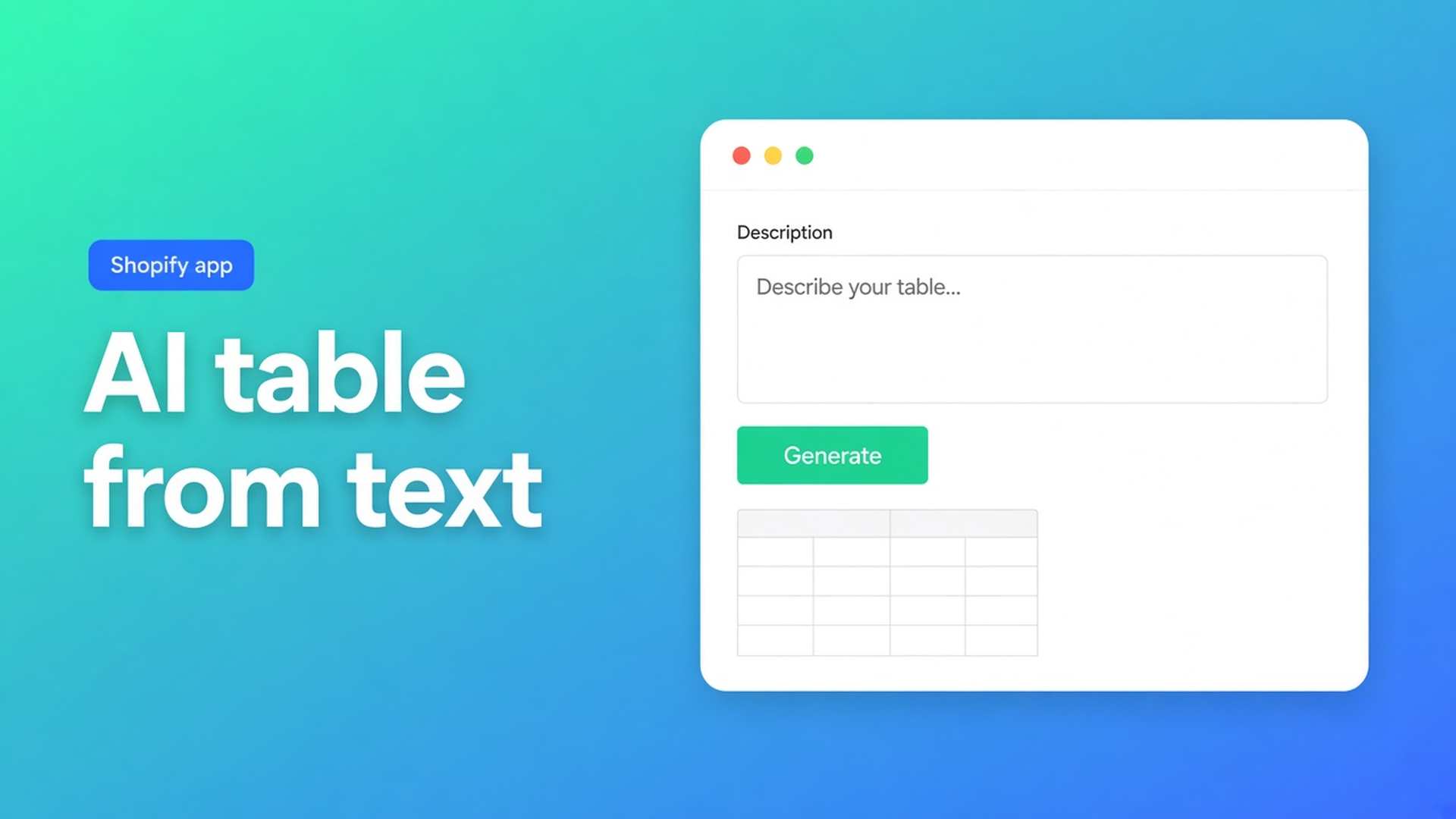
Generate a Shopify table from a description — then lock the type
Purchasing sent a paragraph, not a PNG: “twin to king, firmness 1–5, show it as specs.” A Shopify AI generate table from description search is that paragraph as the start. You do not wait for a screenshot, and you do not type twelve cells by hand. Generate with AI accepts text on its own. The image is optional.
OO - Advanced Table Builder (docs still say Tables, Specs & Comparisons) turns the sentence into a draft. AI picks a type and fills sample rows. You review Structure. Refine Structure locks the type; rows can rebuild, Product Specs stay Product Specs.
This is not a size chart from a screenshot and not design refine. Those need a picture or a URL. This is the prompt, then the lock.
Shopify will not build a table from a sentence
Admin has a description field. It has no “turn this brief into a specs block”. Shops then:
leave the paragraph in the product copy — unreadable on a phone;
paste an HTML table into rich text — it dies on the next theme update;
wait for a PNG that purchasing never sends.
None of that is Create table → Generate with AI, text only, review, save. Then a theme block — or, for size charts and compare only, auto-placement. Product Specs do not auto-inject next to Add to cart.
Prompts that pick the wrong type
Too short: “comparison table”. AI has to guess. If you get Tabbed instead of Comparison, Refine Structure cannot save you: the type is already locked. Put the type in the first sentence: “Product Specs, mattress, firmness and height as Shopify fields, cards layout.”
The whole catalogue in one line. “Every mattress, every size, every brand.” One table, too many rows, no metafield. Split: Specs per product with Shopify modules, or a comparison the shopper fills.
Generate, skip Structure. Docs: after Generate, review Structure & Design, then save. Sample data is not live Weight or Price. Same article: check module types so Weight / Price / Color map to Shopify modules instead of custom attributes when that is right.
None of those is: a specific prompt, a draft, then Refine Structure if the rows are wrong — not a second Generate when the type is already correct.
Text in, type locked, rows after
From Create and refine:
Create table → Generate with AI.
Describe the table. A screenshot is allowed (PNG, JPEG, WebP, GIF — max 4 MB) and not required. Stay on text here.
Generate. Review Structure & Design. Save.
AI picks a type (Size chart, Product Specs, Comparison, Tabbed, Us vs Them) and fills sample structure. Colour hints from an image apply only if you drop one. Several charts in one photo (Men + Women) become separate blocks — that is the screenshot path.
Refine Structure on the Structure step: type stays locked. Text and/or an image to rebuild rows, groups, charts, or tabs. Confirm before replacing. No confirm, no replace.
Refine Design is the other button: look, URL, screenshot. Structure stays. That was 12 October.
Listing: Free, 5.0 from 1 review. Types: size charts, specs, compare, tabbed, Us vs Them. Placement: theme blocks; app embed for size-chart auto-placement (above Add to cart when no Size chart block) and compare under the price. Shortcode `[oo-table id=YOUR_TABLE_ID]` when the embed is on and the table is enabled. Translations in Settings. Listing “Works with”: AI, Excel, Google Sheets. Do not pitch another OO app.
Walk-through: mattress, a written brief only
Purchasing writes: “Hybrid mattress. Show firmness, height, trial nights. Use product fields where they exist. Cards on the product page.” No photo.
Prompt, no screenshot:
> Product Specs for a hybrid mattress. Rows: firmness (1–5), height in cm, 100-night trial. Prefer Shopify modules for any matching fields. Cards layout. No comparison tray.
Generate. Check: type Product Specs, three rows, no stray size-chart block. Height should be a Shopify-backed module if the metafield exists, not a custom attribute you will forget to update.
Rows too thin? Refine Structure: “add fill material as a fourth row.” Type stays Product Specs. Confirm.
Theme: Product specs block on the product template. No ATC auto-inject. A size chart next to it is a second table and a Size chart block — or embed auto-placement if that block is absent.
Start without a PNG
Install OO - Advanced Table Builder. Free.
Create table → Generate with AI. Name the type in the first sentence. Skip the screenshot if you do not have one.
Review Structure. Point Weight / Price / Color at Shopify modules when they fit.
Rows wrong, type right? Refine Structure + confirm. Type wrong? Generate again with a sharper prompt — Refine will lock the wrong type.
Design later. Enable. Theme block, or embed for size chart / compare. Test on a product.
AI drafts. You publish.
Close
Shopify AI generate table from description is Generate with AI on text, not on a supplier PNG. AI picks a type and fills sample rows. Refine Structure locks that type and rebuilds rows after confirm. Native Shopify has no such button.
Put the sentence in OO - Advanced Table Builder. Then the block — not an HTML table in the product copy.

The Shopify Select partner for ambitious e-commerce businesses that want to grow!


Services
Reviews
5/5
Mail: info@onlineorigins.nl
Tel: 073 234 0612
KVK: 89825624
BTW: NL865123639B01
Bruistensingel 500,5232 AH 's-Hertogenbosch Cookies
© 2026 Online Origins