
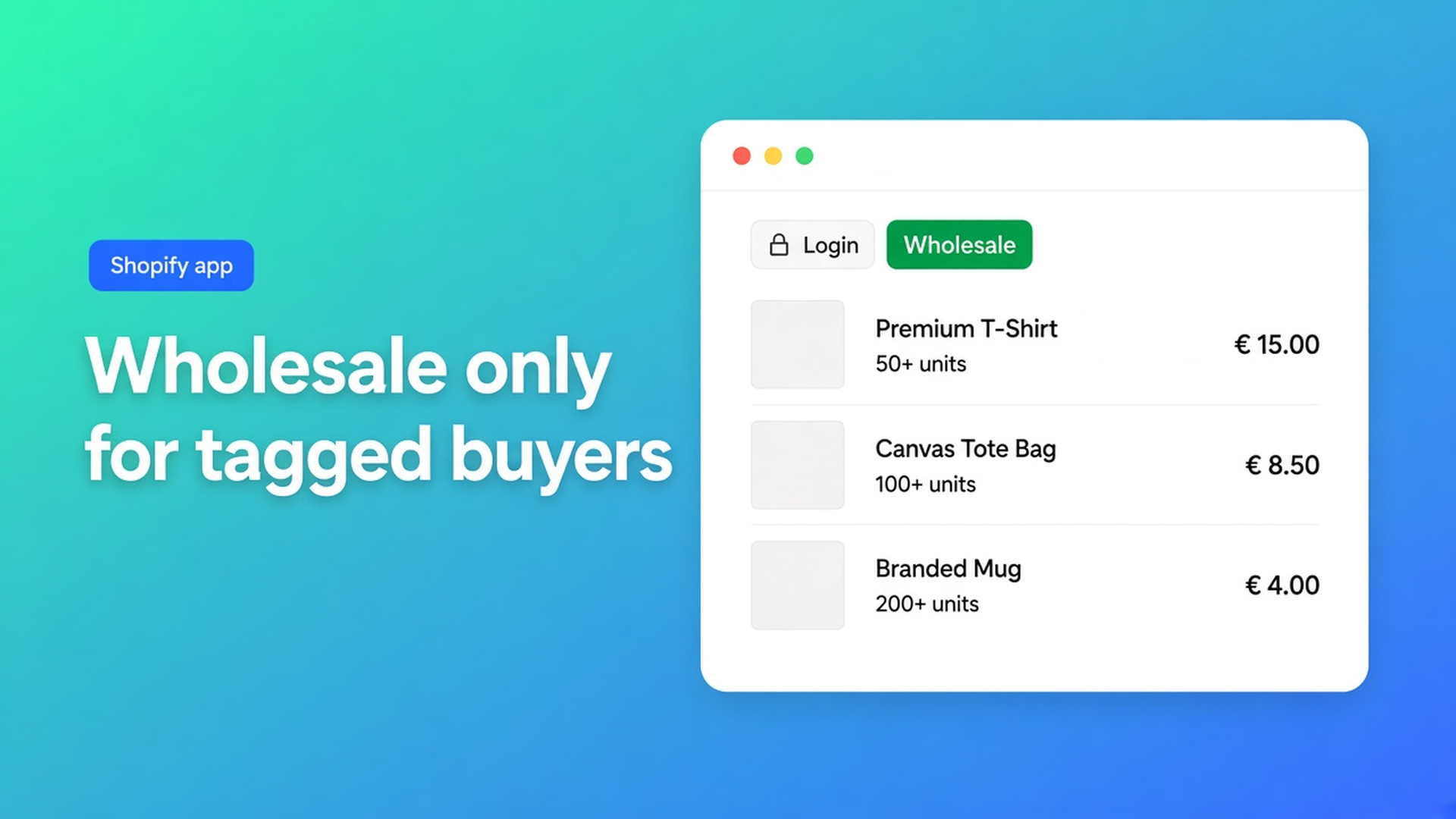
Shopify B2B product visibility: wholesale catalog only for tagged buyers
Retail sees the tiered sheet. The reseller logs in and the form is empty. Or the opposite: anyone with the URL opens your wholesale list. Shopify B2B product visibility in OO - EU B2B & Wholesale is not a second store. It is who may see a bulk order form, plus which products sit on that form. Miss either layer and the “trade page” is a public price list.
This article follows the visibility and product-selection docs: tags, logged-in buyers, specific accounts, collections, and the hard rule one customer = one bulk form. We already covered how to create a bulk order form and why reorders belong on a dedicated page. Here: who gets that page, and which assortment comes with it.
Do not pitch another Online Origins app. Native Shopify Plus B2B/Companies is a different track — do not claim this app replaces it.
The Shopify problem: one catalog for everyone
The Online Store shows products you publish to the sales channel. A “Wholesale” collection in the menu is still a URL. Anyone with the link sees those products unless Markets, a theme hack, or Plus catalogs add extra rules. Shops without Companies usually clone a second store or put trade prices on the same PDP.
The OO - EU B2B & Wholesale listing lists Product visibility under order management, next to bulk processing, order form, order minimums and limits. Built for Shopify, 5.0 from 33 reviews. Standard $8.95/month or $101.88/year (5% off), 7-day trial, billed in USD. Listing also names custom B2B pricing, registration forms, VAT/VIES, multilingual.
That is not “hide SKU X from the entire storefront”. The app decides which bulk form a visitor sees and which products appear on it. Ordinary product pages stay Shopify. Wholesale prices belong on the form, not as the public catalog price — otherwise retail leaks.
Recommended setup for wholesale stores is blunt: separate B2B from B2C, tag-based visibility, collections for product selection, a dedicated bulk order page as the primary path. First common mistake: visibility All customers.
What merchants try instead
1. A “Wholesale” menu item with no login
Anyone with the URL opens the page. If the form is All customers, retail sees the same sheet. Visibility rules include that option on purpose: logged-in and logged-out, no restriction. For wholesale it is the wrong default.
2. Require login, skip tags
Logged-in customers only keeps guests out. Every account — including a consumer with a customer login — sees the form. Too wide if retail and wholesale share one shop.
3. Two forms, same `Wholesale` tag
Docs: a customer sees only one bulk form. Tags used on form A cannot be reused on form B. Overlap → the wrong form, or none, plus tickets.
4. Tick products by hand, ignore collections
Works until the first new SKU. Collections in a bulk form: products added to the collection later join automatically; removed products drop off. Only active products, published to the right channel.
None of those paths is: tag `B2B` or `Wholesale` on the customer, visibility Customers with tags, a “Wholesale” collection on the form, form On, theme block on the bulk page, tested as that customer — not as admin.
How visibility and assortment work together
Four visibility options, one winner
Each bulk form has its own rules (Visibility rules explained):
All customers — everyone, logged in or not.
Logged-in customers only — account required.
Customers with specific tags — Shopify tags, customer must be logged in, match is OR (`B2B` or `Wholesale` = access).
Specific customers — names/emails, small B2B list, no grouping.
If several enabled forms match, priority is specific customers → tags → logged-in → all. First match wins. Disabled forms are ignored.
Show the form to customers with specific tags: tag the profile in Shopify, then in the form Visibility → Customers with tags. You can add a tag in the app before anyone has it; that does not assign the tag. Spelling must match (not case-sensitive, still exact). Untagged customers do not see the form.
Specific customers: only those accounts. A customer already on another form cannot be selected again.
Products: all, specific, or collection
When you create a form you pick all products, specific products, or products from collections (How to create a bulk order form). Wholesale docs: use collections when you can. Example: collection “Wholesale”, then select it on the form. Pricing and visibility rules still apply. The same product in two selected collections appears once.
A reseller tier then gets: its own form, its own tag (`Wholesale_T1`), its own collection or pricing rule. Multiple bulk forms: different groups, no overlapping tags, one clear pricing strategy per form.
Theme: enabled is not visible
A form On without the app block on the live theme stays hidden (Bulk order form is not visible). Check the dashboard: Bulk Order Page Active. Test in a private window as a tagged customer, not while logged in as staff.
Example: retail shop, 80 wholesale SKUs
You sell lamps to consumers. Resellers may reorder 80 SKUs at trade price. Those 80 live in collection Wholesale. Retail must not see that sheet.
Install OO - EU B2B & Wholesale. Create a bulk form, Select collections → Wholesale.
Visibility: Customers with tags → `Wholesale`. Form status On.
Dedicated bulk order page plus extension, menu item “Wholesale Order” (primary path in the recommended setup). Never “All customers”.
Tag approved accounts in Shopify with `Wholesale`. Registration/approval is a separate flow; here the tag is the gate.
Test: logged out → no form. Consumer account without the tag → no form. Account with `Wholesale` → form with those 80 SKUs, not the whole catalog.
New wholesale SKU: add it to the collection. Do not hand-tick the form.
Second form for distributors: different tag, different collection, do not reuse `Wholesale`.
What you need to start
Install from the listing ($8.95/month or yearly, 7-day trial).
A Wholesale collection in Shopify (active, published products only).
One bulk form per customer group, visibility on tags (or specific customers for a tiny list).
Theme block on the bulk page; form enabled.
Test each group in a private window: login, tags, products, price.
If someone sees the “wrong” sheet, read Which bulk form is shown to which customer? — almost always priority or a second enabled form.
Wrap-up
Shopify B2B product visibility in this app is who sees the form plus which assortment it contains. Tags and login keep retail out; collections keep the form in sync; one customer sees one form. The listing names product visibility next to the order form. Do not set visibility to everyone and expect a secret wholesale catalog.
Open the OO - EU B2B & Wholesale listing, attach the Wholesale collection to a tagged form, and test as the reseller — not as the shop owner.

Custom webshops, websites, and applications combined with smart online marketing to help your business grow online!


Reviews
5/5
Mail: info@onlineorigins.nl
Tel: 073 234 0612
KVK: 89825624
BTW: NL865123639B01
Bruistensingel 500,5232 AH 's-Hertogenbosch Cookies
© 2026 Online Origins