
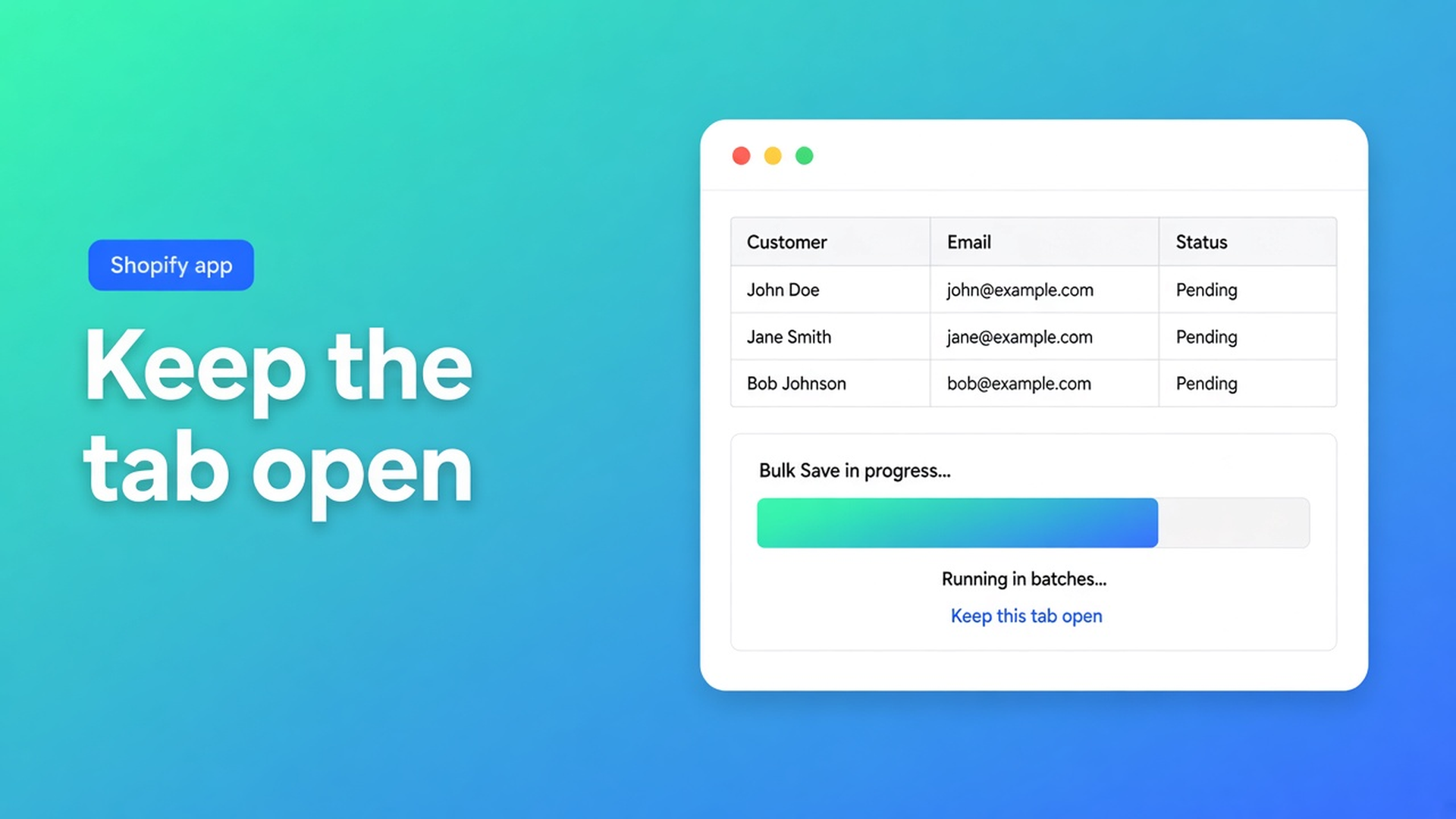
Shopify bulk customer saves run in batches — keep the tab open
You staged 8,000 locales. Preview looked fine. Save. Halfway through, someone closes the tab because it is taking too long. Tomorrow 3,000 profiles are updated, the rest are not, and nobody can say which.
Shopify bulk customer save in batches is how OO - Bulk Customer Data Editor writes large Saves and imports. FAQ: jobs run in batches with progress. Keep the browser tab open until that progress finishes. Closing it can interrupt the job. If part fails: fix the listed errors and retry the remaining customers.
The app is Free. 0 reviews on the listing — do not invent a score. Spreadsheet in admin: locale, tax exempt, tags, notes, addresses, metafields your shop defines. Works with Excel and Google Sheets via CSV.
Yesterday: bulk customer notes. Earlier: the select-all 50,000 cap. This post is the Save after you have a selection.
Native Save is one profile. This is a job.
Shopify Admin writes one customer card. Shopify’s own CSV import is thin on locale and tax exempt. This editor stages cells. Nothing hits Shopify until the save bar: preview, confirm, then the job.
Quick start: changed cells stay marked until Save or Discard. Large Saves show progress — leave the tab open. Failed rows surface Shopify’s message in a toast. Saves are permanent once confirmed.
Apply a value to many customers: bulk apply stages first. Select-all matching up to 50,000, even when those rows are not all on screen. Then the same Save with preview and progress.
Imports follow the same pattern: batches, progress, tab open. Empty CSV cells do not clear existing values. Some columns are read-only (total spent, order count, created date).
How jobs die at 40%
Close the tab, grab coffee. Docs: closing can interrupt the job. Progress lives in that browser. Shopify will not finish the rest overnight.
Hit Save again on the same 8,000 without checking what landed. Duplicate work, and validation errors stay. Filter the toast’s group, or the rows still wrong.
Select-all 50,000, then refresh “to see if it is done.” Refresh is close. Watch the progress in the same tab.
Start a CSV import while a Save is running. Two jobs, one shop. Serialize them. Preview each.
None of that gives you: one progress bar, a list of Shopify errors, and a second pass on the remainder.
Batches, errors, leftover rows
FAQ tips:
Narrow with a segment, search, or filters before select-all.
Preview before you confirm.
If a job fails partway: fix the listed errors and retry the remaining customers.
Shopify validation wins. Import docs: bad phone format, incomplete address rules, marketing consent without a valid opt-in. Locale dropdowns are Shopify locales (`nl`, `en`, …). Tax exempt is a yes/no-style select, not free text.
If Shopify blocks protected customer data, editing stays limited until access is approved. Segments depend on shop and staff permissions.
Listing USPs stay locale and tax exempt. A batch Save on 8,000 empty locales is why the tab stays open. Wholesale tax-exempt flags are the same shape: stage, preview, Save, wait.
Nearby head term “shopify bulk edit customers” is informational (~10/mo). This long-tail is the ops question behind it: how the write survives the volume.
Example: 6,200 empty locales, tab stays put
Shop “Wool Import”. A migration CSV created customers; locale is blank. Notifications go out in the store default, not German.
Install OO - Bulk Customer Data Editor. Customers → More actions → Edit in bulk, or Start editing in the app.
Filter or segment: empty locale. Select all matching (under 50,000). Bulk apply Locale = `de`. Cells staged, not in Shopify yet.
Save bar → preview → confirm. Coffee next to the screen, tab open. Wait until progress completes.
Toast on 40 rows: phone or consent. Fix those 40, Save that selection again. Do not re-save the 6,160 that already landed.
Spot-check in Shopify: a DE profile, notifications, tax exempt unchanged (a field you did not send stays put).
Export a UTF-8 BOM CSV before a large action if you want a rollback file. Export is not Save. Import is a second job; same tab rule.
Tax exempt in the same Save: filter wholesale-like tags, bulk apply tax exempt, preview, tab open. Locale and tax exempt are the listing USPs; the batch rule is identical. Marketing consent follows Shopify (subscribed needs a valid opt-in) — a toast there is not “closed the tab too soon”, that is validation.
Support chat lives on the dashboard if the job stops and the toast is unclear. The FAQ is the same source as this post: batches, tab, remaining customers.
Get started
Open the listing. Free.
Narrow the set. Select-all matching up to 50,000. Bulk apply or cell edits.
Preview. Save. Leave the tab open until the bar finishes.
Error list: fix, retry the rest.
Open a handful of profiles in Admin.
Do not claim unlimited select-all. Do not claim empty CSV cells wipe fields. Do not claim every metafield type is editable. Do not pitch another OO app.
Wrap-up
Shopify bulk customer save in batches is Save (and import) with progress. Tab open. Partial failure: the named rows, not the whole shop again.
Run the job in OO - Bulk Customer Data Editor. Wait for the bar. Then the next filter.

The Shopify Select partner for ambitious e-commerce businesses that want to grow!


Services
Reviews
5/5
Mail: info@onlineorigins.nl
Tel: 073 234 0612
KVK: 89825624
BTW: NL865123639B01
Bruistensingel 500,5232 AH 's-Hertogenbosch Cookies
© 2026 Online Origins