
Shopify bulk edit customers: a spreadsheet in admin, not one profile at a time
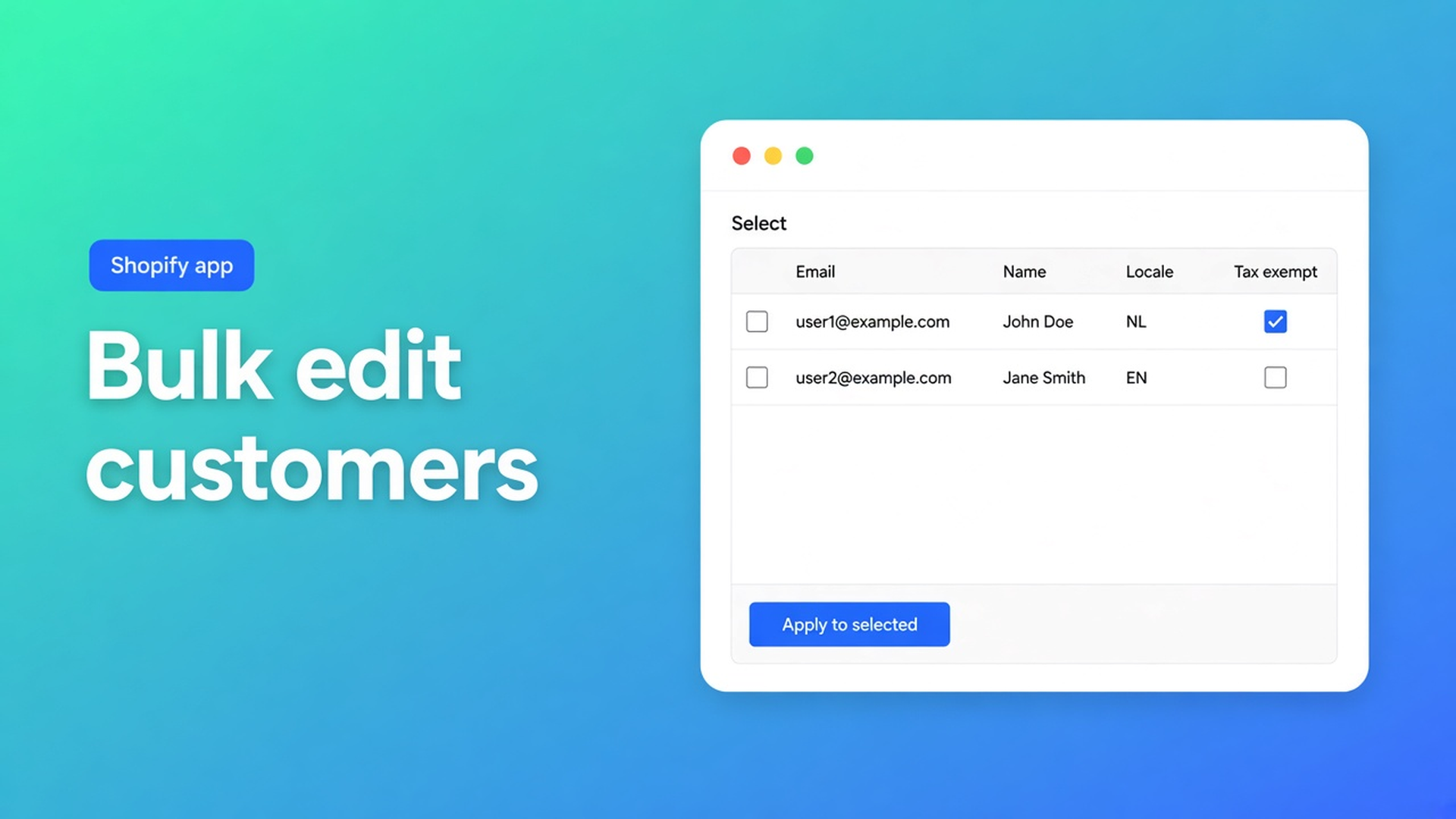
Shopify bulk edit customers is the gap between opening a hundred profiles and one table where you filter, set a value, and only then hit Save. Native admin is built for one customer. Locale, tax-exemption status, tags, notes and consent live on the profile — they do not live in a workable bulk flow. You feel that after an import or a migration: hundreds of rows, the same correction.
This article covers why the standard editor falls short, what shops try instead, and how OO - Bulk Customer Data Editor puts a spreadsheet in Shopify admin — with locale and tax exempt as the fields the listing calls out.
Yesterday we zoomed in on locale in bulk. This is the overview: how you open the editor, what you can and cannot change, and how bulk apply stages up to 50,000 matching customers until Save.
One profile is not a cleanup process
Shopify’s Customers page is for finding an account and opening it. Fine for a return. Useless for “everyone without a locale” or “every wholesale tag still paying tax.” Click, save, next. Twenty rows is a morning. Two thousand is not a process.
Two fields make it worse. The listing: you edit fields Shopify’s standard editor does not support well in bulk, including Customer Locale and tax-exemption status. Locale drives notifications. Tax exempt drives whether checkout charges tax. Tags and consent sit next to those; you can touch some of them natively, but not in the same table as locale.
Do not claim Shopify’s own CSV “sets locale or tax exempt correctly by itself.” Do claim: after import you can check and fix those fields in bulk.
Workarounds that stall
Open every profile
Customers → customer → field → Save. Works until you hate page two of the list.
Tags in an export only
You export, add `needs-locale` in Excel, re-import tags. Tags are filters, not locale and not the tax-exempt flag. Notifications read the locale field. Checkout reads tax exempt.
A script or Flow per change
Fine for “new customer gets tag X.” Unfit for three thousand existing rows, with preview, discard, and Shopify’s error per row.
One CSV with no preview
You overwrite email or consent by accident. Or you assume an empty cell clears the old value — this app leaves empty CSV cells unchanged on updates.
None of those give you: filter → select-all matching → one value → staged table → Save.
What the spreadsheet actually does
OO - Bulk Customer Data Editor is Free on the App Store (listing: Free; 0 reviews at publish time, launched 15 September 2026). UI in English; we still publish NL + EN. Works with Excel and Google Sheets via CSV. No other Online Origins app in this post.
What is Bulk Customer Editor?: a spreadsheet inside Shopify admin. Open it from the app (*Start editing*) or via Customers → More actions → Edit in bulk. Staff need `read_customers` and `write_customers`.
Editable, per Edit customers in the spreadsheet:
general: first name, last name, email, phone, tags, note, locale, tax exempt;
marketing consent: email, SMS, WhatsApp (Shopify rules: subscribed needs a valid opt-in);
default address: company, lines, city, province/country codes, zip, phone;
customer metafields defined on the shop (unsupported types may not be editable).
Read-only: among others total spent, order count, created date. Locale is a dropdown of every Shopify locale, for example Dutch (`nl`) and English (`en`). Only changed fields are sent on Save. Changes are permanent once you save; Discard drops unsaved work.
Bulk apply is in Apply a value to many customers: select rows or *Select all matching* (current search + segment + filters, up to 50,000), pick a field, pick the value (dropdowns for locale, tax exempt, consent), *Apply to selected*. Nothing hits Shopify until the save bar. Selected customers do not all have to be visible on the current page.
Filters run across the whole customer list, not only the current page. Search goes to Shopify (name, email, phone, tags). Some fields, including locale and note, are matched while scanning results — columns, filters, sorting. For large shops: segment or search first, then filters, then select-all.
Large saves run in batches. Keep the tab open until progress finishes. Empty CSV cells do not clear existing values. If Shopify blocks protected customer data, editing stays limited until access is approved.
Example: locale and tax exempt in one morning
1,800 customers after a migration. Locale empty or store-default. Wholesale tag present, tax exempt not.
Open the editor via Customers → More actions → Edit in bulk.
Columns: Locale, Tax exempt, Tags. Filter locale is empty (scanning) or a wholesale segment.
Select all matching (under 50,000). Bulk apply Locale = English (`en`) or Dutch (`nl`). Review the table. Save. Tab stays open.
Filter tags contains `Wholesale`. Bulk apply Tax exempt = yes. Review again, Save.
Two runs, not 1,800 profiles. Tags stay the filter; locale and tax exempt stay the fields that mail and checkout actually read.
Get it live
Install OO - Bulk Customer Data Editor. Listing: Free.
Open Customers → More actions → Edit in bulk, or *Start editing* in the app. See Open the editor from Customers.
Pick columns. Filter. Test a small selection before select-all matching.
Bulk apply, review staged rows, Save. On failure the app shows Shopify’s message per customer.
Optional: save a view for the team, or CSV for Excel/Sheets. Empty cells on re-import clear nothing.
Segment features depend on Shopify permissions for the shop and staff. Do not claim every metafield type is editable.
Wrap-up
Shopify bulk edit customers is not an export hop and not a hundred open tabs. It is a spreadsheet in admin: filter, stage the same value, save in batches. Locale and tax exempt are the listing examples of fields native bulk does poorly; tags, consent, address and metafields sit in the same table.
Set the first filter in OO - Bulk Customer Data Editor and save only when the staged rows look right.

The Shopify Select partner for ambitious e-commerce businesses that want to grow!


Services
Reviews
5/5
Mail: info@onlineorigins.nl
Tel: 073 234 0612
KVK: 89825624
BTW: NL865123639B01
Bruistensingel 500,5232 AH 's-Hertogenbosch Cookies
© 2026 Online Origins