
Shopify computed properties price calculator: name the intermediate math
A formula that starts as `product_price + (width * height) * 12 + 25` is fine. Add a checkbox, a file-upload fee and a round, and you have a line nobody will edit. Searching Shopify computed properties price calculator usually means you already know `width * height` belongs in more than one place — you just refuse to paste it three times.
Shopify variants do not store an intermediate result. Theme inputs named `properties[Area]` travel with the line item and do not change the price. Options Price Calculator keeps a dedicated tab for that: 4a. Custom variables, documented as computed properties. You write a short expression, label it, then drop the result into the main formula or a Premium branch.
This is not another walkthrough of Math.min / Math.max (floor and cap in one expression) or acrylic cut to size (thickness as the SKU). Here the job is vocabulary: area, setup, discount — defined once.
Variants hold SKUs. They do not hold “area”.
Adding variants still caps you at three options per product and 2048 variants. The old 100-variant ceiling is gone; the three-option ceiling is not. Material, thickness and finish already fill the slots. A fourth “large panel” option is inventory you will never receive.
Native Shopify is good at stocked combinations. It is bad at continuous centimetres, at price = area × rate without a cell per size, and at a reusable subtotal. Line item properties keep the typed numbers. Checkout keeps the variant price.
So the calculator formula grows. And it becomes unreadable if every multiplication lives in 4c. Formula.
Workarounds that look cheaper until they drift
Paste the same product three times. Area sits in the main formula, again in a fulfillment note, again in a Premium branch for “over 2 m²”. Switch the shop from centimetres to metres and one copy stays behind. The pick list no longer matches checkout.
One monster expression plus a Slack screenshot. `product_price + (width * height) * 12 + 25 + polish + file_upload` works until the rate moves. Nobody wants to touch the parentheses. The Formula Builder says the same thing: when a formula is hard to read, split it into 4a.
A spreadsheet next to the admin. Accurate for a week. Then only the sheet updates. The product page still shows last month’s rate.
None of those give you a named intermediate, reused everywhere, optionally printed on the order line.
Custom variables live on the Formula step
Computed properties (UI label: Custom variables) sit in the Formula step, beside 4b. Lookup tables (Premium), 4c. Formula and 4d. Calculation display (Premium). Each row has:
Label — Surface area, Setup fee, Discounted price.
Formula — the same ingredients as the main price: field keys, `product_price`, numeric product/variant metafields, helpers such as `Math.round`.
Use as price variable — on, or the picker will not list it.
Show as product attribute — on, and the value is written to line item properties for admin, fulfilment, or the order email. That is output from the math, not a theme field that sets price.
The internal key is `_cv_{slug}` from the label. Do not type it from memory; the Form fields picker inserts the chip. Names are case-sensitive. Values must resolve to a number or the formula fails.
Docs example: number fields `width` and `height`. Computed property Surface area = `width * height`. Main formula:
``` product_price + _cv_surface_area * 12 + 25 ```
Change the rate from 12 to 15 in one place. Change how area is derived (mm → m, or a trim allowance inside the intermediate) in the other. Pricing / Formula Examples still apply: example 1 is `product_price + (width * height)`, example 5 adds a `25` setup. You just lift the multiplication out.
Operators are `+ - × ÷ ( )`. Round last, on the final formula, unless you deliberately ceil whole square metres in the intermediate. `Math.min`, `Math.max`, `Math.ceil`, `Math.floor`, `Math.round` are allowed inside a computed property. They are not available inside conditional rules.
Premium Conditional pricing can override a computed property per branch. Same name, different meaning. The docs use Discount = `0` on the default branch and `price * 0.1` when a customer tag or threshold matches. The if/then engine is Premium; a basic custom variable is not. Say so.
`lookup2d` tables and the live price-breakdown rows stay Premium. Do not advertise them on Starter.
Worked example: foam crate inserts, volume named once
Product: custom foam insert for a flight case. Native options: Foam density (soft / firm) and Colour (black / charcoal). Two options, under the three-option cap. Variant price = rate per cubic metre for that density. The shopper types inner length, width and height in metres. Fixed CNC setup of 18. Checkbox Anti-static skin adds 12.
Number Input fields:
Label `Length (m)`, key `length`
Label `Width (m)`, key `width`
Label `Height (m)`, key `height`
Required on, negatives off, Minimum and Maximum set — otherwise someone types 8 mm or 4 metres. Quantity is how many inserts, not a dimension. Only one number field per calculator may be the quantity input.
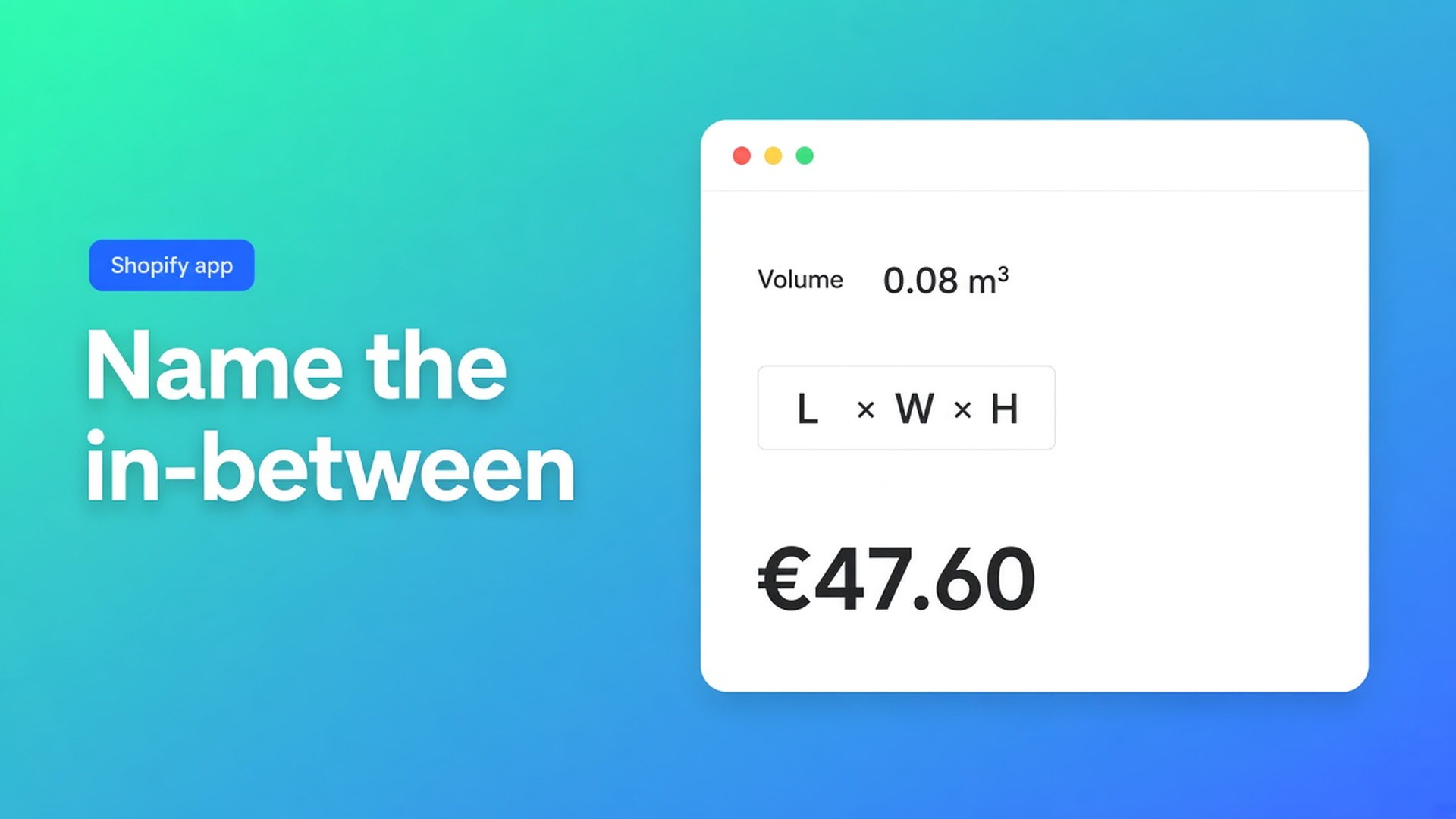
Computed property Volume, formula `length * width * height`, Use as price variable on. Optionally Show as product attribute on so the order line prints m³.
Computed property Setup, formula `18` — or a metafield `product_metafield__custom__setup` when the fee differs per product. Main formula:
``` product_price * _cv_volume + _cv_setup + antistatic ```
`antistatic` is the checkbox: configured value when checked, `0` when not. Preview: 0,80 × 0,50 × 0,20 m of firm foam at €220/m³ = €17,60 + €18 = €35,60 without the skin. With the checkbox, €47,60. A 0,01 cube should fail the field minimum.
File upload for the cavity drawing: the listing includes file upload; example 9 adds the field’s numeric value when a file is present. Do not promise live preview — Product Personalizer is Premium.
Put the theme app extension on the product page. Use the selector picker for price and Add to cart; themes differ, so do not claim “works on every theme with no setup”. Link the calculator per variant; bulk-link if the same intermediates fit every density. Server-side price validation ships with the app.
AI-powered generation of options and formulas is Starter+. Useful for a first draft; you still preview a small insert, a common case, and an oversized type.
Options Price Calculator is Built for Shopify (5.0, 26 reviews). Unlimited product options — Numbers, Dimensions, Checkboxes, Dropdowns, file upload on the listing — plus formulas, without extra variants. Starter $9.99/mo: unlimited options, formula builder, metafields, multilingual, AI. Premium $14.99/mo: + conditional logic, Font Picker, live preview, price breakdown. Free: 20 uses; always free on a Shopify Develop plan. Billed in USD.
Put one long formula on a diet
Install the app. Open the calculator whose 4c line you no longer want to read.
Formula step → 4a. Custom variables. Add Volume (or Area): the product of the dimension keys. Enable Use as price variable.
In 4c, replace every pasted `length * width * height` with the picker chip. Preview a scrap, a standard crate, and a typo.
Add a second variable only when it has its own meaning (setup, surcharge). Not every constant needs a row.
Turn on Show as product attribute only for values fulfilment should see. Round on the final formula.
Link per variant. Place the theme app extension. Place a test order. Check the line, the m³, the money.
Need Volume to use a different factor above 0,2 m³? That is Premium if/then, optionally an override on the same variable. The intermediate itself runs on Starter.
Wrap-up
A Shopify computed properties price calculator is not a fourth variant option and not a spreadsheet in another tab. It is a named intermediate on tab 4a: volume, area, setup, discount. You change the logic in one row. Native Shopify stops at three options and 2048 variants. The calculator takes the continuous measurement; the custom variable keeps the formula readable.
Define the intermediate in Options Price Calculator. The product page and the order line then share one volume — not three copies of the same multiplication.

The Shopify Select partner for ambitious e-commerce businesses that want to grow!


Services
Reviews
5/5
Mail: info@onlineorigins.nl
Tel: 073 234 0612
KVK: 89825624
BTW: NL865123639B01
Bruistensingel 500,5232 AH 's-Hertogenbosch Cookies
© 2026 Online Origins