
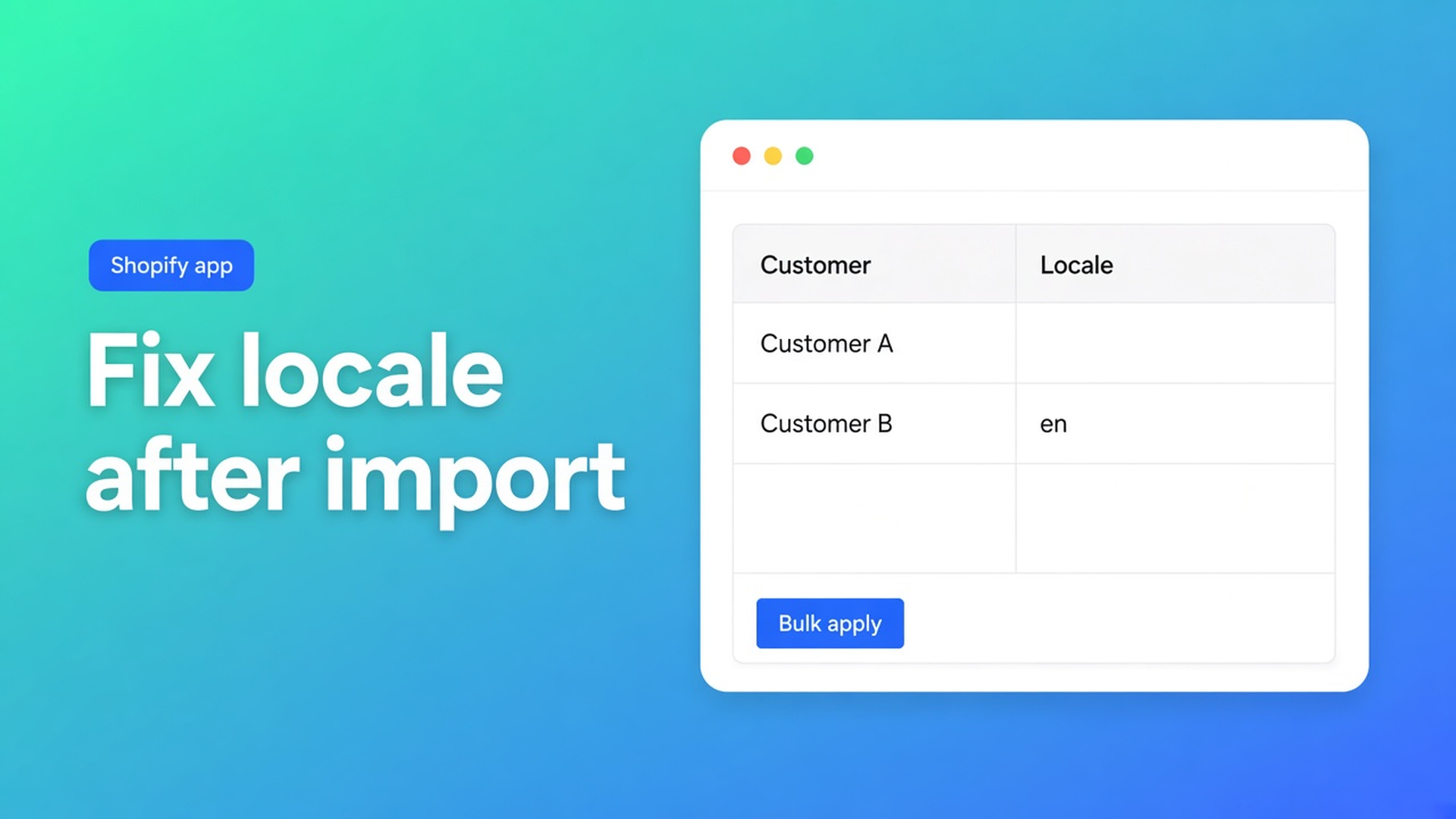
Shopify customer language wrong after import: empty locale, store default, bulk fix
Shopify customer language wrong after import is almost routine, not a rare migration bug. You pull in a CSV — your own export, Shopify’s standard file, or another shop — and Customer Locale arrives empty, inherits the store default, or sits on English while the customer expects Dutch. Notifications follow that field. The import “succeeded”; the inbox did not.
This article is the step after the CSV: how to spot the damage, why Shopify’s own import does not magically restore locale, and how OO - Bulk Customer Data Editor filters empty or wrong locale and corrects it in one save. We already covered locale in bulk. Here the import is the reason you are in the table.
Import creates accounts; it does not guarantee language
Shopify can create or update customers from CSV. Matching in Import customers from CSV is strict:
Customer ID exists in this shop → update.
Else look up by email.
Still missing → new account (email or phone required).
A Shopify CSV from another store can therefore land: foreign Customer IDs are ignored when they do not exist here; matching falls back to email. Useful for migration. Risky for locale: the source shop defaulted to English, the column was missing, or the cell was blank.
Empty CSV cells do not change existing values on update. Only filled cells apply. That is a feature when you later want to touch locale only. It is also why a first import can leave locale empty or wrong while name and email arrive cleanly.
Do not claim Shopify’s own CSV “sets locale correctly by default”. Do claim: after import you can inspect and bulk-correct locale. The listing calls out Customer Locale (next to tax-exemption status) as a field the standard editor does not handle well in bulk.
What shops try next
Open every profile after the import
Customers → customer → Language → Save. A hundred rows is an afternoon. Four thousand is not a process.
Import tags only
You stamp `NL` or `needs-locale` on everyone. Tags are filters, not Customer Locale. Order confirmation looks at the locale field.
Re-run the same CSV with a locale column, no preview
Can work if headers and matching are right. Fails if you treat a blank cell as “clear this field” — this app deliberately does not — or if you drag consent and notes along. Import has Preview; large files run in batches; keep the tab open.
Wait for the first complaint
Then the damage is already in the mailbox. Fixing locale after the first wave of mail is more expensive than a filter right after import.
None of those give you: filter empty/wrong locale → same value on the match → staged table → Save.
Spreadsheet after the CSV, not instead of it
OO - Bulk Customer Data Editor is Free on the App Store (listing: Free; 0 reviews, launched 15 September 2026). UI in English; blogs NL + EN. Works with Excel and Google Sheets via CSV. No other OO app in this post.
Two paths after an import:
CSV import in the app (own export or Shopify standard headers: First Name, Email, Accepts Email Marketing, Default Address, …). Preview, confirm, batches, tab open. Marketing yes/no maps to subscribed/unsubscribed.
Editor for what the CSV left behind: Locale dropdown, tax exempt, tags, note.
Edit customers in the spreadsheet: Locale is a dropdown of every locale Shopify supports, for example Dutch (`nl`) or English (`en`). Not a free-text “dutch”. Other editable fields: name, email, phone, tags, note, tax exempt, consent (per Shopify rules), default address, metafields defined on the shop. Read-only: total spent, order count, created date, and similar. Only changed fields go to Shopify. Failed row: Shopify’s error message.
Filters run across the whole customer list (with search and segment). Conditions such as “is empty” or “is”. Search (name, email, phone, tags) hits Shopify customer search. Locale is matched while scanning results — on a large store combine search or a segment with the locale filter.
Bulk apply: select-all matching up to 50,000; field Locale; value Dutch (`nl`); Apply to selected; staged until Save. Keep the tab open on large saves (FAQ).
Example: 4,000 accounts, locale empty after a store move
The old shop was English. The new shop is Dutch plus a UK market. Import matched on email. Locale is empty or English.
Import finished. Spot-check ten profiles, locale column.
Editor: Apps → Bulk Customer Editor → Start editing, or Customers → More actions → Edit in bulk (docs).
Columns: Locale on, email and tags beside it.
Filter: Locale is empty. Optionally a segment “NL orders” so you do not overwrite UK wholesale.
Select all matching. Stay under 50,000; otherwise split.
Bulk apply Locale = Dutch (`nl`). Review staged cells. Save, preview, tab open.
Second pass: Locale is English but tag `nl-customer` → Dutch again. Or the UK group: English (`en`).
Spot-check Shopify profiles. Retry failed rows.
Then a reusable view “Locale empty” for the next import, not a night shift.
Leave tax exempt alone in this run unless the import also warped that field — listing USP, different article. Do not “also” flip consent: subscribed needs a valid opt-in.
Getting started
Install OO - Bulk Customer Data Editor — Free.
Import with Preview. Keep the tab open.
Immediately after: filter Locale is empty / wrong value.
Bulk apply the right locale. Save.
Save the view. Next CSV, same checklist.
Listing: bulk-edit, import/export, locale and tax-exemption, filters, reusable views, segments, store-to-store migration. Bulk editor category. Support chat from the dashboard.
Wrap-up
Shopify customer language wrong after import is usually an empty or inherited locale field, not a failed CSV. The editor shows that field as a dropdown, lets you filter the empty group, select up to 50,000 matching rows, and save only then. Empty cells on a later import clear nothing — useful for a locale-only pass.
Do not name competitors. Shopify can set locale per customer. This app turns the bulk fix after import into one column plus apply.
After the next CSV, filter “Locale empty”, pick Dutch or English, and check ten profiles before the first order confirmation leaves in the wrong language. Install OO - Bulk Customer Data Editor — free — and put that pass in the import runbook.

The Shopify Select partner for ambitious e-commerce businesses that want to grow!


Services
Reviews
5/5
Mail: info@onlineorigins.nl
Tel: 073 234 0612
KVK: 89825624
BTW: NL865123639B01
Bruistensingel 500,5232 AH 's-Hertogenbosch Cookies
© 2026 Online Origins