
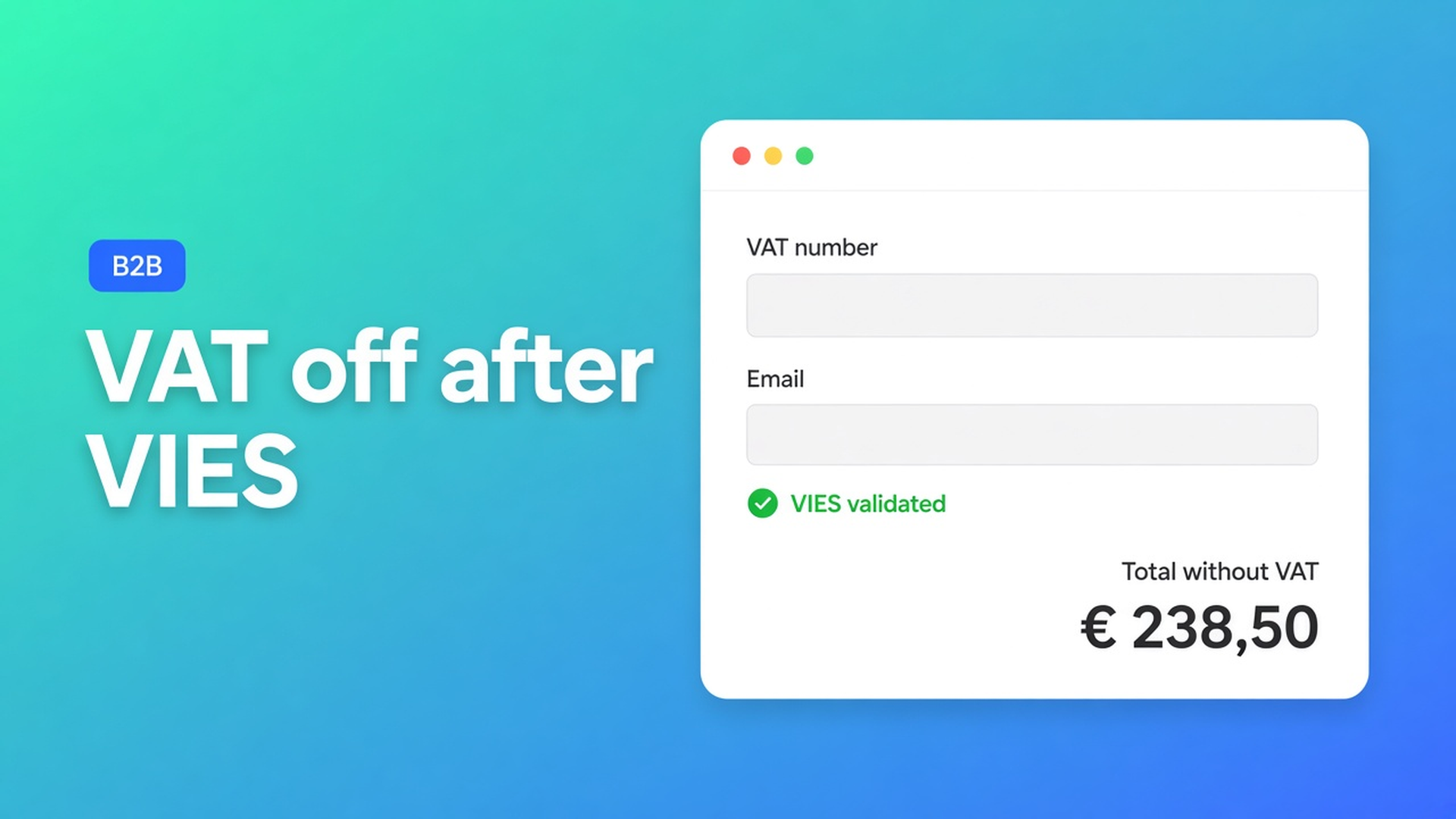
Shopify EU VAT exemption B2B: VIES on the storefront, not by hand
A Belgian wholesaler orders in your Dutch shop, pastes a VAT number into the order note, and checkout still adds 21%. You fix it afterwards. That does not scale. Shopify EU VAT exemption B2B belongs before payment: the number through VIES, the customer tax-exempt, totals without VAT — or with VAT if validation fails.
This article covers why a manual Admin checkbox is not an intra-Community supply, how OO - EU B2B & Wholesale puts VAT validation and EU Tax Exemption on the storefront, and which checkout logic matches your prices.
We already covered Shopify wholesale login for B2B: who may see the bulk form. This piece is the VAT layer after the cart.
What native Shopify does and does not do
Shopify can mark a customer tax exempt. That is an account flag, not a VIES check. Intra-Community B2B in the EU usually needs a valid buyer VAT ID, checked against the European Commission VIES system. Shopify Help on EU taxes covers registrations, Markets and OSS for consumers — not a storefront form that live-tests a foreign VAT number.
Without an extra flow you get:
retail VAT at checkout, a credit later;
staff who tick tax exempt on every account (and forget to untick it);
a “0% VAT” discount code that consumers find too.
None of those routes store a VIES result on the order.
What merchants try instead
1. Tax exempt on the customer record
Works until someone uses the same email on a personal account, or until a number lapses. No check at the moment of purchase.
2. VAT number as a line item property
The line has text. Checkout still charges VAT. Accounting hunts for the number in the note.
3. B2B-only, prices excluding VAT, hoping Shopify “gets it”
Prices excluding VAT need Shopify to *add* VAT at checkout — and to drop it again when the customer is exempt. Pick the wrong Market display and the amount stays put while the tax line jumps to 0%. The exemption docs call that a Shopify limitation with fixed market prices.
How OO puts this on the storefront
OO - EU B2B & Wholesale is Built for Shopify (5.0 from 33 reviews). The listing promises Advanced B2B tax management with VAT handling and EU Tax Exemption compliance. The Standard plan ($8.95/month or $101.88/year, 5% off, 7-day trial, USD) lists VAT validation & Tax exemption via VIES. Multilingual, registration forms, custom pricing — same app. This article stops at the VAT layer.
The exemption flow does not calculate tax itself. It leans on Shopify Taxes and duties and Markets. Wrong shop settings become a wrong exemption.
Do not claim this app replaces Shopify Plus B2B catalogues. It is an OO flow on customer accounts, tags, bulk forms and tax exemption. Group prices live inside the bulk form, not as a rewritten catalogue price on the regular product page.
Step 1: the validation block in the theme
Per Step 1 – Add the App to Your Theme you add the OO – EU Tax Exemption block on the cart page via the Theme Editor: Online Store → Themes → Customize → Cart → Apps.
If you use a cart drawer (slide-out), the Theme Editor cannot place the block there — a Shopify limitation, not a theme bug. Then you need manual drawer code (Step 2). No block, no VIES form, however clean Settings look.
Step 3: pick one checkout logic
Step 3 – Choose Your Checkout Logic has two mutually exclusive modes (Apps → OO – EU Tax Exemption → General Settings → Use draft order logic):
| Storefront | Logic |
|---|---|
| Prices excluding VAT | Standard Checkout Logic (only option) |
| Prices including VAT | Draft Order Logic (recommended) |
| Multiple Shopify Markets / fixed market prices | Draft Order Logic |
| One EU market, max app compatibility | Standard Checkout Logic |
Hard rule: excluding VAT + Draft Order Logic is not supported. Draft orders finalise prices before checkout; Shopify cannot then add or strip VAT dynamically.
Standard Checkout Logic (docs): the shopper enters email + VAT number. VIES validates. On success the customer is marked tax-exempt in Shopify; VAT data goes into cart attributes and order notes. Checkout stays native Shopify; the app does not rewrite checkout prices. The validation email must exactly match the checkout email, or VAT stays on.
Draft Order Logic (docs): after VIES the app creates a Draft Order (lines, price without VAT where applicable, email, VAT number, company address from VIES when available, tax-exempt). Checkout goes to the draft invoice URL, not the standard checkout. Cart changes after validation update the draft. Do not combine with excluding-VAT prices; may clash with bundle or cart-modifying apps.
Step 4: Markets must match the logic
The app does not own the rates. Step 4:
Settings → Taxes and duties: EU registrations on, taxes on for the countries you sell to.
Settings → Markets → EU market → Taxes and duties → Tax display:
Draft Order Logic → Show as included
Standard Checkout Logic → Dynamic pricing
Test: product in cart, valid foreign EU VAT number, checkout. VAT off where it should be.
Most common mistake: Draft Order on + Dynamic pricing, or Standard + Show as included. Then the tax line vanishes or the inclusive price sticks.
Example: Dutch wholesaler, prices excluding 21%
Retail and B2B SKUs in one shop. Wholesale customers have a tag and see the bulk form after login — that was the login article. Storefront prices exclude VAT.
Setup:
Draft Order Logic off (Standard).
Market Tax display = Dynamic pricing.
Validation block on `/cart`. Drawer? Extra theme code.
Buyer in Belgium enters the same email as the account, plus a BE number. VIES green → tax exempt → native checkout without 21%.
Same flow with an invalid number: VAT stays.
VIES here is the checkout check, not the approval step on the registration form. Registration may ask for a number; tax exemption is the VIES call on the cart.
What you need to start
Install OO - EU B2B & Wholesale ($8.95/month or $101.88/year, 7-day trial).
Put the EU Tax Exemption block on the cart page; for a drawer, the Step 2 theme code.
Choose Standard or Draft Order — excluding VAT forces Standard.
Align Taxes and duties and Market Tax display with that choice.
Test with a valid foreign EU number and with a deliberately wrong email (should fail).
The app does not register you with the tax authority and does not replace an accountant. Reverse charge in the books stays your setup; the storefront makes checkout tell the same story.
Wrap-up
Shopify EU VAT exemption B2B is not a manual checkbox and not an order note. It is VIES on the cart, tax-exempt on the account, and checkout logic that matches excluding or including VAT. Native Shopify stores the flag; VIES and the theme block live in OO - EU B2B & Wholesale. Get Markets right, pick one logic, and let the next Belgian wholesaler validate the number before they pay.

The Shopify Select partner for ambitious e-commerce businesses that want to grow!


Services
Reviews
5/5
Mail: info@onlineorigins.nl
Tel: 073 234 0612
KVK: 89825624
BTW: NL865123639B01
Bruistensingel 500,5232 AH 's-Hertogenbosch Cookies
© 2026 Online Origins