
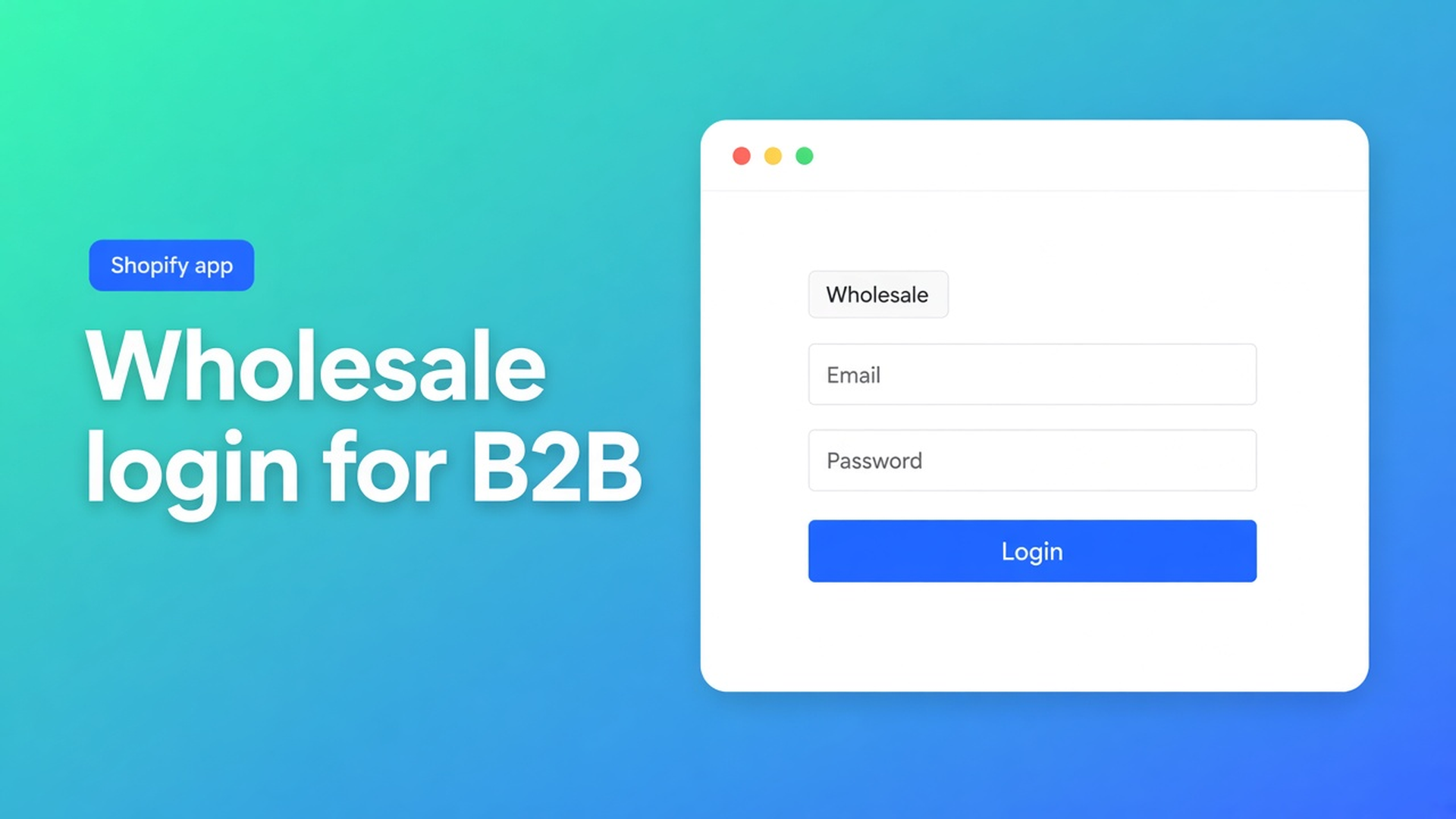
Shopify wholesale login B2B: sign in first, then the group form
A reseller who is not signed in is a guest. Shopify wholesale login B2B is the moment a approved account is allowed to see the bulk form — and therefore the group rates that live *inside that form*. No login, no tag check. No tag (when you use tag visibility), no form. No form, no B2B price: the regular product page stays retail.
This article covers why a store-wide password is too blunt, how OO - EU B2B & Wholesale ties login to visibility rules, and what you can honestly promise: different prices in the bulk form, not a rewritten catalogue price for anyone with an account.
We already covered the wholesale registration form and customer approval. Those stay the front door. Here the subject is signing in, tags, and which form appears afterwards.
Native Shopify has no wholesale login
A Shopify customer account is email plus password. There is no native switch that says “this login shows net prices on the product page”. You can password-protect the whole store (everyone or no one), use native B2B companies (catalogues per company — narrower on Basic/Grow/Advanced), or use ordinary accounts plus tags. Many EU shops that mix D2C and wholesale pick that last route.
The OO listing lists Wholesale login and Customer tagging as categories, next to custom pricing, signup form and product visibility. Login is not a second “B2B portal app”; it is the Shopify session the bulk-form visibility engine inspects.
What merchants try instead
1. A password over the entire shop
Only people with the code get in. Consumers can no longer browse. Wholesale and D2C no longer share a storefront.
2. Anyone with an account is wholesale
Visibility set to “Logged-in customers”. A consumer who created an account for order status sees the same form as your wholesaler. Approval was then theatre.
3. Expecting product-page prices after login
The buyer signs in, refreshes `/products/lamp`, and hopes to see 18 instead of 24. How B2B pricing works is explicit: B2B pricing does not change Shopify product prices, does not affect the regular product page, and applies only inside the bulk order form for customers who can see that form. Everyone else always sees normal Shopify prices.
4. Two forms, the same tag
`Wholesale` on the 10% form and on the 18% form. Docs: a tag used on one form cannot be reused on another. One customer sees one form.
None of those routes replace: guest = retail, login + the right visibility = one form, prices only there.
How login and visibility work together
OO - EU B2B & Wholesale is Built for Shopify (5.0 from 33 reviews). Listing: custom B2B prices for customers and groups, registration forms, VAT/VIES, multilingual. $8.95/month or $101.88/year (5% off), 7-day trial, billed in USD.
Visibility rules decide which bulk form a person sees. Each form uses one of four modes:
All customers — guest and signed-in. No gate.
Logged-in customers only — an account is enough, no tag. See How to show the form only to logged-in customers.
Customers with specific tags — must be signed in, at least one matching tag (OR). Example: `B2B` or `Wholesale`.
Specific customers — hand-picked accounts, must be signed in.
Priority when several forms match: specific customers → tags → all logged-in → everyone. Only the highest matching form is shown. Disabled forms do not count.
Test the way the docs describe: incognito with no login (form gone), then sign in as a tagged test customer (form appears). Tag spelling must match exactly; adding a tag in visibility does not assign that tag to customers.
Prices belong to the form, not the session
Once login and visibility line up, the app applies the pricing rules of that form. Three strategies, one per form: an individual price per product or variant, one fixed price for everything in the form, or a percentage (for example 10% off) that tracks the Shopify price. Rules do not stack.
That is not a cart quantity break on the regular PDP. Volume discounts in earlier posts for this app live on the group form, not as “20+ units on /products/…”.
If a price is missing: the form is off, the customer cannot see it, no pricing rule is set, or the product/variant is not on the form. Always test with a real test account before you go live.
Example: D2C shop, two wholesale tiers
You sell lamps to consumers and to two reseller layers.
Form A, tag `Wholesale-A`, 10% percentage. Visibility: tags.
Form B, tag `Wholesale-B`, individual contract prices. Visibility: tags.
No form on “All customers”. No form on “Logged-in” alone — otherwise every account would see Form X.
Customer not signed in: regular catalogue, no bulk form.
Customer with an account but no tag (someone checking order status): neither A nor B.
Customer with `Wholesale-A`, signed in: Form A only, 10% inside the form. On `/products/lamp` the price stays 24.
Customer who accidentally has both tags: one form, whichever tag rule the engine matches first. Avoid overlap; docs forbid reusing the same tag on two forms.
Tie approval to the tag, not to “has a password”. Registration plus review (the earlier posts) stays the gate; login is the key that lets the app read that tag.
What you need to start
Install OO - EU B2B & Wholesale. $8.95/month or $101.88/year, 7-day trial.
Turn on customer accounts in Shopify. Wholesale login is the standard Shopify login, not a second password vault.
Create one bulk form per group rate. Visibility on tags (or specific customers). Form status On.
Add `Wholesale-A` / `Wholesale-B` only after approval. Test incognito plus a test account.
Tell resellers to open the bulk form after login — not that the product page will quietly turn net.
Multilingual: the listing and plan mention multilingual support; form labels are translatable. Do not pitch another Online Origins app in the same post.
Wrap-up
Shopify wholesale login B2B is not a second storefront. It is a session: guests see retail, a tagged login opens one bulk form, and only there does the group rate apply. Native Shopify stops at an ordinary account; visibility plus form pricing is what the listing calls wholesale login.
Put that gate in OO - EU B2B & Wholesale before the next reseller signs in and hunts for a price on the product page that is deliberately not there.

The Shopify Select partner for ambitious e-commerce businesses that want to grow!


Services
Reviews
5/5
Mail: info@onlineorigins.nl
Tel: 073 234 0612
KVK: 89825624
BTW: NL865123639B01
Bruistensingel 500,5232 AH 's-Hertogenbosch Cookies
© 2026 Online Origins