
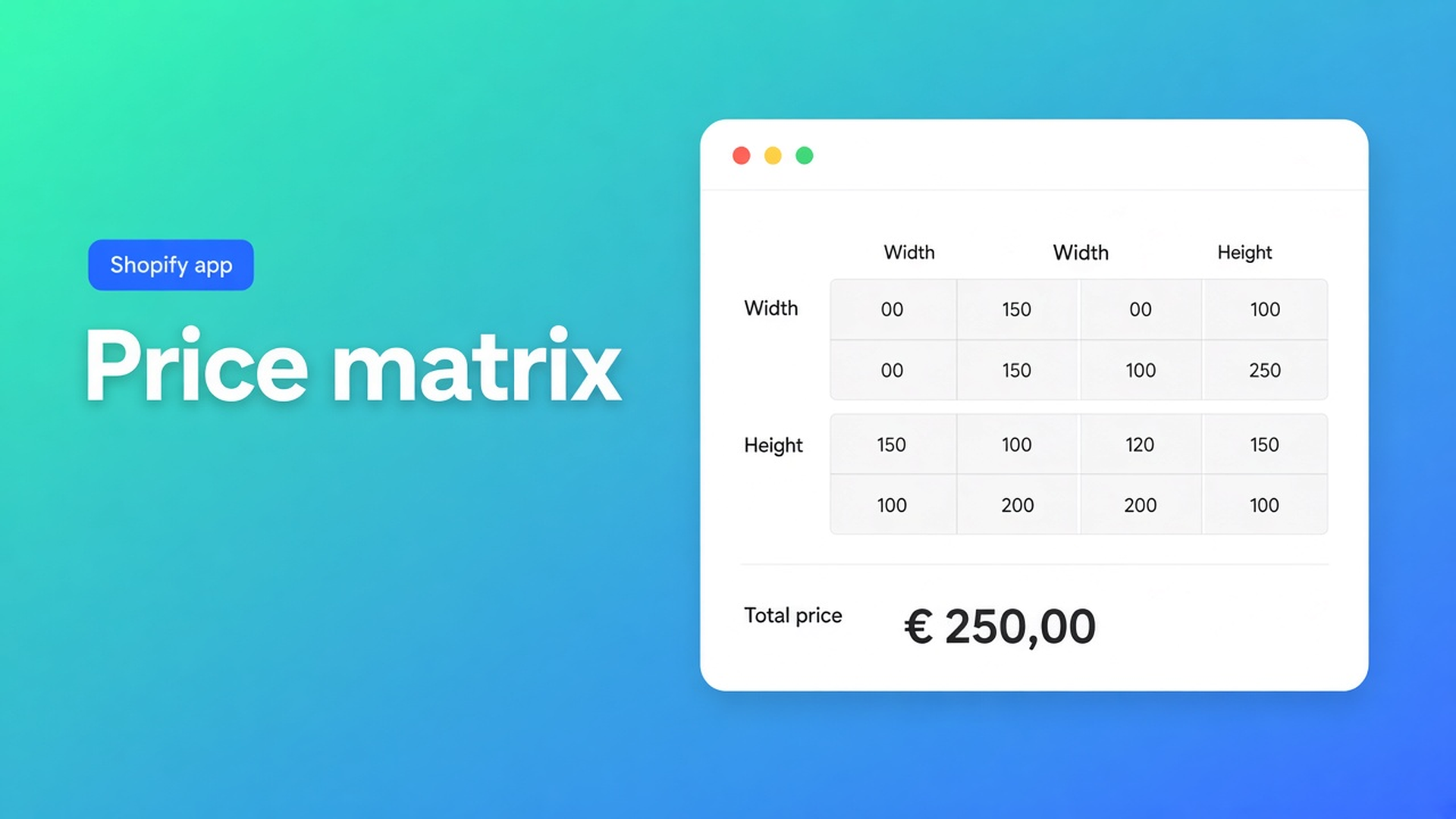
Shopify lookup table as a price matrix (no SKU per cell)
Your wholesaler prices cut panels from a grid. Columns are width. Rows are height. The number in the cell is the sell price — not a rate you multiply. Shoppers still expect that number to move as they type.
A Shopify lookup table price matrix is that grid on the product page. It is not `width * height * rate`. It is “find the cell”. Native variants cannot store it without a SKU for every step.
Options Price Calculator exposes the grid on Premium, under Formula → 4b. Lookup tables, as `lookup2d()`. Yesterday’s post compared Starter and Premium. This one builds the table.
Shopify variants are SKUs, not cells
Adding variants still caps a product at 3 options and 2048 variants. That ceiling used to be 100; do not quote the old number. Three axes. Inventory per combination.
A 15 × 18 supplier sheet is 270 cells before you add finish or color. You will hit admin pain long before 2048. Continuous millimetres never become variants.
Theme line-item properties (`properties[Width]`) do not change price. They print on the order. Checkout ignores them.
So the catalog stays: color as a real variant if you stock it. Size as an input. Price from a lookup.
Listing: Built for Shopify, 5.0, 26 reviews. Free $0 (20 uses), Starter $9.99, Premium $14.99. The lookup tables article marks the feature Premium.
Workarounds that hide the sheet
One variant per cell. You republish the catalog when the mill changes a column. Color, if you still need it, consumes the last option slot.
“From $120” plus a quote form. The page never shows the cell. Staff retypes the PDF.
A forest of Premium conditions. Conditional formulas are for thresholds and option flags — we covered that. They are the wrong tool for a 40-by-40 sheet.
A single area rate. Fine when you truly sell per square metre. A brutto table is not an area rate. Neighbouring cells jump in uneven steps.
How 4b stores the sheet
Open the calculator → Formula. Tabs: 4a custom variables, 4b lookup tables, 4c formula, 4d calculation display (Premium). You want 4b.
Each table has a name and an id. Formulas call `lookup2d(table_id, x, y)`. Bind an X field and a Y field first; the formula picker will not insert the chip until those axes exist.
The grid itself: first row is X, first column is Y, every other cell is a number (the price). Outside the range you pick Clamp to nearest edge (the docs’ default recommendation) or Use default value. Prefer min/max on the number fields so an empty input does not silently clamp to a corner price.
Caps: 50 tables per calculator, 50 × 50 cells per table. Use + / − to grow the grid.
CSV import and export use the same shape: empty corner, X across the top, Y down the side. That is how you drop a spreadsheet in without typing 400 cells.
`lookup2d` works in the main formula, in a custom variable, and inside a Premium if/then branch. Docs example:
``` lookup2d(price_table_1, width_m, height_m) ```
If shoppers type millimetres and the sheet is in 10 cm steps:
``` lookup2d(pg0_brutto, Math.ceil(breedte_mm / 100) / 10, Math.ceil(hoogte_mm / 100) / 10) ```
Keep axes strictly ascending. Preview with Try X / Try Y in the table editor, then again in the formula preview. When the mapping math is messy, park `Math.ceil` in 4a and let `lookup2d` read the custom variable.
Walk-through: roller blinds, five fabrics
Fabric is the Shopify variant — stock, image, barcode. The mill’s net price list is width 40–250 cm by 10, drop 80–260. No flat m² number.
Install from the listing. Upgrade to Premium; 4b stays locked on Starter.
Number fields `width_cm` and `drop_cm` with min/max matching the sheet.
New table `blind_net`. Bind X to width, Y to drop. Import the CSV. Empty corner.
Clamp outside the range. Min/max already stop most out-of-range typing.
Formula: `lookup2d(blind_net, width_cm, drop_cm)`. A motor add-on is `+ motor` on that result, not a second sheet.
Bulk-link the calculator to the five fabric variants. Theme app block under the price. Place a 120 × 180 order and match the cell before you announce it.
Acrylic sheets in millimetres use the `Math.ceil` mapping. Same function, different units. You do not clone the product.
Color stays a variant. Shopify still sees three options or fewer. The matrix never becomes a fourth option.
Do this, in order
Confirm Premium on Options Price Calculator.
Create the two numeric axes. Dropdowns only if the sheet is already coarse.
Import CSV. Check ascending axes and numeric cells.
Bind fields. Drop `lookup2d` into 4c — or 4a first if you need rounding.
Align field min/max with the sheet. Test a value just outside: clamp or default, on purpose.
Link per variant. Server-side validation is part of the app; themes still need the block or selector picker.
Do not call this “unlimited Shopify variants”. Options are not inventory SKUs. Do not promise every theme works with zero setup.
Close
A Shopify lookup table price matrix is the mill’s grid, evaluated live. Premium tab 4b, `lookup2d`, up to fifty tables and fifty-by-fifty cells, CSV in and out, clamp or default past the edge. Shopify’s own product stays at three options and 2048 variants.
Build the table in Options Price Calculator. Two inputs. One sheet. No SKU per cell.

The Shopify Select partner for ambitious e-commerce businesses that want to grow!


Services
Reviews
5/5
Mail: info@onlineorigins.nl
Tel: 073 234 0612
KVK: 89825624
BTW: NL865123639B01
Bruistensingel 500,5232 AH 's-Hertogenbosch Cookies
© 2026 Online Origins