
Shopify multi-select product options without combo variants
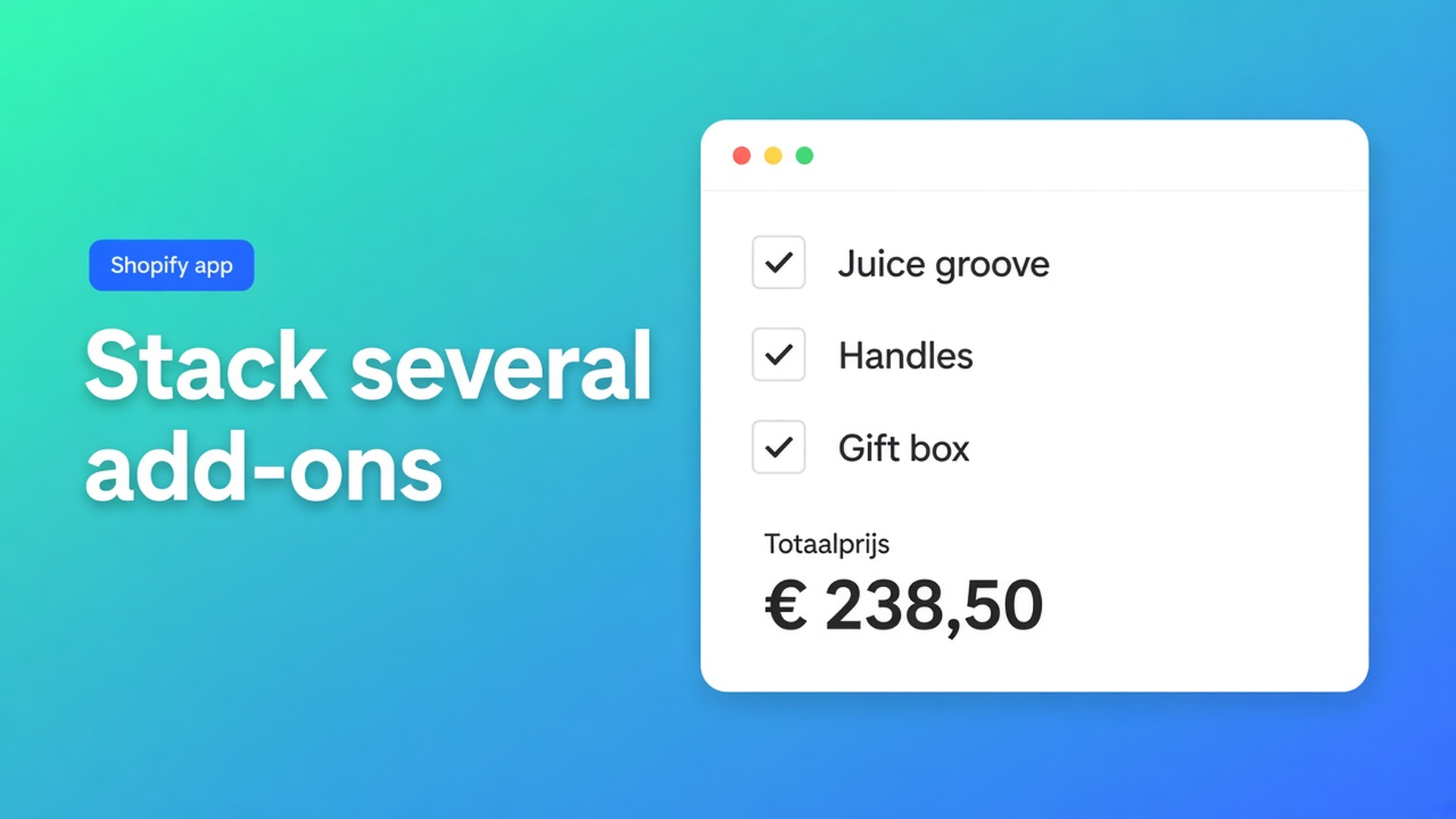
Shoppers rarely pick a single extra. They want the juice groove *and* the handles *and* a gift box. Native Shopify has no control for that. Promote every bundle to a variant and you multiply wood × size × every subset of extras. Inventory fills with combinations you do not stock.
Shopify multi-select product options are that pattern: several independent add-ons, one live total, the SKU still the physical board. A dropdown picks *one* value. One checkbox is a boolean. Multi-select is a set.
We already covered charging a single checkbox add-on. That article is one tick. This one is several ticks in the same calculator. The Options Price Calculator listing lists Multi-select under Customization. In the builder that means checkboxes side by side — not a fourth Shopify option.
Combinations are not a variant option
Variants are stocked rows. Adding variants caps a product at three options (Size, Colour, Material, and so on) and 2048 variants. The old 100-variant ceiling is gone; the three-option ceiling is not. Shopify’s own note: beyond those limits you use an app, or theme code that collects line item properties. Those properties do not change the price.
Oak / walnut × small / large already uses two of your three options — four SKUs. If “Extras” becomes the third option with values Groove, Handles, Box, the shopper can pick only one. If you enumerate subsets (Groove+Handles, All three, …) three extras produce eight bundles, times four boards: 32 variants for goods that never sit in a bin.
Keep species and size as real variants when they drive purchasing and stock. Do not spend the last option slot on a bundle list. Products may have 250 media items. A photo per subset is not merchandising.
Theme inputs such as `properties[Add-ons]` write the ticks onto the line. Checkout still charges the variant price. You invoice the rest later, or you don’t.
What stores try before the grid explodes
Every subset as a variant. Walnut / large / groove+box looks complete until a fourth extra arrives. Each cell wants a price, a SKU, and maybe an image. The catalogue grows faster than the workshop.
Three extra products in the cart. “Board”, “Handles”, “Gift box”. Three Add to cart clicks. Half the orders miss an extra. Discounts and shipping treat unrelated lines. Reorders do not remember the set.
A “Choose a package” dropdown. Basic / Plus / Complete. That is a single choice. Someone who wants handles without the box has no row — unless you add another value. The Dropdown article is explicit: customers select exactly one option. For several at once, use checkboxes.
None of those give you three ticks, a total that matches what is on, and SKUs only for wood and size.
Independent checkboxes, one sum
Options Price Calculator is Built for Shopify (5.0, 26 reviews on the listing). Unlimited product options, formula-based totals, live price — without extra variants. Starter $9.99/month: unlimited options, formula builder, metafields, multilingual, AI. Premium $14.99/month: + conditional logic, Font Picker, live preview, price breakdown. Free: 20 uses; always free on a Shopify Develop plan. Billed in USD.
The listing puts Multi-select next to Checkboxes, Dropdowns, and Radio buttons. The Form Fields list has no separate multi-select block. A Checkbox is one on/off. Several extras means several checkboxes. The dropdown tip matches: mutually exclusive → dropdown or radio; optional stack → checkboxes.
One field per extra
For each add-on:
Label beside the box — `Juice groove (+$18)`, `Handles (+$24)`, `Gift box (+$9)`.
Key (unique id): lowercase letters, numbers, underscores only. `groove`, `handles`, `gift_box`. No spaces.
Numeric value (float): what the formula sees when the box is on. Docs examples: `5` as a flat fee, `1.1` as a multiplier, `0` when the tick is logic-only.
Required off for optional extras. Required on forces a conscious checked/unchecked state — useful for terms, not for handles.
Default status: Unchecked unless you really want the extra pre-selected.
Variables and Field Values: checked = configured number, unchecked = `0`. You do not need if/then per extra. The field *is* the fee.
Formula: variant plus the stack
The Formula Builder allows `+ - × ÷ ( )`. `product_price` is the selected variant.
Example 2 in the pricing formula examples is one optional service. For a set, add the keys:
``` product_price + groove + handles + gift_box ```
Walnut large ($89), groove and gift box on, handles off: `89 + 18 + 0 + 9 = 116`. Same figure in checkout. Fulfilment reads which boxes were ticked — no follow-up email asking for handles.
Length-priced goods with extras:
``` product_price * length + groove + handles ```
Round at the end, as the formula docs recommend: `Math.round(...)`, or `Math.ceil(...)` if you never want to round down.
A fee that depends on *another* choice — say a premium finish in a dropdown — is example 8: Premium conditional (`premium_finish == TRUE` then `product_price + 20`). That is not stacked optional extras. Do not promise it on Free or Starter.
When checkboxes are the wrong control
If the shopper must pick exactly one finish (oil / lacquer, standard / express), use a dropdown or radio buttons. Checkboxes let every item stay on. That is the point of multi-select, and the wrong UI when choices exclude each other.
Wood species with its own inventory stays a Shopify variant. It uses an option slot. Add-ons do not.
Worked example: cutting board with three extras
Native SKUs: species (oak / walnut) and size (small / large). Two of three options. No “Package” option.
Calculator:
Checkbox `groove`, value `18`, default off
Checkbox `handles`, value `24`, default off
Checkbox `gift_box`, value `9`, default off
Formula `product_price + groove + handles + gift_box`
Oak small ($42), groove and handles: `42 + 18 + 24 + 0 = 84`. Another shopper, same variant, gift box only: `42 + 0 + 0 + 9 = 51`. Two different sets, one SKU, no eight-row extras matrix.
Two different sets in one order: Add to cart twice. Quantity 2 is two identical boards with the same ticks. The calculator prices one unit; Shopify quantity multiplies the line.
Link the calculator to the variants. One calculator covers the series when only `product_price` changes. Different extras per collection: a second calculator.
Get it on the product page
Install Options Price Calculator. Free: 20 uses (always free on Develop). Starter $9.99/month. Premium $14.99/month if you need conditional rules.
Drop the app block on the product template, under the price and above Add to cart — How to Add the Extension to the Product Page.
Add one checkbox per extra. Clear labels, keys `groove` / `handles` / `gift_box`, numeric value = the fee. Required off.
Keep colour, size, and material as Shopify variants. Do not store extras as option values.
Formula: `product_price` plus the keys. Test variant switches and every mix of ticks against the live price and the cart.
Server-side price validation (app setting) stops the browser-only total from being the last word. Theme bindings exist because some themes use a non-standard variant picker — not “works everywhere with zero setup”.
Wrap-up
Shopify multi-select product options are not a package dropdown and not a grid of combo SKUs. They are independent extras the shopper can stack. Native Shopify stops at three options and 2048 variants; the stack belongs in the calculator. Each checkbox contributes its number or `0`. The sum is the price.
Put those extras in Options Price Calculator and let the next shopper add a groove, handles, and a box — without a variant for every mix.

The Shopify Select partner for ambitious e-commerce businesses that want to grow!


Services
Reviews
5/5
Mail: info@onlineorigins.nl
Tel: 073 234 0612
KVK: 89825624
BTW: NL865123639B01
Bruistensingel 500,5232 AH 's-Hertogenbosch Cookies
© 2026 Online Origins