
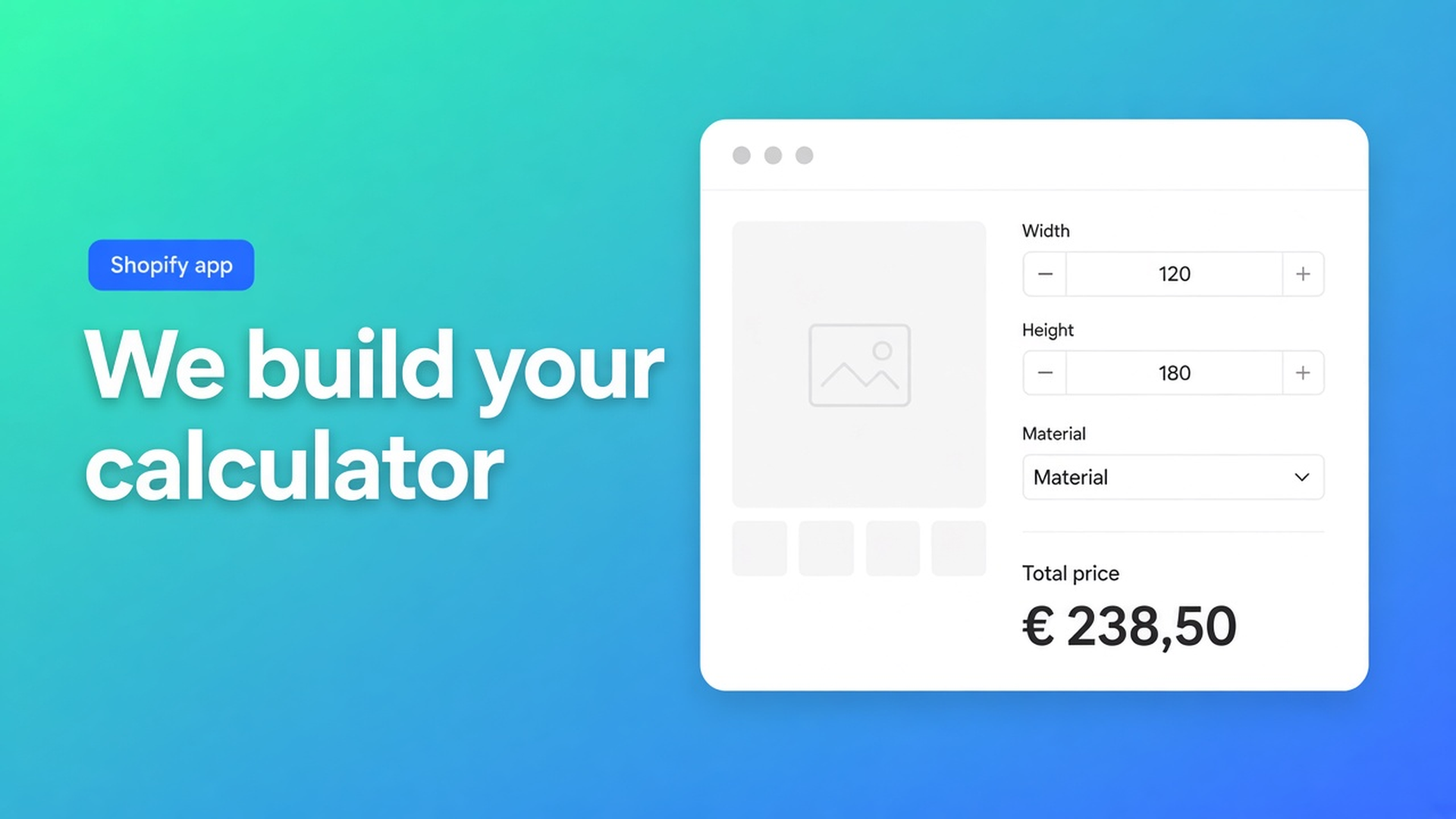
Shopify price calculator professional setup: what the team actually builds
You can drag fields for a week and still ship a product page that shows Shopify’s catalogue price. Width never became a variant. The theme fork still uses a different Add to cart node. At that point Shopify price calculator professional setup is the one-time job you order from inside Options Price Calculator, not another evening in the builder.
The Professional setup service article is explicit. The team builds calculators and formulas, maps products and variants, and checks that the theme can bind price and cart. Translations of storefront copy are not in the package. If you assumed “they’ll localise every label,” that part stays with you — or a separate agreement.
Related: yesterday’s setup checklist after install. That path is DIY. This one is: brief, pay once, review what lands.
Native Shopify still will not price a millimetre
Adding variants caps a product at three options and 2048 variants. Colour and material fill that grid. Continuous width does not. Theme inputs named `properties[...]` do not change the price. A formula such as `product_price + (width * height)` only exists once you add fields the platform does not ship.
Listing snapshot (5 Nov 2026): Built for Shopify, 5.0 from 29 reviews. Free — 20 uses. Starter $9.99/month: unlimited options, AI, formula builder, metafields, styling, multilingual. Premium $19.99/month: conditional pricing, font picker, live preview, price breakdown, lookup tables. $39.99/month: conditional fields, draft-order checkout, admin calculator tools, free setup service / onboarding, highest-priority support. USD.
Treat those two “setup” phrases as different products. The $39.99 plan lists onboarding inside the subscription. The docs service is a one-time Shopify charge, list price around $160 USD, shown in the app in your billing currency. Starter merchants can still order the one-time package. Billing needs an eligible paid context; the in-app page tells you if checkout is blocked.
DIY is documented. The dashboard checklist is five boxes: app block, calculator, variant link, selectors, test order. Shops with a custom theme, a price matrix, or a catalogue that is not one formula stay in that list. Paying once is then cheaper than another unpublished week.
Scope: four inclusions, one loud exclusion
From the docs, not from a sales deck.
In the package
Calculator setup and formulas — fields, keys, `+ - × ÷ ( )`, helpers such as `Math.round` when the brief needs them
Product / variant mapping
Theme compatibility check
Email while the work is in flight
Out of the package
Translations. You (or a separate agreement) own labels, helper text, and locale strings afterwards.
Unlimited revision cycles until every market is translated
Inventory per combination. Options are not SKUs. OPC does not replace stock per variant.
Premium-only pieces stay Premium: conditional pricing, live preview, font picker. Conditional fields (show / hide) sit on the $39.99 plan. The team builds against the plan you actually pay for. Do not brief Free for lookup tables and expect them to appear. Do not ask for “unlimited Shopify variants”; the app adds fields on top of the 3 / 2048 ceiling, it does not raise it.
On a heavily customised theme, selector picking and server-side price validation still need a merchant pass after delivery. The theme check in the package is not a promise that every unpublished template already has the app block.
How you order it
The in-app path:
Open Options Price Calculator in Shopify admin.
Open Implementation / setup service from navigation or the dashboard.
Complete the form.
Confirm the one-time Shopify payment.
The team receives the request and replies by email.
The form is short on purpose:
What you want shoppers to configure
Rough product count
Theme in use (or about to go live)
Example product URL
Contact email
Optional images — up to five
“Make it like the competitor” is not a pricing rule. One live product URL plus bullets for the formula is.
Briefs that actually move
Docs again: clear examples speed the work.
Send:
The product URL that should get a calculator, not the collection page
Pricing in bullets: base + width × height × rate, plus an add-on checkbox
The theme name that is published — Dawn defaults are not a forked theme
Screenshots if layout matters: fields under the price, swatches beside the gallery, breakdown under Add to cart
Skip:
A fifty-SKU spreadsheet with no note on which rows share a formula
A PDF rate card and no mapping of which variant uses which rate
“Put it on everything” without a rough count. Mapping is included; guessing your catalogue is not.
Example that fits in the form: butcher-block countertops. Species stays a native variant (real SKU, inventory). Length and width are Number fields. Formula `product_price + (length * width * rate)`. Checkbox for eased-edge. One paragraph. Without it, the team cannot tell whether thickness is a variant or an option surcharge.
Your job after they hand it back
Delivery is not “ignore the storefront.”
Review on a draft theme or a hidden test product before a live collection.
Fix copy and translations yourself. That work was never in the quote.
Custom theme: confirm server-side price validation and the selectors. One test order still beats a green dashboard tile.
Confirm the theme app extension sits on the template shoppers actually use. Default product is not `product.countertop.json`.
If fields appear in the in-app preview and vanish on the storefront, you are looking at a missing block or a missing variant link — the same failure mode as the DIY checklist. Reply on the setup thread.
After handover the builder is yours. Duplicate, tweak formulas, bulk-link. Professional setup is not a lock.
DIY versus the one-time charge
DIY fits a single product, a theme that accepts default selectors, and `product_price + (width * height)` on Starter. Walk the five dashboard items. AI on Starter+ drafts fields; you still own the keys.
Order the service when the catalogue is large, rates differ by material, the theme is custom, or the builder has already sat unused. Around $160 once is usually cheaper than another week of quotes in the inbox.
If you are on $39.99, the listing’s free setup / onboarding may already cover what you need. Open Implementation and read the amount on that page. Docs describe the paid one-time package; the app is the source for what you will be charged today.
Get it moving
Install Options Price Calculator. Add the app block first if you can — the theme check is faster when the block exists.
Then open Implementation. Goal, count, theme, example URL, email. Five images max. Pay the one-time charge. Wait for email, not for a silent dashboard tick.
Plan choice stays yours: Free for twenty uses, Starter for unlimited calculation, Premium for conditional prices and live preview, $39.99 when you need conditional fields and draft-order checkout.
Wrap
Shopify price calculator professional setup is the one-time Implementation job: calculators, formulas, variant mapping, theme check, email. No translations. List price around $160 USD, billed in your Shopify currency as shown in-app. Shopify still stops at three options and 2048 variants; the team adds fields and formulas on top of that ceiling, not extra SKUs.
Send one real product URL and the price in bullets. Review on a draft theme. Fix copy after. Order it from Implementation in Options Price Calculator when the builder is the bottleneck between your catalogue and a product page that actually charges the formula.

The Shopify Select partner for ambitious e-commerce businesses that want to grow!


Services
Reviews
5/5
Mail: info@onlineorigins.nl
Tel: 073 234 0612
KVK: 89825624
BTW: NL865123639B01
Bruistensingel 500,5232 AH 's-Hertogenbosch Cookies
© 2026 Online Origins