
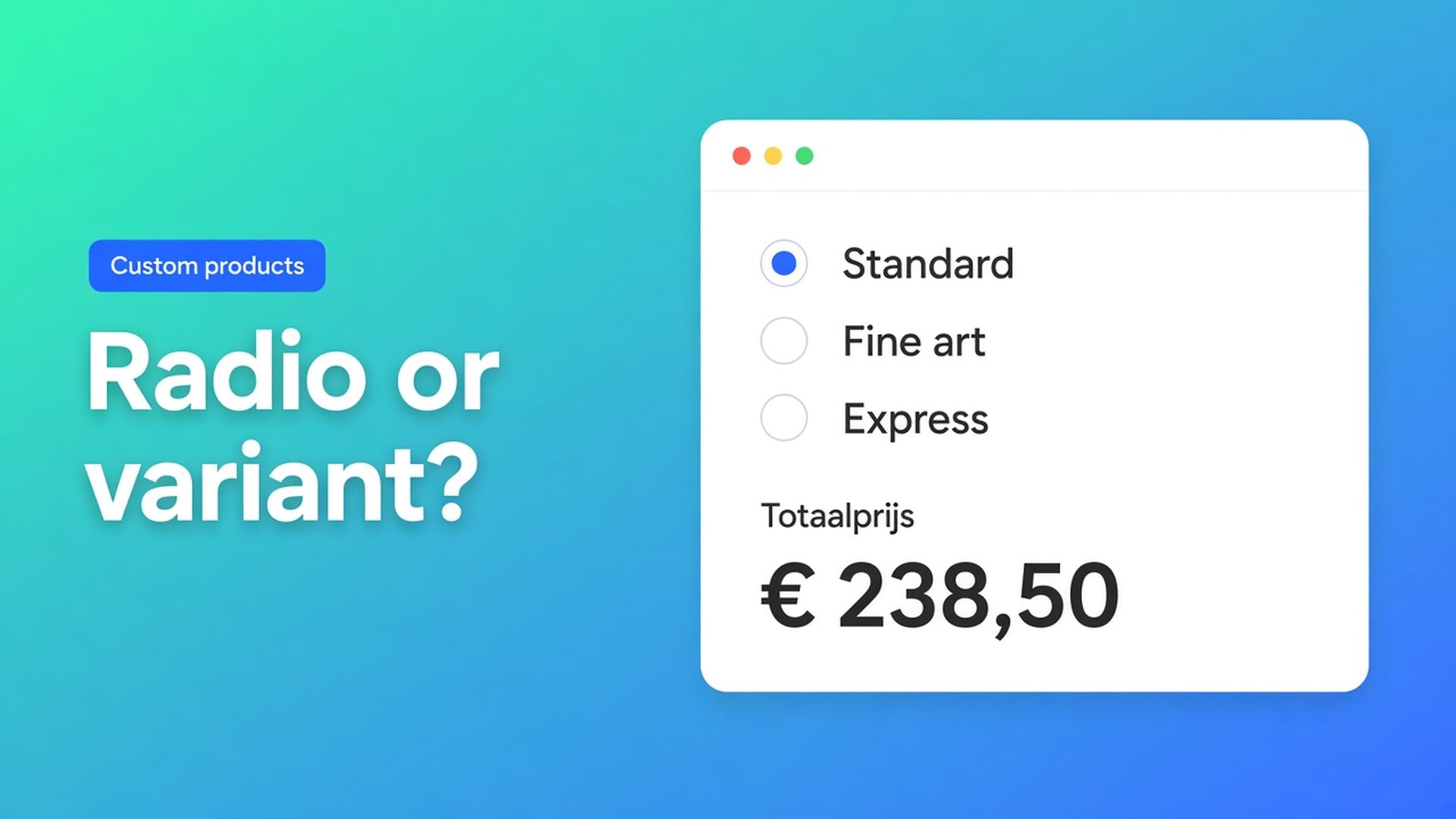
Shopify radio buttons vs variants: pick one without inventing a SKU
Shoppers see circles. Standard or express. Inside mount or face mount. Matte or gloss. Themes draw native variant options the same way, so the control looks identical. The data model is not. Shopify radio buttons vs variants is the difference between a stocked SKU and a number that belongs in a price formula.
A variant owns inventory, a barcode, and (optionally) its own image. A calculator radio owns a label and a float. Mix them up and you spend one of Shopify’s three option slots on a surcharge you will never pick from a bin.
Yesterday we covered checkbox add-on pricing — a yes/no fee. This article is the exclusive list: exactly one choice, visible on the page, priced live with Options Price Calculator.
Variants are inventory, not a style of radio
Adding variants is blunt. A product may have three options and 2048 variants. The old 100-variant cap is gone; the three-option cap is not. Past those limits Shopify points you at an app, or at theme code that collects line item properties. Those properties do not change the price.
Each extra option value multiplies the grid. Twelve fabrics × eight colours × three hanging styles is 288 SKUs before you add a finish. Every cell wants a price, a quantity, and optionally media. Products may carry 250 media items. A photo per hanging style is not merchandising.
Keep fabric or colour as variants when you buy and hold them. Do not promote print quality, mount type, or a delivery tier to an option value. That choice is not a SKU.
Three workarounds that still invent stock
A second value on Material. “Oak / Oak premium / Walnut / Walnut premium.” Four rows for two boards. You do not warehouse “oak + premium”. Premium is money, not timber.
Theme radios as line item properties. `properties[Mount]` lands on the order. Checkout still charges the variant price. You invoice the difference later, or you don’t.
A separate product called “Express.” Two Add to cart clicks. Discounts and shipping treat two unrelated lines.
None of those give you one visible group, a live total, and SKUs only for goods on the shelf.
The radio is the number; the variant stays the SKU
Options Price Calculator is Built for Shopify (5.0, 26 reviews on the listing). Customization lists Radio buttons. Unlimited options, formula-based totals, no extra variants, no quote email. Starter $9.99/month: unlimited options, formula builder, metafields, multilingual. Premium $14.99/month: + conditional logic, live preview, price breakdown. Free: 20 uses; always free on a Shopify Develop plan. Billed in USD.
Decision test: if purchasing, stock, or a barcode changes with the combo, it is a variant. If only the price or the packing note changes, it is a radio.
The Radio Buttons article is the field contract. The shopper picks exactly one row. Each row is a label plus a Value (float) — a flat add-on, a multiplier, or an input to a later step. Show every choice. If the list is long or the column is narrow, the same tip says use a dropdown instead.
Key `print_quality` or `delivery_method`: lowercase, digits, underscores. Label above the group: `Print quality`. Typical values from the docs:
`1` — no price change
`1.15` — multiplier
`20` — fixed extra
Variables and Field Values treats Dropdown, Radio, and Swatch the same way: the formula receives the selected option’s number. A checkbox is the other pattern (configured value or `0`). Turn Required on when fulfillment cannot guess. Mark a default, or leave the group empty so the first click is deliberate.
The Formula Builder accepts `+ - × ÷ ( )`. `product_price` is the active variant. Example 3 in the formula examples multiplies by a dropdown. A radio uses the same shape:
``` product_price * print_quality ```
Standard (`1`) leaves the variant price. Fine art (`1.15`) adds fifteen percent. A delivery add-on is addition:
``` product_price + delivery_method ```
Round once at the end (`Math.round` or `Math.ceil`). Rules that key off *which* row was chosen when two rows share a number belong in Premium conditional pricing. The radio docs expose option position (1st, 2nd, 3rd) there; Variables names that `{key}_optidx`. Not a Free/Starter feature.
Worked example: a print with a quality tier
SKU options stay native: size (A3 / A2) and paper colour (bright white / cream). Two of three slots. No “Quality” option.
Calculator:
Radio `print_quality`, required, no default
Standard — `1`
Fine art — `1.15`
Gallery — `1.35`
Formula `product_price * print_quality`
A2 on cream at €40 with Gallery selected: `40 * 1.35 = 54`. Same figure in the cart. The packing slip reads “Gallery”. You do not hold an A2-cream-gallery SKU.
Two different qualities in one order means two Add to cart clicks. Quantity 2 is two identical prints. The calculator prices one unit; Shopify quantity multiplies the line.
Link the calculator in Linking Products & Variants. One calculator covers the series when only `product_price` changes.
Get it on the product page
Install Options Price Calculator. Free: 20 uses (always free on a Develop plan). Starter $9.99/month. Premium $14.99/month if you need per-option conditional rules.
Drop the app block on the product template, under the price and above Add to cart — How to Add the Extension to the Product Page.
Add Radio Buttons. Short labels. Values `1` / `1.15` / `1.35`, or `0` / `8` / `12` if you add a fee.
Leave colour, size, and material as Shopify variants. Price-only lists stay off that grid.
Switch variants, click every radio, check the live total and the cart.
Turn on server-side price validation so the browser figure is not the only check. Theme bindings exist because some themes use a custom variant selector — the app does not “just work on every theme with zero setup.”
Close
Shopify radio buttons vs variants is a stock question, not a design one. Variants hold inventory. A calculator radio holds a float: add it, multiply by it, stop. Native Shopify ends at three options and 2048 variants. A fourth exclusive list with no warehouse behind it does not belong in that matrix.
Put the radio in Options Price Calculator and let the next shopper pick quality or mount without another SKU.

Custom webshops, websites, and applications combined with smart online marketing to help your business grow online!


Reviews
5/5
Mail: info@onlineorigins.nl
Tel: 073 234 0612
KVK: 89825624
BTW: NL865123639B01
Bruistensingel 500,5232 AH 's-Hertogenbosch Cookies
© 2026 Online Origins