
Point a Shopify specs row at a variant metafield
Shopper picks “oak / 80×200”. The specs table still shows the default SKU’s thickness. The metafield sits on the product, so every colour shares one cell. A Shopify specs table variant metafield is the other owner: variant, so the row follows the picker.
We already covered live metafields vs typed text. This article is only owner = product vs owner = variant.
OO - Advanced Table Builder is Free. Listing (1 Nov 2026): 5.0 from 1 review. Size charts, specs, comparison, tabbed, Us vs Them. Connect product and variant metafields so values stay up to date. Visual builder or AI draft. Handle `tables-specs-comparisons`.
Yesterday: theme block shows the wrong table. That is the table ID in the block. This is which metafield owner fills the cell.
Product vs variant is a Shopify fact, not a table preference
Metafields can belong to a product or a variant. Weight, SKU, barcode already live on the variant. A “drawer count” or “shade diameter” that changes per SKU is yours to define — and the specs module has to target that definition.
Metafield reference — namespace, key, product or variant owner
Metaobject — referenced metaobject field
Same page: if the row is live product data, use the matching Shopify module, not a custom attribute. Weight and SKU are modules. A merchant-specific spec that differs per SKU is a metafield reference with owner variant. Owner product looks broken when the shopper changes colour; the binding is just too coarse.
How the cell gets stuck
One product metafield blob. A JSON dump shared by every variant. The table cannot pick a per-SKU value.
Custom attribute per size in the table. Frozen text. A new SKU means editing the table, not the product. Comparison then compares two strings.
Owner product “because it’s one product”. True in the admin tree, wrong if the value differs per SKU. Certification for the model → product. Drawer count per width → variant.
Specs above Add to cart with no block. Unchanged: Specs have no ATC auto-inject. Auto-placement: Product specs block only.
Build order
Building structure: groups and modules. Prefer Shopify-backed modules.
Product information modules cover option, type, vendor, description, price, SKU/barcode, weight, rating, collections. SKU and weight already follow the selected variant.
For the rest: metafield reference, exact namespace/key, owner variant when the value lives on the SKU, owner product when every variant shares it.
Custom attributes last. After AI, re-check module types so Weight/Price/SKU are not leftover custom text.
Place the Product specs block near price. Visibility in Settings. Embed on for the rest of the app; Specs still need the block.
Cabinets in three widths
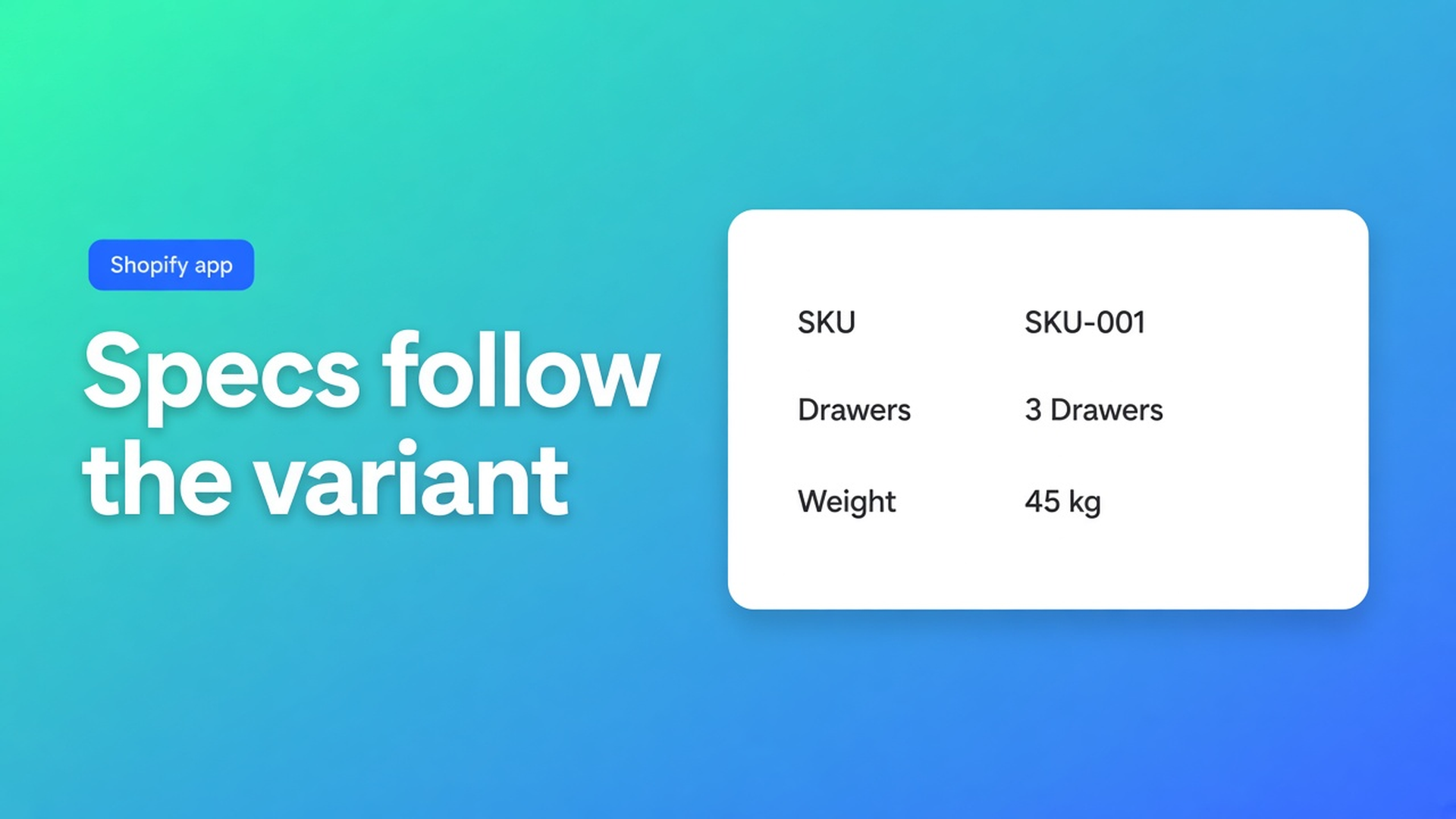
Product “Work cabinet”. Variants 60 / 80 / 100 cm — real SKUs. Product metafield `custom.material` = oak. Variant metafield `custom.drawers` = 2 / 3 / 4.
Specs group “Build”: vendor + material (product owner). Group “This size”: SKU module, weight module, drawers (variant owner). Group “Service”: custom “Assembly”.
Selecting 100 cm changes SKU, weight, drawers. Material stays oak. Incognito, three variants, same URL. If drawers never change, the owner is still product or the key is wrong.
Use the same variant modules later in Comparison so two cabinets compare Shopify data, not typed cells.
Namespace/key typos. `custom.drawers` is not `custom.drawer` and not `my_fields.drawers`. The reference module renders empty. Copy from Settings → custom data → the definition, paste into the module. Close is not equal.
Metaobject vs metafield. A referenced wood-type entry (grain, care) uses Metaobject — referenced metaobject field, not a sibling string metafield. Variant owner on a product-level metaobject reference will not give you per-SKU drawers. Match the module to the data shape.
AI drafts. Generate with AI from a screenshot of old HTML often dumps every row as a custom attribute. Walk Structure: Weight/SKU/Price → Shopify modules. Per-variant diameter → metafield reference, owner variant. Do not let the draft pick the owner.
Size charts vs specs. Chest/waist centimetres are a Size chart type. A “fit note” shared by every colour can stay on the product. Variant specs are SKU measurements (drawers, wattage, inset depth), not a second size chart.
The app stays Free. No paid tier to invent. Excel/Sheets import is a dump, not a live owner. Keep values in Shopify if they must follow the picker. Visibility (all vs selected products) still decides *which table* the product sees — it does not switch metafield owner.
If two products need different variant keys, that is two metafield definitions or two tables with selected-product visibility — not one row that “guesses”. Empty cells on a variant that has no metafield value are expected; do not fall back to the product owner silently. Test the SKU that has no drawers metafield on purpose so you know the empty state.
Get it live
Install OO - Advanced Table Builder (Free).
Define the variant metafield. Copy namespace/key.
Product Specs. Modules for SKU/weight. Reference for the rest. Pick the owner on purpose.
Enable. Product specs block. Switch all three variants.
Do not duplicate the whole table per width — that is visibility or a size chart, not this row.
Docs: Modules & product fields.
Wrap-up
A Shopify specs table variant metafield is namespace, key, owner variant. Product owner is for values every SKU shares. Native modules already cover SKU and weight.
Put the row in OO - Advanced Table Builder. One table, three SKUs, one switch test. If the cell does not move, the owner is too high — the theme is fine.

The Shopify Select partner for ambitious e-commerce businesses that want to grow!


Services
Reviews
5/5
Mail: info@onlineorigins.nl
Tel: 073 234 0612
KVK: 89825624
BTW: NL865123639B01
Bruistensingel 500,5232 AH 's-Hertogenbosch Cookies
© 2026 Online Origins