
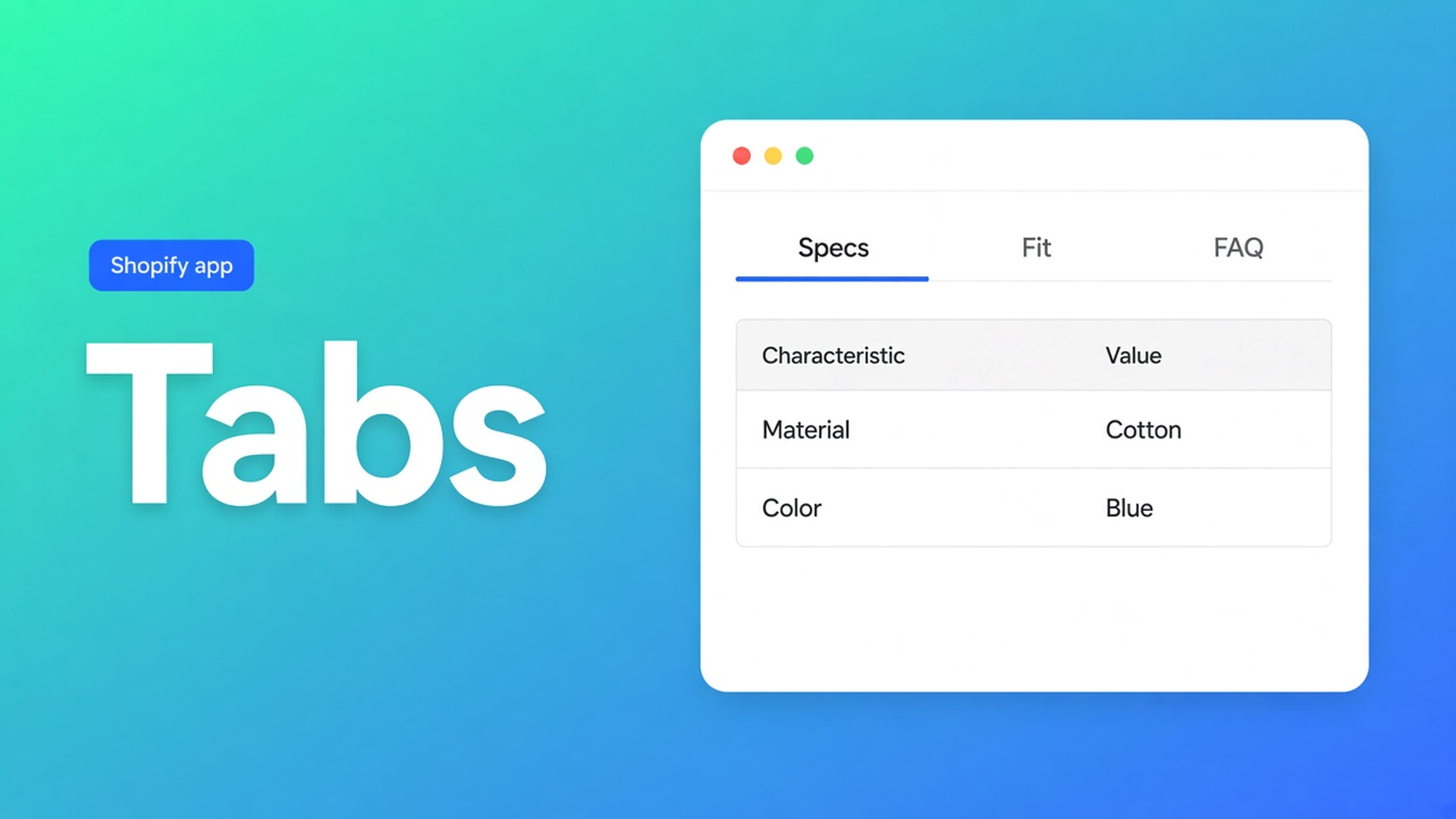
Shopify tabbed product table content: specs, size info, and FAQ
Below Add to cart you stacked a specs grid, a size note, and eight FAQs. Desktop becomes a ladder. On a phone the buy button has already left the screen. Shopify tabbed product table content is one Tabbed table with those three behind labels — Specs, Fit, FAQ — instead of three blocks shoving each other down the page.
The Tabbed type and the block that picks a table ID are in tabbed product content tables. Live spec fields are a different type. This article is the packing problem: spec-like rows, size copy and questions inside one tabbed table so the PDP stays short. App: OO - Advanced Table Builder. Handle `tables-specs-comparisons`. Older docs still say Tables, Specs & Comparisons. CTA stays that listing.
Do not pitch another Online Origins app.
Three blocks are not tabs
Shopify has no native product-page tab grid. Theme app blocks give a slot, not labels. What shops stack:
a Product Specs block + a Size chart block + collapsible FAQ in the description;
everything in rich text — indexed, unread;
a “More info” menu page that leaves the PDP.
Specs are visibility-based and have no ATC auto-inject (Auto-placement rules). Size charts may render above Add to cart when the Size chart block is missing — Tabbed does not get that fallback. FAQ in the description is not a table type. Three separate blocks lengthen the page. One Tabbed type keeps the buy section clear.
Workarounds that keep the PDP long
Specs + size-chart popup + description. Three systems. Shoppers hunt fit in a popup, fabric in Specs, returns under the fold.
Theme collapsible rows. Theme switch, gone. No Settings → translations, no AI draft, no live metafield modules.
Comparison or Us vs Them “because those are columns too”. Comparison is side-by-side products. Us vs Them is USP rows. Tabbed is content behind labels. Types are not interchangeable; the Tabbed block will not take a Comparison ID.
None of those: one Tabbed table, three tabs (table / text / image), Enable on, Tabbed tables block with *that* ID, below the buy buttons.
One Tabbed table, three kinds of content
OO - Advanced Table Builder is Free, 5.0 from 1 review, launched 17 September 2026. English UI. Works with AI, Excel, Google Sheets.
Listing: size charts, specs, comparison, tabbed content, Us vs Them. Visual builder or an AI draft from a description or screenshot (max 4 MB). Connect product and variant metafields. Style, place, translate. Display options: templates, custom CSS, color and font, multi-language, product page, mobile responsive.
Quick start: Create table → type Tabbed. Structure: “Add groups, modules, tabs, or measurement blocks depending on the type.” Prefer Shopify-backed modules (Weight, Price, options, metafields) when a value should stay live. Custom attributes only when there is no Shopify source. After AI, check module types.
Tabbed = text, tables, images behind tabs. Do not claim AI always maps Shopify modules perfectly. Design settings: tab style plus content/table colours for Tabbed. Optional Refine with AI on Design via a brand URL — structure stays until you confirm.
Settings: Enable on. Disabled tables do not render even with a block. Enable, visibility, and products: Size chart/Specs/Comparison support All vs Selected products. Tabbed and Us vs Them are chosen explicitly in the block picker (by table). Internal description is admin-only.
Place tables with theme blocks: Tabbed tables — pick a specific Tabbed table. Docs suggest Size chart/Specs near price / buy buttons. Tabs sit lower, under the buy section, so the button stays free. Auto-placement for Tabbed: always the matching block or a shortcode `[oo-table id=YOUR_TABLE_ID]`. Embed on (app embed). Do not claim Specs auto-inject.
Translate tab labels in Settings → translations. Listing: fully translate all table text for every language you sell in.
Example: e-bike, three tabs, one block
Urban e-bike. The description mixes motor watts, frame size notes (S/M/L) and “what is the warranty?”. Three scroll zones.
Tabbed table `ebike-tabs`:
tab Specs — compact table, Shopify modules for weight/price where they exist;
tab Fit — short size copy (this is *not* a Size chart type with popup; a real measurement popup is type Size chart in its own block);
tab FAQ — warranty and service text.
Enable on. Customize → Products → Default product → Tabbed tables block → this ID, below buy buttons. Embed on. Do not expect size-chart auto-placement. Second locale: same tabs, labels in translations.
Failure modes: Enable off; Us vs Them ID in the Tabbed block; a Specs block *and* the same numbers in the Specs tab. Do not mix types in one block. FAQ does not need a comparison tray. Want a real size-chart popup beside the tabs? That is a second table of type Size chart — not a second Tabbed table. Two Tabbed blocks on one PDP just restore the scroll you were trying to kill.
Ship it
Install OO - Advanced Table Builder (Free).
Create table → Tabbed, or Generate with AI.
Three tabs: table / size notes / FAQ. Shopify modules where values must stay live.
Design: tab style. Enable. Theme editor: Tabbed tables block, this ID. Embed on.
Check the storefront. Translate labels. No other OO app.
Close
Shopify tabbed product table content is not a third Specs block and not a theme collapsible. It is type Tabbed with spec-like rows, size notes and FAQ behind labels, one table ID, Enable on. No ID, no tabs. Enable off, empty block. Auto-inject next to Add to cart belongs to size charts/compare, not here.
Publish the tabs from the Advanced Table Builder listing and pick the table ID before you leave the three separate blocks in place.

The Shopify Select partner for ambitious e-commerce businesses that want to grow!


Services
Reviews
5/5
Mail: info@onlineorigins.nl
Tel: 073 234 0612
KVK: 89825624
BTW: NL865123639B01
Bruistensingel 500,5232 AH 's-Hertogenbosch Cookies
© 2026 Online Origins