
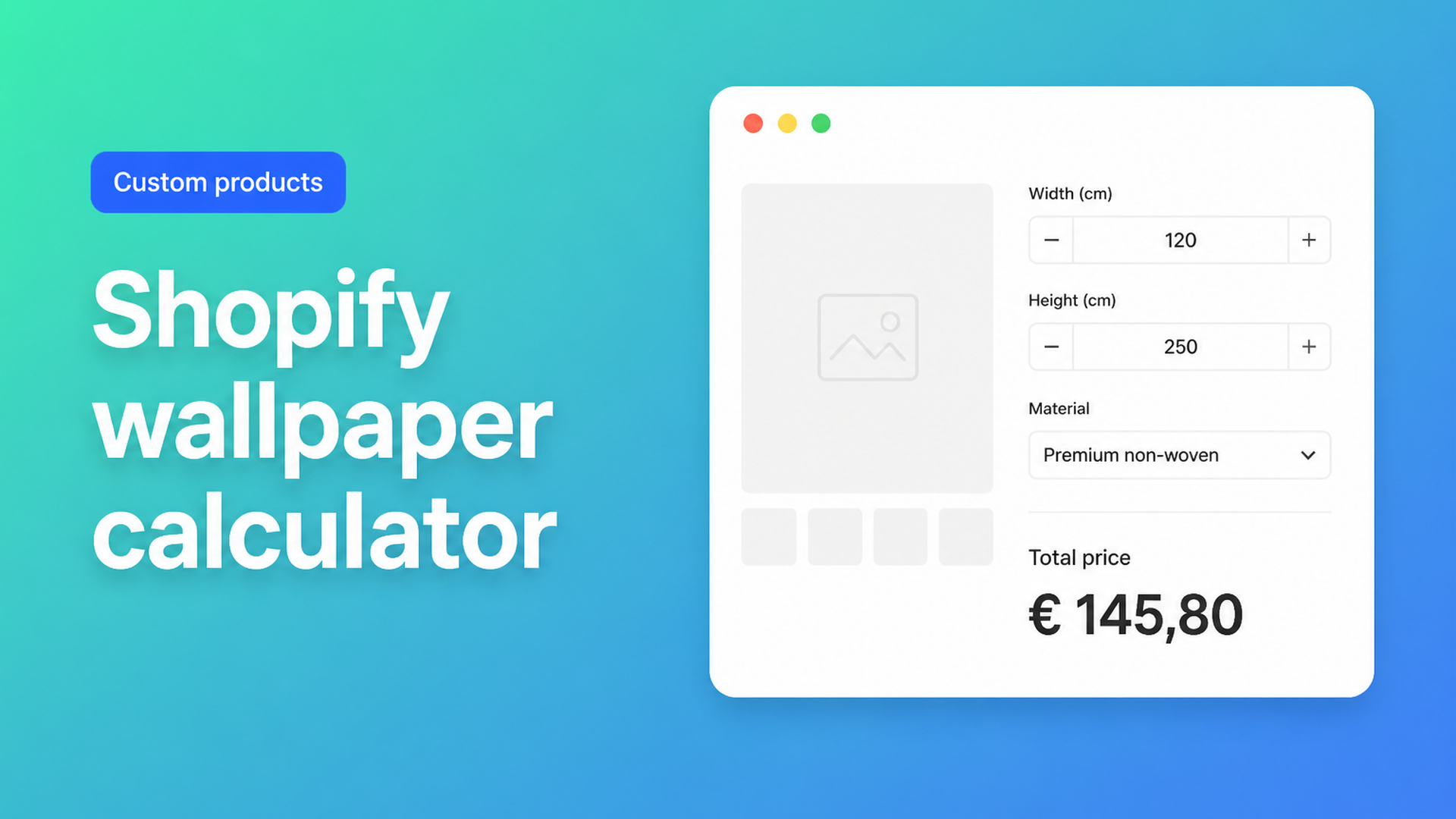
Shopify wallpaper calculator: live wall-size pricing without a variant grid
A Shopify wallpaper calculator is the checkout flow mural and peel-and-stick shops actually want: the customer measures the wall, types width and height, picks a substrate, and sees the price before they hit Add to cart. Native Shopify is built for SKUs — “roll 10 m”, “panel 2×3 m”, “A4 sample” — not a continuous wall. The moment someone needs 136 × 104 inches, that cell is not in your catalog.
This piece is for merchants selling photo murals, panoramic wallpaper, or made-to-measure wall covering who still quote in email, maintain a dropdown of “sizes”, or pretend quantity equals square metres. You will see why 2048 variants do not fix it, what wallpaper threads in the Shopify Community keep asking for, and how Options Price Calculator puts width × height × rate on the product page — with an optional material multiplier and a minimum charge.
Wallpaper does not fit three Shopify options
Shopify Help Adding variants is unambiguous: a product may have at most three options and at most 2048 variants. The variant cap rolled out to every merchant in October 2025 (changelog). Useful if you truly stock 40 colours × 20 drop lengths. Useless for a mural whose price is a function of two typed numbers.
Even 10 cm (or 4 inch) steps across a realistic wall range explode the grid. Fifty widths × thirty-five heights is already 1,750 SKUs — before vinyl vs non-woven, and before you spend three option slots. Millimetre SKUs are theatre: you do not warehouse 347×268.
Variants are for stocked combinations. Wallpaper pricing is area math plus a finish. We covered the general pattern in price per square meter; wallpaper adds roll-vs-print, waste, and usually a floor price so a 0.4 m² sample does not print at a loss.
Merchants have been asking for this for years. Adding Height and Width Variables For Custom Made Wallpaper is the classic: sell by the square metre, let the customer type height and width. Staff pointed at calculator apps, not a native formula. In 2025, Additional Product Complexities For a Wallpaper Store asked for material dropdowns that change the per-area rate, typed length and height, and an installation upcharge that scales with area — on Basic, without Plus. Panoramic shops hit the same wall in Looking for an app to customize panoramic wallpaper sales.
Workarounds that stall on the product page
Rolls in variants, murals in the inbox
Pre-cut rolls as SKUs are fine until the shopper has a 4.2 m wall and no idea how many rolls to buy. Custom print goes to “email us your measurements”. The product page never closes the sale.
A price table disguised as variants
Every cell — 120×180, 130×180, 140×200 — gets a hand-typed price. It works until a between-size arrives, until you change the rate, or until the select list is unusable. You are shipping a spreadsheet in a dropdown.
Line item properties in the theme
`<input name="properties[Width]">` stores text on the line. Fulfilment can print it. Checkout still charges the variant price. Two square metres and twelve square metres cost the same unless an app or a Shopify Function sits next to those fields.
Quantity as square metres
Set the product to $32 and tell the customer quantity means m². Checkout does 8 × $32. It breaks on 7.4 m², on a setup fee, and on inventory decrementing “8 units” when you printed one panel.
Area, substrate, and a floor price on the product page
Options Price Calculator is built for this: unlimited fields on the product page, a formula that updates the price live, no extra variant per centimetre. It is Built for Shopify, mounts as a theme app extension under the price, and can attach a different calculator per variant when you do have a real SKU split (non-woven vs vinyl in stock).
The docs include a Price per square meter example in Pricing / Formula Examples: number inputs `width` and `height`, then
``` product_price + (width * height) ```
Wallpaper shops usually collect centimetres (or inches) and charge per m². Number Input supports min/max so a 20 cm “wall” cannot reach the cart. Mark the fields required.
Centimetres in, area as a computed property
In the formula step, add a computed property “Area m2” with `width * height / 10000`, the pattern in Computed properties. Main formula at a $35 rate:
``` product_price + _cv_area_m2 * 35 ```
Keep `product_price` at 0 or a small base; put the rate in the formula or in a numeric metafield if one calculator covers many designs. Round last with `Math.ceil` or `Math.round` — the Formula Builder is explicit about that.
If you sell in inches, convert once in the computed property (`width * height / 1550` is a workable m² approximation) instead of asking shoppers to do the maths.
Substrate as a multiplier
Dropdown “Material” with numeric values `1` (non-woven), `1.25` (vinyl), `1.4` (textile). Docs example 3:
``` (product_price + width * height) * material_type ```
Stocked collections stay as real Shopify variants; the calculator can follow the variant via linking.
Minimum order: Premium
A 0.3 m² sample at $10.50 is a gift to the customer and a loss to the printer. Conditional formulas are Premium. The docs’ “Minimum price enforcement” example: if `(product_price + width * height) < 100` then `100`, else the normal sum. See Conditional Pricing (Premium). Do not list this as a Starter feature.
Installation as an add-on
A checkbox `installation` with a numeric value (flat fee) or as a per-m² term in the formula. The app does not ship a booking calendar; pair a scheduling app if you need dates. That split matches the wallpaper community thread: pricing here, diary elsewhere.
Artwork on the order
File upload with an optional handling fee (`product_price + file_upload`) is in the same formula examples — useful when the shopper supplies a print file. Overlaying live preview on the product image is Premium (Product Personalizer), as is a real-time price breakdown. Do not sell those as free.
Example: photo mural with a vinyl upcharge
One product, “Photo mural”. Native variant = collection (real SKU, different cost). Everything else stays out of variants.
Fields:
`width` and `height` — number, cm, required, min 80 / max 600 and 400.
`material` — dropdown, values 1 / 1.25.
`installation` — checkbox, 45 or 0.
optional `file` — upload, 15 when a file is present.
Computed area: `width * height / 10000`.
Starter formula:
``` (product_price + _cv_area_m2 * 35) * material + installation ```
On Premium, if the result drops below $120, force 120. The shopper types 340 × 250, picks vinyl, ticks fitting, watches the total move, and checks out. You print one panel. You do not maintain 1,700 size SKUs.
If you still sell classic rolls rather than printed murals, `Math.ceil` can turn wall area / roll area into a rough roll count. Pattern repeat stays your production rule — the calculator evaluates what you write.
The same split shows up in made-to-measure curtains: keep a few inventoried variants, put continuous dimensions next to them.
What you need to go live
Install Options Price Calculator from the Shopify App Store (install guide).
Add the app block on the product template, below the price and above Add to cart (theme editor).
Create number fields, dropdown, and formula; test with preview values.
Link the calculator to the product or variant.
Run Pick price and Pick add to cart if the theme does not update on its own.
Verify on the storefront: dimensions change → price moves → cart is correct.
Floor price, size tiers, or live preview: Premium only, and only if you need that workflow.
Listing (September 2026): 5.0 from 22 reviews, Free / Starter ($9.99) / Premium ($14.99), USD. Built for Shopify. Free: 20 uses; Develop-plan stores stay free per the listing.
Wrap-up
A Shopify wallpaper calculator is not another row in the variant matrix. It is width and height on the product page, a rate per square metre, optional substrate and a floor price, with measurements on the order for the printer. Native Shopify stops at three options and fixed SKU prices. Theme line-item properties do not close that gap. Options Price Calculator runs the sum live without a SKU per centimetre.
Ready to sell murals without a quote inbox? Install Options Price Calculator and wire it to one mural product today.

The Shopify Select partner for ambitious e-commerce businesses that want to grow!


Services
Reviews
5/5
Mail: info@onlineorigins.nl
Tel: 073 234 0612
KVK: 89825624
BTW: NL865123639B01
Bruistensingel 500,5232 AH 's-Hertogenbosch Cookies
© 2026 Online Origins