
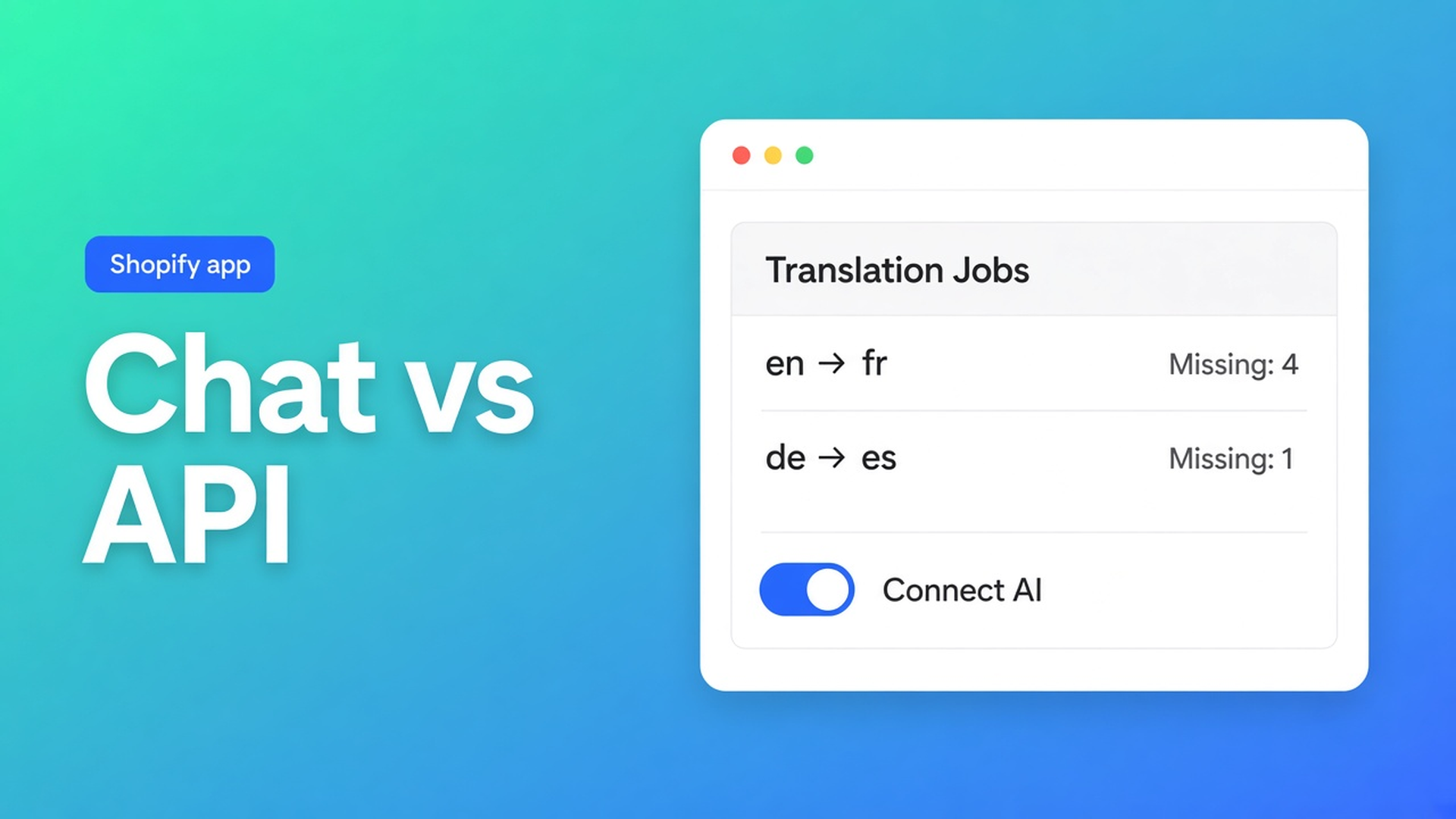
Translate a Shopify store with ChatGPT without pasting 400 titles
ChatGPT is already in a tab. Germany needs the catalog. Twelve titles paste fine. Four hundred products, pages, theme strings, and a draft theme do not. Translate Shopify store with ChatGPT is that split: a chat is not a translation job. In OO - Ultimate AI Translations you either attach the same family of model as *your own AI*, or you let App AI meter units at about $0.01.
19 October covered the three Connect AI fields. 17 October covered App AI at cost. This article is the search query: ChatGPT. What the chat can do, what the listing means by “Works with ChatGPT”, and when you should leave the built-in App AI alone.
A chat does not publish a market
Shopify publishes languages. Missing copy falls back to the source. Translate & Adapt or a CSV can fill fields. A ChatGPT window beside admin can too — until brand names drift and S/M/L becomes “Small”.
The listing (Free plan, usage on paid plans, 0 reviews, launched 14 October 2026) says: *Connect your own A.I. model or use our fairly priced and powerful standard model.* Works with A.I., ChatGPT, CSV, Excel, LLMs. That is not an iframe of chat.openai.com. It is the OpenAI-compatible protocol, or the built-in App AI.
Free:
App $0
Connect your own AI
Unlimited languages, markets, translations
Language switcher
No backups, no scheduled jobs, no App AI
Professional $10/month + usage: glossary, 1+1 backup, monthly schedule, App AI at translation cost (~$0.01/unit) *or* own AI. Plus $20: 5+5 backups, daily schedule, same unit price or own AI. Billed in USD.
Three places “ChatGPT” shows up in this setup
Paste from a chat. Fine as a tone test. Dead at catalog scale. No lock. No job history. No skip list for handles, URLs, IDs, SKUs, barcodes, size codes, JSON, empty source, or locked fields. That list lives on app jobs, not in your prompt.
Own AI — ChatGPT / OpenAI-compatible. Connect AI: Settings → AI connection → OpenAI-compatible base URL, API key, model. Save. Run a small translation. Brand voice and glossary travel with the request. A job that dies on an AI error: check the key, the model name, and credits at the provider.
That path is on Free. App AI is not. You pay the model behind the key, not a second meter inside the app.
App AI on Professional or Plus. Same docs: if the plan includes the built-in AI, confirm it on the Home setup guide or leave Settings on the default app connection. Listing: billed at the translation cost, estimator $0.01 per unit. Pass-through, not a markup story. You can still keep own AI.
Schedules (monthly on Professional, daily on Plus) only run when a provider exists. Free does not schedule.
What a job skips — even when ChatGPT is behind it
Jobs and Translate actions skip technical values: handles, URLs, IDs, SKUs, barcodes, size codes (S/M/L), JSON, empty source, locked fields. A chat skips none of that unless you type it every time.
Missing = empty target. Outdated = source newer than the existing target. Yesterday: those two actions. Start schedules on Outdated only when you do not want to replace good DE. Saving in the editor locks the field; automatic runs will not overwrite it.
What *can* go through: products, collections, pages, theme, metaobjects, draft/development themes, SEO title/description, image alt, option labels. Not: “ChatGPT will rewrite my checkout HTML”.
Glossary and brand voice (Professional+) ride along so “Online Origins” does not become a calque. Do not promise a glossary checkbox on Free — the listing puts Glossary on Professional.
Floor example: 80 knit titles, your key, DE missing
Shop “Wool Last”. NL source. DE published. Eighty product titles empty in DE. You already hold an OpenAI key that serves ChatGPT models.
Install OO - Ultimate AI Translations. Free is enough for own AI. Professional if you want glossary + a monthly schedule, or App AI without storing a key.
Publish languages in Shopify. Then Connect AI: the provider’s base URL, your key, the model name *that* provider expects. Do not invent a model string.
Smoke test: one product, Missing, Translate. Confirm S/M/L untouched and the brand name intact.
Editor: remaining Missing. Or — on Professional — a monthly job, products, Missing. Outdated later, when NL source moves.
Language switcher on the theme. Backups only on paid plans; do not claim them at $0.
Rather not put a key in the app? Professional or Plus, default App AI, unit price from the listing. Same skip list. Same locks. Different bill.
Do this next
Open the listing. 0 reviews; do not invent stars.
Pick the route: chat for a sample. Own AI on Free. App AI on Professional/Plus.
Settings → AI connection, or leave the default app connection.
Test one field. Then Missing. Schedule only if the plan allows it.
Job history: translated / skipped / failed. AI error → key, model, credits.
Close
Translate Shopify store with ChatGPT is not a second browser window. “Works with ChatGPT” on the listing means: attach a compatible API, or use App AI at about a cent a unit. The chat will not fill 400 SKUs, will not skip size codes, and will not lock a sentence you just fixed.
Point the provider at OO - Ultimate AI Translations. Stop pasting the catalog line by line.

The Shopify Select partner for ambitious e-commerce businesses that want to grow!


Services
Reviews
5/5
Mail: info@onlineorigins.nl
Tel: 073 234 0612
KVK: 89825624
BTW: NL865123639B01
Bruistensingel 500,5232 AH 's-Hertogenbosch Cookies
© 2026 Online Origins