
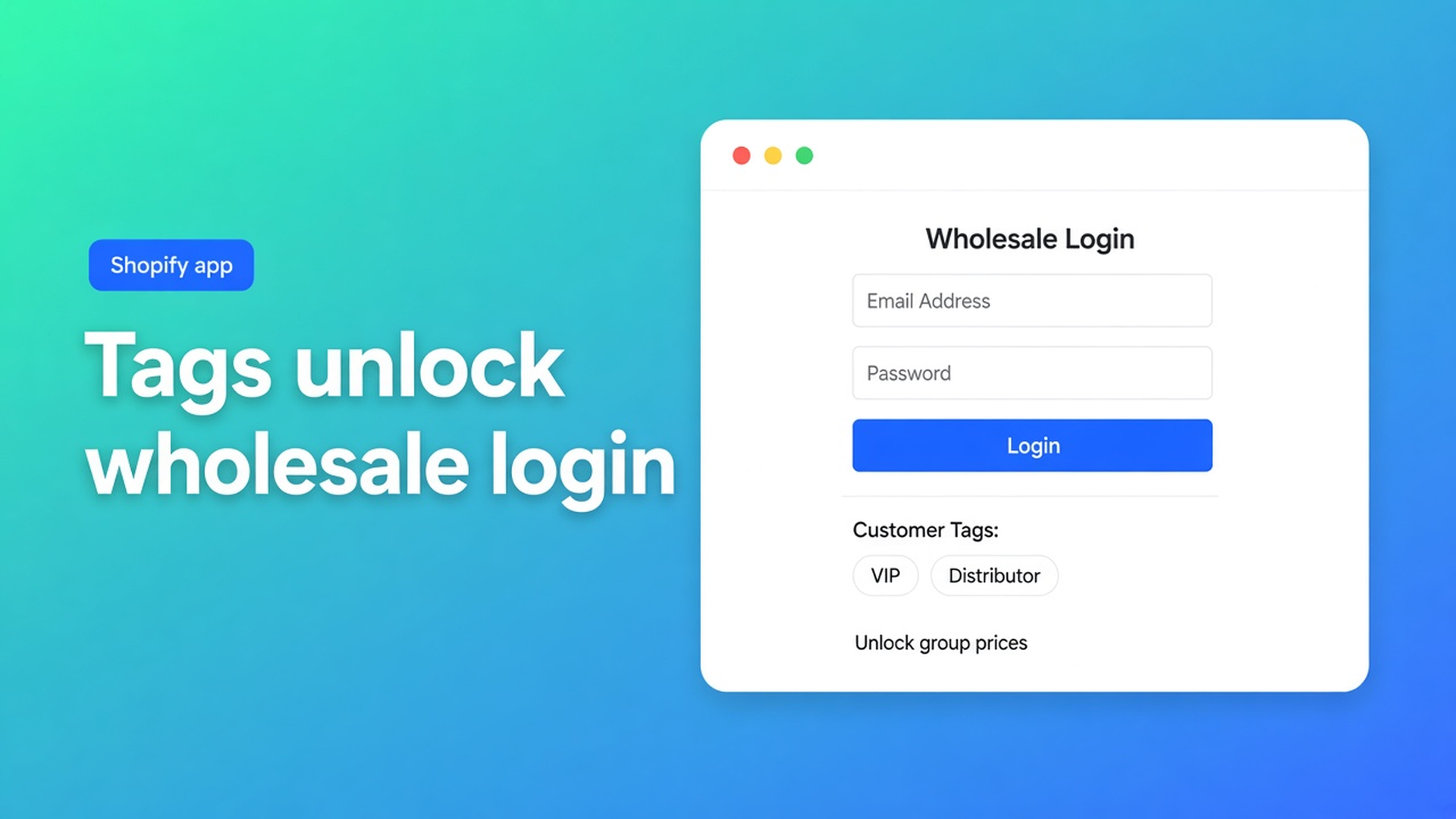
Shopify B2B customer tags and wholesale login: the tag is the gate
Approval sat in your inbox. The reseller signs in, reloads the product, and still sees €24. The net price lives inside a bulk form their profile cannot open, because `Wholesale` was never saved on the customer. Shopify B2B customer tags wholesale login is that sequence: account, session, matching tag, then one form. Login without the tag is just order tracking.
Yesterday covered net terms. Earlier pieces: wholesale login and customer approval. This article stays on the tag itself: how OO - EU B2B & Wholesale uses tags as the lock, why a tag cannot sit on two forms, and why typing a tag in Visibility does not attach it to anyone.
Tags label people. They do not rewrite the catalogue.
Shopify customer tags are labels you save on a profile (Customers). Native Shopify does not turn that label into a net price on the regular product page. An account is email plus password. Together they are still not a B2B catalogue.
The listing puts Customer tagging next to Wholesale login, custom pricing, signup, and product visibility. The docs fix the order. How to show the form to customers with specific tags:
The shopper must be logged in.
At least one matching tag (OR): `B2B` or `Wholesale` grants access.
Tags are not case-sensitive; spelling must match.
Each customer sees one bulk form.
A tag used on form A is not reused on form B.
How B2B pricing works: prices apply inside that form, only for people who can see it. Shopify product prices stay put. The ordinary PDP stays retail.
Approval without a tag is a tick in email. A tag without a session is a label the storefront never reads.
How the price leaks before anyone logs in
Every account gets `Wholesale`. Then login is the only gate. A consumer who created an account to track a parcel sees the form. Visibility set to “Logged-in customers only” does the same without a tag. Mixed D2C + B2B is coarser than you wanted.
One tag, two rate cards. `Wholesale` on the 10% form and on the contract form. Docs: that tag does not apply twice. One customer, one form. Two tiers need `Wholesale_T1` and `Wholesale_T2`.
Type the tag only in Visibility. You can Add “Wholesale” there before anyone has it, so the form is ready. That does not assign the tag to customers. Until you save it on the profile in Admin, real accounts still see retail.
Expect a guest with a tag. Tag rules require login. Logged out, no form — cookies do not carry tags. Test in a private window: signed out gone, tagged test customer present.
Admin previews lie. How to test visibility rules wants a real customer account.
Wire tags to visibility, prices to the form
OO - EU B2B & Wholesale is Built for Shopify (5.0 from 33 reviews). Listing $8.95/month or $101.88/year (5% off), 7-day trial, USD. The pieces that meet here: custom B2B pricing, registration forms, customer tagging, wholesale login, VAT/VIES.
Recommended wholesale setup in the docs: visibility Customers with specific tags, a dedicated bulk order page, one form per group. Not “All customers”.
From the tag article:
In Shopify Admin, put the tag on the customer (`B2B`, `Wholesale`, or your group name) and save.
Open the bulk form → Visibility → Customers with tags → pick the tags.
Form status On, save.
Test as a tagged customer.
If several forms could match, priority is: specific customers → tags → all logged-in → everyone. Only the highest match shows. Disabled forms are ignored.
Inside the visible form: individual SKU prices, one fixed price, or a percentage (docs example: 10% off) that follows retail changes. Rules do not stack. Login alone does not rewrite `/products/lamp`.
After VIES the app can apply tags used for payment methods (General Settings). That is a different job than form visibility. A VIES tag is not a group rate until you point visibility at it.
An enabled form still needs theme blocks on the bulk page. No block, no fields — even with the right tag.
Two installer tiers, storefront stays public
You sell fittings to households and to trade.
Form T1, tag `Installer_T1`, 12% inside the form. Visibility: tags.
Form T2, tag `Installer_T2`, contract unit prices. Visibility: tags.
No form on All customers or Logged-in only.
Registration plus approval, then T1 or T2 on the profile — same order as the approval article.
Guest on `/products/spot`: €89.
Account, no tag (someone following a consumer order): neither form.
`Installer_T1`, signed in: T1 only, 12% in the bulk form. The PDP still shows €89.
Both tags by accident: one form, by priority. Remove the extra tag. Do not reuse T1 on T2.
Private window: signed out / wrong tag / right tag.
Checklist
Install OO - EU B2B & Wholesale ($8.95/month, 7-day trial).
One bulk form per group. Unique tags. Visibility on tags, not on everyone.
Theme blocks on the bulk page. Form On.
Approve → tag in Admin → ask them to sign in.
Incognito pass. Check spelling. Missing form: session, tag on the profile, no overlapping form, status On.
Wrap-up
Shopify B2B customer tags wholesale login is not a second storefront. Guests see retail. Signed-in untagged accounts see retail. A unique group tag opens one form, and only there does the rate apply. Native Shopify stores tags; this app binds them to visibility. A tag in the setting is not a tag on the customer. The same tag on two forms does not work.
Save the group tag after approval and send them through OO - EU B2B & Wholesale so the next net price never lands on the open PDP.

Custom webshops, websites, and applications combined with smart online marketing to help your business grow online!


Reviews
5/5
Mail: info@onlineorigins.nl
Tel: 073 234 0612
KVK: 89825624
BTW: NL865123639B01
Bruistensingel 500,5232 AH 's-Hertogenbosch Cookies
© 2026 Online Origins