
Shopify customer access blocked: get the bulk editor loading again
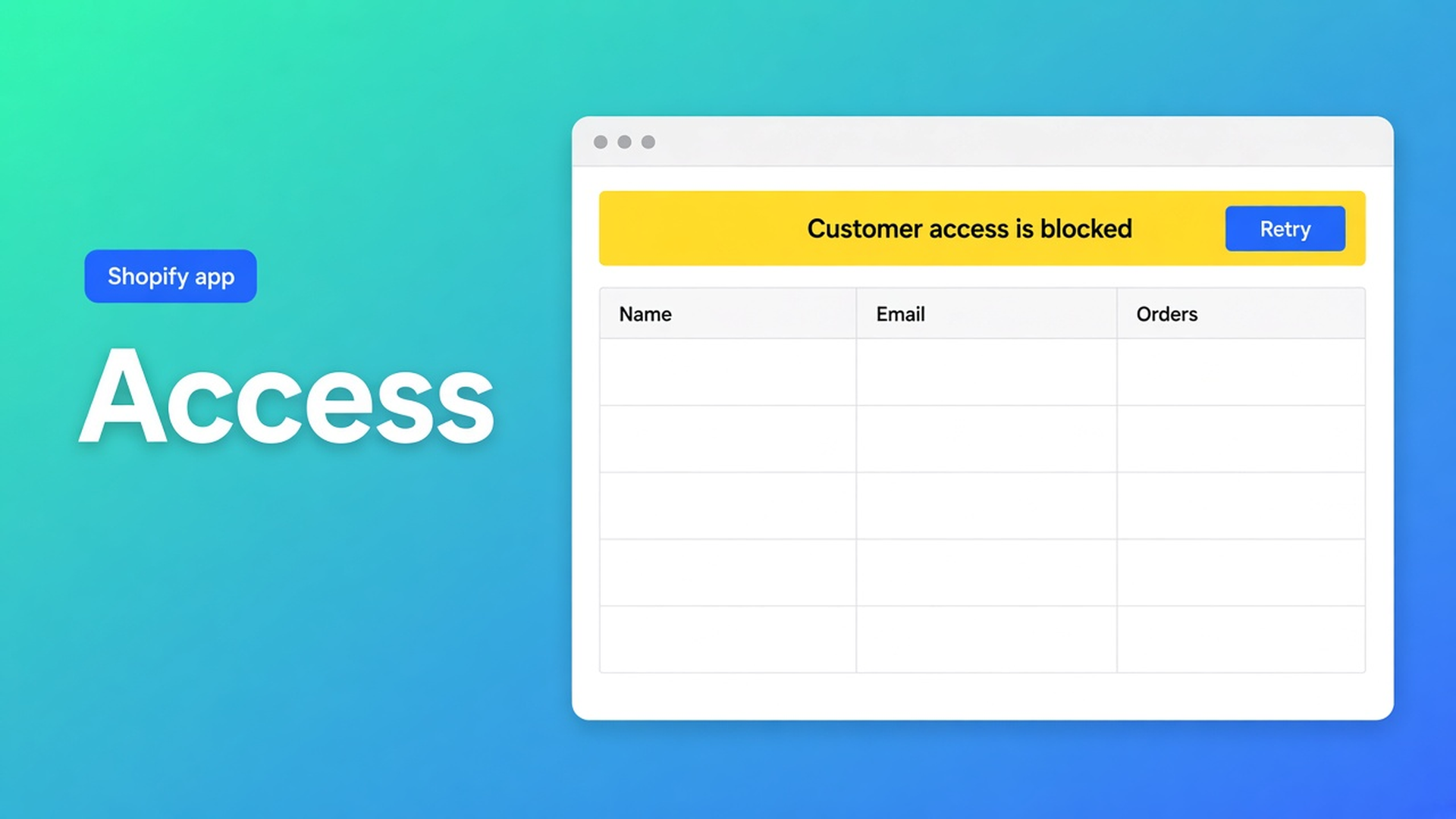
You open *Start editing* or Customers → More actions → Edit in bulk. The grid stays empty. Or customers load and segments do not. The banner says Shopify blocked Customer API access. Shopify customer access blocked in bulk is that banner — not a control that locks customer accounts. The docs are titled *Customer access is blocked*: what to do when customer data or segments cannot load.
OO - Bulk Customer Data Editor edits locale, tax exempt, tags, and more in an admin spreadsheet. Without approved customer data, that grid never fills. This article follows that troubleshooting page. Filters and Select all matching up to 50,000 are in filter customers. Here: access first, then the set.
The app is Free. Listing: 0.0 (0 reviews). UI in English. Works with Excel and Google Sheets. Do not pitch another Online Origins app. Do not claim this editor signs customers out or sets accounts to “blocked” in Shopify.
Shopify holds customer data until the app is allowed
Protected customer data is a Shopify review, not an editor feature. Apps that ask for `read_customers` / `write_customers` must meet Shopify’s protected customer data requirements. Until that access is approved — or until the staffer has the right permissions — the API refuses the list.
What you see:
the bulk editor opens, the table stays empty;
a banner that Customer API access is blocked;
segments “unavailable”, while an email search still returns a row.
Native Shopify Customers may still work for the same staffer: that UI uses Admin permissions, not the app scopes. It feels like “the app is broken”. It is an access wall.
Detours that leave the grid empty
Reinstall the editor. Scopes that were not granted on install do not come back if you delete the app and reinstall without confirming as store owner. Protected data approval is a separate Shopify step.
Force segments while the banner is still up. The docs are explicit: if only segments fail, you can still search and edit customers. Segment features need customer access without staff restrictions. An empty segment dropdown is not a reason to Select all matching on an incomplete set.
Native Admin CSV as a workaround. Possible. Locale and tax exempt — the listing USPs of this app — are awkward in Shopify’s standard editor. You dodge the block; you do not lift it. And you still have not used Select all matching (cap 50,000).
None of that replaces: follow the on-screen guide, Retry, reload.
What the banner actually means
Customer access is blocked: if the app shows that Shopify blocked Customer API access, follow the on-screen steps, then reload.
Three causes on that page:
Protected customer data access is not approved yet for the app.
The staff account has restricted customer permissions.
Required customer scopes were not granted on install.
What to try, in that order:
Reopen the app as a store owner or as staff with full customer access.
Confirm the app has `read_customers` and `write_customers`.
Follow Shopify’s protected customer data requirements if prompted.
Click Retry or reload the Customers page.
Segments unavailable only: you can still search and edit. Segment features need customer access without staff restrictions. That matches use segments in the bulk editor: restricted customer permissions may show segments unavailable; search and bulk editing of customers already loaded can still work.
The FAQ names the same wall: blocked protected customer data limits editing until access is approved.
Once the wall is gone, Edit customers in the spreadsheet lists what you can change: name, email, phone, tags, note, Locale (Shopify locale dropdown, not free text “dutch”), tax exempt, marketing consent under Shopify rules, default address, metafields defined on the shop. Read-only: total spent, order count, created date. Only changed fields go to Shopify.
Open from *Start editing* or Customers → More actions → Edit in bulk — What is Bulk Customer Editor? and Open the editor from Customers.
OO - Bulk Customer Data Editor stays Free. Do not invent a Premium tier. Listing highlight: bulk-edit Customer Locale and tax-exemption status — fields Shopify’s standard editor leaves awkward at scale. Those USPs only matter once the API returns rows.
Walkthrough: a staffer who can view, not write
A teammate can see tags, not write them. They open Edit in bulk. Banner: access blocked, or a grid that will not save. The store owner opens the same app: rows load.
Per the docs: reopen as store owner or staff with full customer access. Check scopes. Retry. Only then filters across the whole list, then Select all matching up to 50,000, then Save. Large saves: keep the tab open.
Protected data still in Shopify review: wait. The editor cannot skip that review. Do not claim Retry bypasses Shopify’s check.
Locale empty after import? Different article: customer language wrong after import. Clear this wall first, or you filter a list that is not there.
Get unblocked
Install OO - Bulk Customer Data Editor (Free).
Install as store owner. Confirm `read_customers` and `write_customers`.
If Shopify asks for protected customer data: finish that flow. Do not reinstall the editor in a loop.
Banner *Customer access is blocked*: on-screen guide, Retry, reload. Switch staffer if needed.
Segments unavailable, customers visible: search and edit is fine. Do not Select all matching as if the segment loaded.
Wall gone: Locale and tax exempt columns, filter, Save. Failed row = Shopify’s error; retry the rest.
Wrap-up
Shopify customer access blocked in bulk is Shopify holding the Customer API — protected data, staff rights, or scopes. It is not a bulk action that sets accounts to blocked. Follow the guide, Retry, reload. Then the spreadsheet does what the listing promises.
Open the editor with OO - Bulk Customer Data Editor once that access exists. Door first, rows second.

The Shopify Select partner for ambitious e-commerce businesses that want to grow!


Services
Reviews
5/5
Mail: info@onlineorigins.nl
Tel: 073 234 0612
KVK: 89825624
BTW: NL865123639B01
Bruistensingel 500,5232 AH 's-Hertogenbosch Cookies
© 2026 Online Origins