
Which Shopify bulk form a customer actually sees
The restaurant buyer logs in and gets the retail sheet with singles. The case-pack wholesale grid lives on another URL — or nowhere. Support hears “the form is broken.” Usually that customer matches two enabled forms, and the wrong one wins.
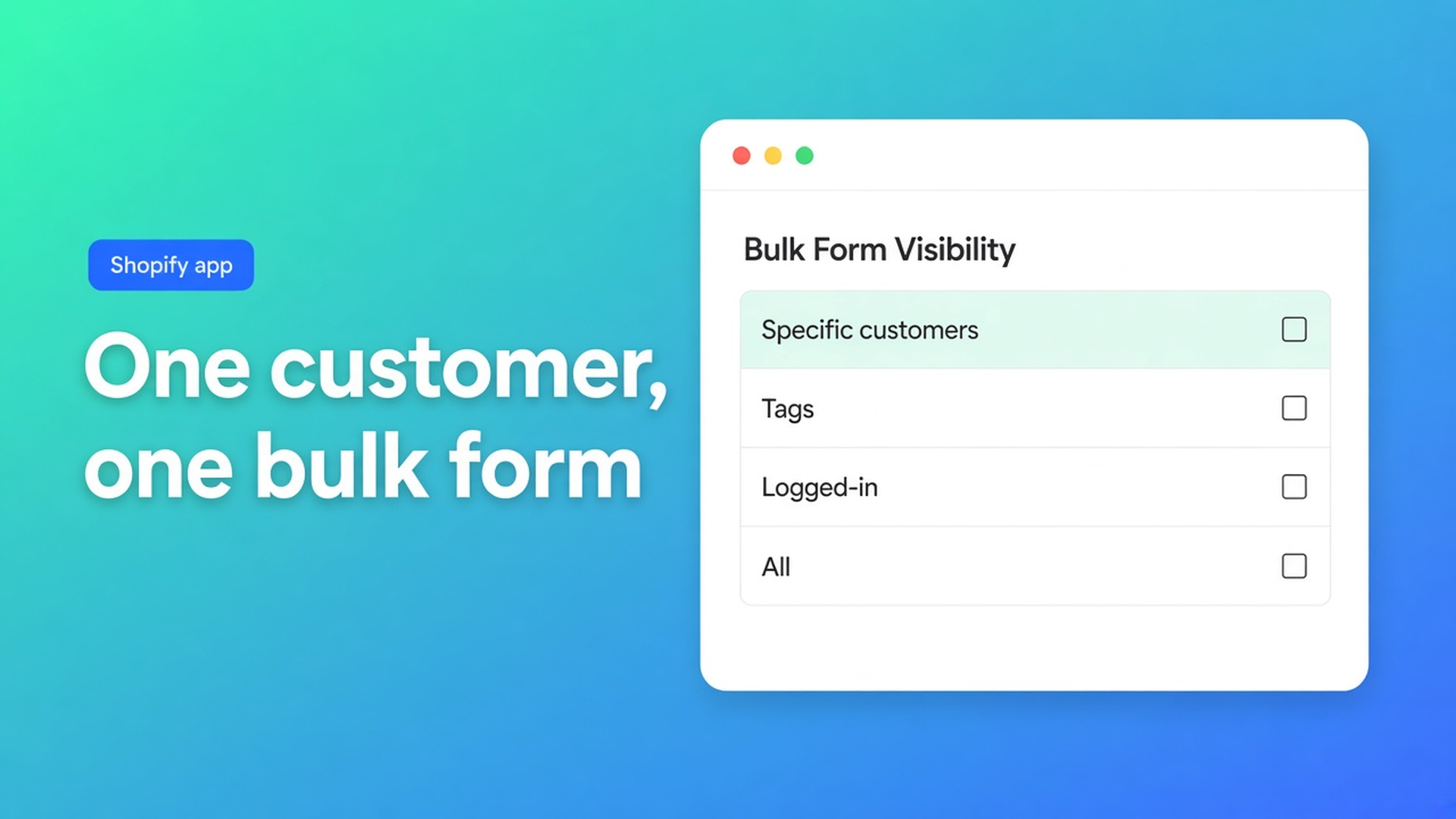
Shopify bulk form visibility priority is the order in OO - EU B2B & Wholesale. Docs Which bulk form is shown: one customer sees one form. When several rules could match, the winner is:
specific customers
tags
logged-in customers
all visitors
Not “the form you saved last.” Not two grids at once.
Bulk forms sit on Growth ($37/month or $370/year, 14-day trial) on the live listing. Free: one pricing rule, one registration form. Starter $22/month: unlimited pricing, registration, EU tax exemption (VIES). Built for Shopify, 5.0 (34 reviews). Billed in USD.
Related posts: multiple bulk forms per group and percentage discount on a form. Yesterday: a fixed wholesale price. This one is only: who wins when two forms can.
Shopify has no native “second order sheet per tag”
Product pages are product pages. A second wholesale template does not give you a case-pack grid with its own visibility. Plus B2B Companies is a different product. This app is OO’s stack: registration, group prices, bulk forms, VIES. Do not claim it “replaces Shopify Plus B2B.”
Theme Liquid that hides a table unless `customer.tags` contains `Wholesale` is not a visibility rule. It breaks on `wholesale` vs `Wholesale`, and on a buyer who also carries `Retail`.
Four levels, strict
All customers — everyone, logged in or not. Lowest priority.
Logged-in customers only — account required.
Customers with specific tags — at least one matching Shopify tag, OR. Must be logged in. `B2B` or `Wholesale` → access.
Specific customers — named profiles, logged in. Highest priority.
Only enabled forms count. Off = never shown. Visibility always overrides the generic settings.
The docs’ examples
Customer A is assigned to form X and also has a tag for form Y → X.
Customer B has only the tag for Y → Y.
Customer C is logged in, no specific, no tag → the logged-in form.
Guest D, a form set to all customers → that form.
Do not reuse tags or people
A customer already on form X cannot be assigned to form Y. A tag already used on Y is not reused on Z. Conflicts are ignored or overridden. Several tags on one profile still yield one form: the highest priority.
Show the form to tagged customers: tag in Shopify, then in Visibility. You can type a tag in the app before anyone has it — that does not apply the tag. Spelling must match; case does not.
Specific customers for a small list with no shared tag. Remove them and access drops immediately.
Admin preview lies
Customers see the wrong bulk form: testing as admin, as the wrong customer, or as a profile with extra tags, misleads. Use a customer account, not admin.
Practical loop:
Incognito.
Log in as that buyer.
Note which form appears.
Open every enabled form: visibility type, tags, specific list. Hunt overlap.
Remove overlap. Incognito again.
“No form” is the same list: logged in if required, tag present, form On, no higher form winning, no All-customers form you forgot was enabled for guests.
Do not mix All customers with restricted wholesale if guests should never see the sheet. Guests hit the open form; logged-in dealers may still lose to a higher rule — or not, if you expected All to apply.
Example: retail sheet vs dealer grid
Shop “Coffee Wholesale”. Form Retail: All customers, singles. Form Hospitality: tag `horeca`, cases, Growth prices. The owner tests in Admin, sees Retail, assumes Hospitality is off.
The dealer has `horeca` and is still on a leftover specific list for a “VIP” test form.
Install OO - EU B2B & Wholesale. Growth for bulk forms.
Hospitality: Visibility = tags, only `horeca`. Retail: guests only, or off if dealers must never see singles.
Clear the VIP specific list or disable that form. Specific beats tags.
Incognito as the dealer: case grid. Incognito as guest: Retail or nothing, on purpose.
Write down which tag owns which form. No shared tags.
Quote request, order limits, wholesale cart fields are also Growth. They do not change priority. Priority is visibility, not the discount on the sheet.
DataForSEO on the nearby head term “shopify bulk order form”: volume ~10, transactional. This post answers the informational follow-up: *which* form, when several exist.
Get started
Open the listing. Growth $37/month if you need bulk forms.
One visibility type per form. No overlapping tags or specific lists.
Test with a real customer account in a private window.
Leave enabled only what should show. Disabled forms do not count — until someone turns them back on.
Do not claim a native Shopify bulk form. Do not claim two forms at once. Do not pitch another OO app.
Wrap-up
Shopify bulk form visibility priority is specific → tags → logged-in → everyone. One form per customer. The “wrong” grid is almost always a higher rule you forgot.
Set the rules in OO - EU B2B & Wholesale. Log in as the dealer. See which sheet appears. Then put the discount on it.

The Shopify Select partner for ambitious e-commerce businesses that want to grow!


Services
Reviews
5/5
Mail: info@onlineorigins.nl
Tel: 073 234 0612
KVK: 89825624
BTW: NL865123639B01
Bruistensingel 500,5232 AH 's-Hertogenbosch Cookies
© 2026 Online Origins