
Shopify customer CSV empty cells: skip on update, do not wipe
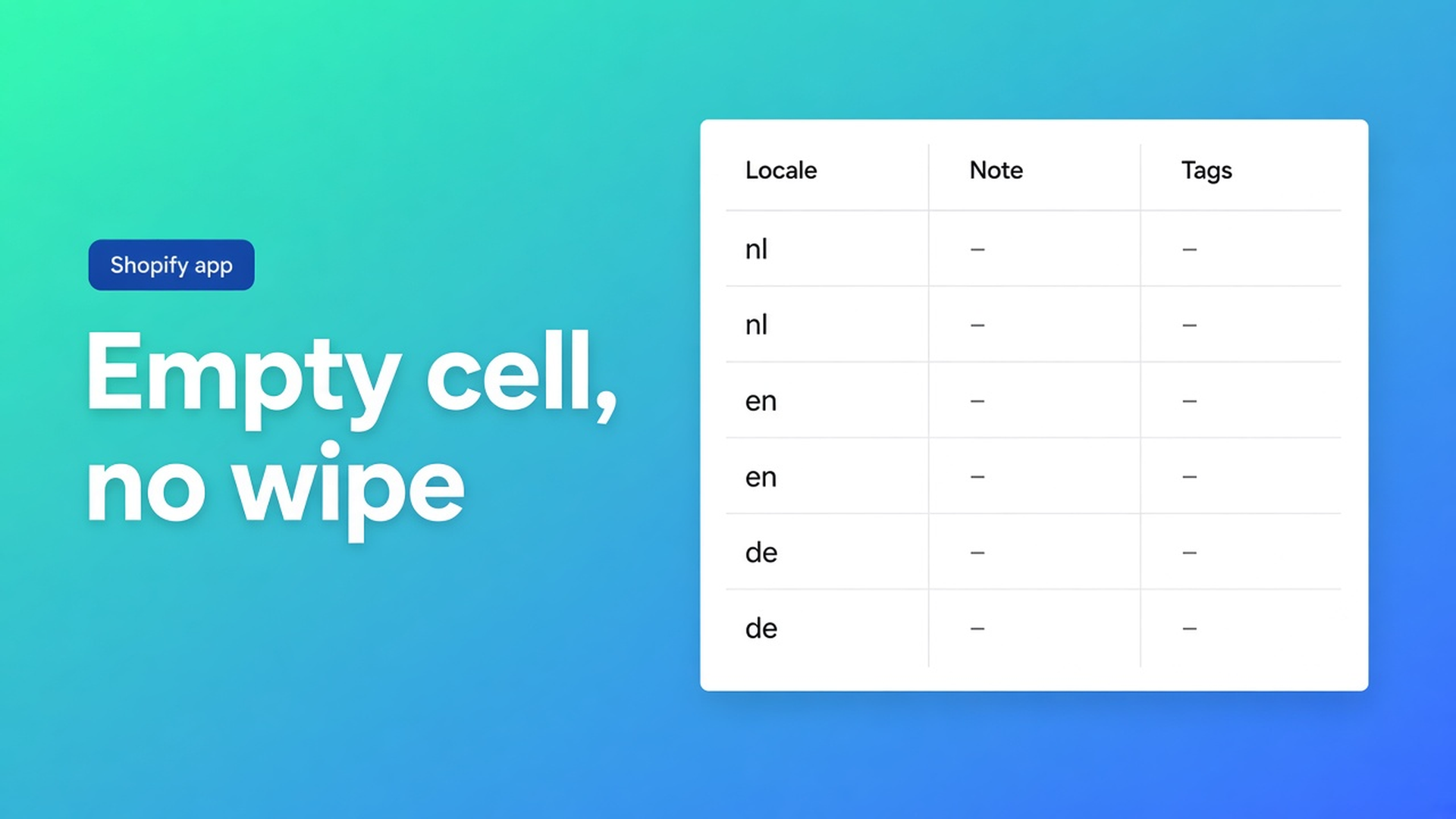
You export 2,000 customers, set Locale to `nl`, and leave Note, Tags, and Tax exempt blank. In Excel that reads as “I’m not touching those columns”. Native Shopify import with Overwrite on can treat blank as a wipe. In OO - Bulk Customer Data Editor the contract is the opposite. Shopify customer CSV empty cells behavior on an *update* is skip: existing values stay. Only filled cells are applied.
We already walked through empty cells on CSV import. This piece is the decision shops miss: when skip is exactly what you want (locale or tax exempt only), and when it is a trap (you thought blank deleted the note). Also: a *new* customer is not an update.
Same blank cell, two outcomes
The import article matches in this order:
Customer ID exists in *this* shop → update.
Else email → update.
Still missing → create; email or phone required. An ID from another shop is ignored.
Then the line the FAQ repeats: empty CSV cells are left unchanged on updates. They do not clear existing values.
Update: a blank Note column keeps the old note. A blank Locale keeps the old locale — even if it is wrong. To set `nl`, the cell must contain `nl`.
Create: there is no old value. Blank cells become blank fields on the new profile. Cross-shop imports match on email when the foreign ID does not exist. Preview import shows created vs updated. Confirm after that screen, not before.
Shopify Help Importing customer lists uses Overwrite to replace existing data, including import tags. File cap 15 MB. Customer Locale is not a native bulk column there. That is why this listing calls out locale and tax-exemption: fields the standard editor is awkward about in bulk.
What shops do until notes “mysteriously remain”
Blank columns “to clean house”. In Excel, empty is nothing. On an update here, empty is do not change. Tags you hoped to clear are still there in the morning. The docs never say “blank = delete”. Do not claim they do.
Native overwrite “so the sheet is the source of truth”. It is — including headers you exported empty by accident. One extra column and the note is gone. This app’s preview is per row, not a silent wipe.
Locale filled, tax exempt left blank by mistake. If wholesale accounts already had the right exemption, skip is a gift. Flip it: you meant to set tax exempt to `yes` and the column was empty. Nothing changes. The import “worked”. The field did not.
When skip is the point
A language-fix sheet after export:
Customer ID
Email
Locale = `nl` (docs examples: Dutch `nl`, English `en`)
Everything else blank
Match on ID. Only locale moves. Notes, tags, addresses, consent stay. Marketing consent has extra Shopify rules — see consent after migration: subscribed needs a valid opt-in. Blank consent cells do not overwrite that state. A `yes` without evidence can fail the Shopify update.
Same pattern for tax exempt: `yes` or `no` on the rows you care about, leave the column blank on the rest. Or skip CSV: filter in the spreadsheet, Select all matching up to 50,000, bulk apply, Save with preview. Keep the tab open on large jobs.
The app is Free. Listing: bulk-edit, import/export, locale and tax-exemption, migration, filters, views, segments. Works with Excel and Google Sheets. 0 reviews — do not invent stars. No other OO app in this post.
400 accounts, one column filled
Shop A → shop B. Export from this app (UTF-8 BOM for Excel). In B the Customer IDs do not exist, so matching falls back to email. Some emails are new → create. Some already exist → update.
You fill Locale on every row. You leave Note blank.
Existing customer in B: locale becomes `nl`; B’s note stays (not the blank cell, not A’s note unless you filled that cell).
New customer: locale `nl`, note empty.
Preview splits created vs updated. Do not close the tab during batches. Failed rows: Import results summary, fix, retry the rest.
Read-only columns (total spent, order count, created date) do not belong in the sheet anyway.
To actually empty a note: not via a blank CSV cell on an update. Open the editor, click the cell, type the value you want, Save. Docs do not offer CSV-delete. The spreadsheet is where you overwrite a field on purpose.
Ship a one-column import
Install OO - Bulk Customer Data Editor. Customers → More actions → Edit in bulk, or Import in the app.
Decide: update (ID or email exists) or create. Preview first.
Fill only columns that may change. Locale, tax exempt, a tag. Blank on update = unchanged.
Confirm. Tab open. Open one existing profile: note still there, locale new.
Open one new profile: blanks are blanks.
Large set, no CSV: filter + bulk apply, 50,000 matching cap.
Wrap-up
Shopify customer CSV empty cells behavior on an update is a skip, not an eraser. New customers have nothing to skip: blank stays blank. Native overwrite does wipe. This app does not, unless you put a value in the cell.
Fill that one column in OO - Bulk Customer Data Editor, leave the rest empty, and after Save open an old profile — the note should still be there.

The Shopify Select partner for ambitious e-commerce businesses that want to grow!


Services
Reviews
5/5
Mail: info@onlineorigins.nl
Tel: 073 234 0612
KVK: 89825624
BTW: NL865123639B01
Bruistensingel 500,5232 AH 's-Hertogenbosch Cookies
© 2026 Online Origins