
Shopify fix customer locale after CSV import: skip the second file
The import summary reads 1,842 updated, 0 failed. The next shipping confirmation still leaves in German. Searching Shopify fix customer locale after CSV import means you already have both facts: the file succeeded, Customer Locale did not. A second CSV with a blank language column will not repair that.
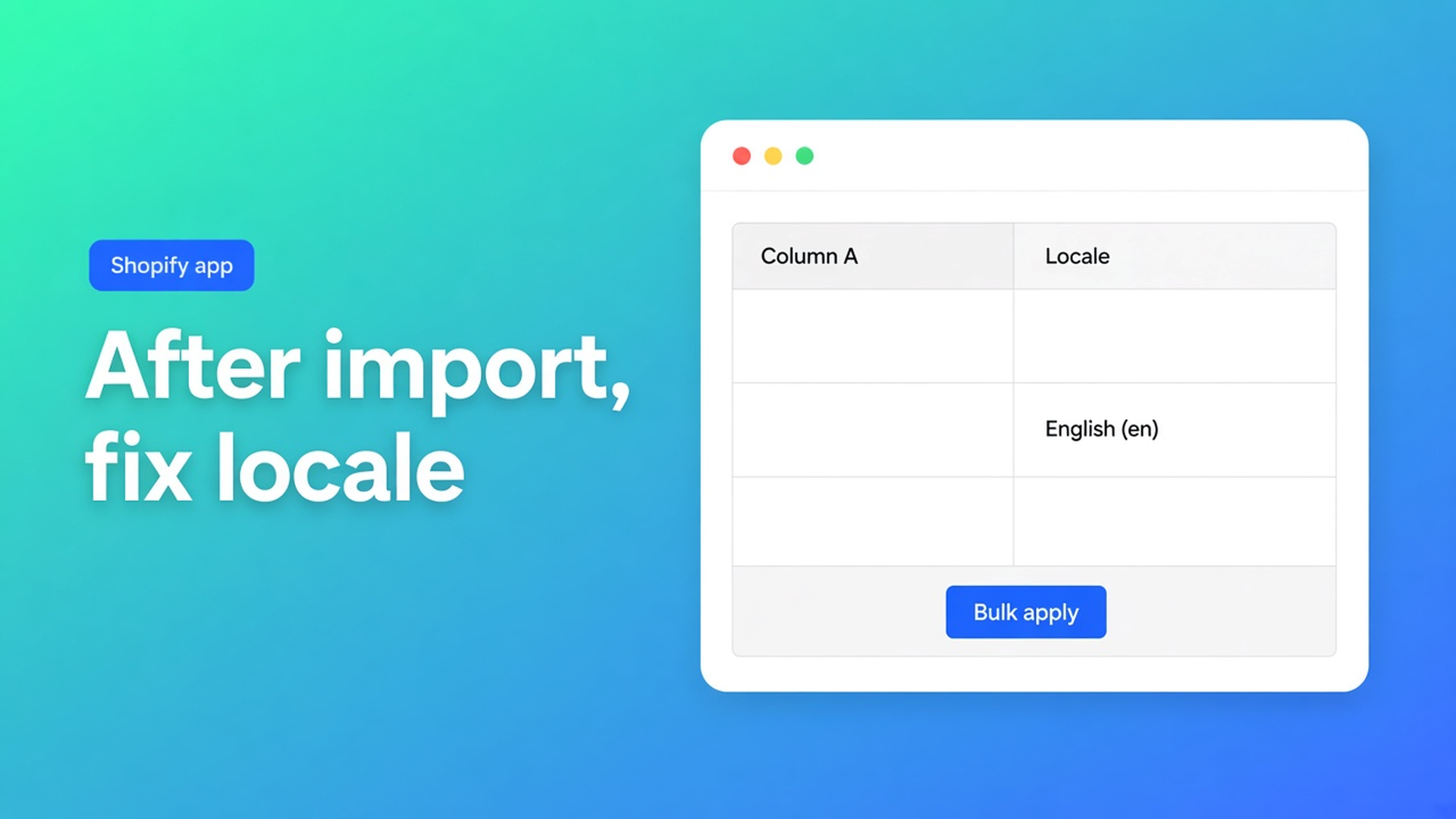
Empty CSV cells leave existing values alone. That is in the import docs and the FAQ. OO - Bulk Customer Data Editor sets language in the grid: Locale dropdown, filter, bulk apply, Save. Not a second native Overwrite.
This is not another pass of language wrong after import (how to spot the mess) or empty cells on update (why a blank does not wipe). This is the checklist you run before you close the import tab.
Matching creates accounts. Locale is optional cargo.
The same import article matches in this order:
Customer ID exists in this shop → update.
Else email.
Still missing → create (email or phone required).
A Shopify export from another store works that way: foreign IDs are ignored, email does the join. What the file does not promise: a filled Locale. Shopify’s standard customer export often omits that column. New accounts land empty or on the store default. Updates with a blank cell stay as they were — including the wrong `de`.
Native Shopify edits locale on one profile. A thousand clicks is not a migration. The listing calls out Locale (and tax-exemption) as fields the standard editor handles poorly in bulk. The app is Free. Still 0 reviews. English UI. Excel and Google Sheets via CSV.
What teams try until the second import also “succeeds”
Put Locale in Sheets, re-import, leave most cells blank. You fill `en` on a subset and leave the rest empty “so those stay put”. That last part is true — and useless if those rows are empty and you thought empty meant “English”. Empty writes nothing.
Native Shopify import with Overwrite. Different product. Overwrite can flatten notes. This app does not apply empty cells on updates. Use Preview. Keep the tab open; large jobs run in batches.
Stamp a tag `EN` and hope notifications follow. Tags are not Customer Locale. The locale field drives later mail. A US address is not a locale either.
None of that is: finish the job, open Locale, filter, write one value, Save.
Job first, column second
Open the editor from the dashboard (*Start editing*) or Customers → More actions → Edit in bulk. Staff need `read_customers` and `write_customers`. Locale is a dropdown of every locale Shopify supports — English (`en`), German (`de`) — not free text “english”.
Columns: turn Locale on. Filters run across the whole list. Locale is matched while scanning, not always through Shopify search. Large shop: segment or search first (a tag `import-2026-10` you put in the CSV), then Locale is empty.
Two passes, not one vague “everyone English”:
Filter Locale is empty → Select all matching (up to 50,000) → Field Locale → Value English (`en`) → Apply to selected.
Filter Locale is German (`de`) on the same imported set if `de` was the source-store default and you meant English-market buyers → bulk apply `en` again.
Edits sit in the table first. Nothing hits Shopify until Save. Discard drops the staging. Only changed fields are sent. Large save: keep the tab open. One row fails → Shopify’s error shows; the rest does not need a rerun.
Save this as a view: columns Locale + email + tag, filter is empty. Views are shop-wide, unlike the Columns picker (browser-local). Next migration, Apply.
Tax exempt is the same second-step shape on another field. That walkthrough is tax exempt after customer import. Do not mix it into the locale apply if you only want language.
OO - Bulk Customer Data Editor is Free. Listing: spreadsheet bulk-edit, import and export, including Locale and tax-exemption. No paid tier. Access blocked means Shopify is blocking the Customer API until access is approved.
Worked example: 1,800 rows from another Shopify shop
You import the standard customer export. Preview: most match on email, a few new. Job finished, tab stayed open. Locale column: hundreds empty, a chunk still `de` from the source shop.
Segment or tag for this batch. Filter is empty. Select all matching. Bulk apply English (`en`). Save. Second filter: batch tag + Locale is `de` + country US (or tag `EN`). Apply `en`. Spot-check ten profiles and a notification language.
What you do not do: upload the same CSV again with a half-filled Locale column. Blanks stay blank or stay `de`.
Before you close the import tab
Install the app. Free, 0 reviews.
Import the CSV: Preview, confirm, leave the tab open. Matching ID → email → new.
Columns: Locale on. Filter or segment this import only.
Pass 1: is empty → bulk apply the right locale. Pass 2: a store default that is wrong for this batch.
Save. Keep a view named “After CSV: locale”. Spot-check a profile.
Someone missing: in the filter? Access blocked? Select-all over 50,000? Narrow the segment.
Support chat and docs live on the dashboard. Do not claim every Shopify import “sets language correctly”. Do claim: after the job, you can fix locale in bulk.
Close
Shopify fix customer locale after CSV import is not a second spreadsheet. The import matches accounts. Blank cells do not write a language. The Locale column, a filter and one bulk apply do — up to 50,000 matching rows, Shopify only at Save.
Finish the job in OO - Bulk Customer Data Editor. Inbox copy then follows the locale you chose, not the source shop’s default.

The Shopify Select partner for ambitious e-commerce businesses that want to grow!


Services
Reviews
5/5
Mail: info@onlineorigins.nl
Tel: 073 234 0612
KVK: 89825624
BTW: NL865123639B01
Bruistensingel 500,5232 AH 's-Hertogenbosch Cookies
© 2026 Online Origins