
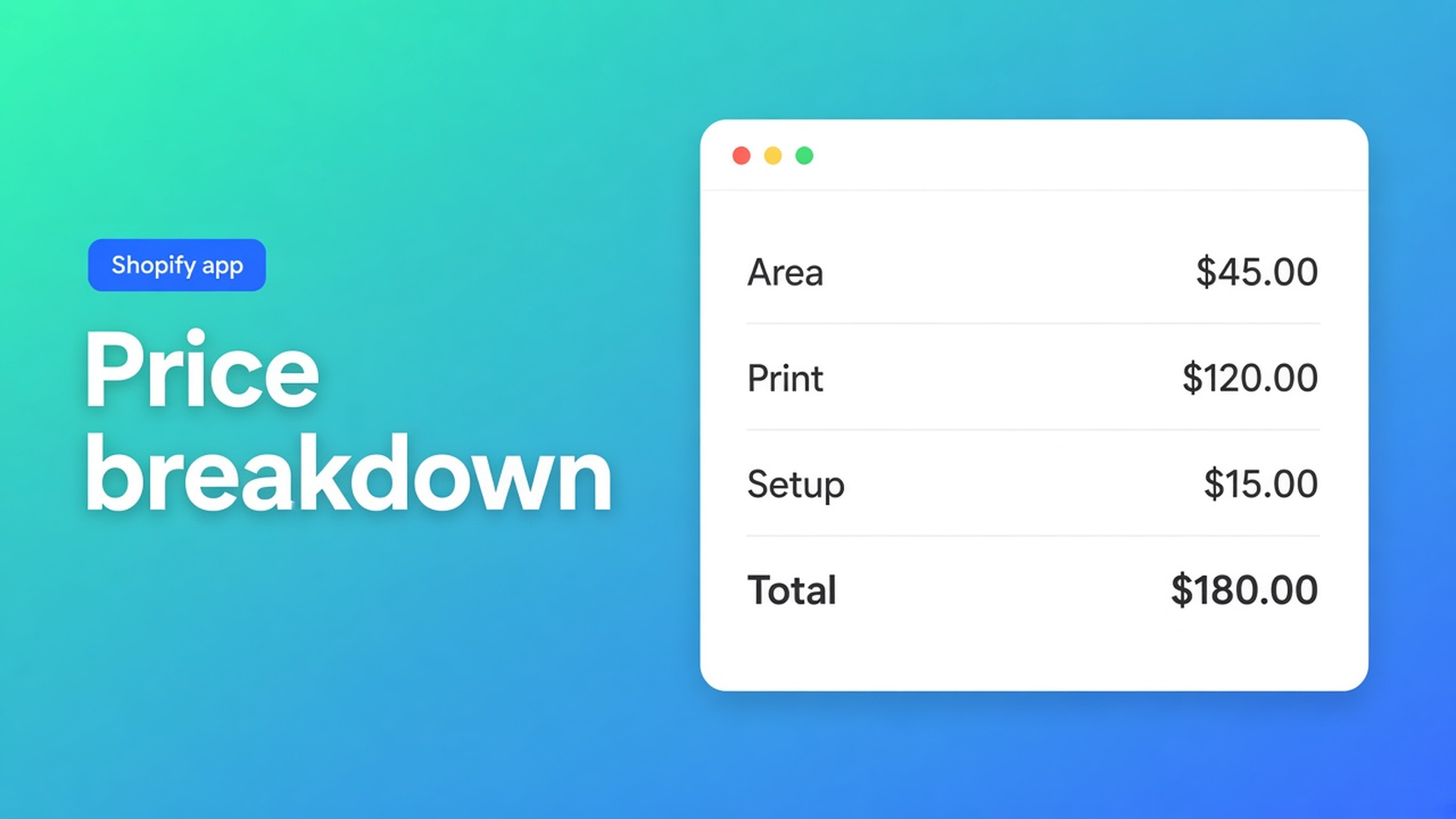
Shopify real-time price breakdown: show the math before add to cart
A banner shop can quote €42 for 80 × 200 cm and €91 the moment someone ticks “eyelets + hem”. Both numbers are fair. The product page usually shows only the second one. A Shopify real-time price breakdown is the missing middle: area, setup, extras, total — on the same screen as add to cart, not in a PDF that arrives after the form.
Shopify variants store a single amount. Theme inputs such as `properties[Width]` land on the line item and do not change that amount. Options Price Calculator already updates the live price. Premium adds the split: Calculation display — table or sentence, display-only, sitting next to the fields.
This is not live preview on the product photo. That Premium block is type on fabric. This one is money: which rows make the total, right now.
Variants hold stock. They do not narrate a formula.
Adding variants caps you at three options and 2048 variants. Material, finish, and hardware fill the three. There is no option named “explain the price”. Turning every surcharge into a variant value burns a slot and creates SKUs nobody picks from a shelf.
Native Shopify is good at inventory per real combination. It is bad at continuous centimetres, at `width × height × rate` without a cell per size, and at a two-column table that tracks the same math checkout uses. Line-item properties keep the typed numbers. Checkout keeps the variant price.
Support then answers the same three questions: is finishing included, why did 2 m jump, can I see the square metres. Those belong under the price, not in the inbox.
Workarounds that still hide the components
A “from” price and a wall of copy. The listed amount is the smallest print with no hem. A paragraph below the button lists the extras. Buyers skip it. Ops notices when the order is underpriced.
A spreadsheet screenshot in the description. Three columns, a PNG, stale after the first rate change. Nothing ties the image to the live total beside the button.
A quote after the enquiry form. Fine until Friday afternoon. The next visitor still sees one number.
None of those give a live total and visible rows, without extra variants.
Calculation display is Premium, and it does not take input
Options Price Calculator is Built for Shopify (5.0, 26 reviews). Unlimited product options — Numbers, Dimensions, Checkboxes, Dropdowns on the listing — plus formulas, no extra variants. Starter $9.99/month: unlimited options, formula builder, metafields, multilingual, AI. Premium $14.99/month: + conditional logic, Font Picker, live preview, real-time price breakdown, table or text. Free: 20 uses; always free on a Shopify Develop plan. Billed in USD.
The listing names that breakdown on Premium. Docs call the block Calculation display (Premium). It collects nothing. You drop it in Step 1 with the regular fields.
How it is wired:
Step 1: Fields — add Calculation display. Layout Table (two columns) or Text (a free-form sentence).
Formula step, tab 4d — rows for Table, or the template for Text.
Step 3: Customize design — type, table borders, row dividers, outer border. Those controls only hit this block.
Each table row has a Label, a Formula (field, `product_price`, metafield, helper, or a computed property), Bold for the total line, and Format as money for currency. Turn money off for raw m² or piece counts. Drag to reorder.
Text layout is a multiline template:
``` You ordered {quantity} pieces of {material} for a total of {total}. ```
Any variable legal in a formula can sit in those braces.
The docs tip is the whole point: define each component once in 4a. Custom variables, then reuse it in the row formulas and in 4c. If 4d invents a different expression, the table lies politely. `lookup2d` tables stay Premium, same as this display. Do not sell them on Starter.
Conditional if/then in 4c is Premium too. The breakdown does not re-run the shop’s tax engine; it prints what you put in 4d. Helpers `Math.min`, `Math.max`, `Math.ceil`, `Math.floor`, `Math.round` are allowed. Round last, including on the total row.
Example: vinyl banner, area plus setup plus finishing
Product: printed vinyl. Native options: Finish (matte / gloss) and Hardware (none / pole pockets). Two options, under the three. Variant price = a blank media SKU. No “Width” option.
Fields:
Number, `Width (cm)`, key `width`
Number, `Height (cm)`, key `height`
Checkbox, `Eyelets and hem`, key `finish`, numeric value `12`
Calculation display, Table
4a (not Premium):
`area` = `(width / 100) * (height / 100)`
`print` = `area * 18`
`setup` = `8`
`finish_fee` = `finish`
`total` = `product_price + print + setup + finish_fee`
4c references `total`. 4d rows: Area (m²) without money, Print / Setup / Finishing / Total with money, Total bold.
Preview: 80 × 200, finishing on, variant €15. Area 1.6 m². Print 28.80. Setup 8. Finishing 12. Total 15 + 28.80 + 8 + 12 = 63.80. Same banner, checkbox off: 51.80. The buyer sees which row dropped. Ops sees the same split on the order.
Need a higher print rate above 4 m²? That branch is Premium conditional in 4c. Keep the 4a names stable so 4d still matches.
Theme app extension on the product page. Selector picker for price and add to cart — themes differ; do not claim “works on every theme with zero setup”. Link the calculator per variant; bulk-link when the same math fits every finish. Server-side price validation ships with the app.
AI-powered generation of options and formulas is Starter+. Use it as a draft. Check 4d against three preview values yourself. Multilingual (Starter+): translate field labels and breakdown labels in Translations. Formulas stay as written.
Ship it on one SKU first
Install Options Price Calculator. Free: 20 uses (Develop plan always free). Starter for fields and formulas; Premium for Calculation display.
Keep finish and hardware as native options. Do not add a Size option.
Two number fields, one finishing checkbox, one Table display.
Split the math in 4a. Point 4c at `total`. Five rows in 4d.
Preview small/no finish, large/with finish, empty width. Table and 4c must agree.
Link per variant. Place the theme app extension. Place a test order. Compare line, rows, amount.
Prefer a sentence? Switch layout to Text and write `{area}` and `{total}` into the template. Prefer type on the photo? That is Product Personalizer — different article, also Premium.
Wrap-up
A Shopify real-time price breakdown is not another variant and not a spreadsheet PNG. It is Premium Calculation display: no input, table or text, rows from the same 4a variables as 4c. Native Shopify stops at three options, 2048 variants, and one number. The calculator prints the split without a SKU per surcharge.
Put the rows in Options Price Calculator. The product page then shows the same math checkout will charge — not a thread asking where the total came from.

The Shopify Select partner for ambitious e-commerce businesses that want to grow!


Services
Reviews
5/5
Mail: info@onlineorigins.nl
Tel: 073 234 0612
KVK: 89825624
BTW: NL865123639B01
Bruistensingel 500,5232 AH 's-Hertogenbosch Cookies
© 2026 Online Origins