
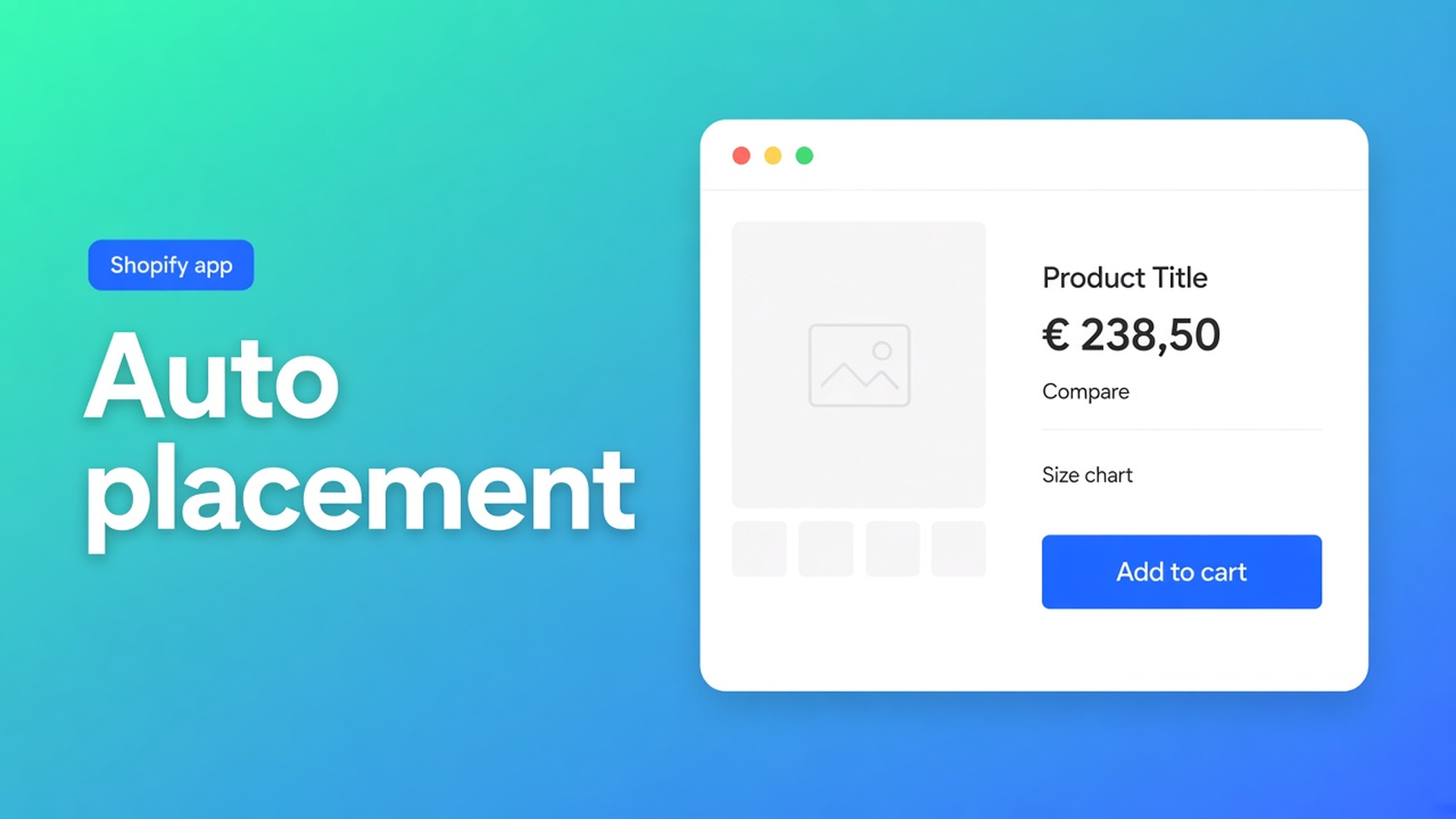
Shopify table auto-placement rules: which types inject themselves
The size chart is Enabled. Specs are Enabled. The sofa PDP shows a size trigger above Add to cart and nothing else. Shopify table auto-placement rules are that split: two types may inject, three never will. Not another “add a block” walkthrough. Not last week’s size-chart-only inject.
Auto-placement rules in OO - Advanced Table Builder (docs still say Tables, Specs & Comparisons in places) is four short policies. Size charts can self-place. Compare can sit under the price if you opt in. Specs cannot. Tabbed and Us vs Them always need a chosen table in a block or a shortcode.
Size chart auto placement already covered the hoodie-and-button case. Compare tray and modal is the Compare runtime. This piece is the matrix across all five types.
A saved table is not a pixel
Themes stay blank until Customize or the app embed draws something. Pages and product templates wait. Enable the app embed: Theme settings → App embeds → Tables, Specs & Comparisons → Save. Blocks alone do not power size-chart auto, Compare inject, tray/modal, or shortcodes.
Visibility is the other gate. Enable, visibility, and products: Enable on. Size charts: All products or Selected products. Disabled tables render nowhere, block or not.
Three mistakes that ignore the type
Assume every type auto-injects. Specs have no Add-to-cart inject. Tabbed and Us vs Them require the table ID in the block (or `[oo-table id=…]`). Enable five tables and turn on the embed: you may only see a size chart plus, if opted in, Compare.
Drop a Size chart block “just in case.” Auto stops. The block wins; the inject drops. Useful in a collapsible. Useless if you expected both.
Compare block and under-price inject together. Same rule: a Compare button block means no inject. Tray and modal still need the embed. No embed, no runtime.
The fix is the matrix, then one path per type.
Four policies, five table types
OO - Advanced Table Builder is Free. Listing: size charts, specs, compare, tabbed, Us vs Them; visual builder; Generate with AI (description and/or screenshot PNG/JPEG/WebP/GIF, max 4 MB); metafields; translations; place on products, pages, other templates. 5.0 from 1 review. Works with Excel, Google Sheets, AI.
Size charts — auto is allowed. Embed on and no Size chart block on the product template: enabled charts that match visibility may render above Add to cart. That is the only ATC auto. Several matching charts stack; keep visibility tight or every sofa gets three grids. Need a gallery slot or three charts on one unisex PDP: the theme app block. Auto plus a block on the same template is wasted.
Comparison — inject is optional, tray is not. No Compare button block: each comparison table can opt in to Add to compare under the price (Settings → comparison placement). Tray and modal still come from the embed. Comparison table: live attribute rows, do not hard-code per-SKU cells. Collection-card buttons are a separate placement, not ATC auto.
Product Specs — never auto next to Add to cart. Specs use the Product specs block, visibility-based. Docs: no ATC auto inject. Do not mention Specs in the same breath as size-chart auto. No block, no specs, Enable or not.
Tabbed & Us vs Them — always pick the ID. Matching theme block with the table selected, or shortcode `[oo-table id=YOUR_TABLE_ID]` (embed on, table Enabled). Visibility alone does not choose which Tabbed layout appears.
Shortcodes need the same embed. Settings visibility still applies. Do not invent an “everywhere” switch.
Generate with AI (text and/or screenshot) does not place anything. It fills Structure. Refine Structure locks the type. Review Weight/Price/Color as Shopify modules — content, not placement.
Example: sofa PDP, three tables, one template
Default product. Three tables Enabled. Visibility: the sofa collection.
Intent:
Size chart above Add to cart → no Size chart block, embed on.
Specs under the gallery → Product specs block there. No auto.
Compare under the price → no Compare block, comparison placement on, embed on for the tray.
The setup shops actually ship: Size chart block “for safety”, Specs Enabled with no block, Compare block *and* inject. Result: chart in the block (not above ATC), specs invisible, Compare where the block sits, inject off.
Check Customize and the live PDP. A second product template (pre-order, bundle) has its own blocks. Embed is theme-wide; blocks are not.
One type at a time
Install OO - Advanced Table Builder (free). Embed on. Save.
Enable + visibility per table. Size chart: All or Selected.
Size-chart auto: remove the Size chart block on that product template, or accept that auto is off.
Specs: place the block. Tabbed / Us vs Them: block + table ID, or shortcode.
Compare: either the block or under-price inject. Embed still required for tray/modal.
Open the sofa PDP. Nothing showing? Embed, Enable, visibility, and whether a block cancelled auto.
Theme switch: re-enable the embed. Blocks do not travel.
Wrap-up
Shopify table auto-placement rules are not “everything above Add to cart.” Size chart: embed, no block, visibility. Compare: under-price inject if the block is absent; tray from the embed. Specs, Tabbed, Us vs Them: block or shortcode. Native Shopify draws nothing because a table exists in an app.
Set the embed and the right blocks in OO - Advanced Table Builder. Only the types the docs allow will inject — not the specs you assumed would follow the size chart.

The Shopify Select partner for ambitious e-commerce businesses that want to grow!


Services
Reviews
5/5
Mail: info@onlineorigins.nl
Tel: 073 234 0612
KVK: 89825624
BTW: NL865123639B01
Bruistensingel 500,5232 AH 's-Hertogenbosch Cookies
© 2026 Online Origins