
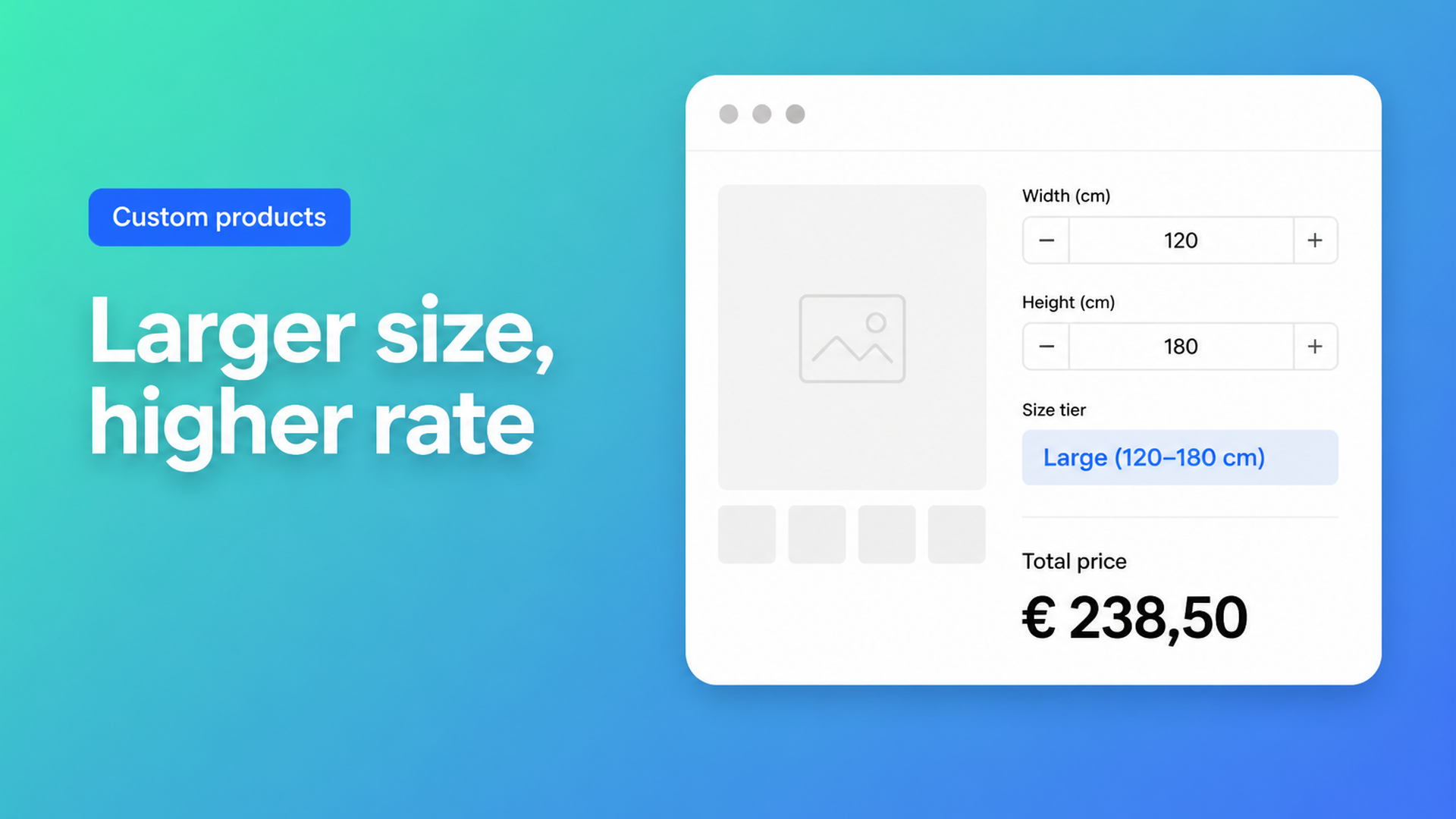
Shopify tiered pricing by size: a higher rate above a threshold
A flat `width × height × rate` looks fair until the workshop feels the extra handling. An 80 cm banner still fits one print pass; 240 cm needs a different run, more waste, sometimes a second person. Shopify tiered pricing by size means: standard rate below a threshold, a higher rate above it, while the customer types their own millimetres.
Native Shopify will not do that as a formula. Adding variants still caps a product at three options and 2048 variants. The variant ceiling moved from 100 to 2048 in October 2025 (changelog). Useful when S/M/L are real stocked SKUs. Useless when every centimetre is another cell in a price sheet, or when “wider than 200 cm” should change the *rate*, not create another SKU.
Merchants ask for this in the forums as length- or format-based price. Seeking Advice for Variable Product Pricing Based on Length wants a linear function over 400–2000 cm, with the correct amount in cart and checkout. Search app for different variants and pricing based on dimensions has the customer type 20×20 cm and expects the price to follow. That is not a variant grid. It is a threshold in a formula.
This article explains why size tiers collapse inside variants, how Options Price Calculator models them as a Premium conditional formula, and how to test three brackets before you publish.
Why a price sheet as variants does not scale
Shopify prices the selected variant. Fifty widths × forty heights is already 2000 SKUs — close to 2048 — and you have spent your three options. A fourth axis (material, hem, mounting) cannot be a native option. Continuous sizes are worse: you cannot, and should not, mint a variant per millimetre.
The usual workaround is buckets. “Small / medium / large” as a Size option, each with a fixed price. That holds until someone orders 201 cm and you internally want the large rate while the dropdown still says medium. Or until you need five materials × three buckets and the catalogue explodes.
Theme line item properties (`properties[Width]`) store the measurement on the line. Fulfilment sees the centimetres. The price does not change. 90 cm and 240 cm pay the same SKU unless you add a calculator or a Shopify Function. We covered that gap in Shopify line item properties do not change the price.
A size tier belongs in the sum, not in another variant row.
Keep stock in variants, keep the rate in the calculator
Use native variants for stocked combinations. A fabric collection or a base material with its own SKU stays a variant. Free width, free height, and the *rate that depends on that width* belong in fields plus a formula.
Options Price Calculator is built for that: number inputs for dimensions, dropdowns or swatches for choices, and a formula builder that updates the price live. No extra variant per centimetre. The app is Built for Shopify and ships as a theme app extension.
A single formula — `product_price + (width * height)` — covers a flat rate. That is example 1 in the Pricing / Formula Examples. A threshold is different: when `width > 200`, apply a higher multiplier. That is conditional pricing, Premium only ($14.99/month on the listing). Starter ($9.99) includes the formula builder and unlimited options, not if/then. Do not present the staffel as a free feature.
The broader if/then model — option surcharge, minimum price, tiers — is in Shopify conditional pricing. This piece is only the size-bracket pattern.
One conditional formula, three brackets
In the docs this is *Tiered pricing by size*. Conditions evaluate top to bottom; the first match wins. An else branch is required. From Conditional Pricing (Premium) and example 7:
Example: print or window film, price per m², uplift above 200 cm width
Fields: `width` and `height` as number inputs (pick cm or m and stay consistent). Optional dropdown `material_type` with multipliers 1 / 1.2 / 1.5.
Condition 1:
``` width > 200 ```
Then:
``` product_price + (width * height * 1.3) ```
Else:
``` product_price + (width * height) ```
Smaller jobs stay on the base rate. Anything wider than 200 uses 1.3×. For a mid bracket, add a second condition *above* the default, for example `width > 120` with multiplier 1.15. Avoid overlapping ranges by working high to low: `width > 200` first, then `width > 120`, else the fallback.
The same shape works for length instead of area — the 400–2000 cm thread is `a * length + b`, with a steeper `a` above 1500 cm if handling jumps. Or for stickers where larger sheets cost more per piece, as in How can customers customize sticker size and quantity: size *and* run length. Keep the size staffel in the calculator; Shopify’s native quantity rules can still handle volume later.
`Math.max`, `Math.min`, `Math.ceil`, and `Math.round` work in every branch. Round only at the end so each tier does not drift by a different cent.
Per-branch overrides of computed properties help if you want the rate as a named variable: `rate` is `1` in the else, `1.3` in the large-size branch, and both formulas stay `product_price + (width * height * rate)`. That stays readable when you add a third bracket.
Walkthrough: a banner with two rates
Textile print, €18 per m² base, €23.40 per m² from 200 cm wide (factor 1.3), plus a €25 setup. The Shopify product price can be €0 or a small opener; the formula does the work.
Number input `width`, min 40, max 500, key `width`.
Number input `height`, min 40, max 300, key `height`.
Checkbox `hem` with numeric value 8 (hem/finish), otherwise 0.
Conditional formula (Premium):
if `width > 200` → `product_price + 25 + (width * height * 1.3) + hem`
else → `product_price + 25 + (width * height) + hem`
180 × 100 stays on the base rate plus setup and optional hem. 240 × 100 moves to 1.3 on its own. No “please pick XL” dropdown, no 200 variant rows. The line item carries the typed sizes, so the printer sees the same centimetres as checkout.
If you do have a SKU split — mesh versus textile — link a calculator per variant (Linking Products & Variants to Calculators). Each variant can own a different threshold or multiplier. Stock stays on those two SKUs, not on every centimetre.
For free sizes *without* a staffel, start from Shopify custom size pricing; this article only adds the threshold.
What you need to go live
Install Options Price Calculator. Free: 20 uses (always free on a develop store). Starter: unlimited options and the formula builder. Size brackets = Premium.
Add the app block on the product template, below the price and above Add to cart — How to Add the Extension to the Product Page.
Create `width`/`height` (or `length`) as number inputs. Set min/max so impossible formats never reach the cart.
Switch the formula builder to Conditional formulas. Enter the highest threshold first, then any mid brackets, always an else.
Preview values just below and just above each cut-over (199 vs 201). Check rounding.
Link the calculator to the right variant. Server-side price validation lives in app-wide settings: the sum is not only a browser display.
Optionally include the typed sizes in the order confirmation so fulfilment sees the same bracket the customer paid.
Wrap-up
Shopify tiered pricing by size is not another Size option labelled small / large / extra-large. Native variants stop at three options and 2048 SKUs; a continuous centimetre with a different rate belongs in a Premium conditional formula. One threshold (`width > 200` → 1.3×) covers most print and film shops; extra brackets stack from high to low.
Put that threshold live with Options Price Calculator and let the rate grow with the format — without a variant per centimetre.

The Shopify Select partner for ambitious e-commerce businesses that want to grow!


Services
Reviews
5/5
Mail: info@onlineorigins.nl
Tel: 073 234 0612
KVK: 89825624
BTW: NL865123639B01
Bruistensingel 500,5232 AH 's-Hertogenbosch Cookies
© 2026 Online Origins