
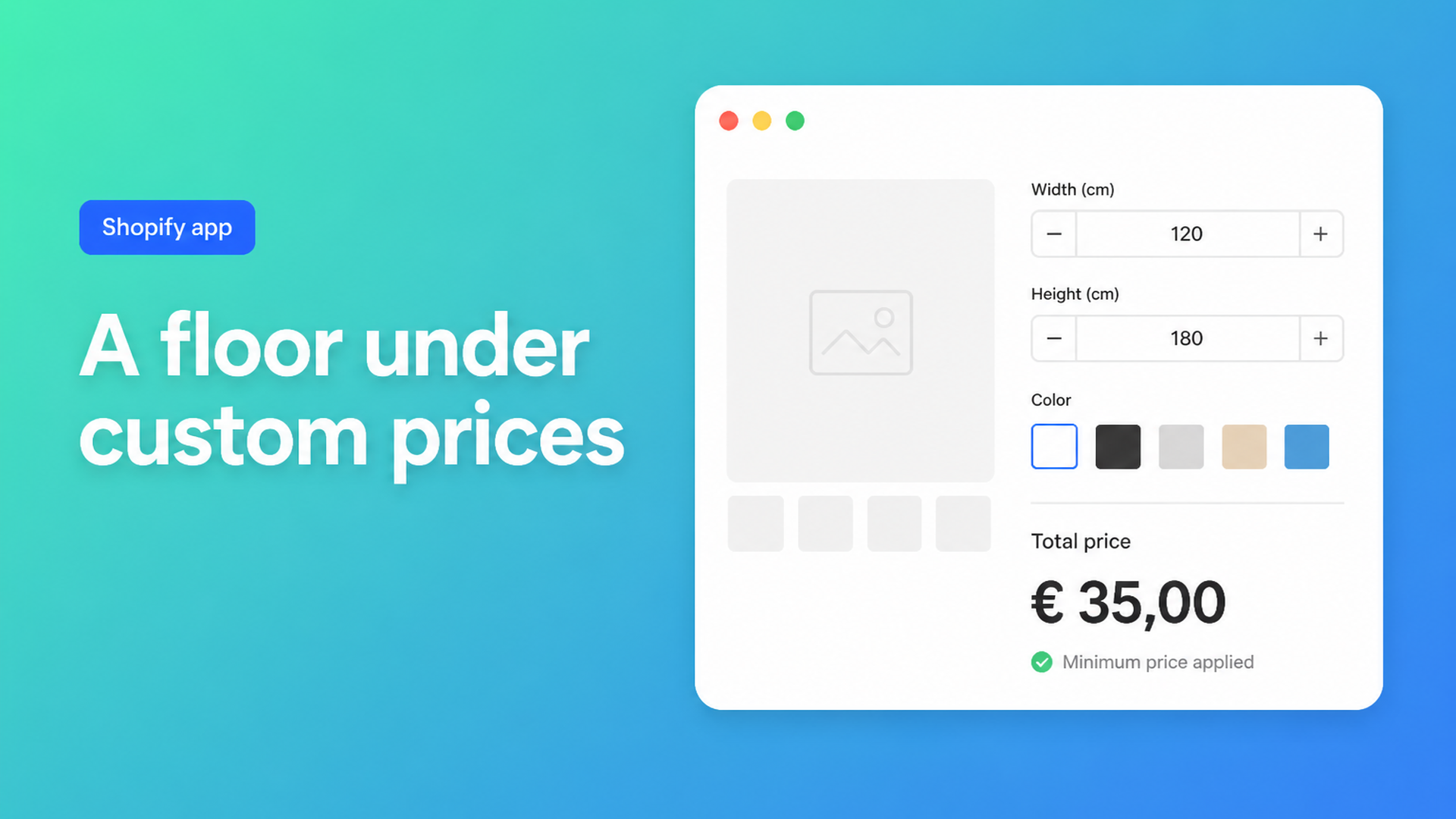
Shopify minimum product price formula: a floor under custom sizes
A fair area rate falls apart at 8 × 8 cm. Width × height × tariff might show a couple of euros while you still cut, pack, and print a label. A Shopify minimum product price formula closes that gap: below a threshold you charge a floor; above it you charge the real sum. The customer types millimetres. You keep handling in the price.
Shopify prices the selected variant, not an expression. Adding variants still caps a product at three options and 2048 variants. The variant ceiling moved from 100 to 2048 in October 2025 (changelog). Fine when Small / Medium / Large are stocked SKUs. Useless when every centimetre is another cell, or when “anything under 100 becomes 100” is a rule in the math, not another dropdown.
Merchants ask for both in the forums. Custom product dimensions, price per square meter and cropping of graphics wants posters priced per m² *with minimum charges*, plus customer-entered sizes. That is not three Size buckets. It is a floor under a formula.
This article separates a store-wide checkout minimum from a per-product floor, shows why variants cannot hold the latter, and walks through Example 6 in the Options Price Calculator docs: if the sum drops below 100, show 100.
A cart minimum will not save a tiny custom line
Shopify has no native “this SKU may never drop below X” on the product page. What exists is a threshold on the *whole* basket.
Checkout Blocks order value limits can block checkout when the subtotal sits outside a min/max. Set minimum order amount for checkout is the usual thread: grey out the button until the cart hits €150. That stops a one-keyring order. It does not stop a 10 × 10 cm print that rides along with a T-shirt — and it *does* punish someone who only wanted a cheap add-on while your print SKU needed the floor.
B2B quantity rules constrain units, not a calculated line amount. Cart MOV = “the order must be large enough”. Product floor = “this configuration must cover its own handling”. Custom sizes need the second, live before Add to cart.
Workarounds that look like a floor — and are not
Bucket variants. “Small / medium / large” as Size, with Small already at €25. That holds until someone wants 12 × 12 cm and your Small SKU is secretly 30 × 30 — or until five materials × three buckets hit the three-option cap. You cannot mint a variant per millimetre.
Theme line item properties. `properties[Width]` stores the measurement on the line. Fulfilment sees the centimetres. The price does not change. Eight centimetres and 240 cm pay the same SKU. We covered that in Shopify line item properties do not change price. A Liquid snippet that only *displays* a floor will not survive checkout — Custom product calculator is the usual trap: a widget on the page is not a cart price.
Quotes for everything under a threshold. Emailing “this size is too small, we charge €100” does not scale. The customer sees €4.38, adds to cart, and meets a different number in the confirmation. Self-serve checkout needs the floor on the product page.
Put the floor in the formula, not in another SKU
Keep native variants for stocked combinations: a fabric range, a base material with its own SKU. Continuous sizes, add-ons, and a floor under the sum belong in fields plus a formula.
Options Price Calculator is built for that: number inputs, dropdowns, checkboxes, file upload, and a formula builder that updates the price live. No extra variant per centimetre. The app is Built for Shopify (listing: 5.0 from 25 reviews) and ships as a theme app extension. Calculated prices go through a cart transform; server-side price validation checks the amount, not only the browser.
The docs list minimum price enforcement as a Conditional Pricing (Premium) use case. Example 6 in Pricing / Formula Examples:
Condition
``` (product_price + width * height) < 100 ```
Then
``` 100 ```
Else
``` product_price + width * height ```
If the sum is below 100, the total is 100. Above it, the area sum stands. Conditions evaluate top to bottom; the first match wins. Else is required.
That if/then path is Premium ($14.99/month). Starter ($9.99) includes the formula builder and helpers such as `Math.max` — not if/then. Floor only? One formula is enough:
``` Math.max(100, product_price + (width * height)) ```
Once you want the floor *and* a size tier (`width > 200` → a higher rate), use conditional formulas. We walked through that pattern in Shopify tiered pricing by size. Do not present Premium features as free.
Min/max on the number field is a *size* bound (no 2 mm, no 12 m). An allowed small format can still come out too cheap — that is why the floor exists. Setup charges (`product_price + 25 + (width * height)`) lift every order but are not a floor: a tiny size plus €25 can still sit under your real minimum. Combine them: compute the sum including setup, then wrap `Math.max` or the conditional around it. See setup fee and variable pricing.
Worked example: vinyl print with a €35 floor
Assume sticker vinyl at €18 per m², measurements converted to metres in the formula (cm / 100). Handling — cut, application tape, box — already costs you around €30 whether the piece is 0.04 m² or 2 m². Shopify product price is €0 or a small starter; the calculator does the work.
Number input `width`, min 0.05, max 1.5, key `width` (metres).
Number input `height`, min 0.05, max 5, key `height`.
Checkbox `laminate` with numeric value 8, otherwise 0.
Single formula (Starter, floor only):
``` Math.max(35, product_price + (width * height * 18) + laminate) ```
Or Premium conditional, same threshold, ready for a later size tier on top:
Condition: `(product_price + width * height * 18 + laminate) < 35` Then: `35` Else: `product_price + (width * height * 18) + laminate`
0.20 × 0.20 m = 0.04 m² × €18 = €0.72 — a loss without a floor. With a floor the page shows €35. 1.00 × 2.00 m = €36, above the threshold, so the real sum. Laminate sits in both branches so the floor cannot drop the surcharge. Round at the last step (`Math.ceil` or `Math.round`). Preview just under, just over, and an impossible size that min/max should already reject.
Live preview / Product Personalizer is a separate Premium feature (crop, type on the product). You do not need it for a price floor.
Get a floor live without rebuilding the catalogue
Install Options Price Calculator. Free: 20 uses, always free on a develop store. Starter for the formula builder; Premium for if/then.
Add the app block to the product template: How to Add the Extension to the Product Page. Selector picker exists because themes put price and Add to cart in different places.
Number fields for sizes, optional checkboxes. Keys become variables (Variables and Field Values).
Write the floor: `Math.max` or Example 6 (Premium). See Using the Formula Builder.
Link to the product or per variant: Linking Products & Variants.
Check cart and checkout with a tiny size and a large one. Options should land on the line.
Field types, formulas, and settings: Options Price Calculator docs.
Wrap-up
A Shopify minimum product price formula is not another variant and not a store-wide checkout wall. It is a floor in the sum: tiny sizes cover handling, large sizes pay the real formula. Native Shopify stops at three options and SKU prices; a continuous measurement plus a threshold does not fit there.
Put the floor on the product page, test just below and just above the line, and make the cart show the same number as the calculator. Install Options Price Calculator and start with Example 6 or `Math.max` — whichever matches your plan.

The Shopify Select partner for ambitious e-commerce businesses that want to grow!


Services
Reviews
5/5
Mail: info@onlineorigins.nl
Tel: 073 234 0612
KVK: 89825624
BTW: NL865123639B01
Bruistensingel 500,5232 AH 's-Hertogenbosch Cookies
© 2026 Online Origins