
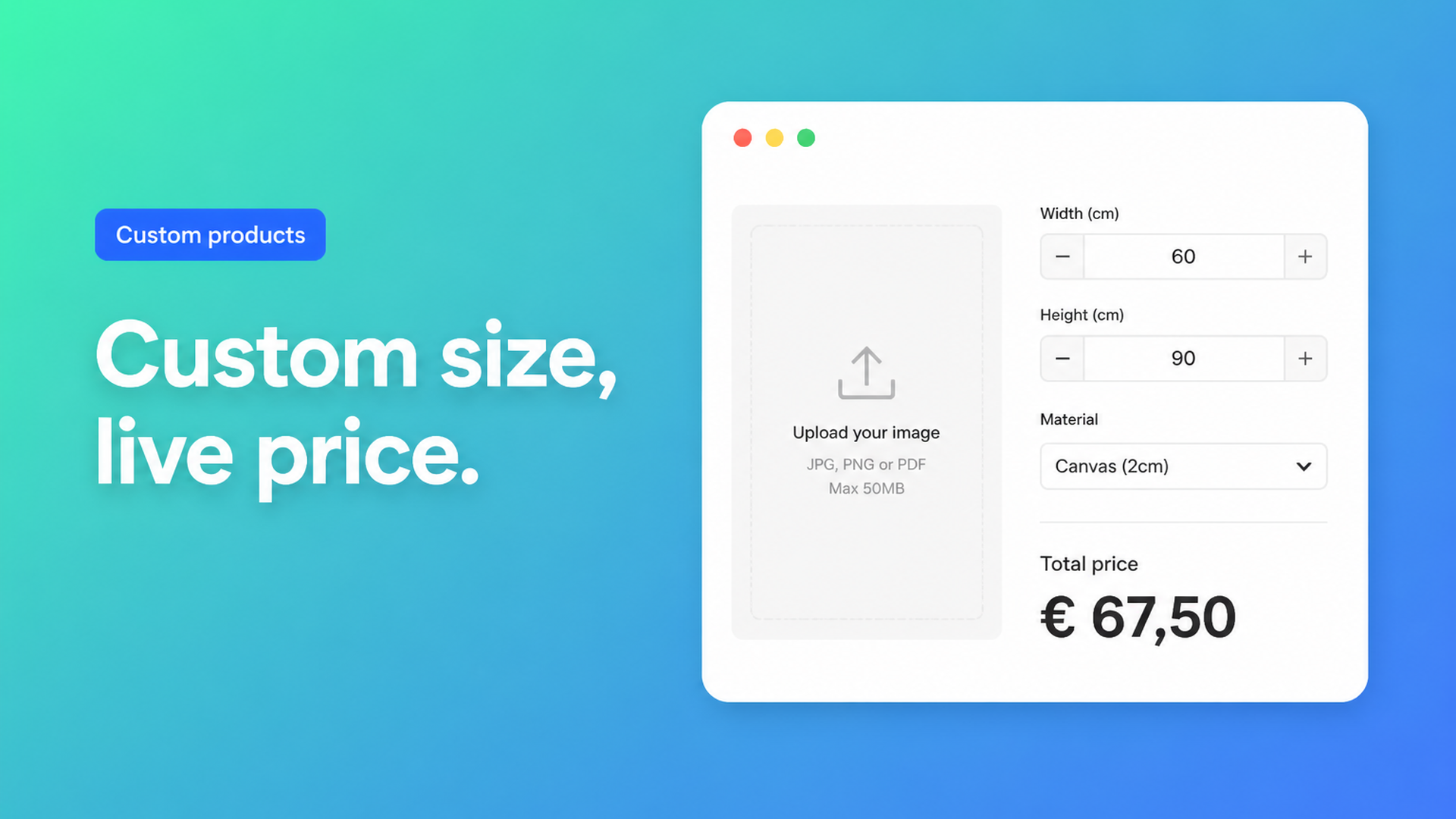
Shopify print on demand custom size: posters and canvas without a size grid
A4, 12×16, 24×36: those can be SKUs. “Whatever fits this wall” cannot. If you sell posters, canvas, or photo prints cut to the centimetre, native Shopify variants run out of steam. Shopify print on demand custom size is the gap between a dropdown of named formats and a customer who types width and height, attaches a print-ready file, and expects the price to follow.
Merchants describe that setup in public threads. In Custom product dimensions, price per square meter and cropping of graphics a shop wants made-to-measure posters, area pricing with a floor, and a crop that matches the entered proportions — including customer uploads. In Search app for different variants and pricing based on dimensions someone types 20×20 cm and needs the displayed price to move. That is not a fourth Size value. It is a formula plus a file field.
This piece covers why a variant matrix fails for open sizes, how Options Price Calculator puts dimensions, material, and upload on one product page, and what you should still keep as a real variant.
Named sizes are variants; open sizes are a calculator
Shopify’s Adding variants help still caps a product at three options and 2048 variants. The old 100-variant ceiling was raised in October 2025 (changelog). That is plenty if you stock 12×16, 16×20, and 24×36 on two papers. Each cell is a real SKU: different sheet, different cost, sometimes different inventory.
Open centimetres are a different product. You cannot (and should not) mint a variant per millimetre. Ten widths × ten heights × three substrates × two finishes is already 600 SKUs — and you have spent all three options. A hanging kit or a white border has nowhere to go. Shopify prices the selected variant. There is no native “width in cm” that recomputes the amount.
Theme inputs named `properties[Width]` survive on the line item for fulfillment. They do not change the price. A 30×40 print and a 90×120 print would pay the same SKU unless you add a calculator or a Shopify Function. We covered that trap in Shopify line item properties do not change price. For print-on-demand, it is the difference between a checkout and a mailbox full of “what would 47×81 cost?”
Workarounds that leak time
Every popular size as a variant. Fine until someone wants 51×71. You quote in a draft order. That is not a product page.
One product per substrate. Canvas, fine-art paper, foam board: each gets its own three options. Duplicate SEO, messy recommendations, and the custom centimetre still does not exist.
Quote after upload. The customer emails a PDF; you multiply area by a rate in a spreadsheet. We wrote about retiring that loop in replace manual quotes with a Shopify price calculator. POD should check out like a T-shirt, not like a B2B tender.
What app do I need to be able to do this sequence? is the same maths on rugs and signage: width × length, live total, no cell per size. Posters and canvas are identical arithmetic with a file attached.
Options and a formula, not a format SKU
Keep native variants for stocked combinations: paper vs. canvas if those are different SKUs. Anything that does not need its own inventory row — free width, free height, artwork, a handling fee — belongs in product options.
Options Price Calculator is built for that: unlimited fields (numbers, dropdowns, swatches, file upload) and a formula builder that updates the price on the product page, without minting a variant per centimetre. It is Built for Shopify and mounts as a theme app extension.
A flat area price is example 1 in the Pricing / Formula Examples:
``` product_price + (width * height) ```
If `width` and `height` are metres, that term is m². If you collect centimetres, convert in the formula — `(width * height / 10000)` when the rate is per m² — and round at the end. The formula builder supports `+ − × ÷ ( )` and helpers such as `Math.round`.
A material multiplier (poster `1`, canvas `1.4`, acrylic `1.8`) is the dropdown pattern:
``` product_price + (width * height * material_type) ```
A one-off print setup plus area is example 5:
``` product_price + 25 + (width * height) ```
File upload can carry a numeric value. The File Upload field multiplies that value by the number of files (1–5). Example 9:
``` product_price + file_upload ```
No file contributes `0`. Two files at value `15` contribute `30`. Restrict types (JPG, PNG, PDF, and so on) and a max total size; mark the field required when you cannot print without artwork. Spell out DPI and colour space in a rich-text block above the dropzone — the app stores the file, it does not preflight your RIP.
Do not sell the Product Personalizer as a crop-to-ratio designer. Live preview is Premium: useful for text on a product, not a full layout studio. Interactive cropping still belongs in a dedicated customizer if that is the job. Minimum order value (`if area price < 100 then 100`) and size tiers (`width > 200` → higher rate) are conditional pricing, Premium only ($14.99/month on the listing). Starter ($9.99) already includes the formula builder, unlimited options, AI-assisted fields, and multilingual labels. Free is 20 uses (always free on a Shopify develop plan).
Walkthrough: photo canvas, any size
A typical canvas SKU needs:
Width (number, cm, min 20 / max 200)
Height (number, cm, same range)
Stretcher (dropdown: 2 cm / 4 cm — surcharge or multiplier)
Artwork (required file upload, PDF/JPG/PNG, e.g. 50 MB cap)
That is two continuous dimensions, a finish, and a file. Native Shopify offers three options and no upload. In OPC, stretcher depth can stay a real variant if the bars are different SKUs. Width, height, and the file are calculator fields.
``` product_price + (width * height * material_type) + file_upload ```
Dry-run 30×40, 70×100, and 120×180 before you publish. Confirm rounding and that cart and checkout match the product page. Turn on server-side price validation in app-wide settings so the amount is recomputed outside the browser.
The order line carries the centimetres and the file. Optionally add that data to the confirmation email so the print queue sees the same numbers as checkout. Shopify product page file upload covers the upload field on its own; here it sits next to area pricing. Large-format cousins (mesh, PVC banners) use the same sum in Shopify banner printing price calculator.
Ship it on one product template
Install Options Price Calculator from the App Store. See How to install the app.
Add the app block on the product template, ideally under the price and above Add to cart — How to Add the Extension to the Product Page.
Create number inputs (one unit, labelled cm or in), a material/finish control, and a file upload with allowed types and an optional handling fee.
Write the formula, test preview values, link the calculator to the product or per variant (paper vs. canvas as SKUs).
Re-run the selector picker if your theme hides the price or the cart button. Check cart, checkout, and the order.
Keep 12×16 and 24×36 as variants if you actually stock them. Let “custom size” be the calculator, not a Size value named Custom with no price behind it.
Wrap-up
Shopify print on demand custom size is not a higher variant cap. 2048 SKUs help when each format is a box on a shelf. Open centimetres, an artwork file, and an area rate belong in fields plus a formula.
Put that flow on the product page with Options Price Calculator: the customer picks the size, uploads the file, sees the total, and you print what the order says.

The Shopify Select partner for ambitious e-commerce businesses that want to grow!


Services
Reviews
5/5
Mail: info@onlineorigins.nl
Tel: 073 234 0612
KVK: 89825624
BTW: NL865123639B01
Bruistensingel 500,5232 AH 's-Hertogenbosch Cookies
© 2026 Online Origins